
Blog
Free Online PNG To JFIF Converter Web Tool Guide: The Ultimate Free Online Tool for Seamless Image Conversion

Introduction
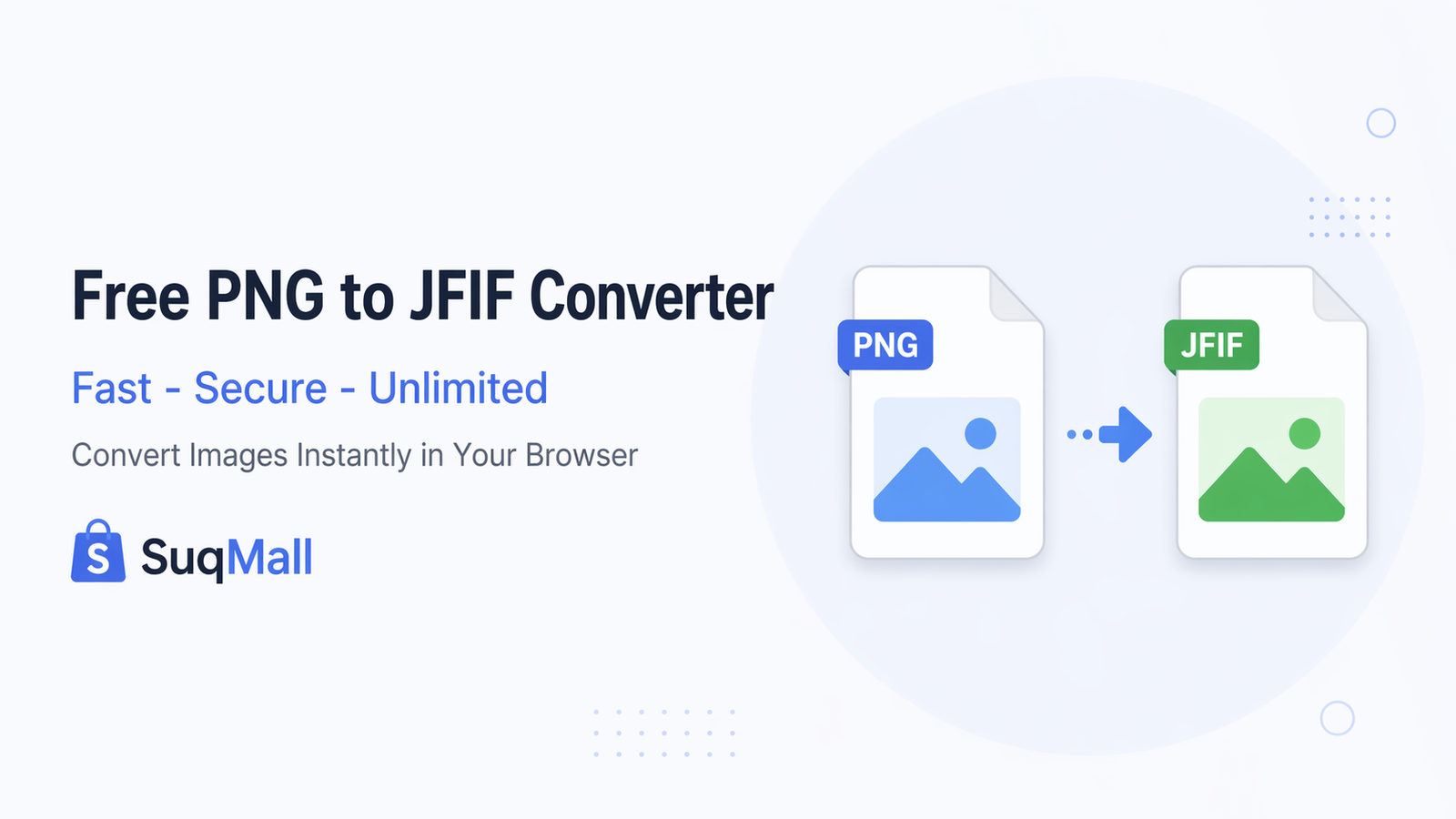
In today’s digital world, image format compatibility can make or break your workflow. Whether you’re a photographer, web designer, or simply someone who works with images regularly, you’ve likely encountered the challenge of converting PNG files to more universally compatible formats. That’s where our PNG to JFIF Converter comes in – a powerful, completely free online tool that transforms your PNG images into JFIF format instantly, right in your browser.
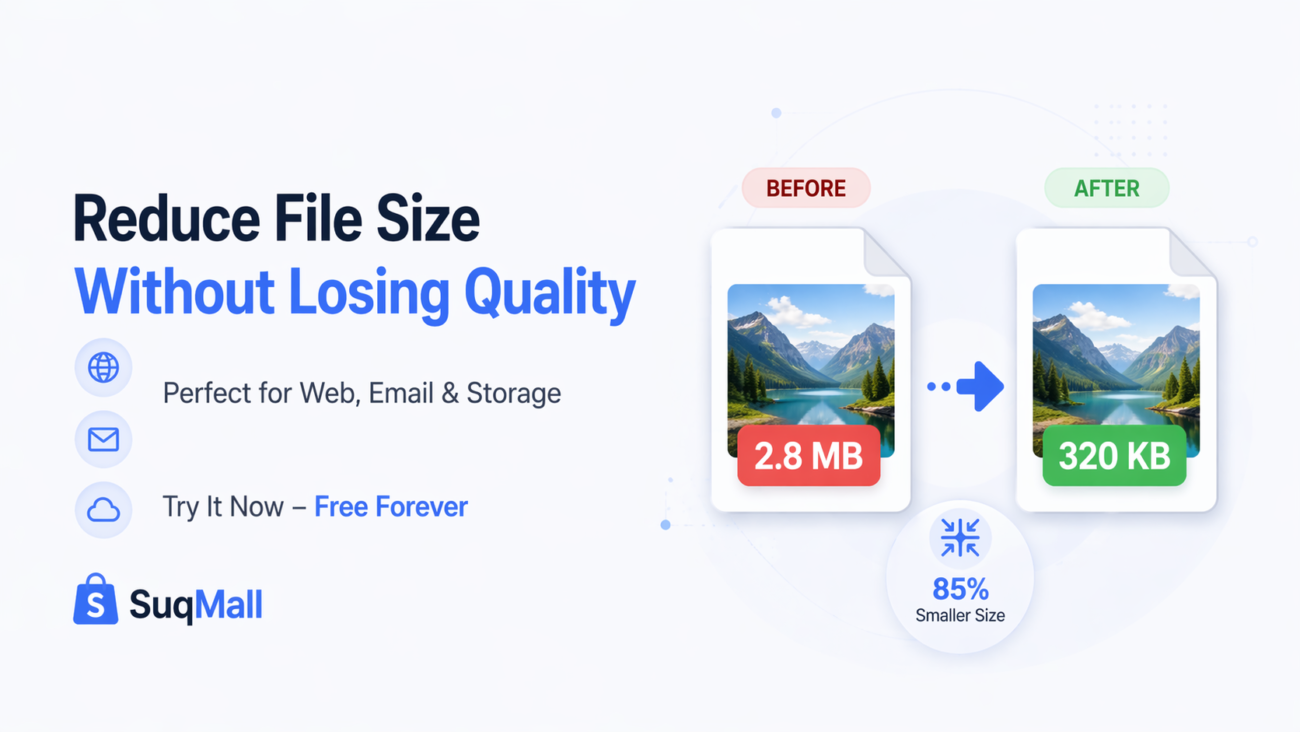
But why convert PNG to JFIF? PNG files are excellent for preserving quality and transparency, but they often come with larger file sizes. JFIF (JPEG File Interchange Format), on the other hand, offers superior compression while maintaining good quality, making it ideal for web use, email attachments, and storage optimization. Our tool bridges this gap seamlessly, giving you the best of both worlds without any technical hassle.

Features and Benefits: Why Our Converter Stands Out
🔒 100% Privacy Guaranteed
- What it is: All conversion happens locally in your browser
- Benefit: Your files never leave your computer or get uploaded to any server
- Example: Perfect for converting sensitive work documents or personal photos without security concerns
♾️ Completely Unlimited Usage
- What it is: No restrictions on file size, quantity, or frequency
- Benefit: Convert as many images as you need, whenever you need
- Example: Ideal for photographers processing entire galleries or web developers optimizing multiple site images
⚡ Lightning-Fast Batch Processing
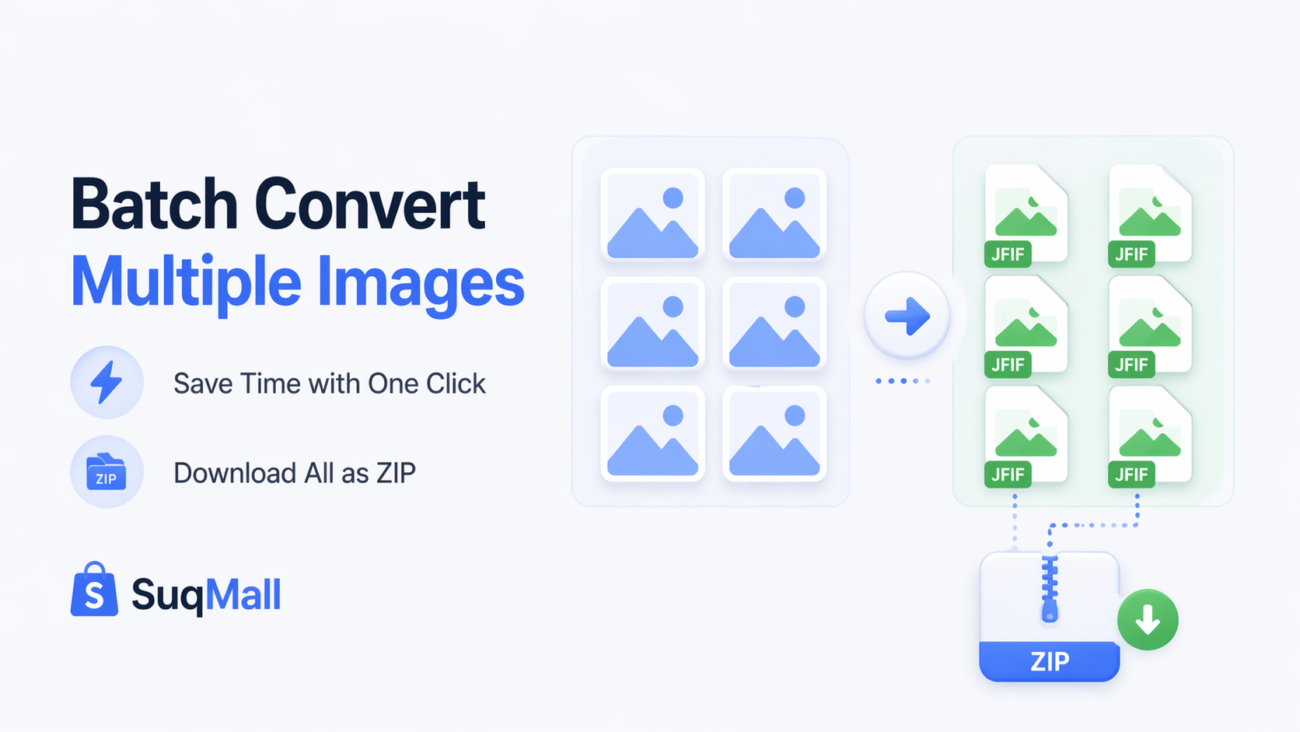
- What it is: Convert multiple PNG files to JFIF simultaneously
- Benefit: Save significant time compared to converting files one by one
- Example: Convert an entire folder of 50 product images in minutes instead of hours
📱 Universal Device Compatibility
- What it is: Works perfectly on desktop, tablet, and mobile devices
- Benefit: Convert images on the go, no matter what device you’re using
- Example: Quickly convert images from your phone while traveling or during client meetings
🎯 One-Click ZIP Downloads
- What it is: Download all converted files in a single ZIP archive
- Benefit: Organized file management and faster downloads
- Example: Perfect for web developers who need to download multiple optimized images at once
🌙 Smart Dark Mode
- What it is: Eye-friendly dark interface that reduces strain
- Benefit: Comfortable conversion sessions, especially in low-light environments
- Example: Great for designers working late nights on urgent projects
How to Use the PNG to JFIF Converter: A Step-by-Step Guide
Step 1: Access the Tool
Navigate to our PNG to JFIF Converter on SuqMall.Net. The tool loads instantly with no registration required.
Step 2: Upload Your PNG Files
- Option A: Drag and drop your PNG files directly onto the upload area
- Option B: Click the upload area to browse and select files from your device
- Pro Tip: You can select multiple files at once using Ctrl+A or Shift+click
Step 3: Review Your Files
Check the file list to ensure you’ve selected the correct images. Each file shows:
- Original filename
- File size
- Preview thumbnail
- Remove option if needed
Step 4: Convert to JFIF
Click the “Convert to JFIF” button and watch the real-time progress bars. The conversion typically takes just seconds per image.
Step 5: Download Your Files
- Individual files: Click the download button next to each converted file
- Batch download: Use the “Download All as ZIP” button for multiple files
- Best Practice: Use ZIP download when converting more than 3 files for better organization
Common Mistakes to Avoid
❌ Uploading non-PNG files: The tool only accepts PNG format. Check your file extensions before uploading.
❌ Closing the tab during conversion: Wait for the process to complete before navigating away.
❌ Ignoring file size limitations: While there are no artificial limits, extremely large files (500MB+) may take longer to process.
✅ Best Practice: For optimal results, ensure your PNG files are under 100MB for fastest conversion.
Real-World Examples and Use Cases
Case Study 1: E-commerce Product Images
Situation: An online store owner needed to optimize 200 product images for faster website loading without sacrificing quality.
Solution: Used our batch conversion feature to convert all PNG product shots to JFIF, reducing total file size by 65% while maintaining visual quality.
Result: Website loading speed improved by 40%, leading to better user experience and higher conversion rates.
Case Study 2: Photography Portfolio
Situation: A professional photographer needed to send client previews via email but PNG files were too large for email attachments.
Solution: Converted high-resolution PNG proofs to optimized JFIF files using our tool.
Result: Clients received faster downloads and could view images on any device, while the photographer maintained original PNG masters for final delivery.
Case Study 3: Mobile App Development
Situation: A mobile app development team needed to convert UI design assets from PNG to JFIF for better app performance.
Solution: Used our converter to process hundreds of interface elements quickly.
Result: App size reduced significantly, leading to faster downloads and better performance on lower-end devices.

Frequently Asked Questions (FAQ)
🤔 Is this tool really completely free?
Yes! There are no hidden costs, subscription fees, or usage limits. Every feature is available 100% free.
🔒 Are my files safe during conversion?
Absolutely secure. All processing happens locally in your browser. Your files never leave your device or get uploaded to any server.
💻 Do I need to install software?
No installation required. The tool works directly in your web browser – just visit the page and start converting.
📱 Can I use it on mobile devices?
Yes, perfectly optimized. The converter works flawlessly on smartphones, tablets, and desktop computers.
⏱️ How long does conversion take?
Typically seconds per image. Conversion speed depends on file size and your device capabilities, but most files convert in under 10 seconds.
📊 Is there a file size limit?
No artificial limits. However, very large files (500MB+) may take longer to process depending on your device.
🖼️ What image formats are supported?
Currently PNG to JFIF conversion. We’re continuously working to add more format support in future updates.
💾 Can I convert multiple files at once?
Yes, batch conversion is fully supported. Upload and convert as many PNG files as you need simultaneously.
Conclusion: Transform Your Image Workflow Today
Our PNG to JFIF Converter represents the perfect blend of power, simplicity, and accessibility. Whether you’re a professional dealing with hundreds of images daily or a casual user with occasional conversion needs, this tool is designed to make your life easier.
The combination of 100% privacy, unlimited usage, and batch processing capabilities sets this converter apart from other online tools that often come with restrictions, watermarks, or privacy concerns.
Ready to Experience the Difference?
Don’t let image format compatibility slow you down. Try our PNG to JFIF Converter now and discover how effortless image conversion can be. Share your experience with colleagues and friends who might benefit from this powerful, free tool.
👉 [Click here to start converting your PNG files to JFIF now!]
Have questions or success stories? We’d love to hear about your experience using our converter. Your feedback helps us continue improving and providing the best free tools for our community.
Related Posts
SuqMall Text Converter Tool Guide — Free Online Tool by SuqMall

SuqMall Image Format Converter Tool Guide: Fast, Private, and Unlimited
Free Online SVG Converter Web Tools Guide: Convert SVG Files in Your Browser for Free
Free Online HEIC To PDF Converter Web Tool Guide: The Ultimate Free Solution for iPhone Users
Free Online PDF To HEIC Converter Web Tool Guide: Free, Unlimited & 100% Secure
Free Online PDF To EPUB Converter Web Tool Guide-Free & Unlimited
Free Online JPG To WEBP Converter Web Tool Guide: Boost Your Website Performance
Free Online WEBP to JPG Converter Web Tool Guide: Convert Images Instantly for Free
Free Online JPEG To HEIC Converter Web Tool Guide: Save Space Without Losing Quality
Free Online JPG To HEIC Converter Web Tool Guide: Save Space Without Losing Quality
Free Online SVG To PNG Converter Web Tool Guide: Convert Images Instantly in Your Browser
Free Online PNG To SVG Converter Web Tool Guide: Transform Your Images with Unlimited Free Conversions
One thought on “Free Online PNG To JFIF Converter Web Tool Guide: The Ultimate Free Online Tool for Seamless Image Conversion”
Comments are closed.
Jeetbaz is all about winning! Get in there and get your game on. You just might get lucky. Try your luck out here: jeetbaz