
Blog
SuqMall PDF Compressor Tool Guide: Reduce File Size Instantly Without Losing Quality

📖 Introduction
Large PDF files are a universal frustration. Whether you’re trying to email a portfolio, submit a university assignment, upload a document to a slow government portal, or share a report with a client, hitting attachment limits or experiencing slow upload times can halt your workflow. Most online PDF compressors force you to upload sensitive files to remote servers, bombard you with ads, limit your daily usage, or hide premium paywalls behind basic features.
That ends today.
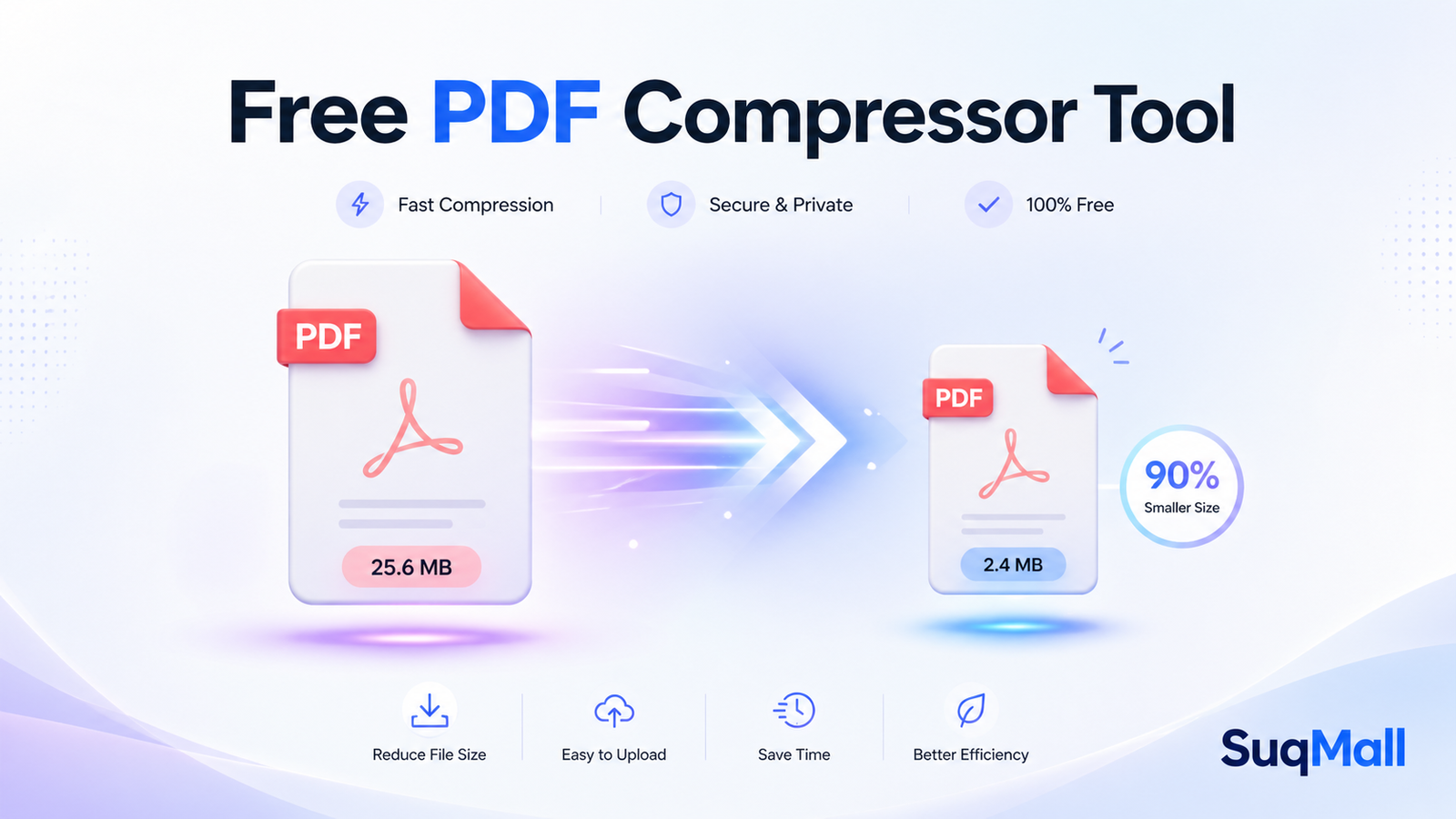
SuqMall’s Free PDF Compressor Tool is a modern, browser-based solution designed to shrink PDF file sizes instantly, securely, and without compromising readability. Unlike traditional web tools, this compressor runs entirely in your browser. Your files never leave your device, meaning zero data collection, zero server uploads, and absolute privacy. It’s 100% free, requires no account, supports unlimited files, and works seamlessly across desktops, tablets, and smartphones worldwide.
Stop waiting, stop worrying, and start optimizing your documents in seconds.
🔑 Key Features & Practical Benefits
Here’s exactly what makes this PDF compressor stand out, and how each feature delivers real value to your daily workflow.
🌐 100% Browser-Based Processing (Zero Uploads)
Benefit: Complete privacy and lightning-fast speeds.
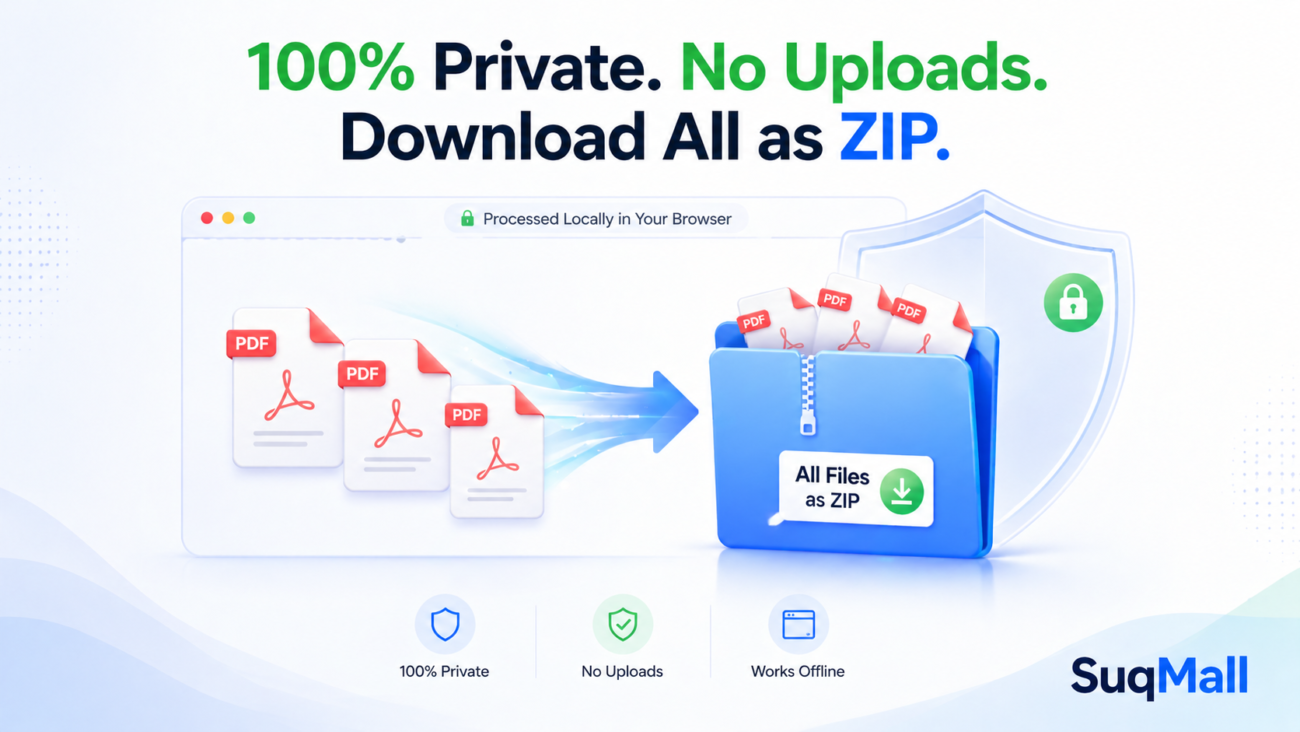
Because compression happens locally using WebAssembly and optimized JavaScript libraries, your PDFs are never sent to a third-party server. This eliminates privacy risks, bypasses regional data regulations (GDPR, CCPA), and ensures instant processing regardless of your internet connection.
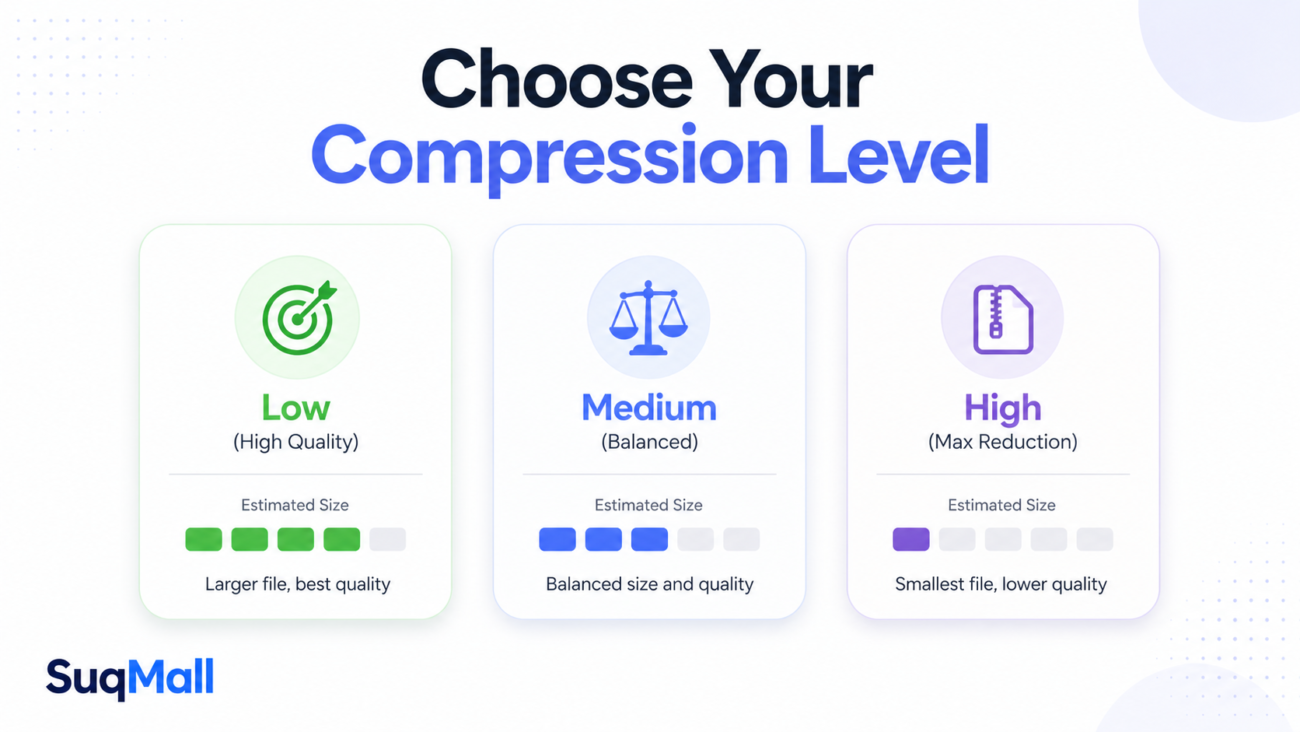
📊 Three Smart Compression Levels
- Low (High Quality): Ideal for legal contracts, academic papers, and print-ready documents where clarity is non-negotiable.
- Medium (Balanced): Perfect for everyday business reports, resumes, and client proposals. Delivers noticeable size reduction with minimal visual changes.
- High (Maximum Reduction): Best for image-heavy PDFs, marketing decks, and email attachments. Aggressively optimizes embedded images and fonts.
Benefit: You control the trade-off between file size and quality, eliminating guesswork.
🗑️ Automatic Metadata Stripping
Benefit: Removes hidden data (author names, creation dates, editing history, and printer info) that bloats files unnecessarily. This is especially useful for freelancers, consultants, and legal professionals who need to share clean, lightweight documents without exposing internal tracking data.
📦 Drag, Drop & Bulk ZIP Export
Benefit: Upload multiple files at once via drag-and-drop or file picker. After compression, download everything instantly as a single .ZIP archive. No more clicking “download” ten times for ten different files.
🚫 Absolutely Zero Restrictions
Benefit: No daily caps, no watermarks, no forced registrations, no premium tiers. Use it for one file or one thousand. Perfect for students, remote teams, and small businesses operating on tight budgets.
🛠️ Step-by-Step Guide: How to Use the Tool
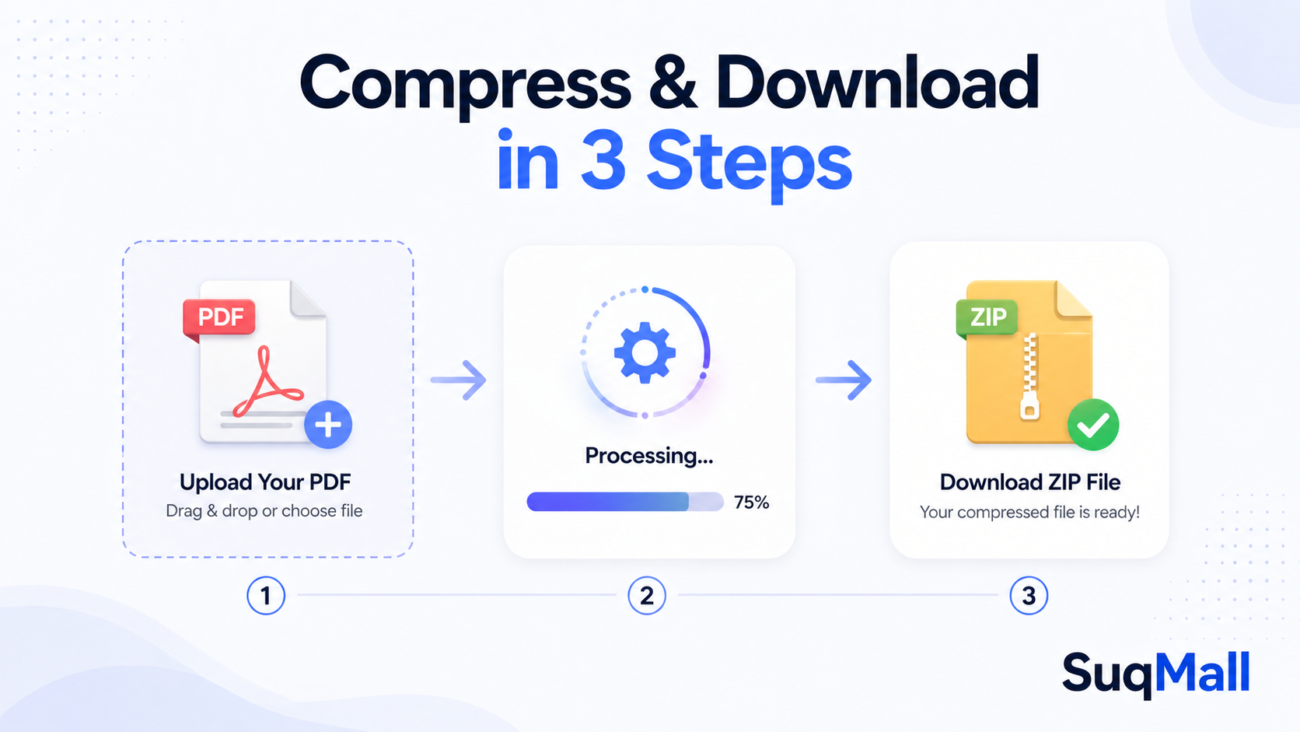
Using the compressor takes less than 30 seconds. Follow these steps for optimal results:
- Open the Tool: Navigate to the SuqMall PDF Compressor page on any modern browser (Chrome, Safari, Firefox, Edge, or mobile equivalents).
- Upload Your Files: Drag and drop your PDFs into the upload zone, or click to browse your device. You can select multiple files simultaneously.
- Choose Compression Level:
- Pick
Lowfor text-heavy, formal documents. - Pick
Mediumfor general business or academic use. - Pick
Highfor presentation decks, scanned images, or email attachments under strict size limits.
- Toggle Metadata Removal (Optional but Recommended): Keep this enabled to strip hidden tracking data and shave off extra kilobytes.
- Click “Compress PDF(s)”: Watch the real-time progress bar. The tool processes files in the background without freezing your browser.
- Review & Download: Check the original vs. compressed size and reduction percentage for each file. Download individually, or click
Download All as ZIPfor a clean, single-file package.
💡 Pro Tips for Best Results
- ✅ Always preview after compression. Open the compressed file to verify formatting and image clarity.
- ✅ Use High compression only when necessary. It’s designed for image-heavy files. Overusing it on text-only PDFs yields minimal size gains.
- ✅ Scan at 150–200 DPI if you’re converting physical documents to PDF first. Lower DPI + medium compression = optimal file size.
⚠️ Common Mistakes to Avoid
- ❌ Uploading password-protected or encrypted PDFs (these require decryption first).
- ❌ Assuming all PDFs will shrink by 50%. Already-optimized or vector-based files may only reduce by 5–15%, which is normal.
- ❌ Ignoring the metadata toggle. Leaving it on adds unnecessary bloat to shared documents.
🌍 Real-World Examples & Use Cases
This tool isn’t just a convenience—it’s a productivity multiplier. Here’s how different users benefit:
🎓 Students & Researchers
A graduate student needs to email a 45 MB thesis draft to their advisor. The university email system caps attachments at 25 MB. Using Medium Compression + Metadata Removal, the file drops to 18 MB in under 10 seconds. Submission is successful, formatting stays intact, and no cloud upload is required.
💼 Freelancers & Creative Professionals
A graphic designer exports a brand guidelines PDF with high-res mockups. The file hits 82 MB. Client upload portal limit: 20 MB. After running it through High Compression, it becomes a clean 19 MB. The ZIP export feature lets them attach it to a single follow-up email without cluttering the client’s inbox.
🏢 Corporate & Remote Teams
An HR manager distributes updated policy documents to 200 employees. Each original PDF is 12 MB. Compressing the batch reduces bandwidth costs, speeds up internal server uploads, and ensures employees on slower mobile networks receive files instantly.
🏥 Healthcare & Legal Compliance
Attorneys and healthcare admins handle sensitive patient/client data. Traditional online compressors violate privacy guidelines by storing files temporarily. Since this tool runs entirely in-browser, no data ever touches external servers, keeping compliance standards intact without sacrificing efficiency.

❓ Frequently Asked Questions (FAQ)
What is PDF compression?
PDF compression reduces a file’s storage footprint by optimizing embedded images, streamlining fonts, removing redundant objects, and cleaning hidden metadata. It keeps the document fully readable and printable while making it easier to email, upload, or store.
Is this tool completely free?
Yes. It’s 100% free with unlimited usage, no account required, no daily caps, no watermarks, and no premium upgrades. It’s maintained as a public utility to simplify document workflows globally.
Will compressing my PDF lower the quality?
Only if you choose a setting that prioritizes maximum size reduction over clarity. Low compression preserves near-original quality. Medium balances size and sharpness. High optimizes aggressively but keeps text and line art crisp. You can always preview the result before downloading.
Is my data safe and private?
Absolutely. This tool uses client-side processing. Your PDFs are never uploaded to any server, never stored, and never accessed by third parties. Everything happens locally on your device. Once you close the tab, no trace remains.
Are there file size or quantity limits?
No. You can compress as many PDFs as your device’s memory allows. The tool handles files from a few KB to several hundred MB. For extremely large files, ensure your device has adequate RAM for smooth browser processing.
Does it work offline or on mobile?
Yes. Once the page loads, compression runs locally. It’s fully responsive and optimized for smartphones, tablets, laptops, and desktops. Works globally with minimal bandwidth requirements.
🚀 Conclusion & Call to Action
Large PDF files shouldn’t slow you down, compromise your privacy, or cost you a dime. SuqMall’s Free PDF Compressor Tool delivers a fast, secure, and completely unrestricted way to shrink documents without sacrificing quality. With browser-based processing, smart compression levels, metadata cleaning, and bulk ZIP export, it’s built for modern workflows that demand speed, transparency, and control.
Whether you’re a student submitting assignments, a freelancer delivering client work, or a professional managing document archives, this tool saves you time, protects your data, and eliminates upload headaches.
👉 Try it now. Compress your first PDF in under 30 seconds.
Have a great result? Share it with your team, bookmark the page, or let us know how the tool improved your workflow in the comments. Your feedback helps us keep this free utility fast, reliable, and community-driven.
2 thoughts on “SuqMall PDF Compressor Tool Guide: Reduce File Size Instantly Without Losing Quality”
Comments are closed.
I’m liking the vibe at phparkvip. VIP perks are pretty neat and the games keep me hooked. Give it a look-see: phparkvip
So, I tried 136betcasino the other day. It’s got a good vibe, some interesting stuff going on. Worth checking out sometime! See what fortune holds for you at 136betcasino.