
Blog
Free Online PNG To SVG Converter Web Tool Guide: Transform Your Images with Unlimited Free Conversions

Introduction
In today’s digital world, working with images is inevitable. Whether you’re a web designer, graphic artist, or business owner, you’ve likely encountered the limitations of PNG files. That’s where our PNG to SVG Converter comes in—a revolutionary tool that transforms your raster images into scalable vector graphics instantly, right in your browser.
This powerful converter eliminates the need for expensive software or complicated installations. With 100% client-side processing, your files never leave your device, ensuring complete privacy and security. Best of all, it’s completely free and unlimited—no restrictions, no watermarks, no registration required.
Features and Benefits
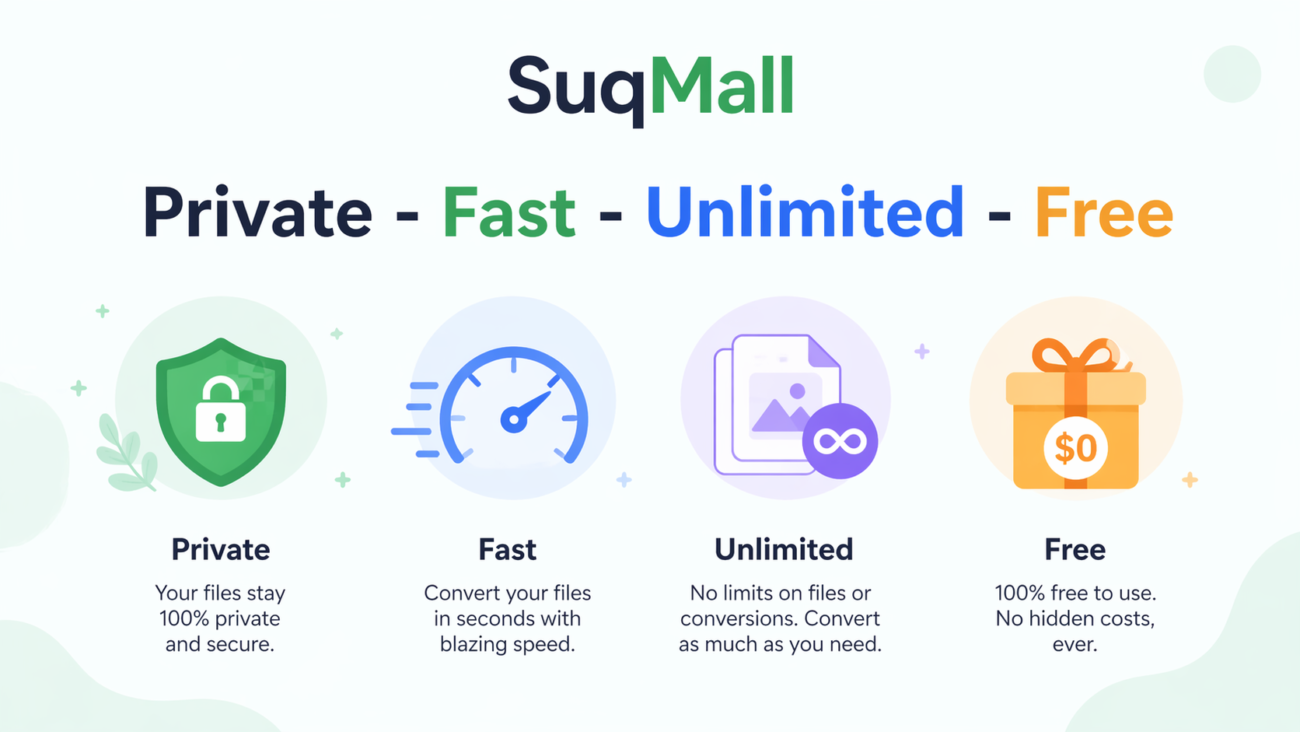
🔒 100% Private & Secure
- Feature: All processing happens locally in your browser
- Benefit: Your files never upload to any server, protecting sensitive business graphics and personal images from potential data breaches
- Example: Convert company logos or confidential design assets without privacy concerns
⚡ Lightning-Fast Conversion
- Feature: Optimized client-side algorithm
- Benefit: Convert multiple PNG files to SVG in seconds, not minutes
- Example: Batch convert an entire folder of website icons during your coffee break
🔄 Unlimited Batch Processing
- Feature: Convert multiple files simultaneously
- Benefit: Handle large projects efficiently without manual, one-by-one conversions
- Example: Process 50 product images for an e-commerce site in one go
📱 Universal Compatibility
- Feature: Works on all devices and browsers
- Benefit: Access the tool anywhere—desktop, tablet, or mobile—with consistent performance
- Example: Convert images on your phone while commuting, then continue on your office computer
🌙 Dark Mode Support
- Feature: Toggle between light and dark themes
- Benefit: Reduce eye strain during extended design sessions
- Example: Work comfortably in low-light environments without sacrificing productivity
💯 Completely Free & Unlimited
- Feature: No restrictions of any kind
- Benefit: Convert as many files as you need, whenever you need, without hidden costs
- Example: Use daily for client projects without worrying about subscription fees or usage limits
Step-by-Step Guide: How to Use the PNG to SVG Converter
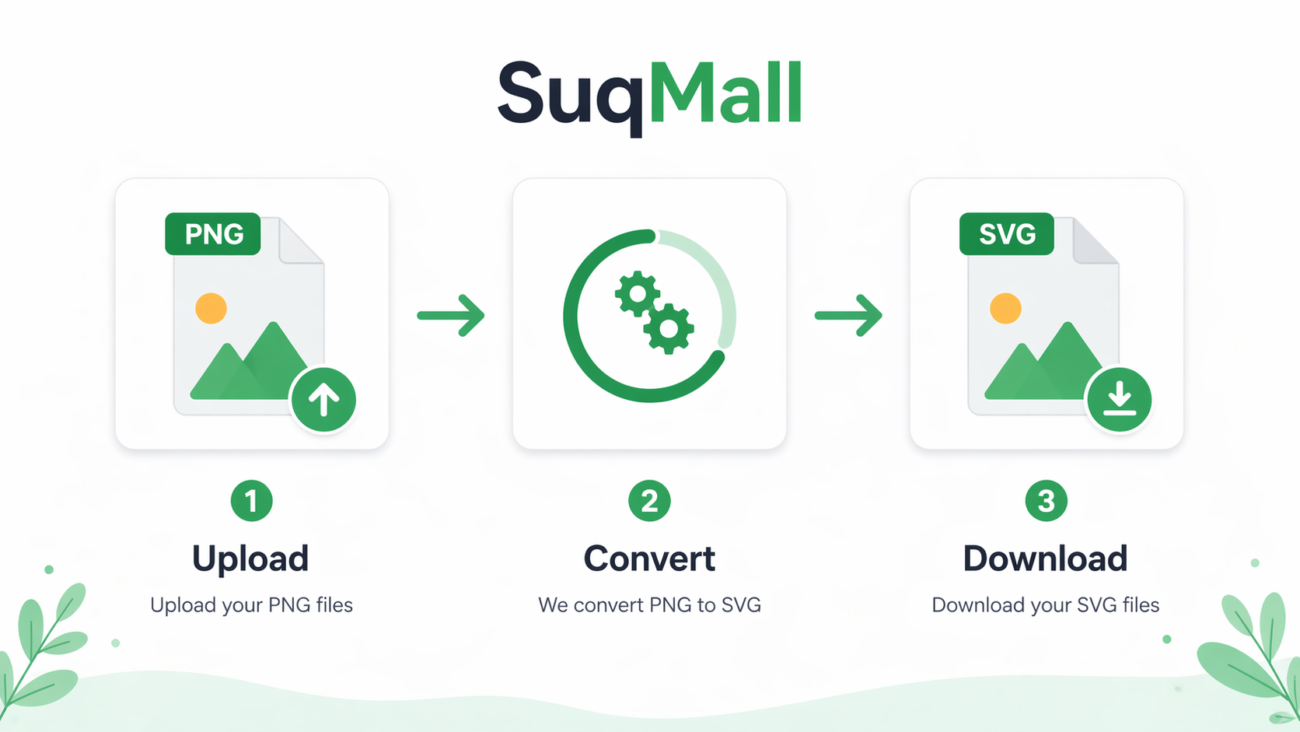
Step 1: Access the Tool
Navigate to the PNG to SVG Converter on SuqMall.Net. The tool loads instantly—no installation required.
Step 2: Upload Your PNG Files
- Drag and drop your PNG files directly onto the upload area
- Or click “Select Files” to browse your device
- Supported formats: PNG, JPG, JPEG, BMP
- Maximum file size: 10MB per file (for optimal performance)
Step 3: Monitor the Conversion Process
- Watch real-time progress bars for each file
- See conversion percentages update live
- Preview original and converted images side by side
Step 4: Download Your SVG Files
- Manual download: Click individual download buttons for each converted file
- File naming: Original names are preserved with .svg extension
- Quality assurance: Preview SVG files before downloading
Best Practices & Pro Tips
✅ Optimize Your Source Images
- Use high-contrast PNGs for best vectorization results
- Ensure images are at least 100px in dimension for clarity
- Remove unnecessary backgrounds before conversion
✅ Batch Processing Efficiency
- Group similar images together for consistent results
- Convert in batches of 10-20 files for optimal performance
- Use descriptive file names for easy organization
❌ Common Mistakes to Avoid
- Don’t convert extremely low-resolution images (under 50px)
- Avoid using heavily compressed PNGs with artifacts
- Don’t close the browser tab during conversion
Real-World Examples and Use Cases
Web Design Agency Scenario
Challenge: A web design agency needs to convert 30 PNG icons to SVG for a client’s responsive website. The icons must scale perfectly across desktop, tablet, and mobile devices.
Solution: Using our PNG to SVG Converter, the agency:
- Uploads all 30 PNG icons simultaneously
- Converts them to SVG in under 2 minutes
- Downloads the optimized SVG files
- Implements them directly into the website CSS
Result: Perfectly scalable icons that load faster and look crisp on all devices, improving website performance and user experience.
Small Business Owner Use Case
Situation: A small business owner created a logo in Canva (exported as PNG) but needs a scalable version for large-format printing and merchandise.
Process:
- Uploads the PNG logo to the converter
- Converts it to SVG in seconds
- Downloads the vector file
- Sends it to the printer for banners and t-shirts
Outcome: Professional-quality vector logo without hiring a designer or buying expensive software.
Content Creator Application
Scenario: A blogger wants to create custom SVG graphics for their website but only has PNG screenshots and images.
Workflow:
- Captures screenshots as PNG
- Converts to SVG using our tool
- Edits the SVG code to customize colors
- Embeds directly into blog posts
Advantage: Unique, scalable graphics that enhance SEO and page loading speed.

Frequently Asked Questions
🤔 Is this tool really completely free?
Yes! Every SuqMall.Net tool is 100% free with no hidden costs, usage limits, or watermarks. You can convert as many files as you need, whenever you need.
🔒 Are my files safe during conversion?
Absolutely secure. All processing happens locally in your browser. Your files never upload to any server, ensuring complete privacy and security.
📱 Do I need to install software?
No installation required. The tool runs entirely in your web browser and works on all devices—desktop, tablet, and mobile.
⏱️ How long does conversion take?
Most files convert in under 10 seconds. Batch processing multiple files may take slightly longer, but the tool is optimized for speed.
🌐 Does it work offline?
Yes! Once the page loads, you can convert PNG to SVG without an internet connection. Perfect for travel or areas with unreliable connectivity.
🎨 What’s the quality of converted SVGs?
The tool produces high-quality SVG files that maintain the visual integrity of your original PNGs. For best results, use clear, high-contrast source images.
📄 Can I convert other formats besides PNG?
Yes! The converter supports JPG, JPEG, and BMP files in addition to PNG, providing flexibility for various image sources.
Conclusion: Transform Your Workflow Today
The PNG to SVG Converter represents a significant leap forward in image conversion technology. By combining powerful vectorization algorithms with complete client-side processing, we’ve created a tool that’s not only incredibly effective but also completely private and free.
Key Takeaways:
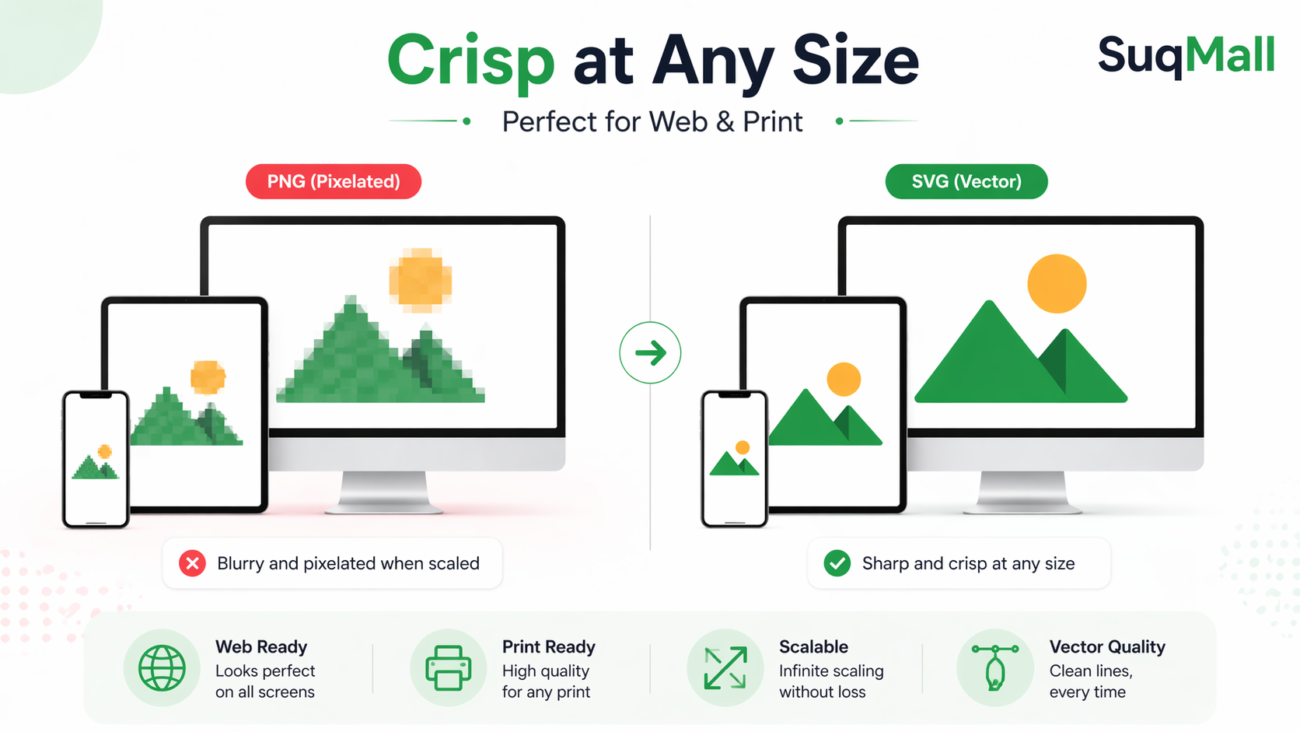
- 100% free and unlimited conversions with no restrictions
- Complete privacy with local browser processing
- Lightning-fast batch conversion capabilities
- Universal compatibility across all devices
- Professional-quality SVG output
Ready to Experience the Difference?
Don’t let raster image limitations hold back your creative projects. Experience the power of scalable vector graphics with our PNG to SVG Converter.
Try it now at SuqMall.Net and transform your PNG images into versatile SVG files in seconds!
Have questions or success stories? We’d love to hear about your experience! Share your converted creations and how this tool has improved your workflow.
Related Posts
SuqMall Image Format Converter Tool Guide: Fast, Private, and Unlimited

SuqMall Color Picker Tool Guide: The Ultimate Free Online Color Tool for Designers, Developers & Creators
Free Online SVG Converter Web Tools Guide: Convert SVG Files in Your Browser for Free
Free Online HEIC To PDF Converter Web Tool Guide: The Ultimate Free Solution for iPhone Users
Free Online PDF To EPUB Converter Web Tool Guide-Free & Unlimited
Free Online JPG To WEBP Converter Web Tool Guide: Boost Your Website Performance
Free Online WEBP to JPG Converter Web Tool Guide: Convert Images Instantly for Free
Free Online JPEG To HEIC Converter Web Tool Guide: Save Space Without Losing Quality
Free Online JPG To HEIC Converter Web Tool Guide: Save Space Without Losing Quality
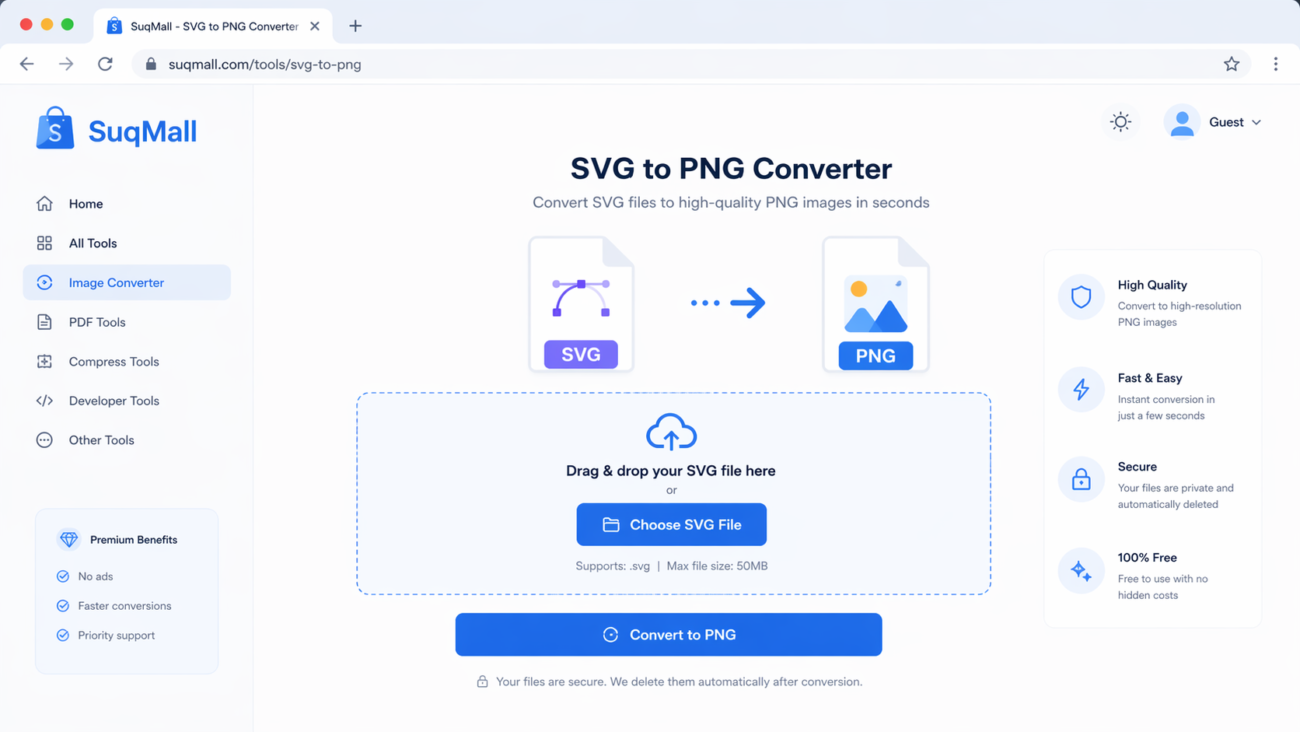
Free Online SVG To PNG Converter Web Tool Guide: Convert Images Instantly in Your Browser
Free Online JFIF To PNG Converter Web Tool Guide: Why This Free Online Tool Is a Game-Changer
Free Online PNG To JFIF Converter Web Tool Guide: The Ultimate Free Online Tool for Seamless Image Conversion
One thought on “Free Online PNG To SVG Converter Web Tool Guide: Transform Your Images with Unlimited Free Conversions”
Comments are closed.
OMG, Sprunki Cooking With Moch! is an absolute banger! The music tracks slap so hard, and the visuals are next-level. This dev team never misses!