
Blog
Free Online SVG Converter Web Tools Guide: Convert SVG Files in Your Browser for Free

Introduction
In today’s digital world, Scalable Vector Graphics (SVG) have become the gold standard for web design, logos, and digital illustrations. However, there are countless situations where you need to convert these vector files into more common formats like PNG, JPG, WEBP, or PDF. That’s where our free SVG Converter Tool comes in – a powerful, browser-based solution that lets you transform your SVG files instantly without compromising your privacy or paying a dime.
Whether you’re a web designer preparing assets for a client, a marketer creating social media graphics, or a developer optimizing website performance, this tool eliminates the frustration of format compatibility issues. The best part? Everything happens right in your browser – no uploads, no registration, and absolutely no limits.
Features and Benefits
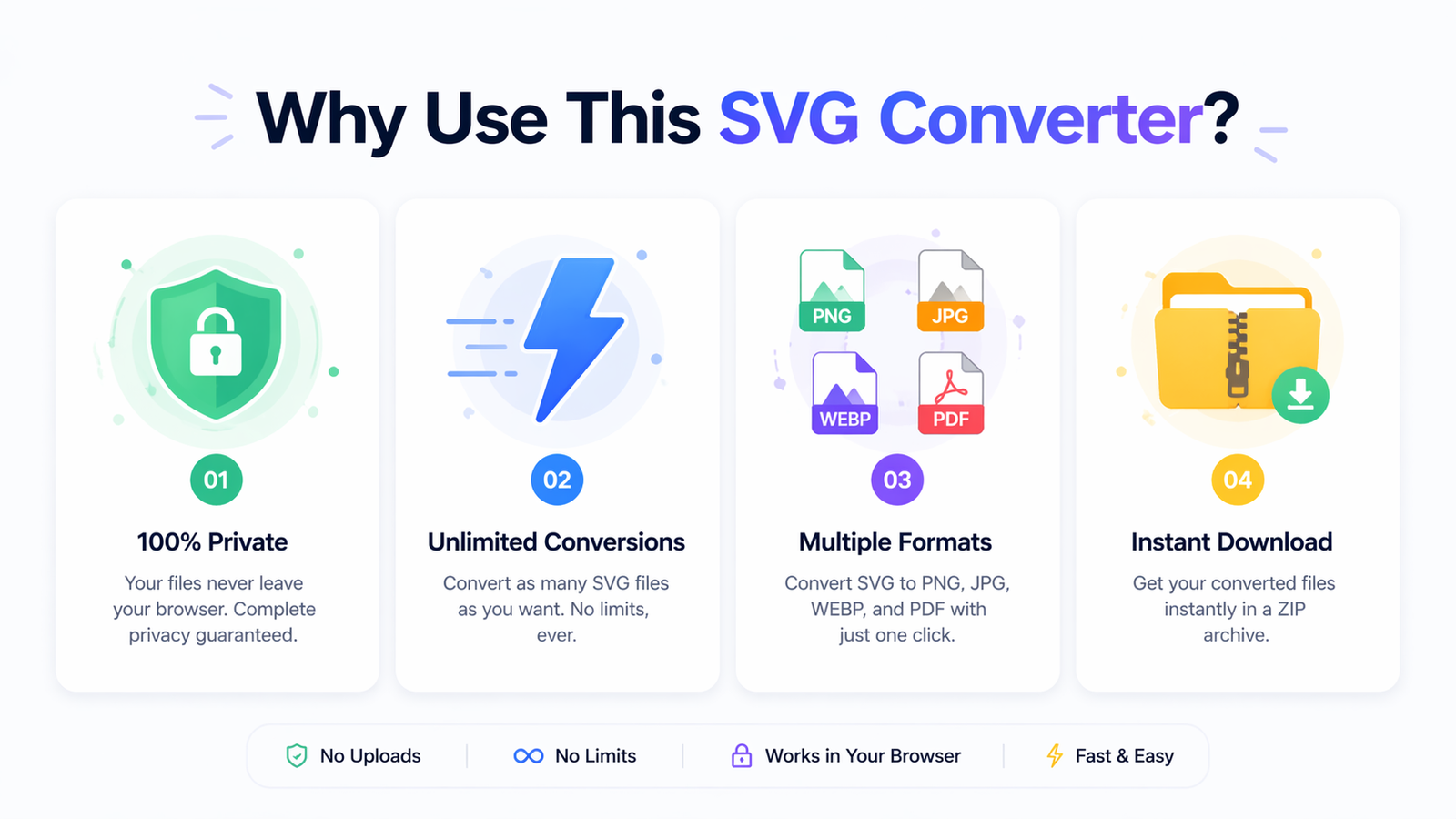
🔒 Privacy-First Conversion
How it works: All file processing happens locally in your browser
Benefit: Your sensitive design files never leave your computer, ensuring complete confidentiality
Example: Perfect for converting proprietary company logos or client work without security concerns
🚀 Unlimited Batch Processing
How it works: Convert multiple SVG files simultaneously with no restrictions
Benefit: Save hours of manual conversion time on large projects
Example: Convert an entire icon set (50+ files) to PNG in one click instead of one-by-one
🎯 Multiple Output Formats
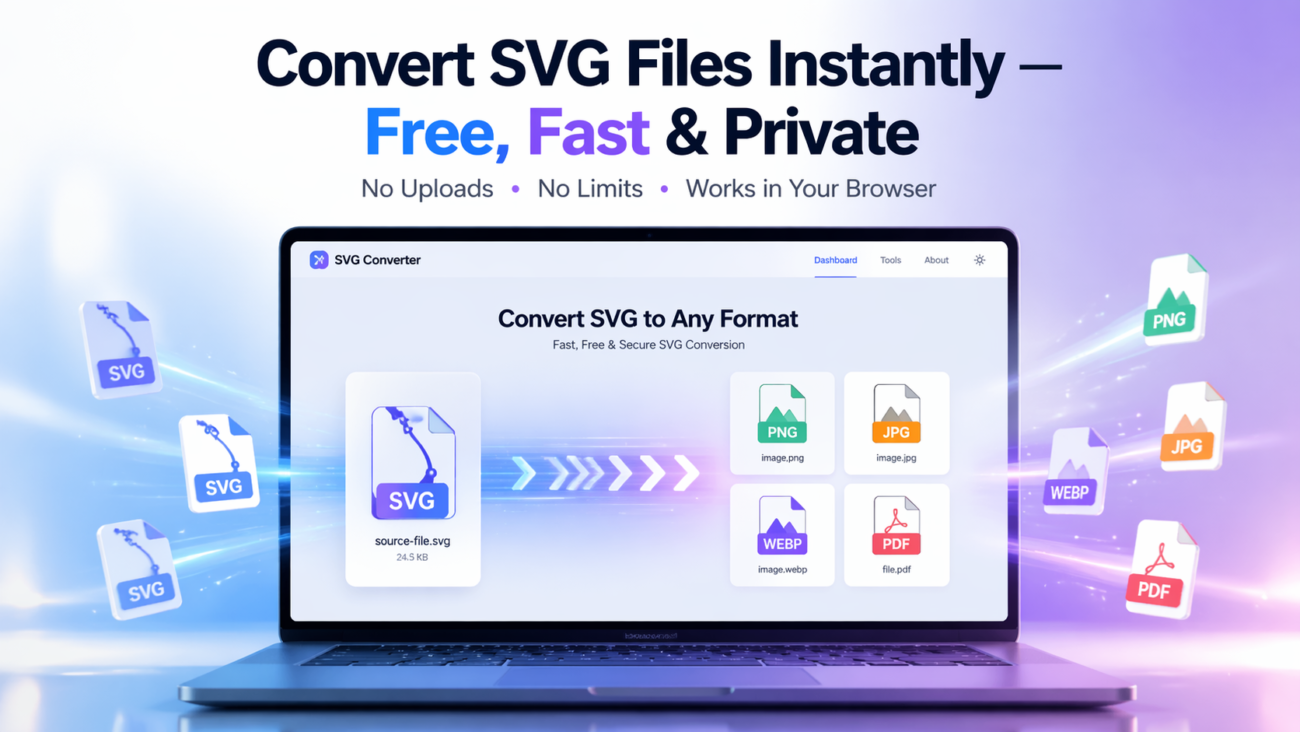
How it works: Choose from PNG, JPG, WEBP, and PDF outputs
Benefit: One tool for all your conversion needs without switching between different services
Example: Convert SVG logos to PNG for web use, JPG for email signatures, and PDF for print materials
⚙️ Advanced Customization Options
How it works: Adjust quality, scaling, and background color for precise results
Benefit: Get exactly the output you need without additional editing
Example: Scale up SVG illustrations for high-resolution displays or add white backgrounds for JPG conversion
💾 Instant ZIP Downloads
How it works: Download all converted files as a single ZIP archive
Benefit: Organized file management and faster downloads for multiple conversions
Example: After converting 20 SVG icons, download them all in one organized ZIP file
🌙 Dark Mode Support
How it works: Toggle between light and dark themes
Benefit: Comfortable viewing in any lighting condition, reducing eye strain during long work sessions
Step-by-Step Guide: How to Use the SVG Converter Tool
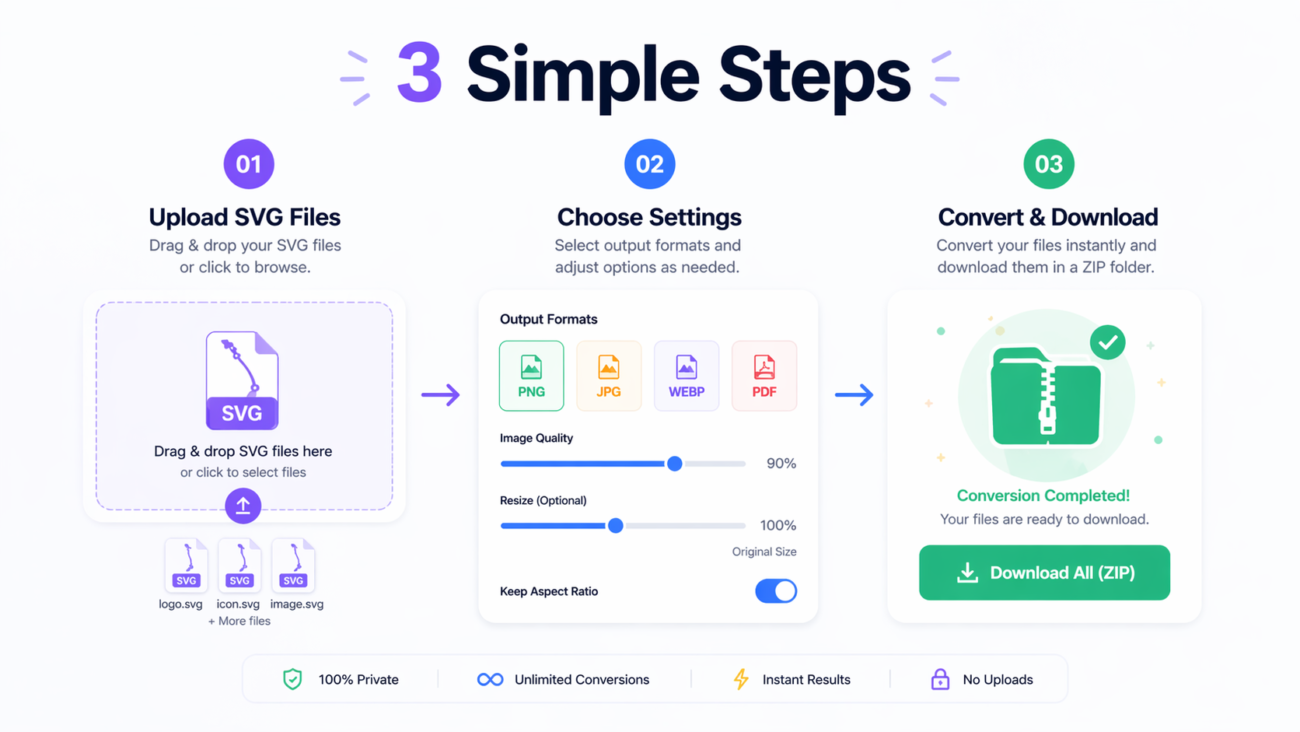
Step 1: Upload Your SVG Files
- Drag and drop your SVG files directly into the upload area, or
- Click “Select Files” to browse your computer
- Supported: Multiple file selection for batch processing
Pro Tip: You can drag files from your desktop or file explorer directly onto the upload area for the fastest workflow.
Step 2: Configure Conversion Settings
Choose your preferred output settings:
- Output Format: Select PNG, JPG, WEBP, or PDF
- Quality Setting: Adjust from 1-100% (higher for better quality, lower for smaller file size)
- Scale Percentage: Scale your images from 1% to 500% of original size
- Background Color: Choose any background color (especially important for JPG conversion)
Best Practice: For web use, WEBP format at 80% quality typically provides the best balance of quality and file size.
Step 3: Convert and Download
- Click “Convert All Files” to start the conversion process
- Watch real-time progress indicators for each file
- Download individually using the download button on each file card, or
- Download all files as a ZIP archive using the “Download All as ZIP” button
Common Mistakes to Avoid
- Wrong Background Color: When converting transparent SVGs to JPG, always set a background color instead of leaving it transparent
- Over-scaling: Avoid scaling beyond 200% unless necessary, as it can create blurry results
- Low Quality Settings: Using very low quality (below 50%) for JPG can result in visible compression artifacts
- Not Using Batch Processing: Manually converting files one by one when you could process them all simultaneously
Real-World Examples and Use Cases
Web Design Agency Workflow
Situation: A web design agency needs to convert client SVG logos into multiple formats for different applications.
Solution:
- Convert to PNG for website headers (with transparent background)
- Convert to JPG for client email signatures (with white background)
- Convert to PDF for print-ready versions for marketing materials
- Use batch processing to handle multiple client files simultaneously
Result: The agency saves 2-3 hours per week previously spent on manual conversions.
E-commerce Product Images
Situation: An online store uses SVG product illustrations but needs JPG versions for platforms that don’t support SVG.
Solution:
- Convert all product SVG illustrations to high-quality JPG
- Use consistent background colors across all images
- Scale images appropriately for different platform requirements
Result: Consistent product imagery across all sales channels with minimal effort.
Social Media Content Creation
Situation: A content creator needs to convert SVG graphics for different social media platforms with various format requirements.
Solution:
- Convert to PNG for Twitter and Facebook (maintains quality)
- Convert to WEBP for website use (better compression)
- Adjust dimensions for different platform requirements using scale settings
Result: Optimized graphics for each platform without quality loss.

Frequently Asked Questions
❓ Is this tool really completely free?
✅ Yes! Our SVG Converter is 100% free with no hidden costs, usage limits, or premium tiers. We believe in providing valuable tools without barriers.
❓ Do I need to create an account or register?
✅ No registration required! You can start converting files immediately without any sign-up process.
❓ Are there any file size restrictions?
✅ No limits! Convert SVG files of any size without worrying about upload restrictions or processing limits.
❓ Does the tool work on mobile devices?
✅ Yes! The tool is fully responsive and works perfectly on smartphones, tablets, and desktop computers.
❓ What happens to my files after conversion?
✅ Nothing! Your files are processed locally in your browser and never uploaded to any server. Once you close the page, no trace of your files remains.
❓ Can I convert other image formats to SVG?
✅ No, this tool specifically converts SVG files to other formats. For converting other formats to SVG, you would need a different tool.
❓ How long does the conversion process take?
✅ Almost instantly! Since processing happens locally in your browser, conversions typically take just seconds depending on file complexity and quantity.
❓ Is there a limit to how many files I can convert at once?
✅ No batch limits! You can process as many files as you need in a single session.
Conclusion and Call to Action
The SVG Converter Tool represents everything that modern web tools should be: powerful, privacy-focused, completely free, and incredibly easy to use. By handling all processing locally in your browser, we’ve eliminated the traditional pain points of online file conversion – slow uploads, security concerns, and usage restrictions.
Whether you’re working with a single SVG file or converting hundreds of assets for a major project, this tool streamlines your workflow while protecting your data. The ability to customize output settings means you get exactly the results you need without additional editing in other software.
Ready to transform your SVG workflow?
[Try the SVG Converter Tool Now] – Experience the difference of browser-based conversion with no limits and complete privacy.
We’d love to hear about your experience! Share how this tool has helped your projects or suggest improvements to make it even better. Happy converting!
Related Posts
SuqMall Image Format Converter Tool Guide: Fast, Private, and Unlimited

SuqMall Color Picker Tool Guide: The Ultimate Free Online Color Tool for Designers, Developers & Creators
Free Online HEIC To PDF Converter Web Tool Guide: The Ultimate Free Solution for iPhone Users
Free Online PDF To HEIC Converter Web Tool Guide: Free, Unlimited & 100% Secure
Free Online PDF To EPUB Converter Web Tool Guide-Free & Unlimited
Free Online JPG To WEBP Converter Web Tool Guide: Boost Your Website Performance
Free Online WEBP to JPG Converter Web Tool Guide: Convert Images Instantly for Free
Free Online JPEG To HEIC Converter Web Tool Guide: Save Space Without Losing Quality
Free Online JPG To HEIC Converter Web Tool Guide: Save Space Without Losing Quality
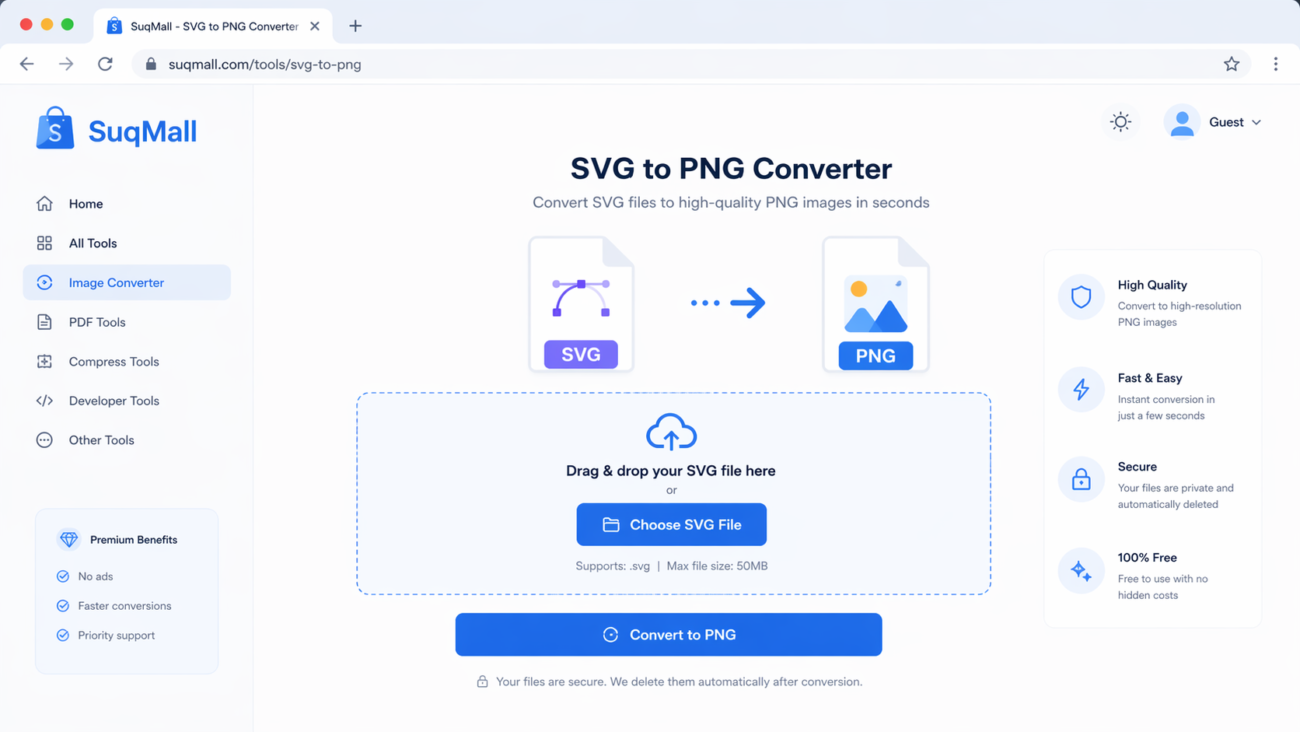
Free Online SVG To PNG Converter Web Tool Guide: Convert Images Instantly in Your Browser
Free Online PNG To SVG Converter Web Tool Guide: Transform Your Images with Unlimited Free Conversions
Free Online JFIF To PNG Converter Web Tool Guide: Why This Free Online Tool Is a Game-Changer
One thought on “Free Online SVG Converter Web Tools Guide: Convert SVG Files in Your Browser for Free”
Comments are closed.
Slot68bet is pretty decent! The variety of slot games kept me entertained for hours. Some of the RTPs are pretty generous too if you keep an eye out. Good place to try and multiply your money. Have some fun: slot68bet