
Blog
Free Online WEBP to JPG Converter Web Tool Guide: Convert Images Instantly for Free


Introduction: Why Converting WEBP to JPG Matters More Than Ever
In today’s digital landscape, you’ve probably encountered WEBP images – Google’s modern image format that offers superior compression and quality. But what happens when you need to use these images on platforms that don’t support WEBP? Or when you want to edit them in software that only recognizes traditional formats? That’s where our free WEBP to JPG converter becomes your essential digital tool.
This comprehensive guide will show you how to effortlessly convert WEBP images to the universally compatible JPG format using our browser-based tool. No downloads, no installations, and absolutely no limits – just pure conversion power at your fingertips.
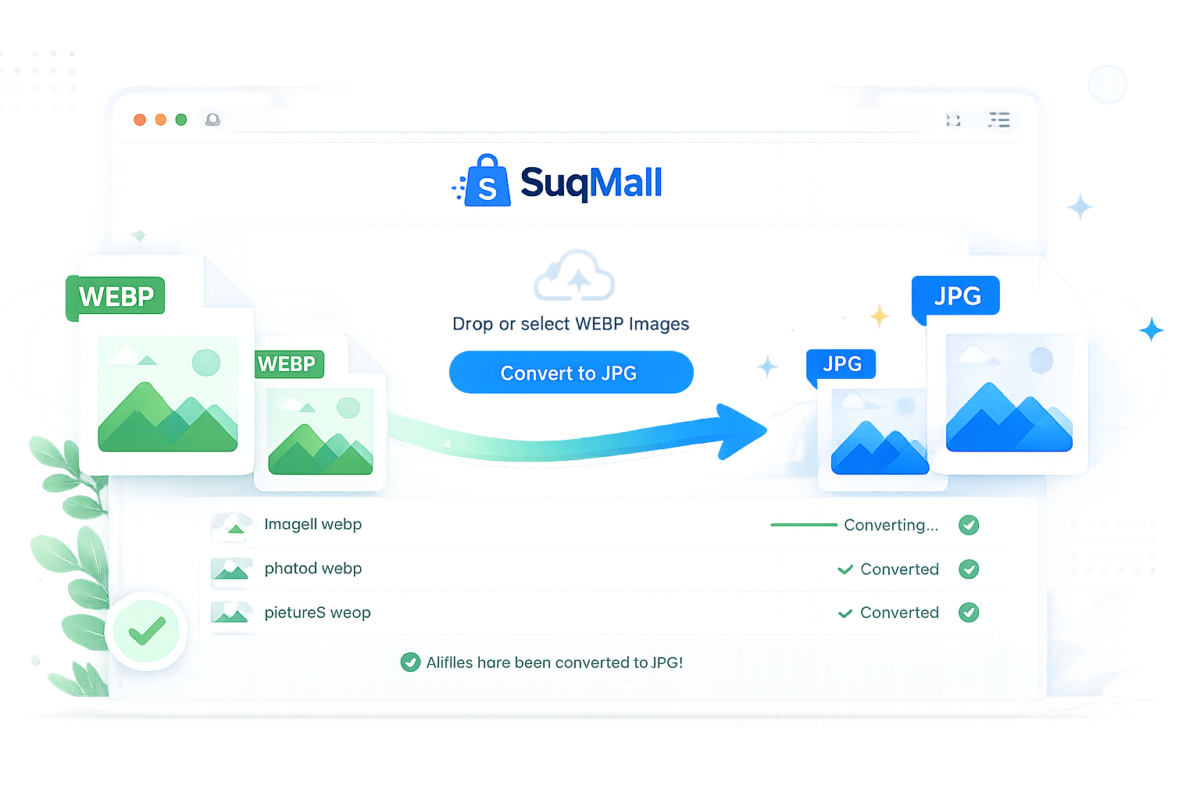
Key Features and Benefits: Why Our WEBP Converter Stands Out
🔒 100% Privacy-First Conversion
- Feature: All conversion happens directly in your browser
- Benefit: Your images never leave your device, ensuring complete privacy and security
- Example: Convert sensitive work documents or personal photos without worrying about data breaches
⚡ Lightning-Fast Batch Processing
- Feature: Convert multiple WEBP files simultaneously
- Benefit: Save hours of manual conversion time
- Example: Convert an entire folder of 50 product images in under 2 minutes
🌐 Universal Browser Compatibility
- Feature: Works on any modern browser without plugins
- Benefit: Access the tool from any device, anywhere
- Example: Convert images on your phone during your commute or on your laptop at a coffee shop
💰 Completely Free & Unlimited
- Feature: No restrictions, watermarks, or hidden costs
- Benefit: Convert as many images as you need without worrying about subscription fees
- Example: A photographer can convert hundreds of portfolio images without cost concerns
📦 Convenient ZIP Download
- Feature: Download all converted files in a single ZIP archive
- Benefit: Organized file management and faster downloads
- Example: Web developers can download all converted site assets in one click
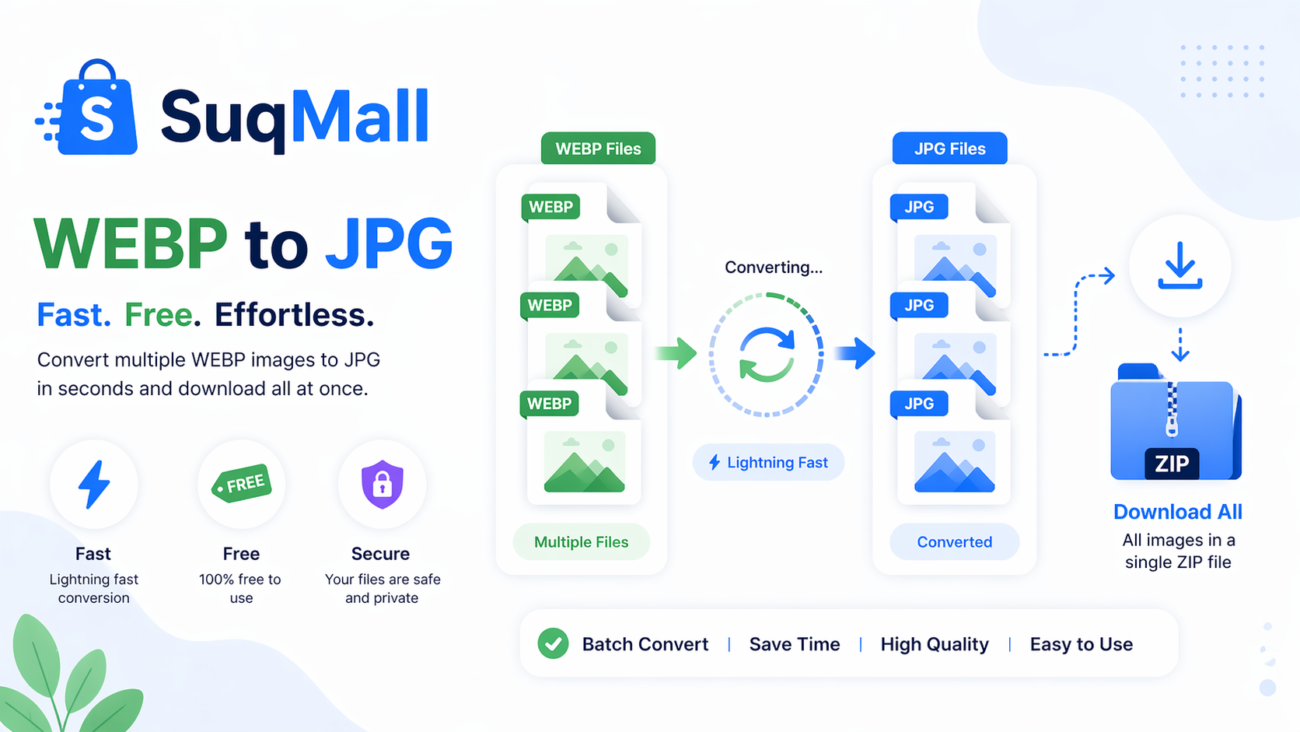
How to Use Our WEBP to JPG Converter: Step-by-Step Guide
Step 1: Access the Tool
Navigate to our WEBP to JPG converter tool. The interface loads instantly – no registration required.
Step 2: Upload Your WEBP Files
- Option A: Drag and drop your WEBP files directly onto the upload area
- Option B: Click “Select Files” to browse your device
- Pro Tip: You can select multiple files at once using Ctrl+Click (or Cmd+Click on Mac)
Step 3: Monitor the Conversion Process
Watch the real-time progress bar as your files convert. Each file shows individual status:
- ⏳ Pending
- 🔄 Converting
- ✅ Ready for download
Step 4: Download Your JPG Files
- Individual Files: Click the download icon next to each converted file
- Batch Download: Use the “Download All as ZIP” button for multiple files
- Best Practice: Use ZIP download when converting more than 5 files for better organization
Common Mistakes to Avoid:
- Uploading non-WEBP files: The tool only accepts WEBP format
- Closing the tab during conversion: This interrupts the process
- Not checking file sizes: Very large files may take longer to process
Real-World Examples and Use Cases
Case Study 1: E-commerce Store Owner
Problem: Sarah runs an online boutique and received WEBP product images from her supplier. Her e-commerce platform only accepts JPG files.
Solution: Using our converter, she batch-processed 120 product images in under 5 minutes and downloaded them as a single ZIP file.
Result: Her product launch stayed on schedule without hiring a designer for format conversion.
Case Study 2: Social Media Manager
Problem: Mark manages social media for multiple clients and often finds engaging WEBP images online that he can’t use on Instagram or Facebook.
Solution: He uses our tool to instantly convert these images to JPG format while maintaining quality.
Result: Increased content output by 30% by leveraging previously unusable visual assets.
Case Study 3: Blogger and Content Creator
Problem: Emily writes tech tutorials and needs to include screenshots. Her screen capture tool saves as WEBP, but her blogging platform has compatibility issues.
Solution: She converts all her tutorial images to JPG before uploading to her blog.
Result: Eliminated reader complaints about broken images and improved user experience.

Frequently Asked Questions
❓ Is this tool really free with no hidden limits?
Yes! Our WEBP to JPG converter is 100% free with no restrictions on the number of conversions, file sizes, or usage frequency. We believe in providing genuine value without strings attached.
❓ How does the privacy protection work?
All conversion happens locally in your browser using JavaScript. Your files are never uploaded to any server – they stay securely on your device throughout the entire process.
❓ What’s the maximum file size I can convert?
The tool can handle files up to your browser’s memory limits, which typically means files of several hundred megabytes. For optimal performance, we recommend converting files under 50MB at a time.
❓ Will the image quality be affected?
JPG uses lossy compression, so there might be minimal quality reduction. However, our converter uses high-quality settings (92% quality) to preserve as much detail as possible from your original WEBP files.
❓ Can I use this tool on my mobile device?
Absolutely! The converter is fully responsive and works perfectly on smartphones and tablets. The touch-friendly interface makes mobile conversion just as easy as desktop.
❓ What if I have thousands of files to convert?
While there’s no technical limit, we recommend converting in batches of 50-100 files for the best performance. The tool maintains your conversion history, so you can easily pick up where you left off.
❓ Do you support other format conversions?
Currently, we specialize in WEBP to JPG conversion. However, we’re continuously expanding our toolset and may add more formats based on user demand.
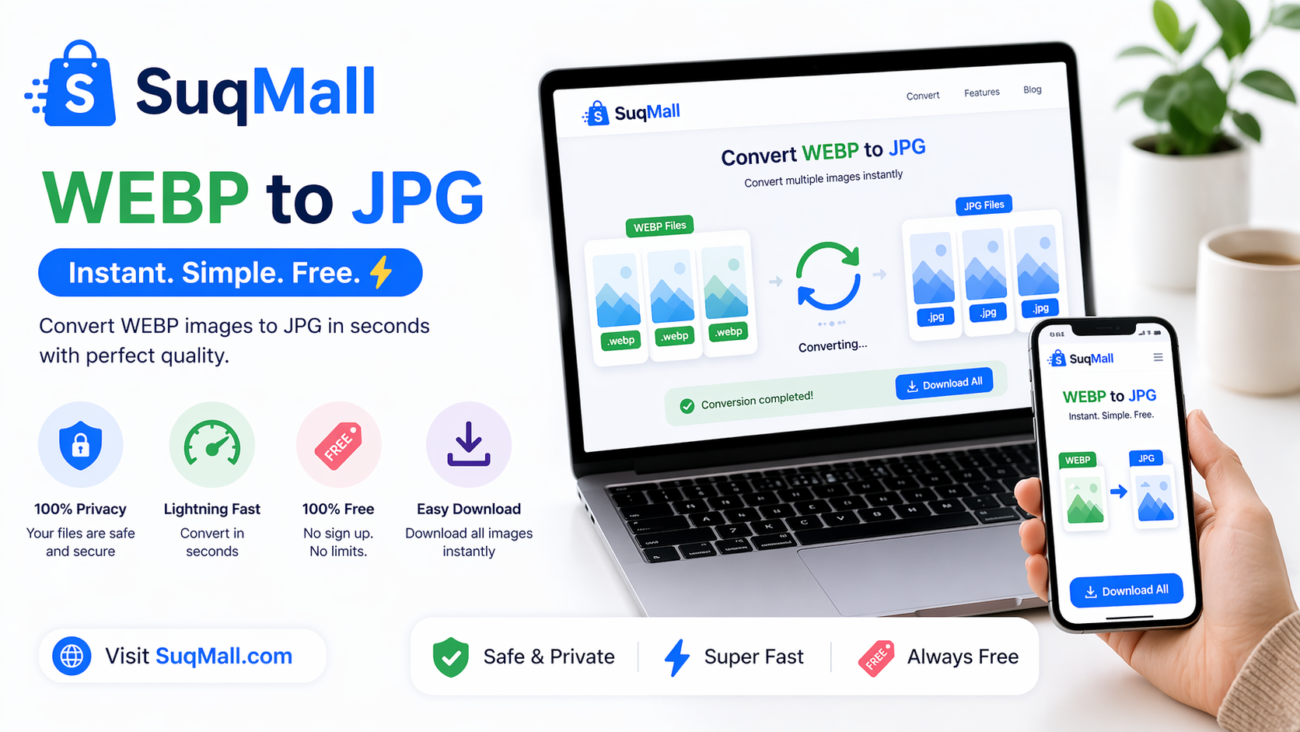
Conclusion: Start Converting WEBP to JPG Today
In a world where digital compatibility is crucial, having a reliable, fast, and free WEBP to JPG converter is no longer a luxury – it’s a necessity. Our tool eliminates the frustration of format incompatibility while ensuring your privacy and saving you valuable time.
Ready to experience seamless image conversion?
[Convert Your First WEBP Image Now] – It’s free, instant, and requires no technical skills.
Have questions or success stories to share? We’d love to hear about your experience with our converter in the comments below. Help others discover this tool by sharing it with your network – because everyone deserves hassle-free image conversion.
Related Posts
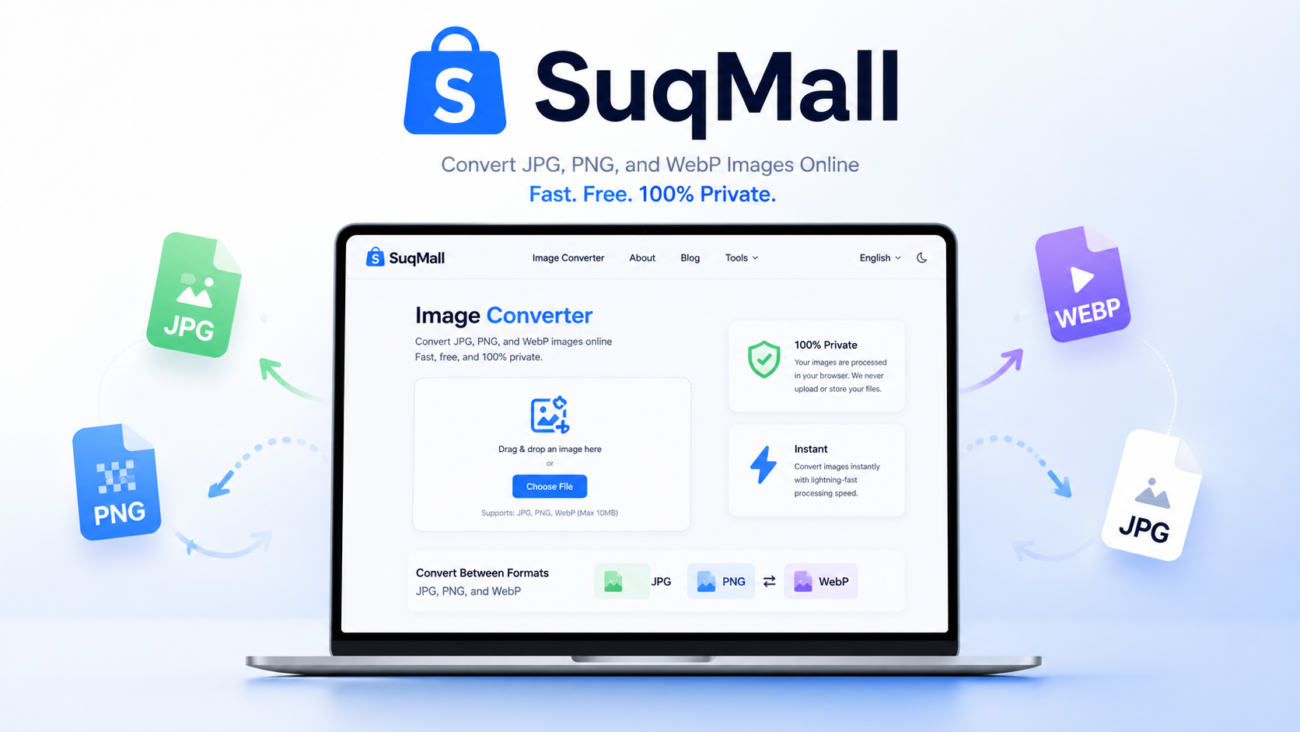
SuqMall Image Format Converter Tool Guide: Fast, Private, and Unlimited

Free Online SVG Converter Web Tools Guide: Convert SVG Files in Your Browser for Free
Free Online HEIC To PDF Converter Web Tool Guide: The Ultimate Free Solution for iPhone Users
Free Online PDF To HEIC Converter Web Tool Guide: Free, Unlimited & 100% Secure
Free Online JPG To WEBP Converter Web Tool Guide: Boost Your Website Performance
Free Online JPEG To HEIC Converter Web Tool Guide: Save Space Without Losing Quality
Free Online HEIC To JPEG Converter Web Tool Guide: Free Online Tool
Free Online JPG To HEIC Converter Web Tool Guide: Save Space Without Losing Quality
Free Online SVG To PNG Converter Web Tool Guide: Convert Images Instantly in Your Browser
Free Online PNG To SVG Converter Web Tool Guide: Transform Your Images with Unlimited Free Conversions
Free Online JFIF To PNG Converter Web Tool Guide: Why This Free Online Tool Is a Game-Changer
Free Online PNG To JFIF Converter Web Tool Guide: The Ultimate Free Online Tool for Seamless Image Conversion
One thought on “Free Online WEBP to JPG Converter Web Tool Guide: Convert Images Instantly for Free”
Comments are closed.
Thinking about trying aaaleaobet. Seeing a lot of ads for it lately. Hope it’s not just another scam site. Might deposit a small amount to test the waters. Check it out if you are brave aaaleaobet