
Blog
Free Online SVG To PNG Converter Web Tool Guide: Convert Images Instantly in Your Browser


Introduction
In today’s digital world, working with various image formats is essential for designers, developers, and content creators. SVG (Scalable Vector Graphics) and PNG (Portable Network Graphics) are two of the most popular image formats, each with unique strengths. But what happens when you need to convert SVG files to PNG format? That’s where our revolutionary SVG to PNG converter comes in – a powerful, browser-based tool that makes conversion effortless, secure, and completely free.
Unlike traditional converters that require uploading your files to external servers, our tool processes everything directly in your browser. This means your sensitive files never leave your computer, ensuring complete privacy and security. Whether you’re a web developer needing PNG versions of SVG icons, a graphic designer preparing assets for clients, or a marketer creating social media graphics, this tool is designed to meet all your conversion needs without any limitations.
Features and Benefits
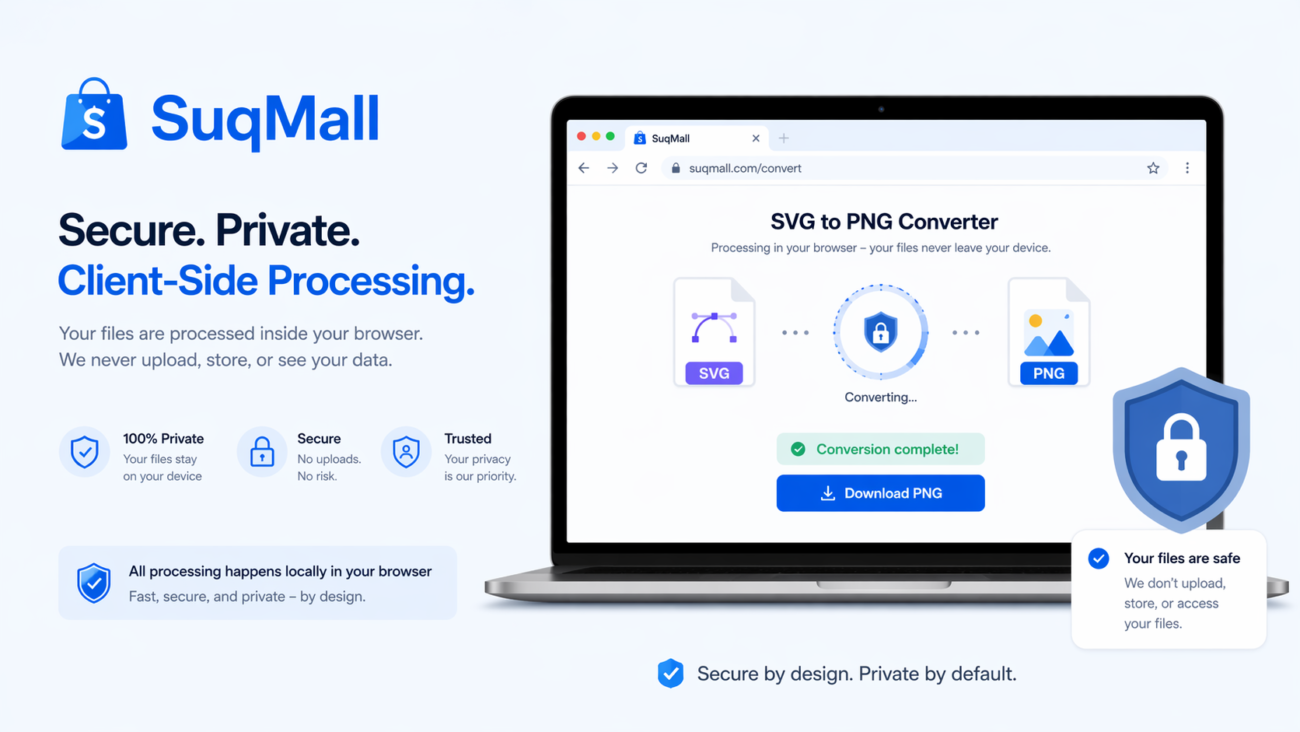
🔒 100% Client-Side Processing
What it is: All conversion happens directly in your web browser using advanced JavaScript and Canvas API technology.
Benefits:
- Complete Privacy: Your files never leave your computer
- Enhanced Security: No risk of data breaches or unauthorized access
- Offline Capability: Works without internet connection after initial load
- Instant Processing: No waiting for server responses
🚀 Unlimited Free Conversions
What it is: No restrictions on the number of files you can convert or the frequency of use.
Benefits:
- Cost-Effective: Completely free with no hidden charges
- No Watermarks: Clean, professional results every time
- No Registration: Start converting immediately without signing up
- No Usage Limits: Convert as many files as you need
📦 Batch Processing Power
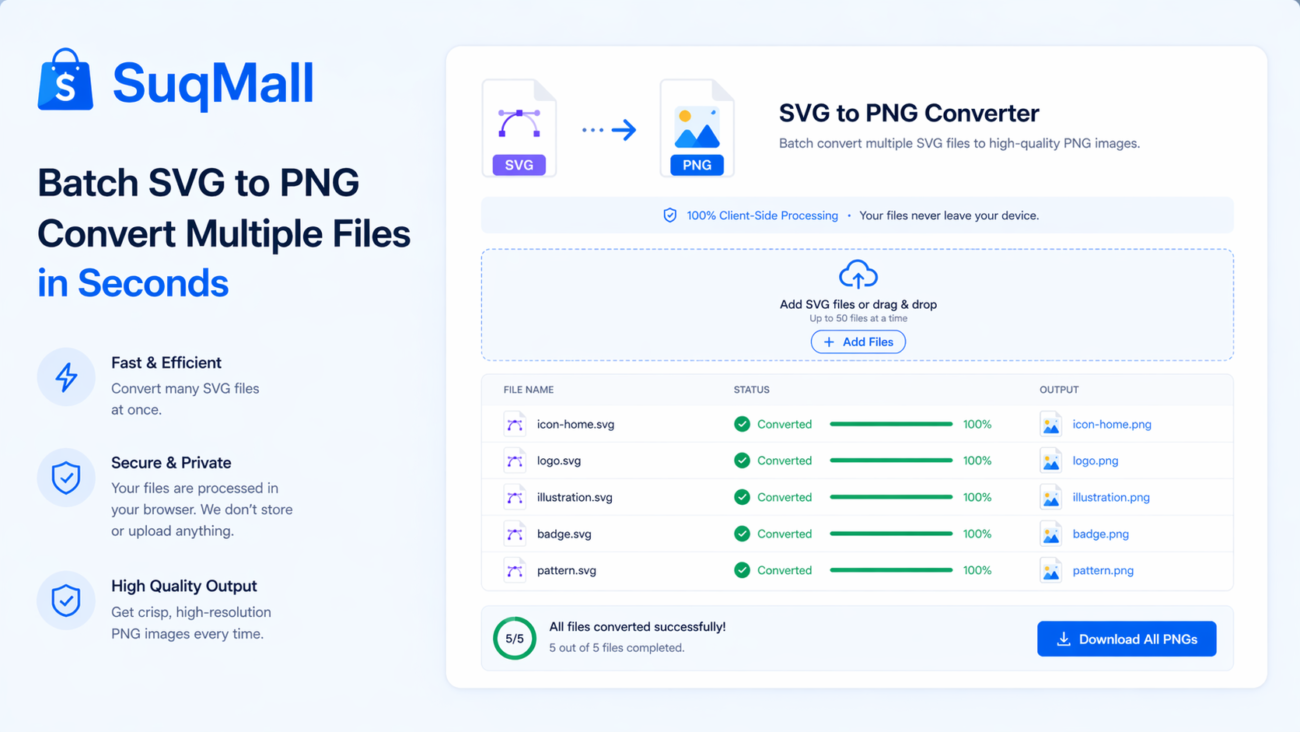
What it is: Convert multiple SVG files to PNG simultaneously with batch processing.
Benefits:
- Time-Saving: Process dozens of files in one go
- Efficient Workflow: Perfect for projects with multiple assets
- Organized Downloads: Option to download all files as a single ZIP archive
- Consistent Results: Uniform conversion settings across all files
🎨 Customizable Output Settings
What it is: Full control over PNG dimensions and quality settings.
Benefits:
- Precise Sizing: Set exact width and height for your PNG files
- Aspect Ratio Control: Maintain original proportions or customize as needed
- Quality Preservation: High-quality output with transparency support
- Flexible Dimensions: Range from 100px to 4000px for both width and height
🌙 User-Friendly Interface
What it is: Modern, intuitive design with dark/light mode support.
Benefits:
- Easy Navigation: Drag-and-drop functionality and clear instructions
- Visual Feedback: Real-time progress indicators and status updates
- Accessibility: Works seamlessly on desktop, tablet, and mobile devices
- Customizable Experience: Dark mode for comfortable extended use
Step-by-Step Guide: How to Use the SVG to PNG Converter
Step 1: Upload Your SVG Files
Method A: File Selection
- Click the “Select Files” button
- Choose one or multiple SVG files from your computer
- Files will automatically appear in the conversion queue
Method B: Drag and Drop
- Simply drag SVG files from your folder
- Drop them onto the upload area
- Watch as they’re instantly added for processing
Pro Tip: You can select multiple files by holding Ctrl (Windows) or Command (Mac) while clicking files.
Step 2: Adjust Conversion Settings
Width and Height Configuration:
- Use the sliders to set your desired dimensions
- Check “Maintain aspect ratio” to preserve original proportions
- Recommended: Start with 800px width for general web use
Quality Options:
- Enable “Preserve transparency” for images with transparent backgrounds
- Use “High quality output” for the best results
- Keep “Auto convert” enabled for instant processing
Step 3: Convert and Download
Individual File Conversion:
- Click “Convert” next to each file
- Watch the progress bar in real-time
- Click “Download” when conversion completes
Batch Conversion:
- Use “Convert All” to process all files simultaneously
- Monitor progress through status indicators
- Download individual files or use “Download All as ZIP”
Common Mistakes to Avoid
❌ Uploading non-SVG files – The tool only supports SVG and SVGZ formats
❌ Setting extreme dimensions – Very large sizes may impact performance
❌ Closing browser during conversion – This will interrupt the process
❌ Ignoring aspect ratio – Can result in distorted images
Real-World Examples and Use Cases
Web Development Projects
Scenario: Sarah, a front-end developer, needs to convert a set of SVG icons to PNG for a client who requires fallback support in older browsers.
Solution: She uses our converter to batch process 45 icon files, setting a uniform 64×64 pixel size while maintaining transparency. The entire process takes under 2 minutes, and she downloads all files as a single ZIP archive for easy organization.
Social Media Marketing
Scenario: Mark, a social media manager, creates SVG graphics in Adobe Illustrator but needs PNG versions for Facebook and Instagram posts.
Solution: He converts his branded templates to PNG with optimal dimensions for each platform (1200x630px for Facebook, 1080x1080px for Instagram), preserving the crisp quality of his vector designs.
E-commerce Product Images
Scenario: An online store owner has product illustrations in SVG format but needs PNG versions for their e-commerce platform that doesn’t support SVG.
Solution: Using our tool, they convert hundreds of product images with consistent 800x600px dimensions, ensuring fast loading times while maintaining image quality across all devices.
Print Design Preparation
Scenario: A graphic designer creates logos and branding materials in SVG but needs high-resolution PNG files for print materials and merchandise.
Solution: They use the maximum 4000px dimension setting to create print-ready PNG files with sharp edges and preserved transparency for various applications.

Frequently Asked Questions
🤔 Is this SVG to PNG converter really free?
Yes, absolutely! Our converter is 100% free with no hidden costs, usage limits, or watermarks. You can convert unlimited files without any restrictions.
🔒 Are my files safe during conversion?
Completely secure! All processing happens locally in your browser. Your files never leave your computer or get uploaded to any servers, ensuring maximum privacy and security.
💻 Do I need to install any software?
No installation required! The tool runs entirely in your web browser. It works on any device with a modern browser including Chrome, Firefox, Safari, and Edge.
📱 Can I use this on mobile devices?
Yes, perfectly optimized! The converter is fully responsive and works seamlessly on smartphones, tablets, and desktop computers with touch-friendly controls.
⚡ How many files can I convert at once?
Unlimited batch processing! You can convert as many files as you need simultaneously. The tool efficiently handles multiple conversions without compromising performance.
🎨 Does it preserve transparency and quality?
Excellent quality preservation! The converter maintains transparency from your SVG files and produces high-quality PNG output with crisp edges and accurate colors.
💾 What’s the maximum file size?
Generous file limits! While there’s no strict limit, the tool performs best with files under 10MB. For optimal performance, we recommend files under 5MB.
🔄 Can I convert PNG back to SVG?
Specialized conversion only! This tool specifically converts SVG to PNG. For PNG to SVG conversion, we recommend using specialized vectorization tools as the process is fundamentally different.
Conclusion: Start Converting Today!
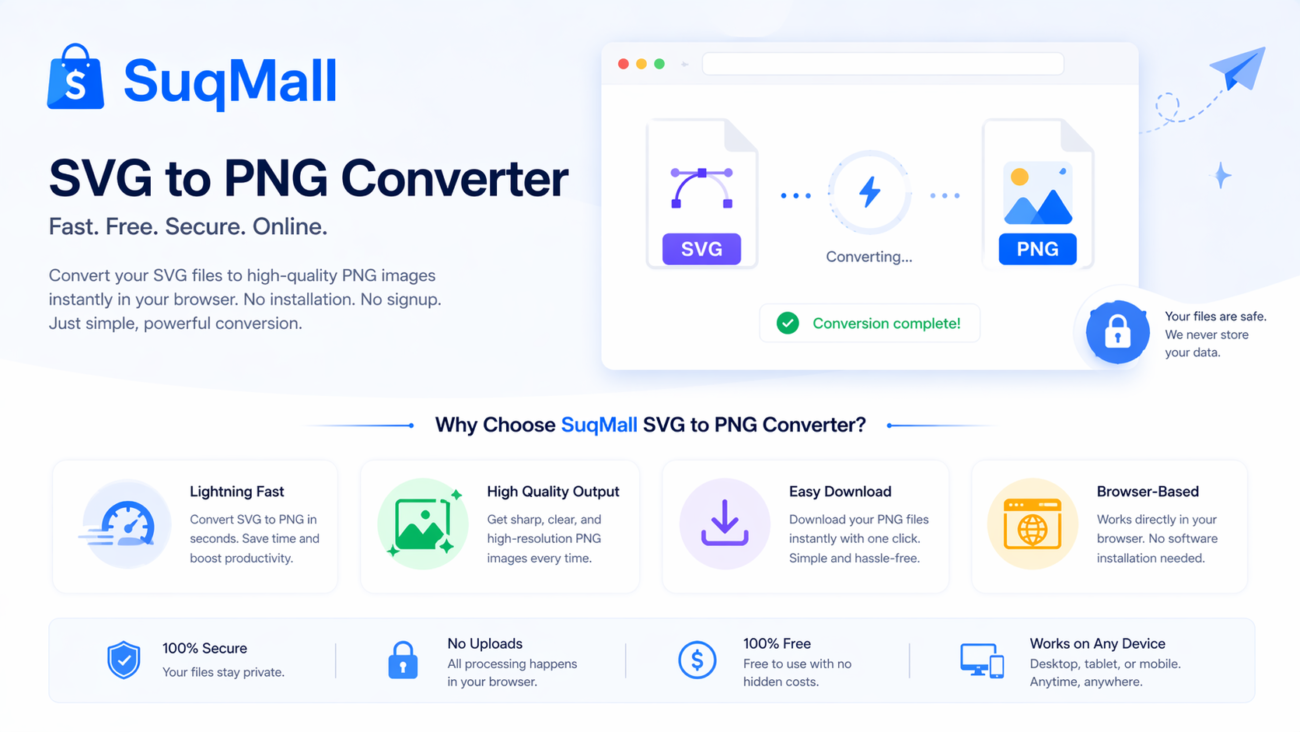
Our SVG to PNG converter represents the perfect blend of power, simplicity, and security. With its 100% client-side processing, unlimited free conversions, and batch processing capabilities, it eliminates the common frustrations associated with online file conversion tools.
Whether you’re working on a single file or managing hundreds of assets, this tool streamlines your workflow while ensuring your files remain completely private and secure. The customizable output settings give you full control over your final images, while the intuitive interface makes the process accessible to users of all skill levels.
Ready to experience seamless SVG to PNG conversion?
[Try Our SVG to PNG Converter Now] – Experience the freedom of unlimited, secure conversions
Share Your Experience!
We’d love to hear how our tool has helped your workflow. Share your success stories, suggestions, or conversion tips in the comments below. Your feedback helps us continue improving and providing the best possible tools for our community.
Related Posts
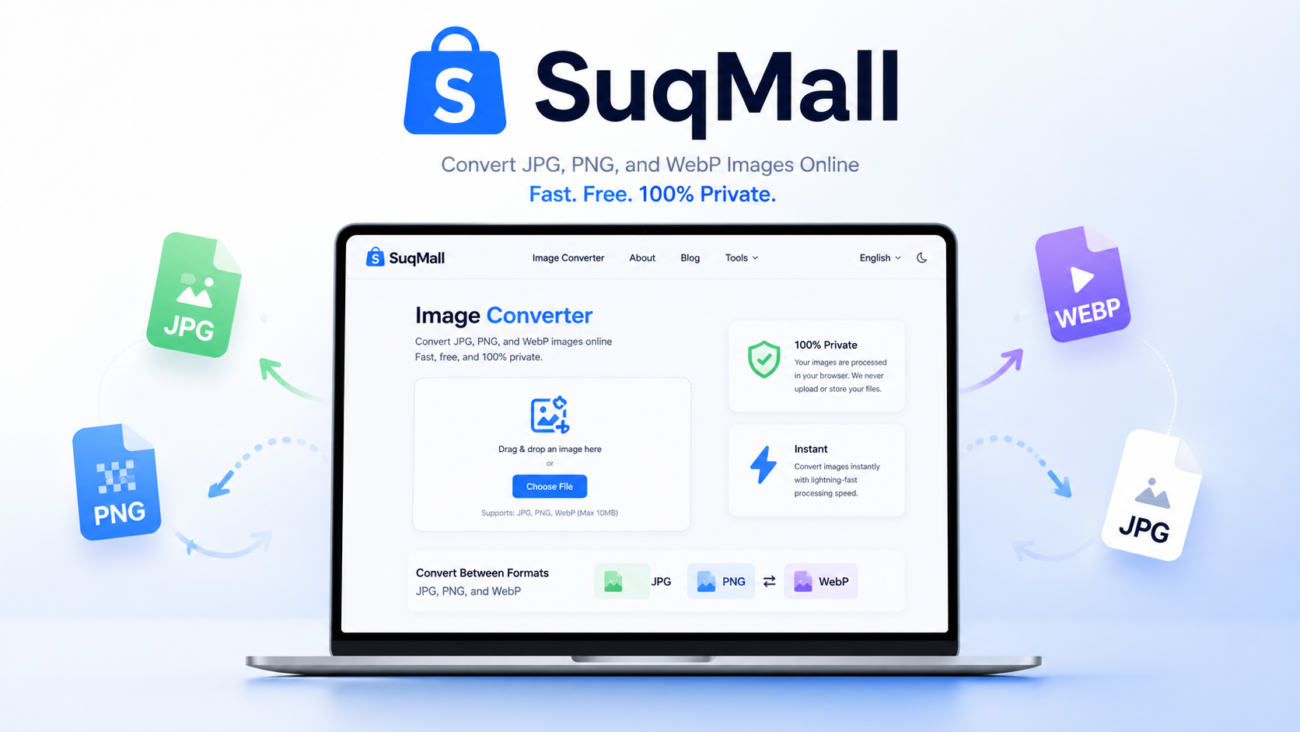
SuqMall Image Format Converter Tool Guide: Fast, Private, and Unlimited

Free Online SVG Converter Web Tools Guide: Convert SVG Files in Your Browser for Free
Free Online HEIC To PDF Converter Web Tool Guide: The Ultimate Free Solution for iPhone Users
Free Online PDF To HEIC Converter Web Tool Guide: Free, Unlimited & 100% Secure
Free Online PDF To EPUB Converter Web Tool Guide-Free & Unlimited
Free Online JPG To WEBP Converter Web Tool Guide: Boost Your Website Performance
Free Online WEBP to JPG Converter Web Tool Guide: Convert Images Instantly for Free
Free Online JPEG To HEIC Converter Web Tool Guide: Save Space Without Losing Quality
Free Online HEIC To JPEG Converter Web Tool Guide: Free Online Tool
Free Online JPG To HEIC Converter Web Tool Guide: Save Space Without Losing Quality
Free Online PNG To SVG Converter Web Tool Guide: Transform Your Images with Unlimited Free Conversions
Free Online JFIF To PNG Converter Web Tool Guide: Why This Free Online Tool Is a Game-Changer
2 thoughts on “Free Online SVG To PNG Converter Web Tool Guide: Convert Images Instantly in Your Browser”
Comments are closed.
Hey everyone, I just found ww88xn. It’s pretty interesting! Has a lot of content, and it’s easy to get into. Definitely worth checking out! Do it ww88xn.
Bet592, eh? Never heard of it. Might check it out for a small wager. What’s the worst that could happen That’s what I always say. bet592