Blog
Free Online PDF To XML Converter Web Tool Guide: Free Tool for Structured Data Extraction

Introduction
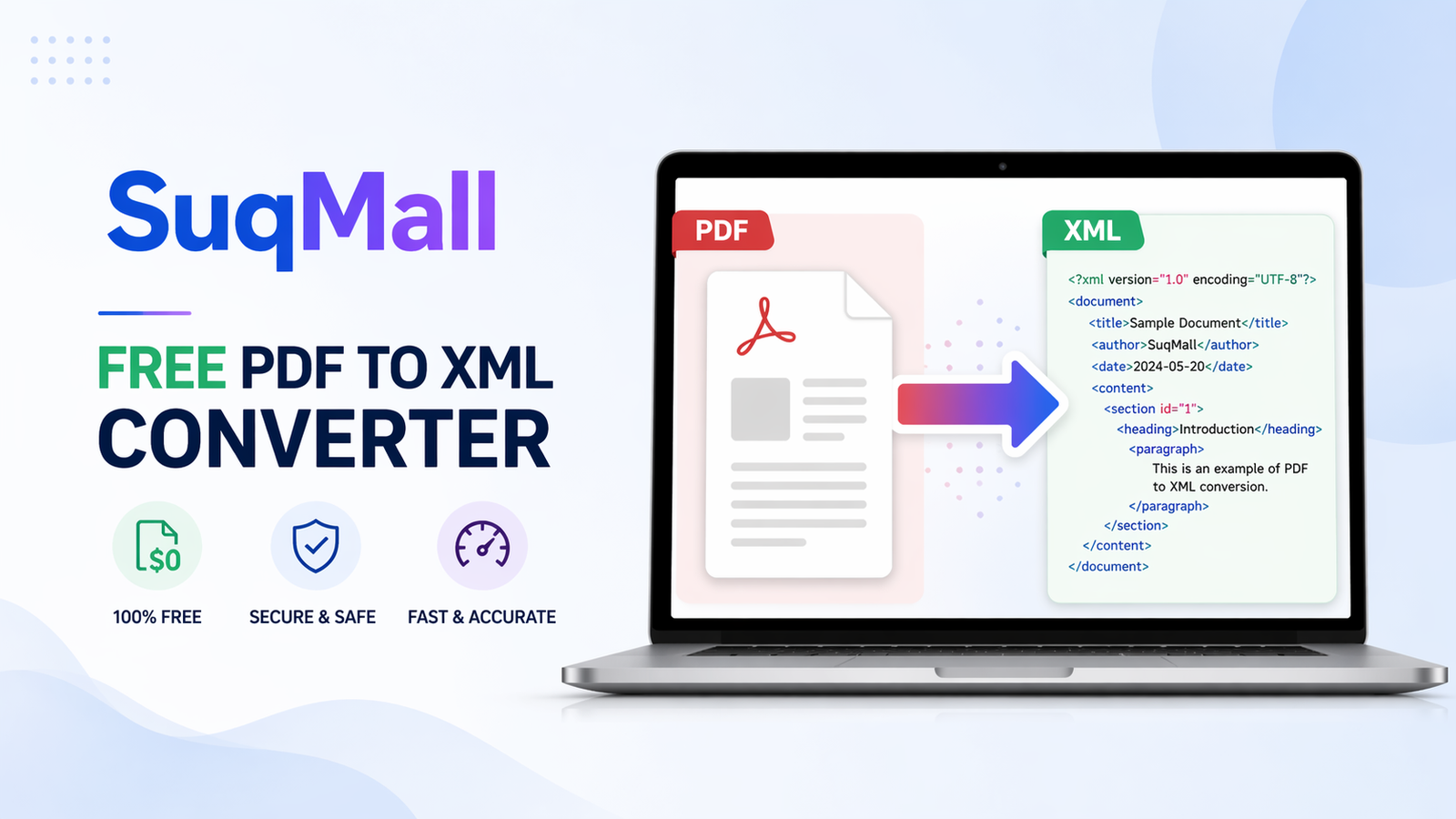
In today’s data-driven world, the ability to extract and structure information from documents is crucial for businesses, researchers, and developers alike. Our free PDF to XML converter provides a powerful solution that transforms static PDF documents into dynamic, machine-readable XML files. This comprehensive guide will show you how to leverage this tool to streamline your data processing workflows and unlock the hidden potential within your PDF documents.
Whether you’re dealing with reports, invoices, research papers, or any document containing valuable data, converting PDF to XML opens up endless possibilities for data analysis, content management, and system integration. The best part? Our tool processes everything directly in your browser, ensuring complete privacy and security for your sensitive documents.
Key Features and Benefits
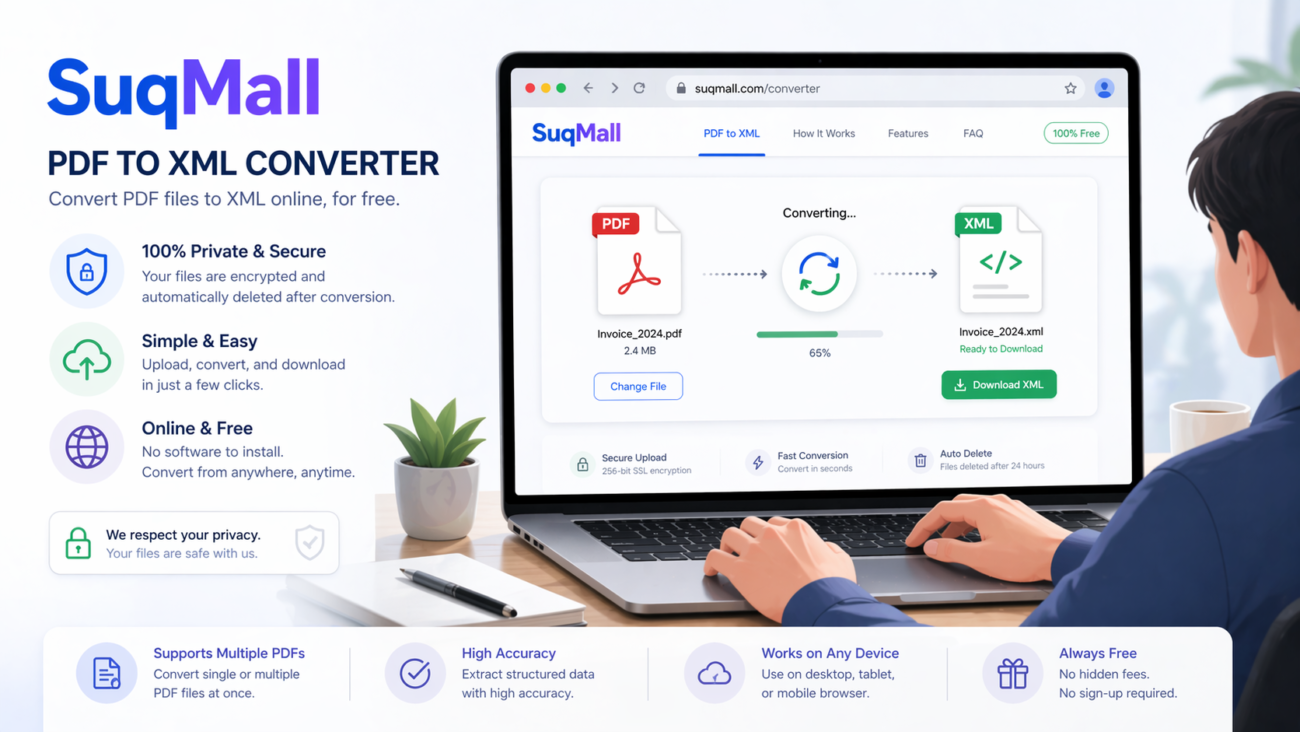
🔒 100% Client-Side Processing
- What it is: All file processing happens locally in your web browser
- Benefit: Your documents never leave your computer, eliminating privacy concerns and data breaches
- Example: Perfect for confidential business documents, legal files, and personal information
⚡ Batch Conversion Capability
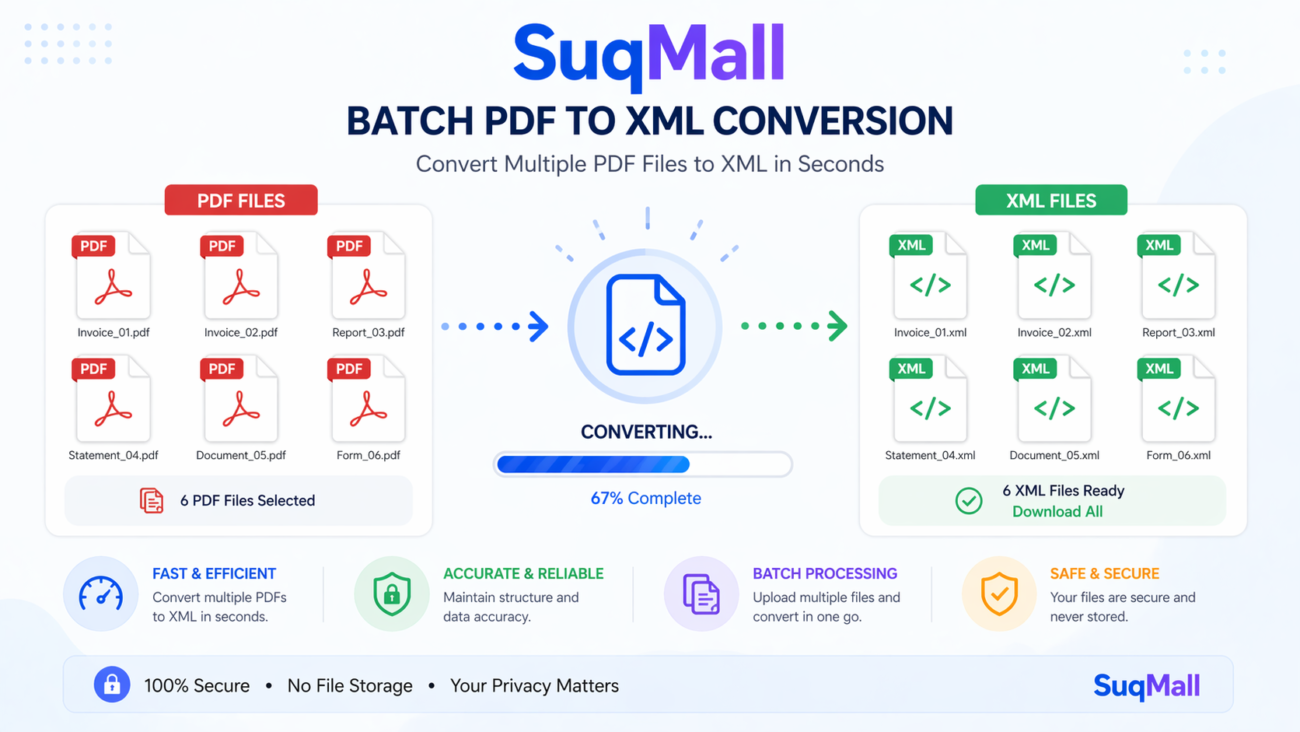
- What it is: Convert multiple PDF files to XML simultaneously
- Benefit: Save hours of manual work by processing entire document collections at once
- Example: Convert a month’s worth of invoices in minutes instead of hours
🎯 Advanced Conversion Settings
- What it is: Customizable XML output with detailed or simple structures
- Benefit: Get XML formatted exactly for your specific needs and applications
- Example: Choose between simple text extraction or detailed structure with formatting metadata
📱 No Installation Required
- What it is: Web-based tool accessible from any device with a browser
- Benefit: Use instantly without downloading software or creating accounts
- Example: Convert documents on the go using your phone, tablet, or computer
💾 Multiple Download Options
- What it is: Download individual XML files or bundled ZIP archives
- Benefit: Flexible output options for different workflow requirements
- Example: Download single files for immediate use or archives for backup
Step-by-Step Guide: How to Use the PDF to XML Converter
Step 1: Access the Tool
Navigate to the PDF to XML converter on SuqMall.Net. The tool loads instantly with no registration required.
Step 2: Configure Your Settings
Before uploading files, adjust the conversion settings:
- XML Structure: Choose between “Detailed” (with paragraphs and formatting) or “Simple” (text only)
- Text Extraction: Select “Accurate” for better quality or “Fast” for quicker processing
- Include Metadata: Decide whether to include document metadata in the XML output
Step 3: Upload Your PDF Files
You have three upload options:
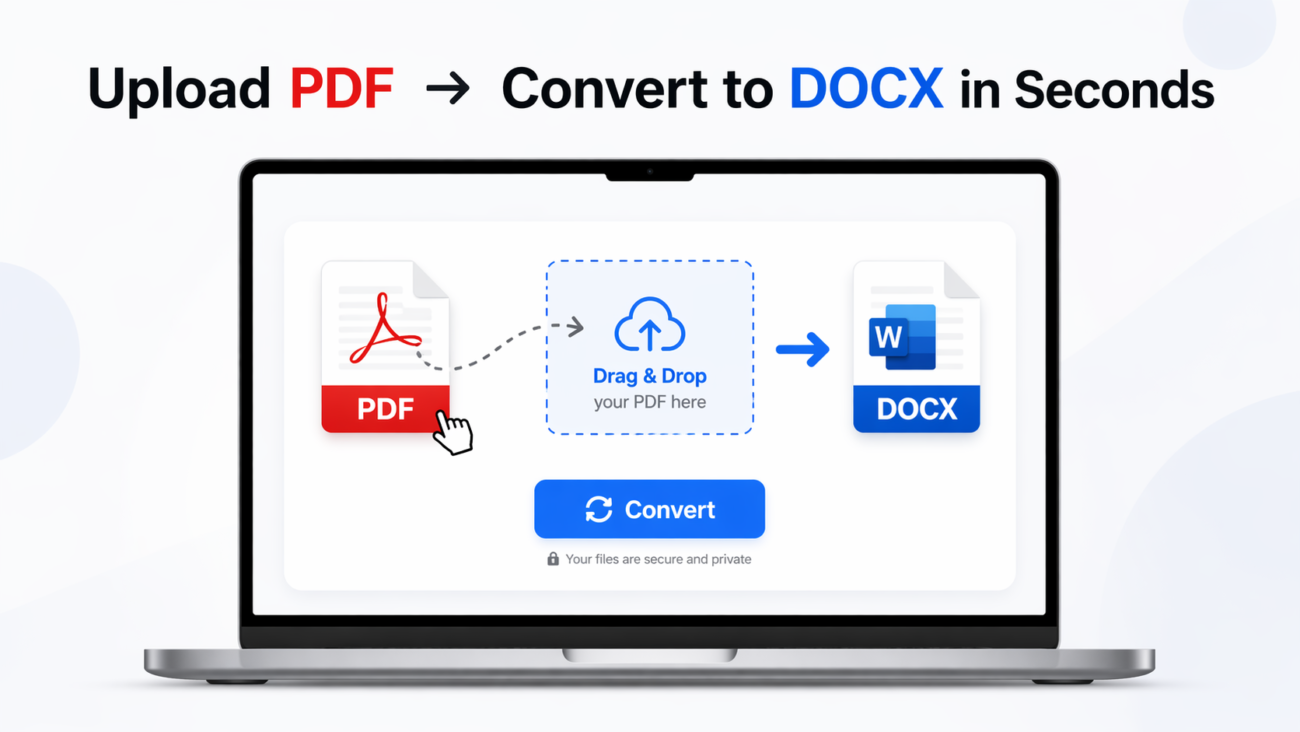
- Drag and Drop: Simply drag PDF files from your computer into the upload zone
- Click to Browse: Click the upload area to open your file browser
- Multiple Selection: Select multiple PDFs simultaneously using Ctrl+Click (or Cmd+Click on Mac)
Step 4: Monitor the Conversion Process
Watch the real-time progress indicators:
- File status changes from “Pending” to “Processing” to “Completed”
- Progress bar shows overall conversion completion
- Individual file cards display conversion status
Step 5: Review and Download
- Preview: Examine the generated XML structure before downloading
- Copy: Use the copy button for quick XML transfer to other applications
- Download: Get individual XML files or download all converted files as a ZIP archive
Best Practices and Pro Tips
✅ Do:
- Use text-based PDFs rather than scanned documents for best results
- Break large documents into smaller sections for faster processing
- Verify the XML structure matches your application requirements
- Use the preview feature to check output quality before downloading
❌ Don’t:
- Upload password-protected PDFs (they cannot be processed)
- Expect perfect results from image-only scanned documents
- Close the browser window during conversion
- Upload extremely large files (over 100MB) for optimal performance
🚀 Advanced Tips:
- Use batch processing for regular document conversion workflows
- Leverage the metadata inclusion for document tracking and organization
- Combine with other tools in the SuqMall.Net suite for comprehensive document processing
Real-World Examples and Use Cases
Case Study 1: Academic Research
Situation: A research team needed to analyze hundreds of academic papers in PDF format for a literature review.
Solution: Using our PDF to XML converter, they:
- Converted all research papers to structured XML
- Extracted key sections (abstract, methodology, results) automatically
- Used the structured data for text mining and trend analysis
Result: Reduced data preparation time from weeks to hours, enabling comprehensive analysis of research trends.
Case Study 2: Business Invoice Processing
Situation: An accounting department received hundreds of supplier invoices in PDF format monthly.
Solution: The team implemented our converter to:
- Automatically extract invoice data (dates, amounts, vendor information)
- Convert to XML for integration with their accounting software
- Process batches of invoices simultaneously
Result: Eliminated manual data entry, reduced errors, and cut processing time by 80%.
Case Study 3: Content Migration
Situation: A publishing company needed to migrate their legacy PDF catalog to a new content management system.
Solution: Using our tool, they:
- Converted entire PDF catalog to structured XML
- Preserved formatting and metadata during conversion
- Successfully imported content into the new CMS
Result: Completed migration in days instead of months, with minimal manual intervention.

Frequently Asked Questions
❓ Is this tool completely free to use?
Yes! Our PDF to XML converter is 100% free with no hidden costs, usage limits, or watermarks. You can convert as many files as you need without any restrictions.
❓ Do my files remain private and secure?
Absolutely! All processing happens locally in your browser. Your files never leave your computer and are not uploaded to any servers. We prioritize your privacy and data security.
❓ What types of PDF files work best?
Text-based PDFs with selectable text provide the best results. Scanned documents or image-only PDFs may not convert accurately. Password-protected files cannot be processed for security reasons.
❓ Can I convert multiple files at once?
Yes! Our tool supports batch processing. You can upload and convert multiple PDF files simultaneously, then download them individually or as a single ZIP archive.
❓ What’s the maximum file size I can convert?
The tool can handle files as large as your browser memory allows. For optimal performance, we recommend files under 100MB. Very large files may take longer to process.
❓ Do I need technical knowledge to use this tool?
No technical expertise required! The interface is designed for users of all skill levels. Simply upload your PDFs and click convert – the tool handles everything automatically.
❓ Can I customize the XML output structure?
Yes! You can choose between simple text extraction or detailed XML structures with formatting preserved. The settings panel allows you to tailor the output to your specific needs.
❓ What if I encounter problems during conversion?
Check that your PDF is not password-protected and contains extractable text. For further assistance, contact our support team through the SuqMall.Net website.
Conclusion and Call to Action
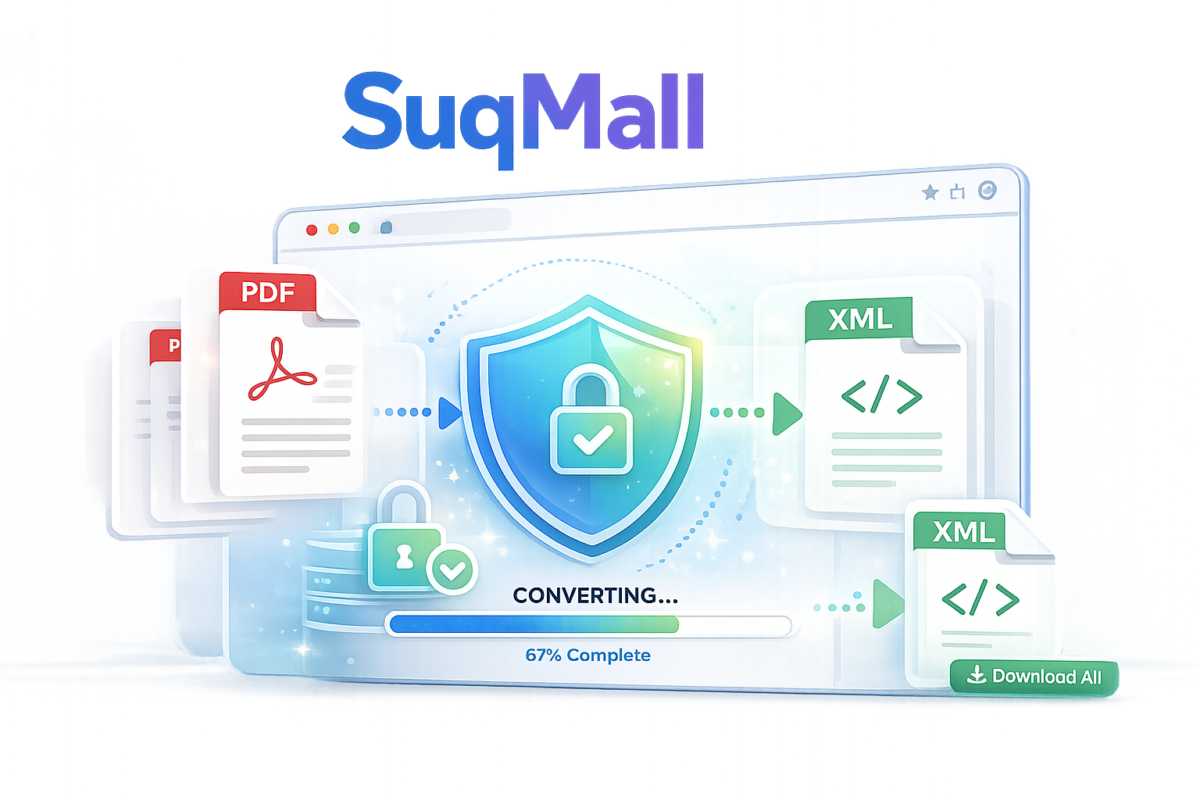
Converting PDF to XML doesn’t have to be complicated or expensive. Our free online tool provides enterprise-level conversion capabilities with the simplicity and accessibility that modern users expect. Whether you’re processing a single document or managing large-scale document conversions, this tool delivers reliable, secure, and efficient results.
Ready to transform your PDF workflow?
[Try our PDF to XML Converter Now] – Experience the power of client-side document processing and join thousands of satisfied users who have streamlined their data extraction workflows.
Share Your Experience
We’d love to hear about your conversion success stories! Share your experiences and suggestions to help us continue improving our tools for the community.