Blog
Free Online PDF To CSV Converter Web Tool Guide: Free, Secure & 100% Browser-Based

Introduction
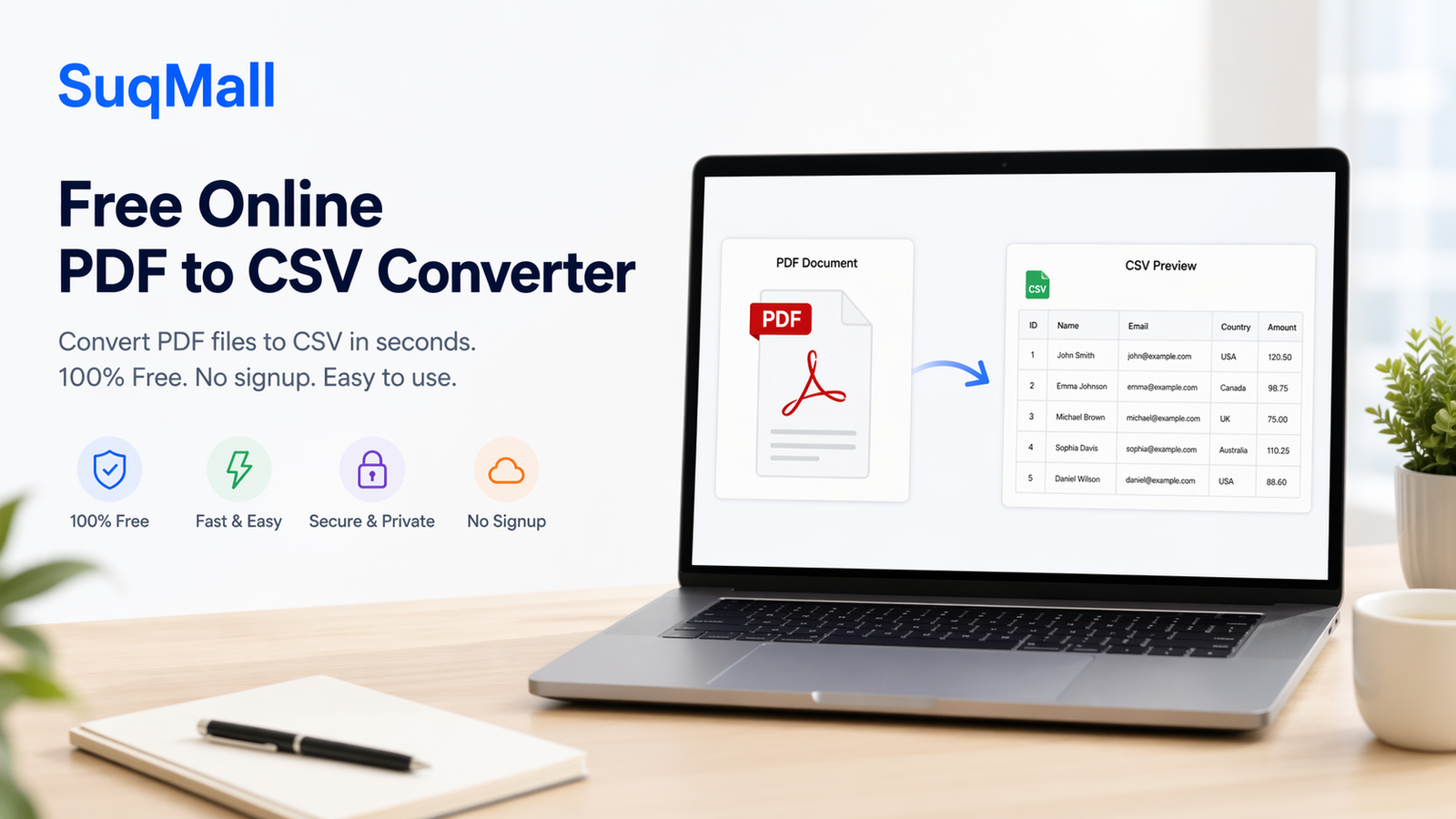
In today’s data-driven world, PDF documents often contain valuable information trapped in tables and structured formats. Whether you’re dealing with financial reports, research data, or business records, the need to extract this information into a usable format is crucial. That’s where our free PDF to CSV converter comes in—a powerful tool that transforms your static PDF data into flexible, analyzable CSV files instantly.
Why struggle with manual data entry when you can convert PDF to CSV with just a few clicks? This comprehensive guide will show you how to unlock the full potential of your PDF data using our secure, browser-based conversion tool.
Key Features and Benefits
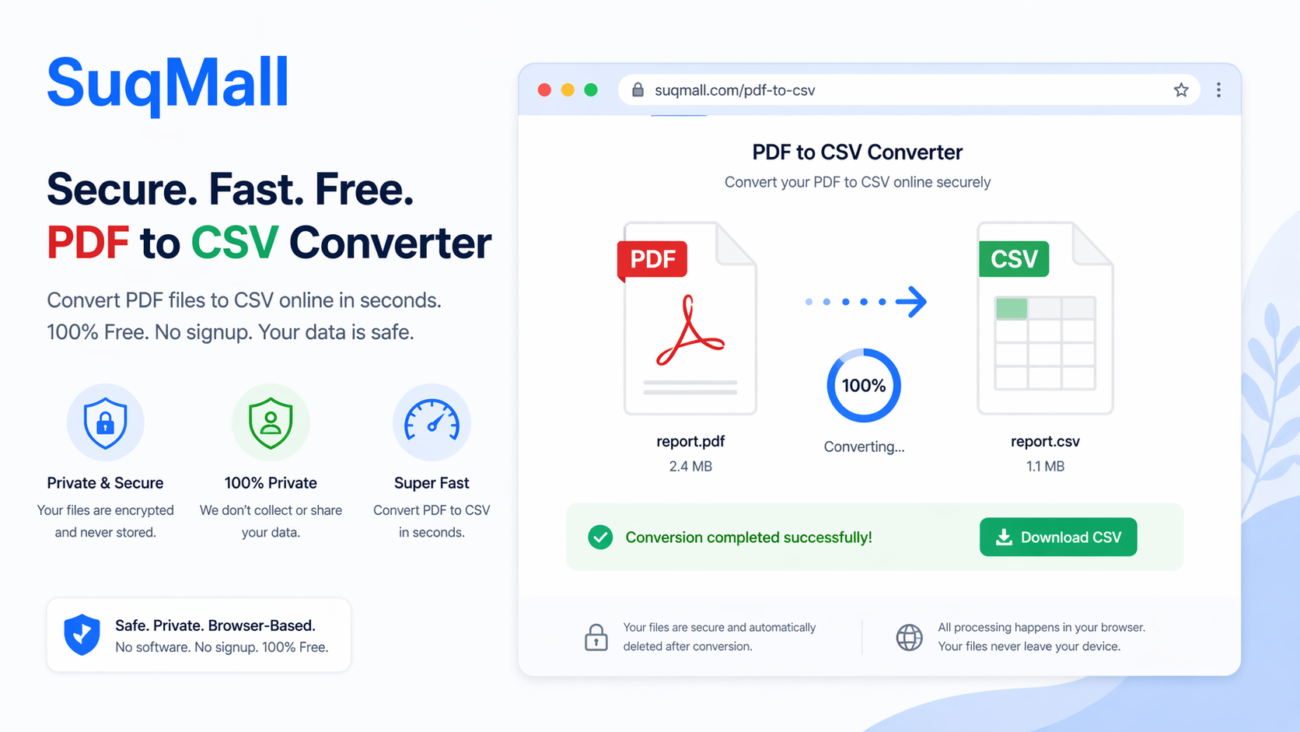
🔒 100% Secure & Private Processing
- No file uploads required – All processing happens directly in your browser
- Military-grade privacy – Your sensitive documents never leave your computer
- Perfect for confidential data – Financial reports, personal records, and proprietary information stay secure
⚡ Lightning-Fast Conversion
- Instant processing – Convert PDF to CSV in seconds, not minutes
- Batch processing capability – Handle multiple files simultaneously
- No waiting in queues – Unlike server-based tools, there’s no processing delay
📱 Multi-Platform Compatibility
- Works on any device – Desktop, tablet, or mobile
- No installation required – Access directly from your web browser
- Cross-browser support – Chrome, Firefox, Safari, Edge, and more
💾 Advanced Data Extraction
- Smart table detection – Automatically identifies and converts tabular data
- Text preservation – Maintains data integrity during conversion
- Multi-page support – Handles complex, multi-page documents with ease
Step-by-Step Guide: How to Convert PDF to CSV
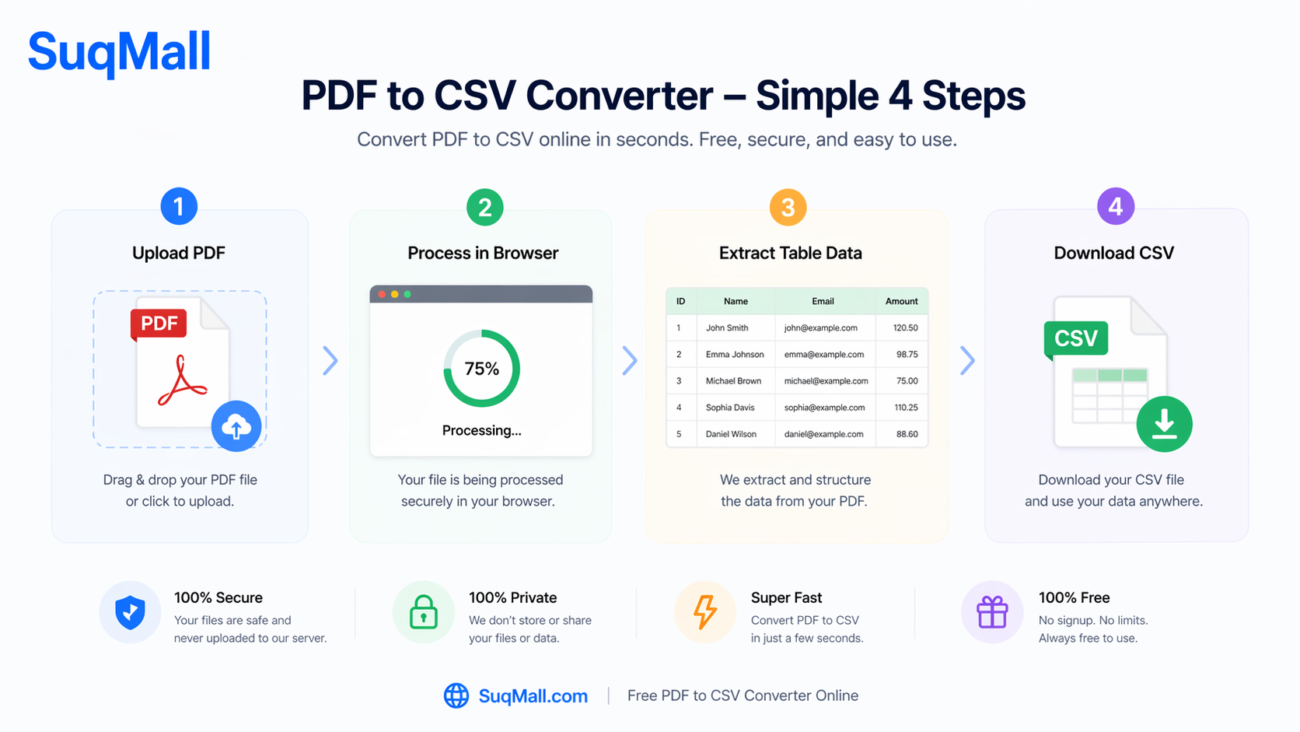
Step 1: Access the Tool
Navigate to the PDF to CSV converter on SuqMall.Net. No registration or login required—just open and start converting.
Step 2: Upload Your PDF File
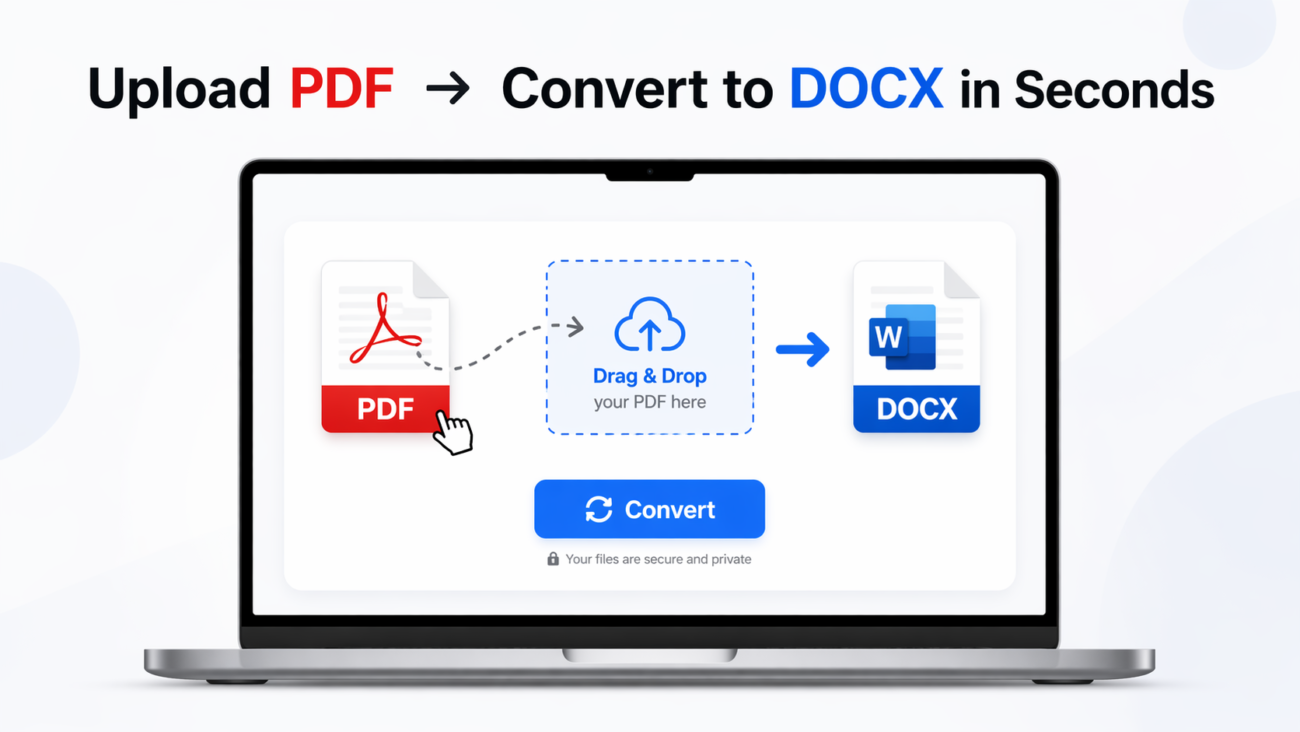
- Option A: Drag and drop your PDF file directly onto the upload area
- Option B: Click “Browse Files” to select from your device
- Pro tip: You can select multiple PDF files for batch conversion
Step 3: Monitor the Conversion Process
Watch the real-time progress bar as your PDF is processed. The tool automatically:
- Extracts text and table data
- Converts to CSV format
- Generates a preview of the extracted data
Step 4: Download Your CSV File
- Single file: Click the download button next to your converted file
- Multiple files: Use the “Download All as ZIP” option for convenience
- Preview first: Check the data preview to ensure accuracy before downloading
Best Practices for Optimal Results
✅ Do:
- Use text-based PDFs for best accuracy (rather than scanned documents)
- Ensure clear table structure in your original PDF
- Check the data preview before final download
- Split large documents into smaller sections if needed
❌ Avoid:
- Image-only PDFs (scanned documents without text layer)
- Overly complex layouts with merged cells or unusual formatting
- Extremely large files (break them down for better performance)
Real-World Examples and Use Cases
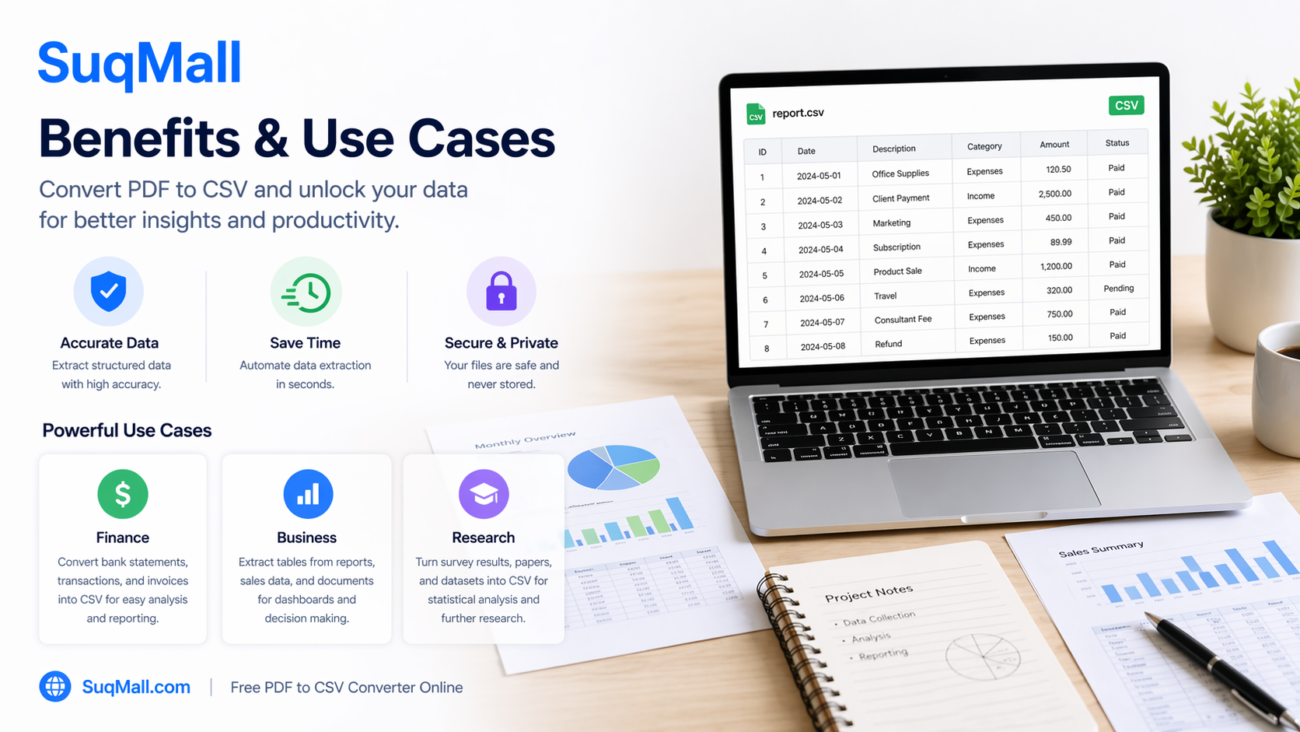
Financial Sector Success Story
“Our accounting team was spending hours each week manually extracting data from bank statements and financial reports. With this PDF to CSV converter, we’ve reduced data entry time by 90% and eliminated human error.” – Financial Analyst, Medium-sized Business
Academic Research Application
Researchers can quickly convert:
- Survey data from PDF questionnaires
- Statistical tables from research papers
- Experimental results into analyzable formats
Business Operations
- Sales reports: Convert monthly sales PDFs into CSV for analysis
- Inventory management: Extract product data from supplier catalogs
- CRM data migration: Transfer client information from PDF forms

Frequently Asked Questions
❓ Is this tool really free?
Yes! Our PDF to CSV converter is 100% free with no hidden costs, limitations, or watermarks. We believe in providing valuable tools without charging our users.
❓ Do my files get stored on your servers?
No. Your files never leave your computer. All processing happens locally in your browser, ensuring complete privacy and security.
❓ What types of PDF files work best?
Text-based PDFs created from Word, Excel, or other software work best. Scanned PDFs can be converted if they have an OCR text layer.
❓ Can I convert multiple files at once?
Absolutely! Our batch processing feature allows you to convert multiple PDF files simultaneously and download them as a ZIP archive.
❓ What if my PDF contains images?
The tool focuses on extracting text and table data. Images within PDFs won’t be converted. For image-heavy documents, consider using an OCR tool first.
❓ Is there a file size limit?
Yes, there’s a 10MB limit per file to ensure optimal performance. For larger documents, consider splitting them into smaller sections.
Conclusion: Transform Your PDF Data Today
Converting PDF to CSV shouldn’t be a complicated, expensive, or time-consuming process. With our free, secure, and efficient tool, you can unlock the valuable data trapped in your PDF documents and transform it into actionable insights.
Ready to experience the difference?
- ✅ No registration required
- ✅ 100% free forever
- ✅ Enterprise-level security
- ✅ Instant results
Try our PDF to CSV converter now and join thousands of satisfied users who have simplified their data extraction workflow. Share your success stories and feedback with us—we’re constantly improving to serve you better!