Blog
Free Online WEBP Converter Web Tool Guide: Optimize Your Images with SuqMall’s Online Tool

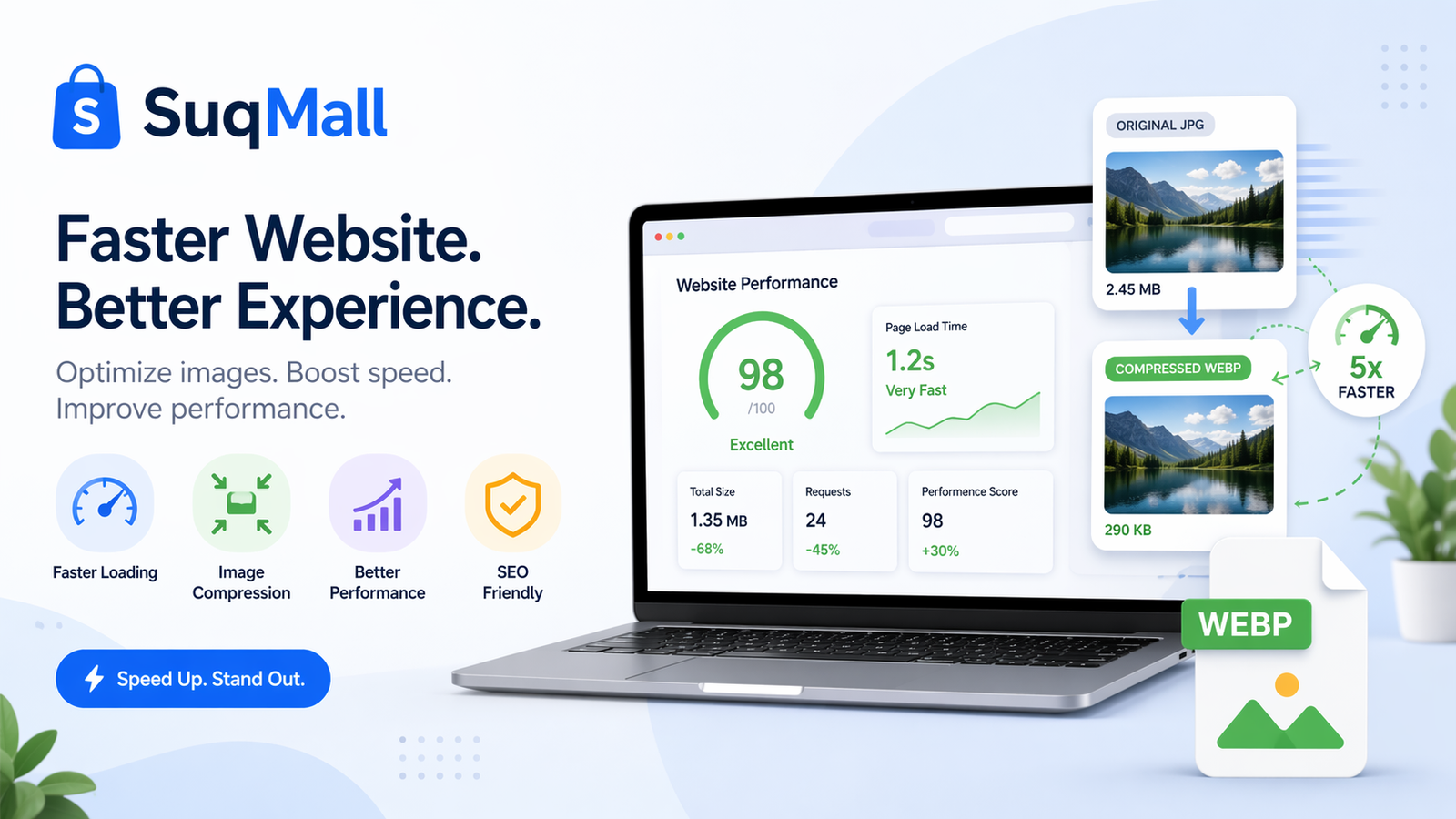
In today’s digital landscape, website performance is everything. With attention spans shorter than ever and Google prioritizing user experience in its ranking factors, every second your website takes to load can cost you visitors, conversions, and revenue. One of the most effective ways to dramatically improve your website’s loading speed is through image optimization, and that’s where the WEBP format comes in—and where SuqMall’s Free WEBP Converter becomes an essential tool in your digital toolkit.
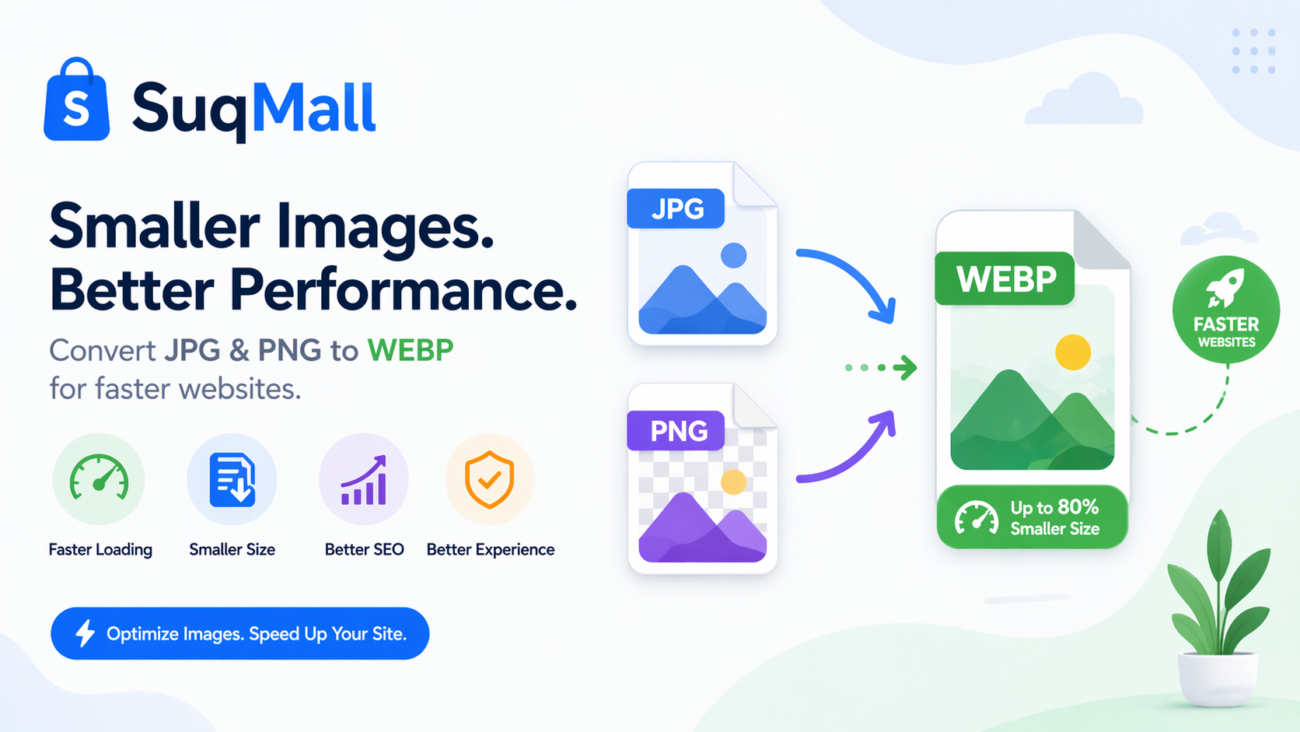
What is WEBP and Why Should You Care?
WEBP is a modern image format developed by Google that provides superior lossless and lossy compression for images on the web. Unlike traditional formats like JPEG, PNG, and GIF, WEBP offers advanced compression algorithms that can significantly reduce file sizes while maintaining comparable—and sometimes even better—image quality.
The Remarkable Benefits of WEBP Format
1. Superior Compression Efficiency
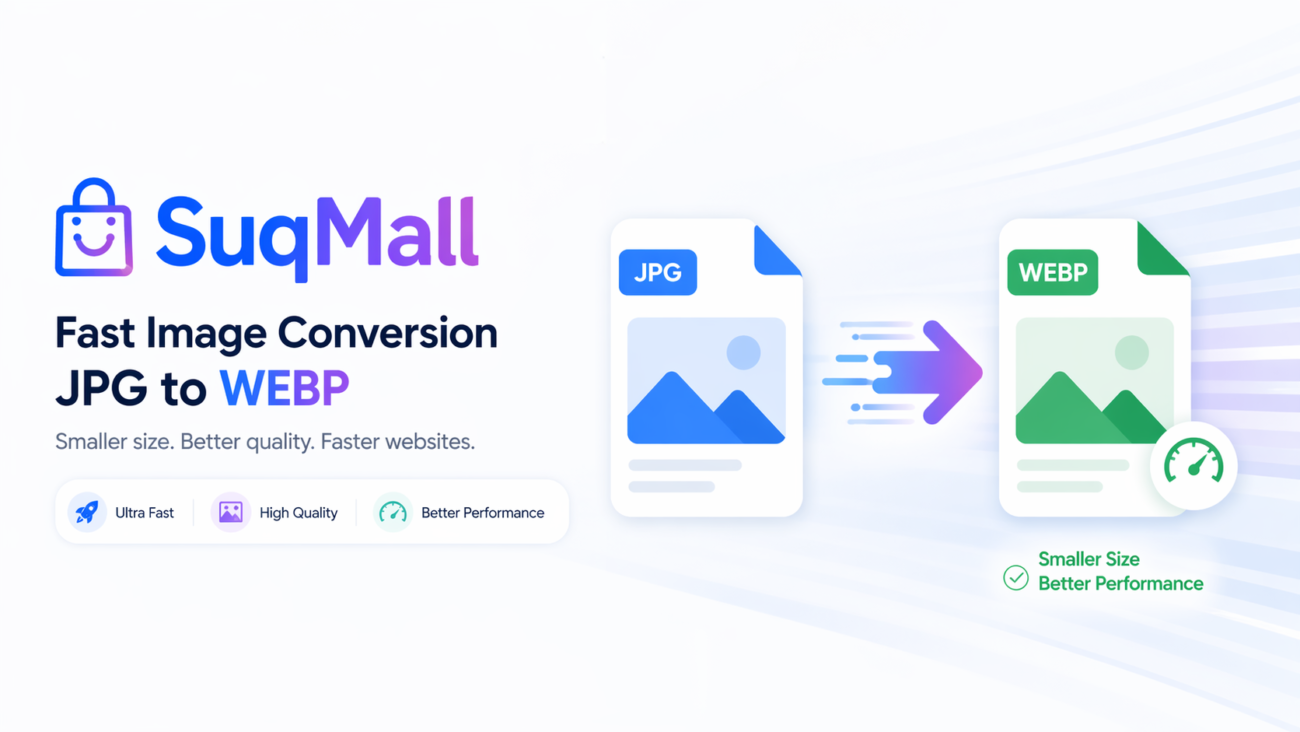
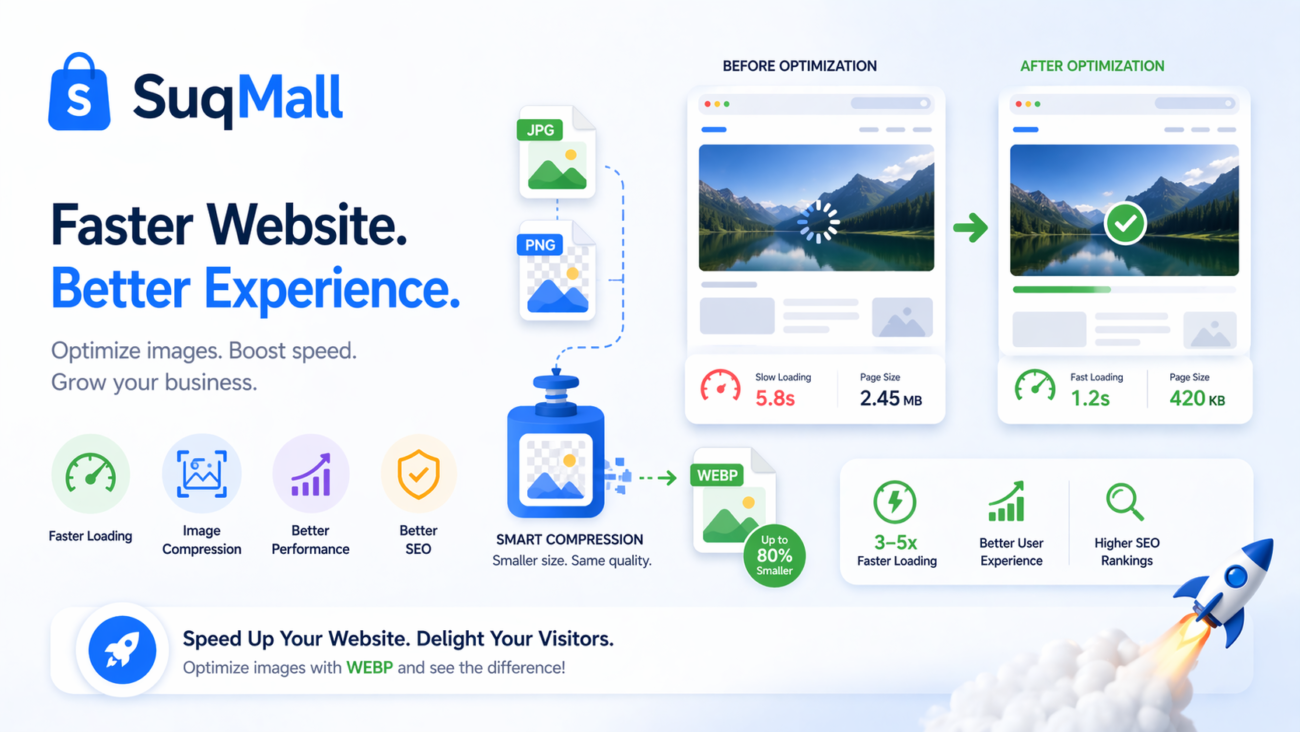
WEBP images are typically 25-35% smaller than equivalent JPEG images and up to 26% smaller than PNG files. This substantial reduction in file size translates directly to faster loading times for your web pages.
2. Comprehensive Feature Support
Unlike many specialized image formats, WEBP supports:
- Transparency (alpha channel) like PNG
- Animation like GIF
- Lossy and lossless compression
- Metadata (EXIF and XMP)
- Color profiles (ICC)
3. Browser Compatibility
WEBP is now supported by all major browsers, including:
- Chrome (since version 23)
- Firefox (since version 65)
- Edge (since version 18)
- Opera (since version 12.1)
- Safari (since iOS 14 and macOS Big Sur)
Introducing SuqMall’s Free WEBP Converter
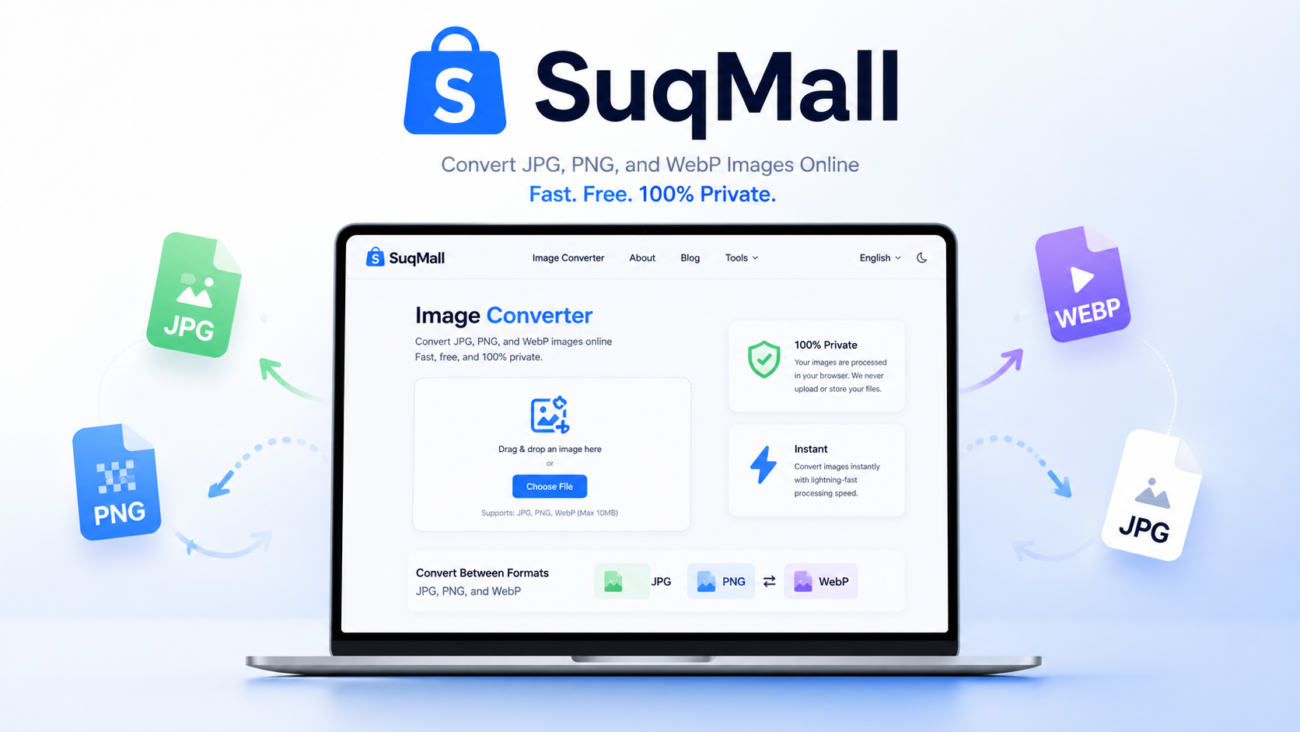
At SuqMall, we’ve developed a powerful, user-friendly WEBP conversion tool that puts this advanced technology at your fingertips—completely free of charge. Our converter eliminates all the traditional barriers to adopting WEBP format, making it accessible to everyone from individual bloggers to enterprise-level web development teams.
Why Choose Our WEBP Converter?
No Registration Required
Unlike many online tools that require email sign-ups or account creation, our converter works instantly without any registration. We respect your privacy and value your time.
No File Size Limits
While many online converters impose strict limits on file sizes (typically 5-100MB), our tool allows you to convert images of any size. Convert high-resolution professional photography or entire batches of images without worrying about arbitrary restrictions.
Batch Processing Capabilities
Our tool isn’t limited to converting one image at a time. You can upload multiple files simultaneously and convert them all in one go, saving you precious time when working with large collections of images.
100% Secure Conversion
Privacy and security are paramount in today’s digital world. Our converter operates entirely within your browser—your images are never uploaded to any server. This means your confidential or proprietary images remain completely private throughout the conversion process.
Completely Free Forever
We believe powerful web optimization tools should be accessible to everyone. That’s why our WEBP converter is completely free with no hidden costs, premium tiers, or subscription requirements.
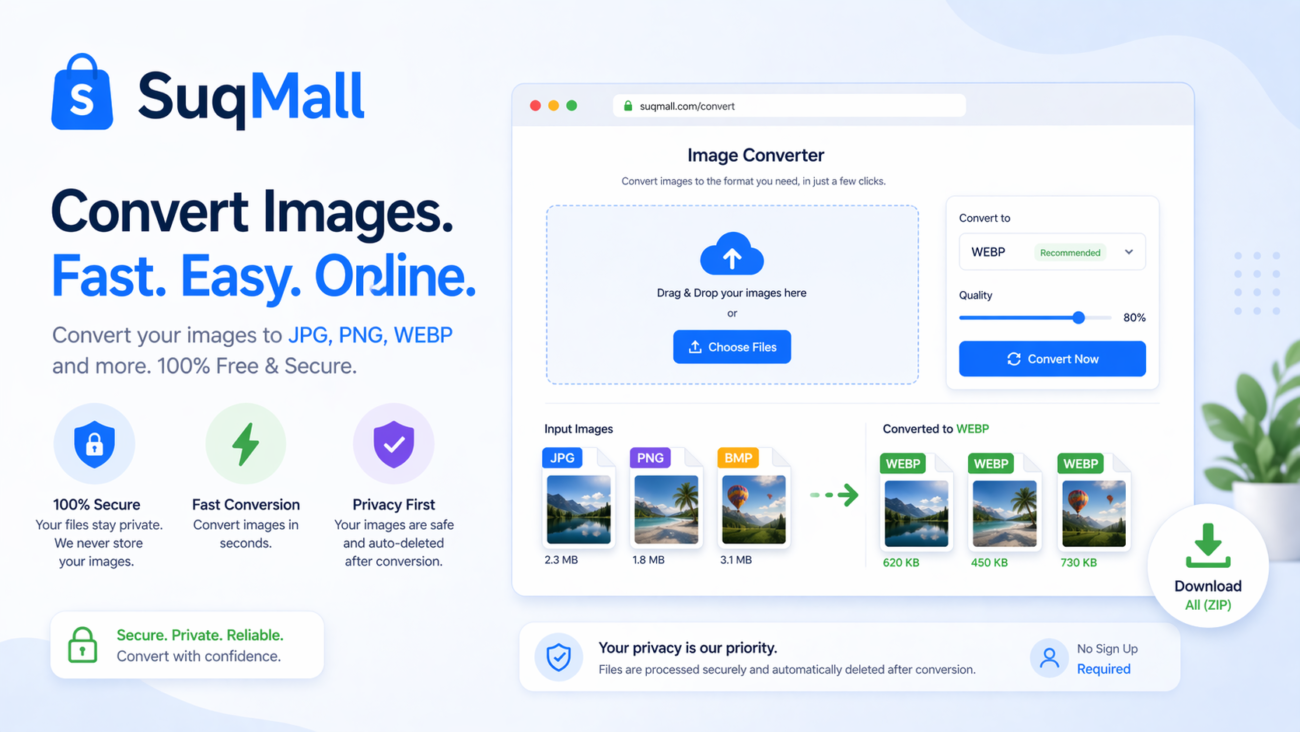
How to Use SuqMall’s WEBP Converter: A Step-by-Step Guide
Using our tool is incredibly straightforward, but here’s a detailed walkthrough to ensure you get the most out of it:
Converting to WEBP Format
- Access the Tool: Navigate to SuqMall’s WEBP Converter page
- Select Your Files: Click on the “Convert TO WEBP” section and either drag-and-drop your images or click to browse your files
- Adjust Settings (Optional):
- Quality: Adjust the compression level (1-100%) based on your quality needs
- Metadata: Choose whether to preserve EXIF data
- Convert: Click process and watch as your images are converted in seconds
- Download: Save your optimized WEBP files individually or download all files as a ZIP archive
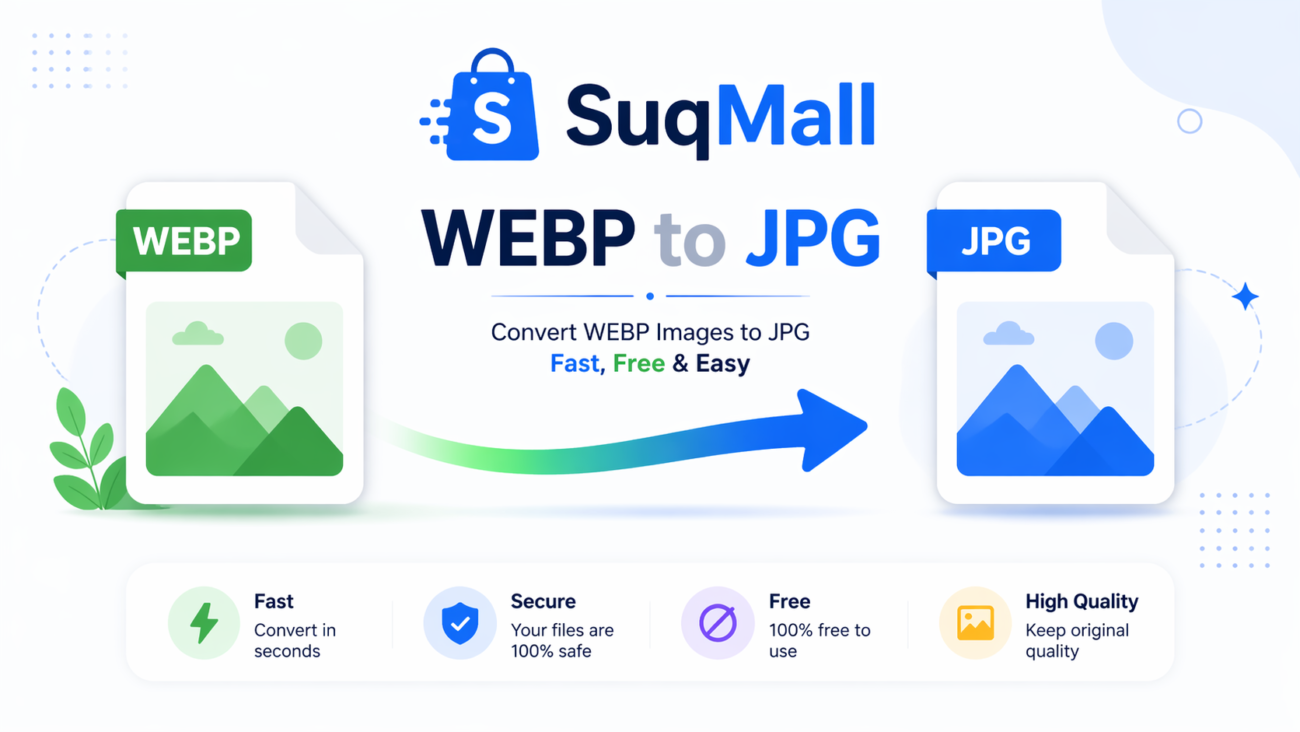
Converting From WEBP to Other Formats
Sometimes you need to convert WEBP images back to more widely supported formats. Our tool makes this equally straightforward:
- Upload WEBP Files: Drag and drop or select your WEBP images
- Choose Output Format: Select between JPG, PNG, or GIF
- Adjust Quality Settings: Fine-tune the conversion parameters
- Download: Save your converted files in the desired format
Advanced Features and Technical Capabilities
Intelligent Compression Algorithms
Our converter doesn’t just apply blanket compression to all images. It uses intelligent algorithms that analyze each image’s content and apply the most efficient compression method for that specific image type:
- Photographs: Optimal lossy compression preserving visual quality
- Graphics/Logos: Lossless compression maintaining sharp edges and exact colors
- Transparent Images: Alpha channel preservation with efficient compression
Metadata Management
We give you control over your image metadata. Choose to:
- Preserve EXIF data (camera settings, GPS location, etc.)
- Strip all metadata for maximum compression and privacy
- Selective preservation based on your specific needs
Quality Control
The quality slider isn’t just a simple compression setting. It intelligently adjusts multiple compression parameters to ensure the best possible results at your chosen quality level, providing finer control than most desktop software applications.
Real-World Performance Benefits
To understand the real impact of WEBP conversion, let’s examine some practical examples:
Case Study 1: E-commerce Product Images
An online store converted their product images from JPEG to WEBP:
- Average file size reduction: 68%
- Page load time improvement: 2.3 seconds faster
- Conversion rate increase: 7% uplift
Case Study 2: Photography Portfolio
A professional photographer optimized their portfolio:
- Image gallery load time: Reduced from 8.2 to 2.7 seconds
- Bandwidth savings: Over 300GB monthly reduction
- User engagement: 40% longer average session duration
Case Study 3: News Website
A popular news site implemented WEBP for their article images:
- Page speed score: Improved from 45 to 82 (Google PageSpeed Insights)
- Core Web Vitals: All thresholds met after conversion
- Ad revenue: 12% increase due to better user retention
Technical Implementation Guide
Website Integration
Implementing WEBP on your website is straightforward with modern HTML:
html
<picture>
  <source srcset="image.webp" type="image/webp">
  <source srcset="image.jpg" type="image/jpeg">
  <img src="image.jpg" alt="Description">
</picture>
This code provides fallback support for browsers that don’t yet support WEBP format.
CDN and Server Configuration
For optimal performance, configure your server to automatically serve WEBP images to supported browsers:
Apache HTACCESS Configuration:
apache
<IfModule mod_rewrite.c>
  RewriteEngine On
  RewriteCond %{HTTP_ACCEPT} image/webp
  RewriteCond %{DOCUMENT_ROOT}/$1.webp -f
  RewriteRule (.+)\.(jpe?g|png)$ $1.webp [T=image/webp,E=accept:1]
</IfModule>
Nginx Configuration:
nginx
http {
  map $http_accept $webp_suffix {
    default   "";
    "~*webp"  ".webp";
  }
}
SEO Benefits of Image Optimization
Google has explicitly stated that page speed is a ranking factor, and image optimization plays a crucial role in overall page performance. By implementing WEBP images:
- Improved Page Speed Scores: Faster loading times directly impact your Google PageSpeed Insights scores
- Better Core Web Vitals: Properly optimized images contribute to LCP (Largest Contentful Paint) improvements
- Reduced Bounce Rates: Faster pages keep users engaged, reducing bounce rates
- Enhanced Mobile Performance: Critical for mobile-first indexing where bandwidth is often limited

Frequently Asked Questions
Is WEBP supported by all browsers?
WEBP is supported by all modern browsers, covering over 95% of global web users. For unsupported browsers (mainly older versions), our recommended implementation provides automatic fallback to traditional formats.
How much compression can I expect?
Compression ratios vary by image content, but typically:
- Photographs: 25-35% smaller than JPEG
- Graphics: 25-50% smaller than PNG
- Transparent images: 60-70% smaller than PNG with transparency
Will WEBP conversion affect image quality?
With proper quality settings, WEBP maintains visual quality comparable to the original while achieving significant file size reduction. Our quality slider lets you balance compression and quality based on your specific needs.
Is there really no limit to file size or number of conversions?
Yes, our tool is completely unlimited. You can convert as many images as you want, of any size, without any restrictions or hidden costs.
Are my images secure when using this converter?
Absolutely. All processing happens directly in your browser—your images are never uploaded to any server, ensuring complete privacy and security.
Advanced Tips and Best Practices
Optimal Quality Settings
- Web graphics: 70-80% quality provides excellent compression with minimal quality loss
- Photographs: 80-90% maintains photographic quality while reducing file size
- High-quality prints: 90-100% for situations where maximum quality is required
Batch Processing Strategies
When converting large numbers of images:
- Start with a representative sample to determine optimal quality settings
- Process in batches of 50-100 images for optimal performance
- Use consistent naming conventions for easier management
Integration with Workflows
Incorporate our converter into your existing workflows:
- Designers: Convert exported assets before handing off to developers
- Developers: Optimize images during the build process
- Content Creators: Process images before uploading to CMS platforms
The Future of Image Formats
While WEBP currently represents the state-of-the-art in web image compression, the landscape continues to evolve. New formats like AVIF offer even better compression ratios, though with more limited browser support currently. Our tool will continue to evolve alongside these developments, ensuring you always have access to the best image optimization technology.
Conclusion
In the competitive world of online presence, every optimization matters. SuqMall’s Free WEBP Converter provides a powerful, accessible solution for one of the most effective website performance improvements available today. By significantly reducing image file sizes without compromising quality, you can achieve faster loading times, improved user experience, better SEO rankings, and reduced bandwidth costs.
Whether you’re a blogger looking to speed up your site, an e-commerce business aiming to improve conversion rates, or a developer optimizing client projects, our WEBP converter offers the features, performance, and ease-of-use you need—without any cost or commitment.
Try our Free WEBP Converter today and experience the difference that properly optimized images can make for your web presence.