Blog
SuqMall Text Converter Tool Guide — Free Online Tool by SuqMall

✨ Introduction
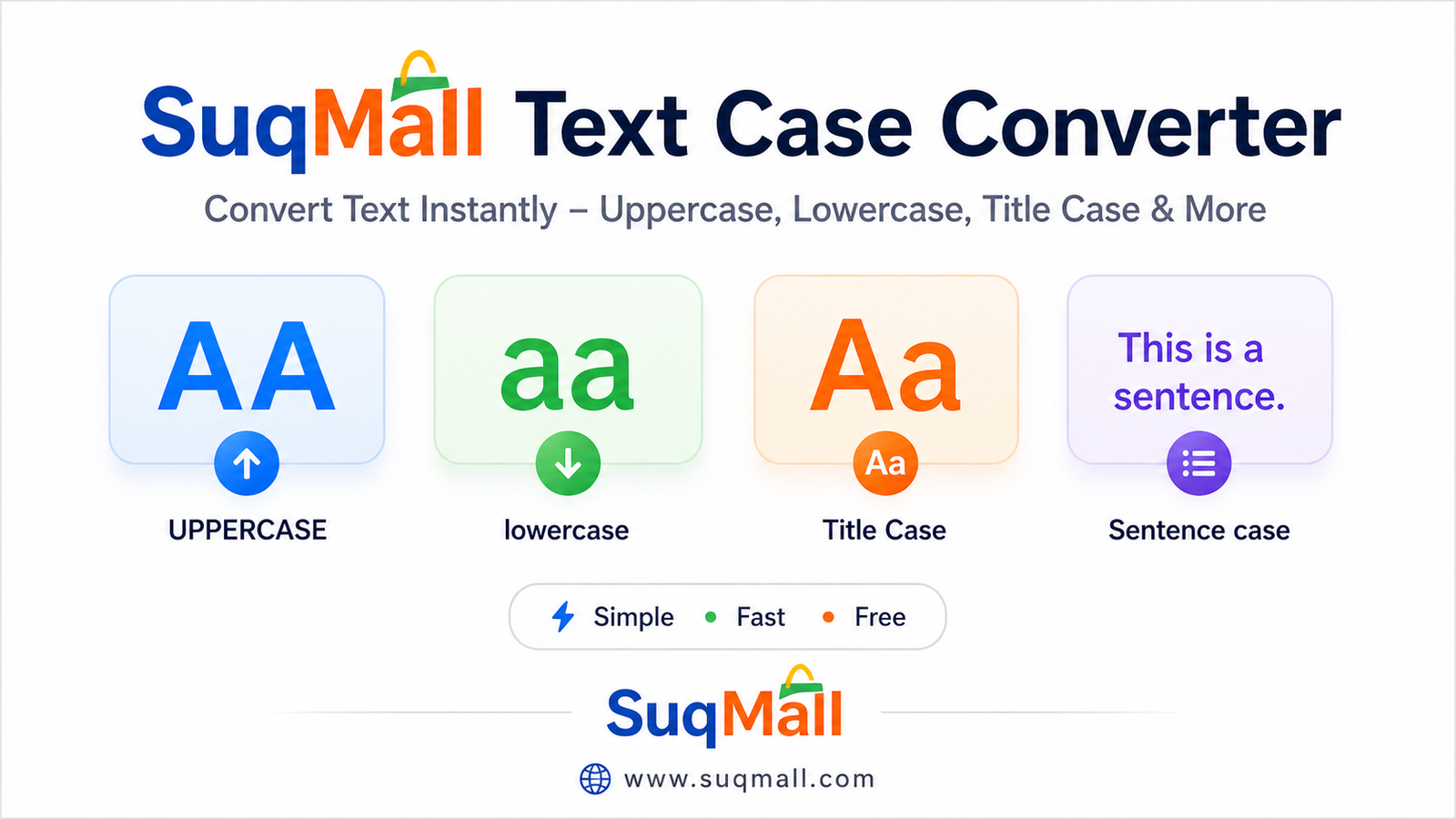
If you’ve ever needed to quickly convert text to UPPERCASE, lowercase, Title Case, or clean up messy content, a reliable Text Case Converter & Formatter can save you hours of manual work.
The SuqMall Text Case Converter & Formatter is a powerful, browser-based tool designed to help writers, students, developers, and professionals convert, format, and analyze text instantly — without installing software or signing up.
Whether you’re working on a blog post, social media caption, email, or academic document, this tool gives you speed, accuracy, and complete control over your text — all for free.
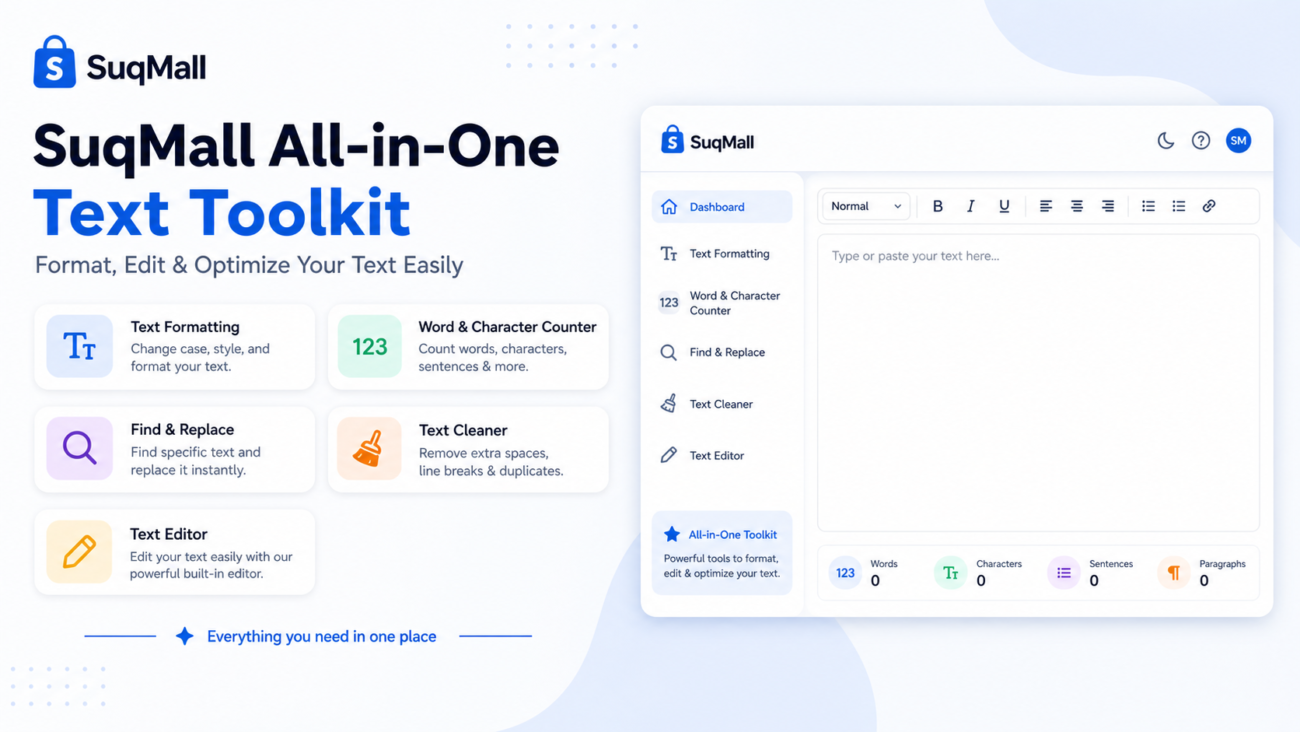
🚀 Features and Benefits
🔤 1. Case Conversion (Multiple Formats)
Easily convert text into:
- UPPERCASE
- lowercase
- Title Case
- Sentence case
- tOGGLE cASE
- Capitalize Each Word
- aLtErNaTiNg case
- Inverse Case
✅ Benefits:
- Save time formatting text manually
- Maintain consistent writing styles
- Perfect for headlines, emails, and content writing
Example:
“hello world” → “Hello World” (Title Case)
📊 2. Real-Time Text Statistics
Get instant insights such as:
- Character count (with & without spaces)
- Word count
- Sentence count
- Paragraph count
- Reading time
- Speaking time
- Line count
✅ Benefits:
- Optimize content for SEO (meta descriptions, blog length)
- Stay within character limits (Twitter/X, SMS, ads)
- Improve readability
Example:
A blog writer can ensure the article meets the ideal 1000–1500 word SEO range.
🧹 3. Advanced Text Formatting Tools
Clean and enhance your text with:
- Remove extra spaces
- Trim lines
- Remove duplicate lines
- Remove empty lines
- Reverse text or words
- Sort lines (A–Z / Z–A)
- Add or remove line numbers
- Strip HTML tags
- Remove punctuation
✅ Benefits:
- Clean messy copied text
- Prepare data for coding or spreadsheets
- Improve document formatting instantly
Example:
Paste messy copied content → Clean it in one click.
🔍 4. Find & Replace (Smart Search)
Advanced options include:
- Case-sensitive search
- Whole word matching
- Regex (advanced users)
✅ Benefits:
- Replace words across large text instantly
- Fix repeated mistakes quickly
- Useful for editing documents or code
Example:
Replace all “color” → “colour” in seconds.
📥 5. Copy & Download Options
- Copy results instantly
- Download as
.txtfile
✅ Benefits:
- Save time when transferring text
- Easy file sharing and storage
🔒 6. 100% Private & Secure
- No data storage
- Everything runs in your browser
✅ Benefits:
- Safe for sensitive or confidential text
- No risk of data leaks

📘 Step-by-Step Guide: How to Use the Tool
🪜 Step 1: Enter Your Text
Paste or type your text into the input box.
🪜 Step 2: Choose an Action
- Select a case conversion
- Or use formatting tools
- Or apply find & replace
🪜 Step 3: View Results Instantly
Your updated text appears immediately in the output area.
🪜 Step 4: Copy or Download
- Click Copy to use it anywhere
- Or Download as a file
💡 Pro Tips
- Use Title Case for blog headings
- Use Sentence case for natural writing
- Clean text before publishing for better SEO
⚠️ Common Mistakes to Avoid
- Pasting empty text (tool won’t process anything)
- Using wrong case format for professional writing
- Ignoring duplicate lines in bulk content
🌍 Examples and Use Cases
✍️ 1. Content Writers & Bloggers
A blogger preparing an article can:
- Format headings properly
- Count words for SEO
- Clean copied research content
📱 2. Social Media Managers
Create posts with:
- Character limits (e.g., Twitter/X)
- Clean formatting
- Consistent style
🎓 3. Students & Academics
- Format assignments
- Remove extra spaces
- Count words for essays
💻 4. Developers & Data Analysts
- Clean datasets
- Format code text
- Remove HTML tags
🧾 5. Office & Business Users
- Edit emails quickly
- Standardize documents
- Fix formatting issues

❓ Frequently Asked Questions (FAQ)
🔹 Is this tool completely free?
Yes, it is 100% free with no limits or subscriptions.
🔹 Do I need to register?
No registration is required — use it instantly.
🔹 Is my data सुरक्षित?
Yes. Your text is not stored or shared.
🔹 Can I use it on mobile devices?
Absolutely. It works on mobile, tablet, and desktop.
🔹 What is the best case format for SEO?
- Title Case → Headings
- Sentence case → Content
🔹 Does it support large text?
Yes, you can process large text blocks easily.
🏁 Conclusion & Call to Action
The SuqMall Text Case Converter & Formatter is more than just a simple tool — it’s a complete solution for text editing, formatting, and optimization.
With powerful features like:
- Instant case conversion
- Advanced formatting tools
- Real-time statistics
- Smart find & replace
…it helps you work faster, smarter, and more efficiently.
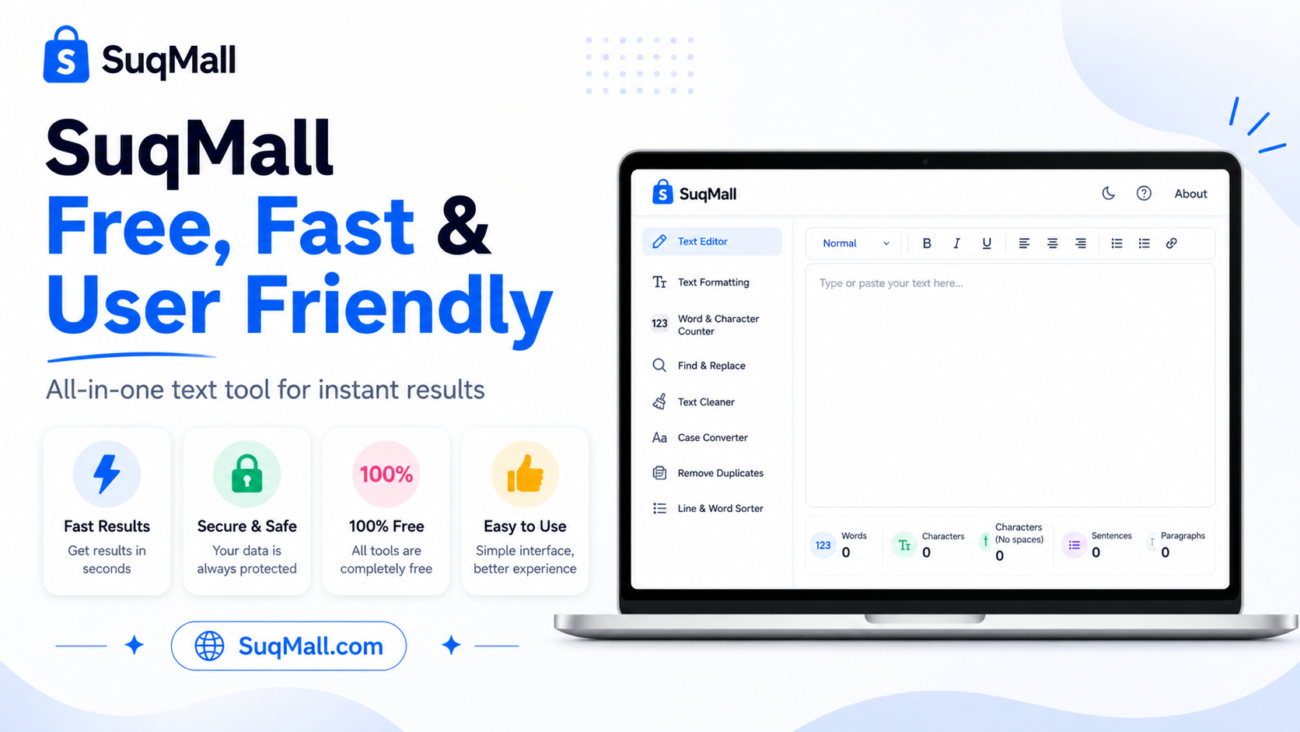
🚀 Ready to Simplify Your Text Work?
Try the tool now and experience:
- ⚡ Faster editing
- 🎯 Better accuracy
- 🔒 Complete privacy
👉 Start using it today on SuqMall and transform the way you handle text!
💬 Tip: If you found this helpful, share it with others who work with text daily — writers, students, developers, and professionals!