Blog
Free Online JPG To WEBP Converter Web Tool Guide: Boost Your Website Performance


Introduction
In today’s fast-paced digital world, website performance isn’t just a luxury—it’s a necessity. Did you know that a 1-second delay in page load time can result in a 7% reduction in conversions? One of the most effective ways to speed up your website is by optimizing your images, and converting JPG files to WEBP format is the secret weapon many top-performing websites use.
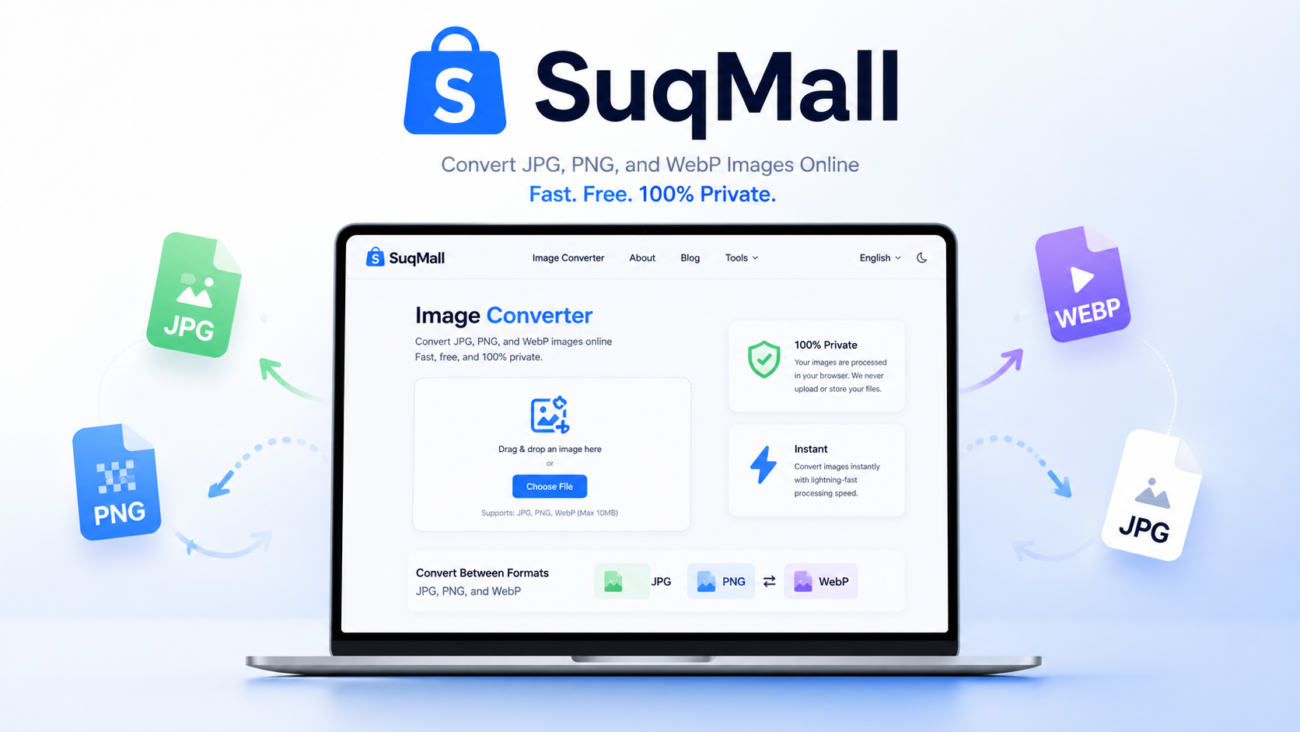
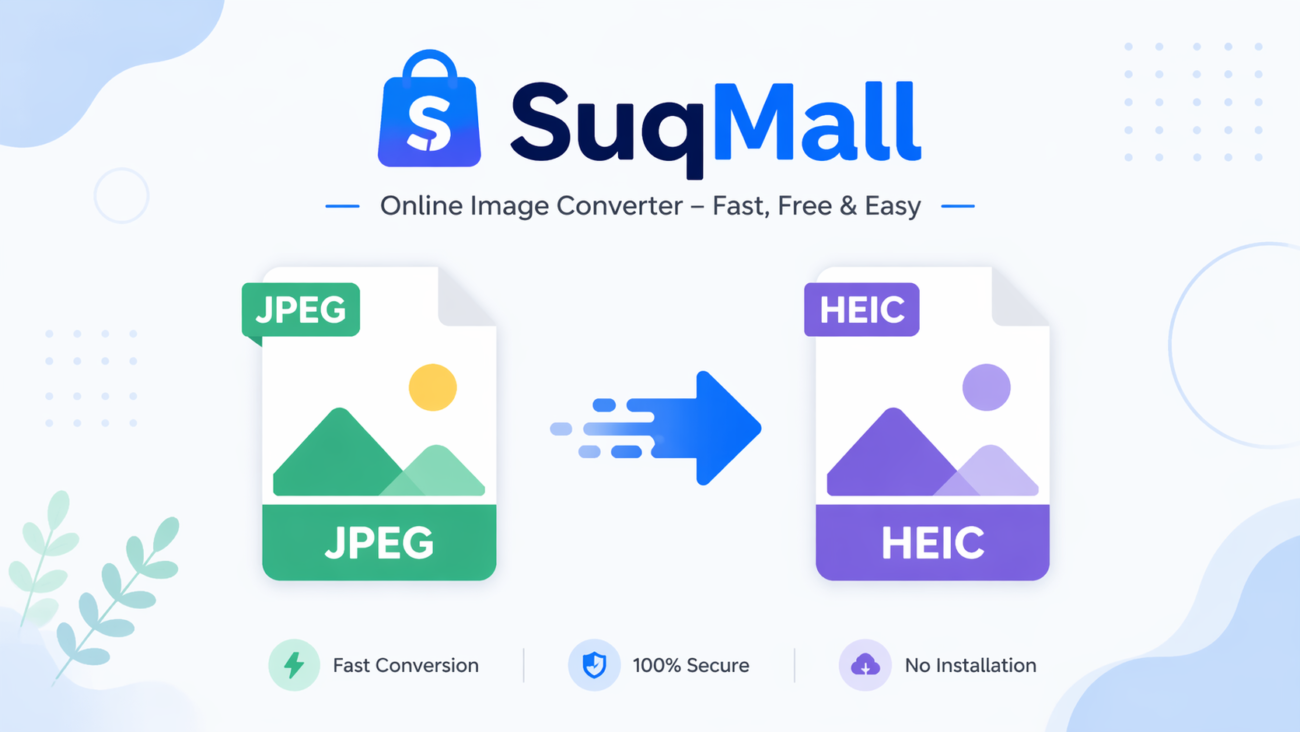
Our free unlimited JPG to WEBP converter is a game-changing tool that lets you transform your images instantly, right in your browser. No uploads, no restrictions, and most importantly—complete privacy protection. In this comprehensive guide, we’ll show you exactly how to leverage this powerful tool to supercharge your website’s performance.
Why WEBP Matters: The Format That’s Revolutionizing Web Performance
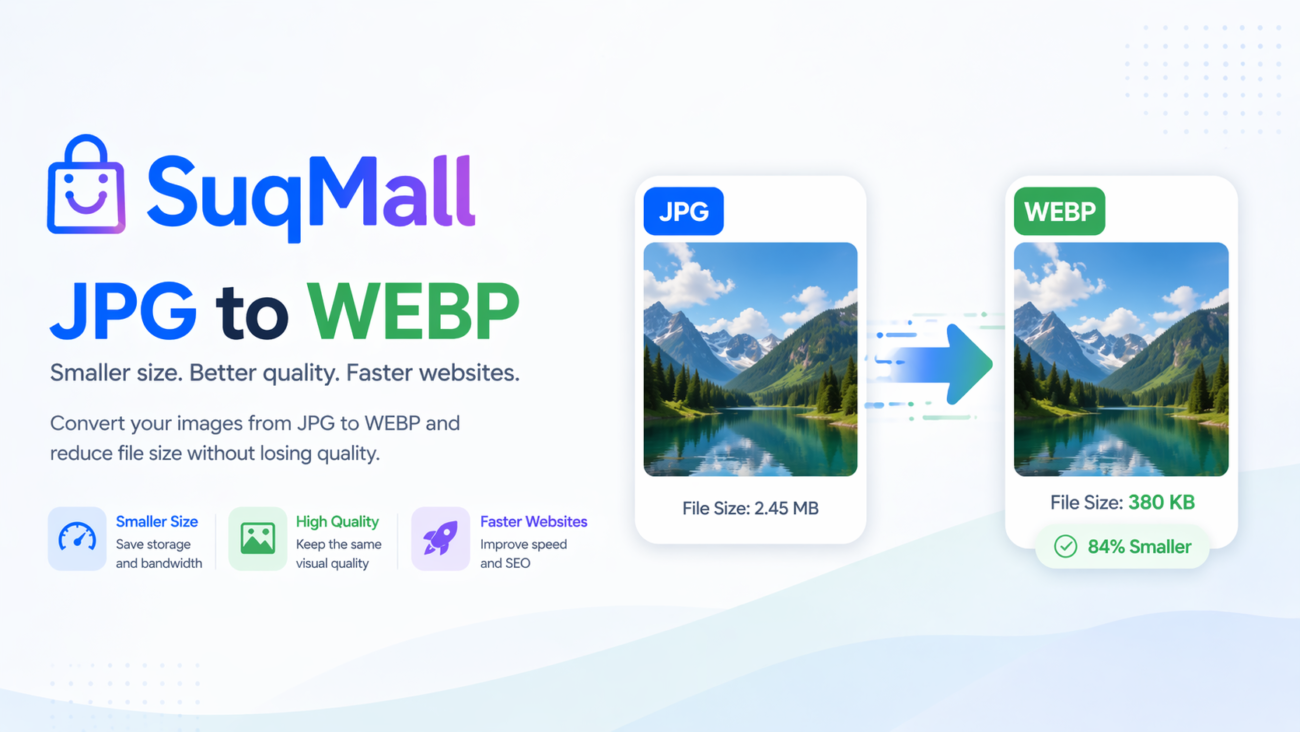
WEBP is Google’s modern image format that provides superior compression compared to traditional formats like JPG and PNG. Here’s what makes it special:
- 25-35% smaller file sizes than equivalent quality JPGs
- Supports both lossy and lossless compression
- Maintains excellent image quality even at high compression levels
- 97%+ browser support globally
- Perfect for improving Core Web Vitals scores
Features and Benefits: Why Our Converter Stands Out
🔒 100% Client-Side Processing
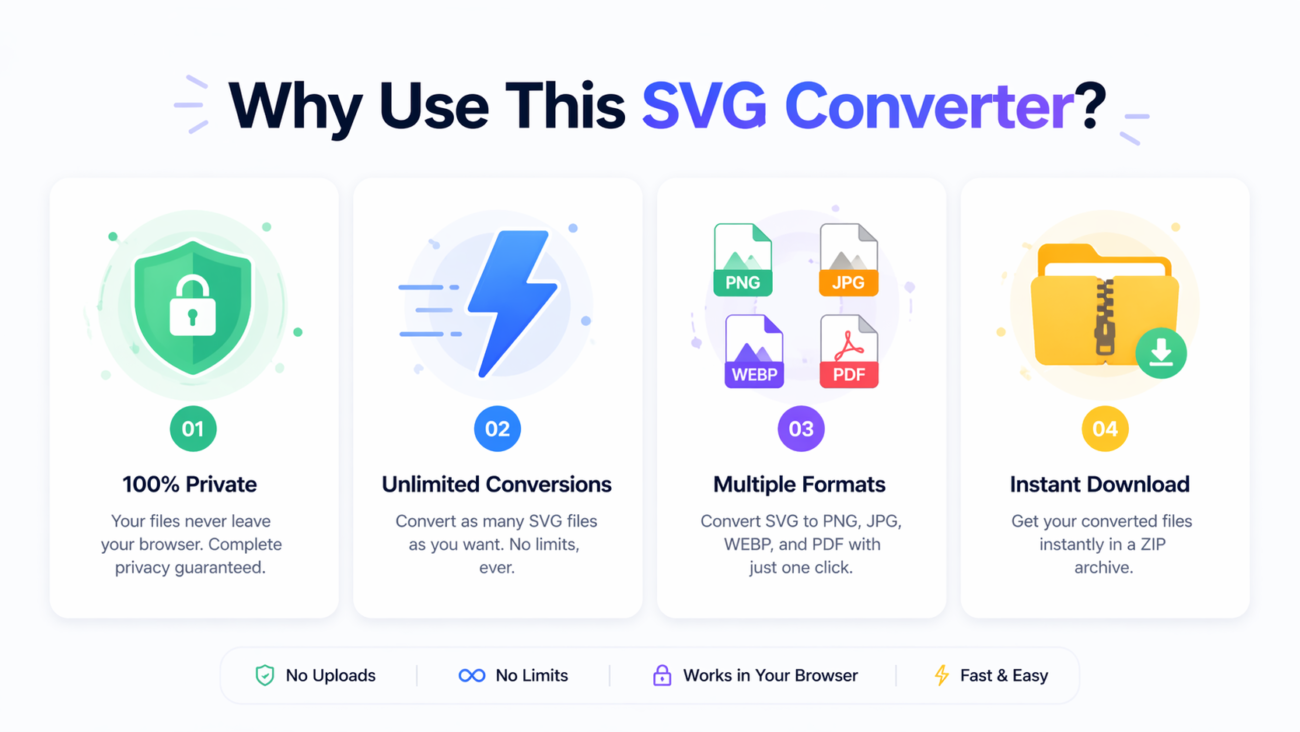
Benefit: Your images never leave your computer. Unlike other online converters that upload your files to their servers, our tool processes everything locally in your browser. This means:
- Complete privacy protection
- No risk of data breaches
- Works offline after initial page load
- No file size limitations
🚀 Unlimited Conversions
Benefit: Convert as many images as you need without restrictions. Whether you’re optimizing a small blog or an entire e-commerce site with thousands of product images, our tool handles it all.
- No daily limits
- No account registration required
- Process hundreds of images simultaneously
⚡ Batch Processing Power
Benefit: Save massive amounts of time by converting multiple images at once. Perfect for:
- Website migrations
- Bulk image optimization projects
- E-commerce product image updates
- Blog post image optimization
🎯 Advanced Quality Control
Benefit: Fine-tune the balance between file size and image quality with our intuitive quality slider. Choose from presets or set custom values to match your specific needs.
📦 ZIP Download Capability
Benefit: Download all your converted images in a single, organized ZIP file. No more manual downloading of individual files—perfect for large batches.
Step-by-Step Guide: How to Convert JPG to WEBP Like a Pro
Step 1: Access the Tool
Navigate to our JPG to WEBP converter. The interface loads instantly—no installation required.
Step 2: Upload Your Images
You have three convenient options:
- Drag and drop images directly onto the upload area
- Click to select files from your computer
- Use the “Select Files” button for traditional file selection
Pro Tip: You can select multiple files at once using Ctrl+A or Shift+click for batch selection.
Step 3: Configure Your Settings
Adjust the conversion parameters for optimal results:
Quality Settings:
- High Quality (90%): Best for professional photography
- Balanced (80%): Ideal for most web images (recommended)
- High Compression (60%): Perfect for background images or thumbnails
File Naming Options:
- Preserve original names
- Add .webp suffix (recommended for keeping originals)
- Replace extension entirely
Step 4: Convert Your Images
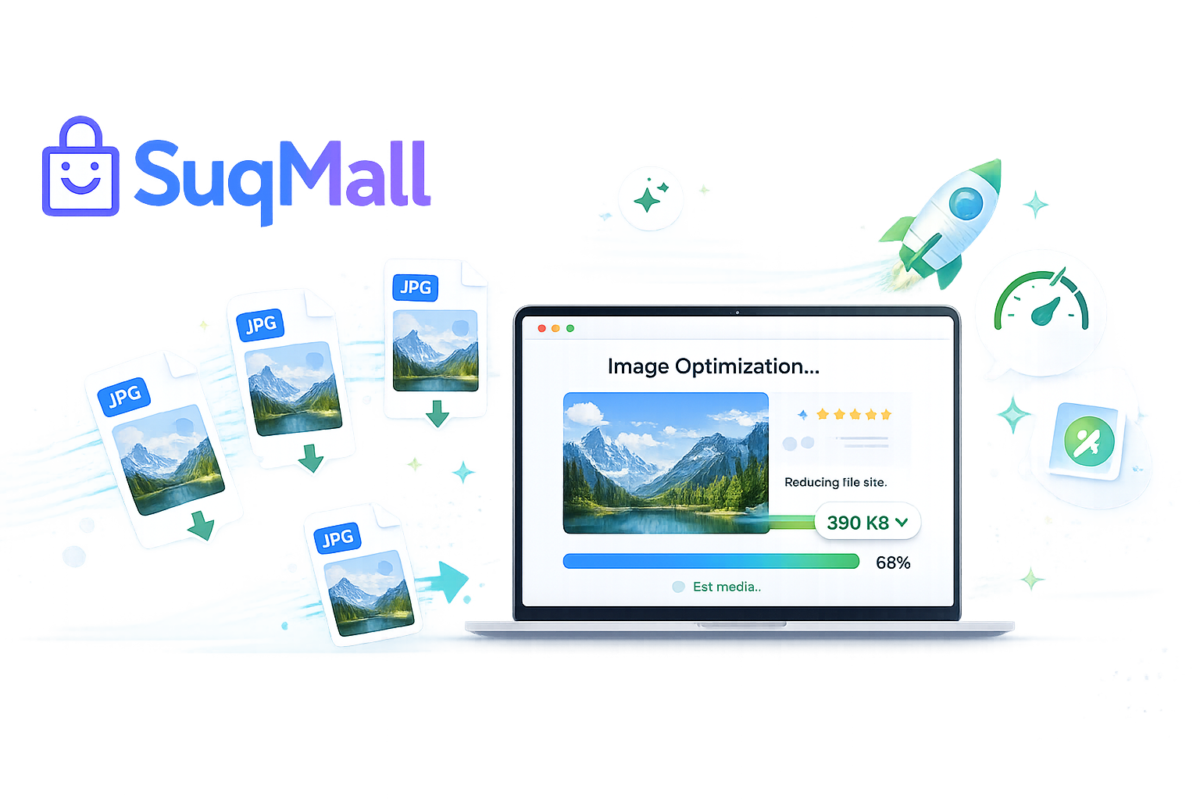
Click the “Convert All Files” button and watch the magic happen. The tool shows individual progress bars for each file and provides real-time statistics.
Step 5: Download Your Optimized Images
Choose your download method:
- Individual downloads: Perfect for small batches
- ZIP download: Best for large collections
Best Practices for Optimal WEBP Conversion
Quality Settings Guide
- Product images: 85-90% quality
- Blog post images: 75-85% quality
- Background images: 60-75% quality
- Thumbnails: 60-70% quality
File Organization Tips
- Use the “Add .webp suffix” naming convention to maintain original files
- Create separate folders for original and converted images
- Implement a consistent naming strategy across your website
Common Mistakes to Avoid
- Setting quality too low: Test different settings to find the sweet spot
- Forgetting browser fallbacks: Always provide JPG/PNG alternatives for older browsers
- Skipping image dimensions: Resize images to their display dimensions before conversion
- Ignoring metadata: Remove unnecessary EXIF data to save additional space
Real-World Examples and Use Cases
Case Study: E-commerce Store Performance Boost
The Challenge: An online fashion retailer with 2,000+ product images was experiencing slow page loads, resulting in high bounce rates.
The Solution: Using our JPG to WEBP converter, they:
- Converted all product images to WEBP at 85% quality
- Reduced total image size from 450MB to 280MB
- Achieved 38% faster product page loads
- Saw a 12% increase in mobile conversions
Result: Improved Google Core Web Vitals scores and better user engagement.
Blog Publisher Success Story
A popular food blog with heavy image content used our tool to:
- Convert recipe images in batches of 50-100
- Maintain visual quality while reducing file sizes by 65%
- Decrease page load times from 3.2 seconds to 1.8 seconds
- Improve their SEO rankings for image-rich content

Frequently Asked Questions
❓ Is this tool really completely free?
Yes! Our JPG to WEBP converter is 100% free with no hidden costs, usage limits, or premium tiers. We believe in providing powerful tools without barriers.
❓ How does the privacy protection work?
All conversion happens locally in your browser. Your images never touch our servers—they stay securely on your device throughout the entire process.
❓ What’s the maximum file size I can convert?
There are no file size restrictions. Convert images of any size, from small icons to high-resolution professional photographs.
❓ Can I convert PNG files as well?
Absolutely! The tool supports JPG, JPEG, and PNG files, giving you flexibility for all your image conversion needs.
❓ Do downloads happen automatically?
No—we believe in giving you full control. You choose when to download individual files or the complete ZIP package after reviewing your conversions.
❓ Is WEBP supported by all browsers?
WEBP has 97%+ global browser support, including all modern versions of Chrome, Firefox, Edge, and Safari. For older browsers, we recommend implementing fallback images.
❓ How long does conversion take?
Conversion speed depends on your device and the number/size of images. Most images convert in seconds, and our batch processing handles multiple files efficiently.
❓ Can I use this on mobile devices?
Yes! The tool is fully responsive and works perfectly on smartphones and tablets.
Conclusion: Transform Your Website Performance Today
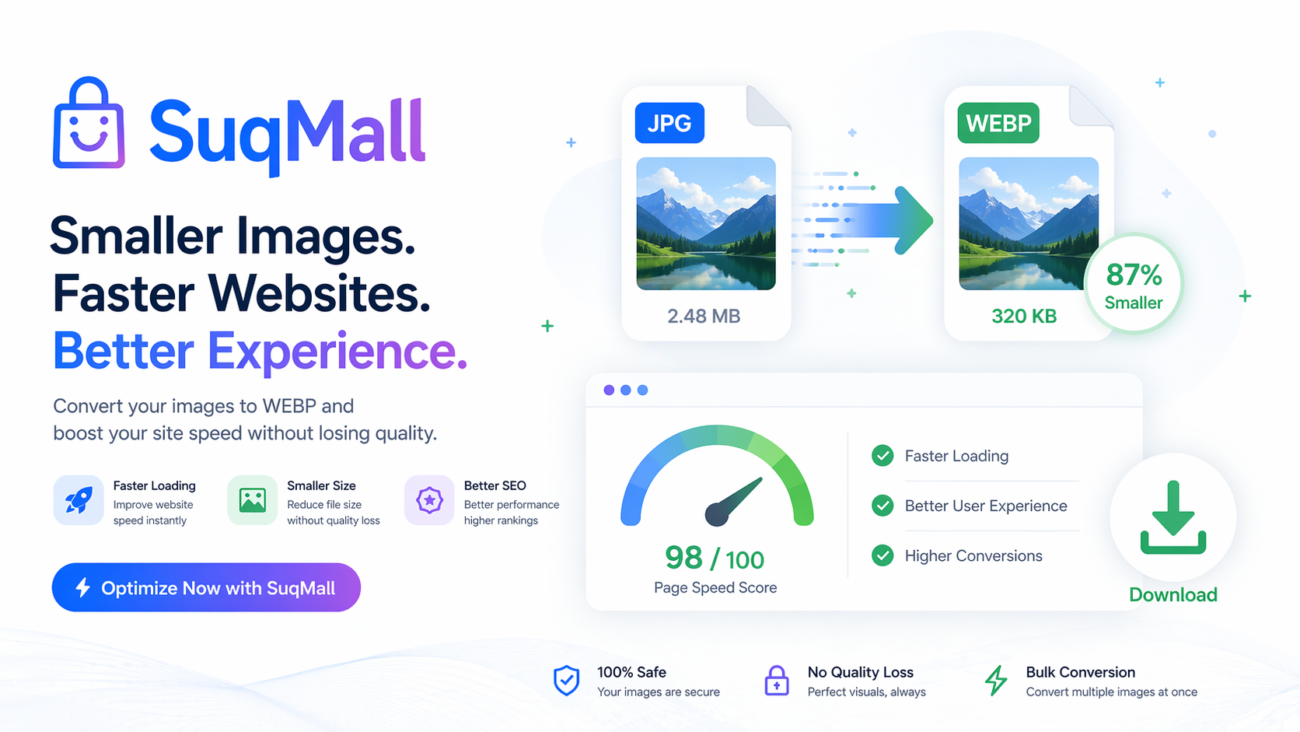
Converting your images to WEBP format is one of the easiest and most effective performance optimizations you can implement. With file size reductions of 25-35% without noticeable quality loss, the impact on your website’s speed and user experience can be transformative.
Our free unlimited JPG to WEBP converter gives you everything you need:
- ✅ Complete privacy protection
- ✅ Unlimited conversions
- ✅ Batch processing capabilities
- ✅ No file size restrictions
- ✅ Professional-quality results
Ready to supercharge your website? Try our converter now and experience the difference WEBP can make. Share your success stories and let us know how much you’ve improved your page load times!
Start optimizing your images today with our free JPG to WEBP converter. Your website visitors—and your Google rankings—will thank you!