Blog
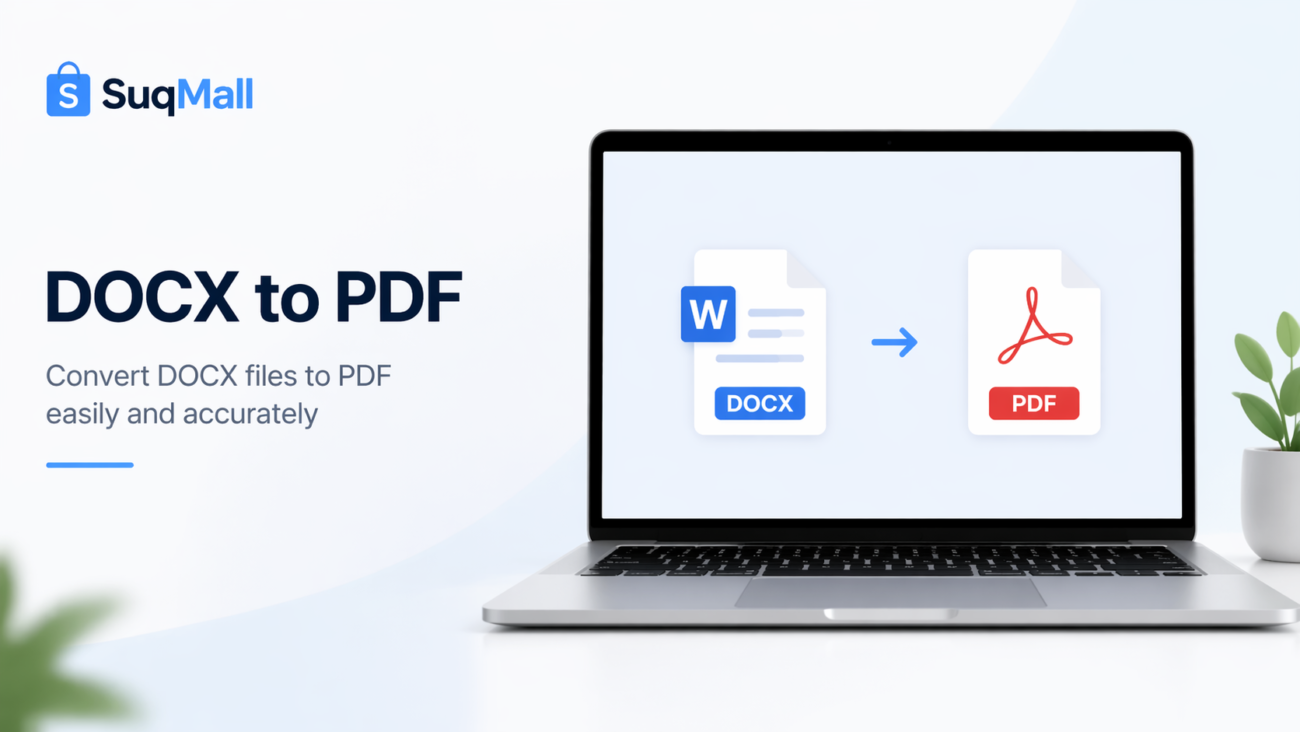
Free Online Word To PDF Converter Web Tool Guide: Free, Unlimited & 100% Secure

Introduction
In today’s digital world, the need to convert Word documents to PDF format has become increasingly essential. Whether you’re a student submitting assignments, a professional sharing reports, or a business sending contracts, PDF is the universal standard for document sharing. But finding a reliable, free Word to PDF converter that respects your privacy can be challenging.
Enter the SuqMall.Net Word to PDF Converter – a revolutionary web tool that offers unlimited conversions completely free, with 100% client-side processing that guarantees your documents never leave your computer. In this comprehensive guide, we’ll explore why this tool is transforming how people convert documents and how you can benefit from its powerful features.
Features and Benefits: Why This Converter Stands Out
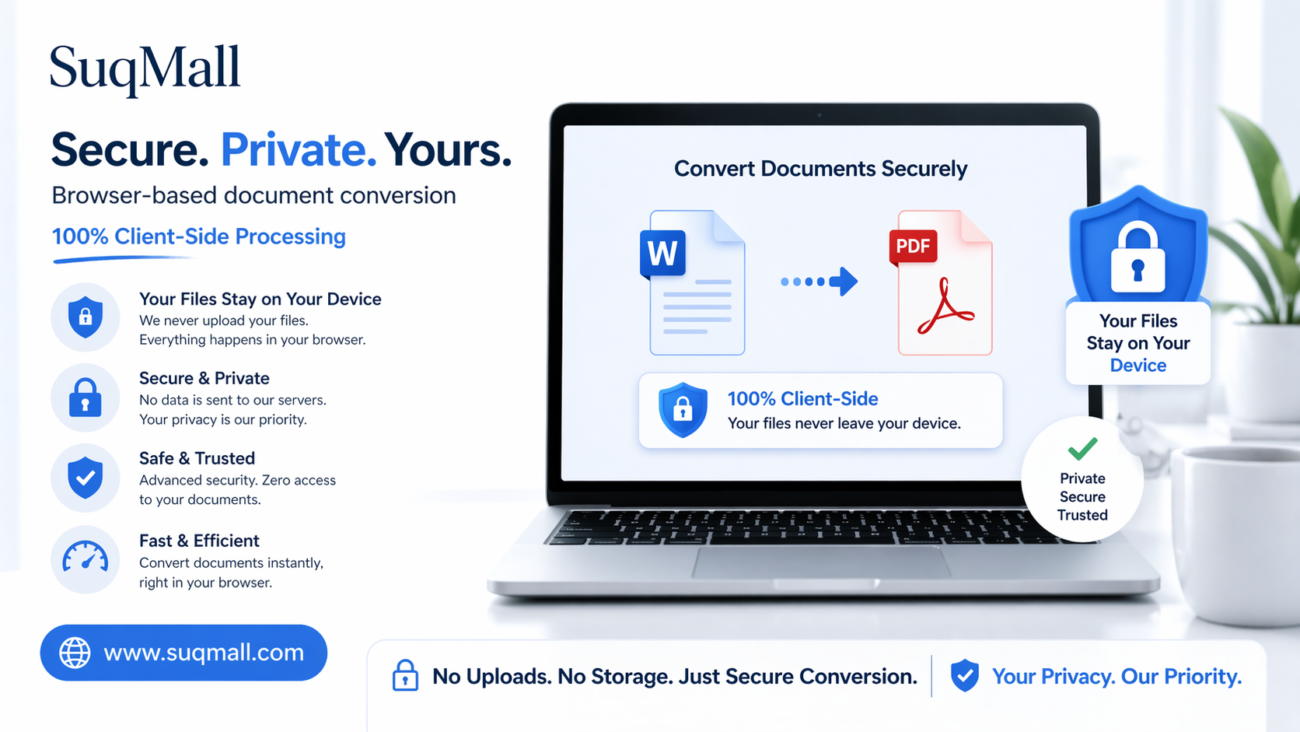
🔒 100% Client-Side Processing
- What it is: All conversion happens directly in your web browser
- Benefit: Your sensitive documents never leave your device, ensuring complete privacy and security
- Example: Perfect for confidential business contracts, legal documents, and personal files
🚫 No File Size Limits
- What it is: Convert documents of any size without restrictions
- Benefit: No more splitting large documents or compromising on quality
- Example: Convert lengthy research papers, extensive reports, or large manuscripts in one go
💯 Completely Free Forever
- What it is: Zero costs, no hidden fees, no watermarks
- Benefit: Professional-looking PDFs without the professional price tag
- Example: Students can convert unlimited assignments without budget concerns
⚡ Lightning-Fast Conversions
- What it is: Optimized algorithms for quick processing
- Benefit: Save valuable time with instant conversions
- Example: Last-minute document conversions before important meetings
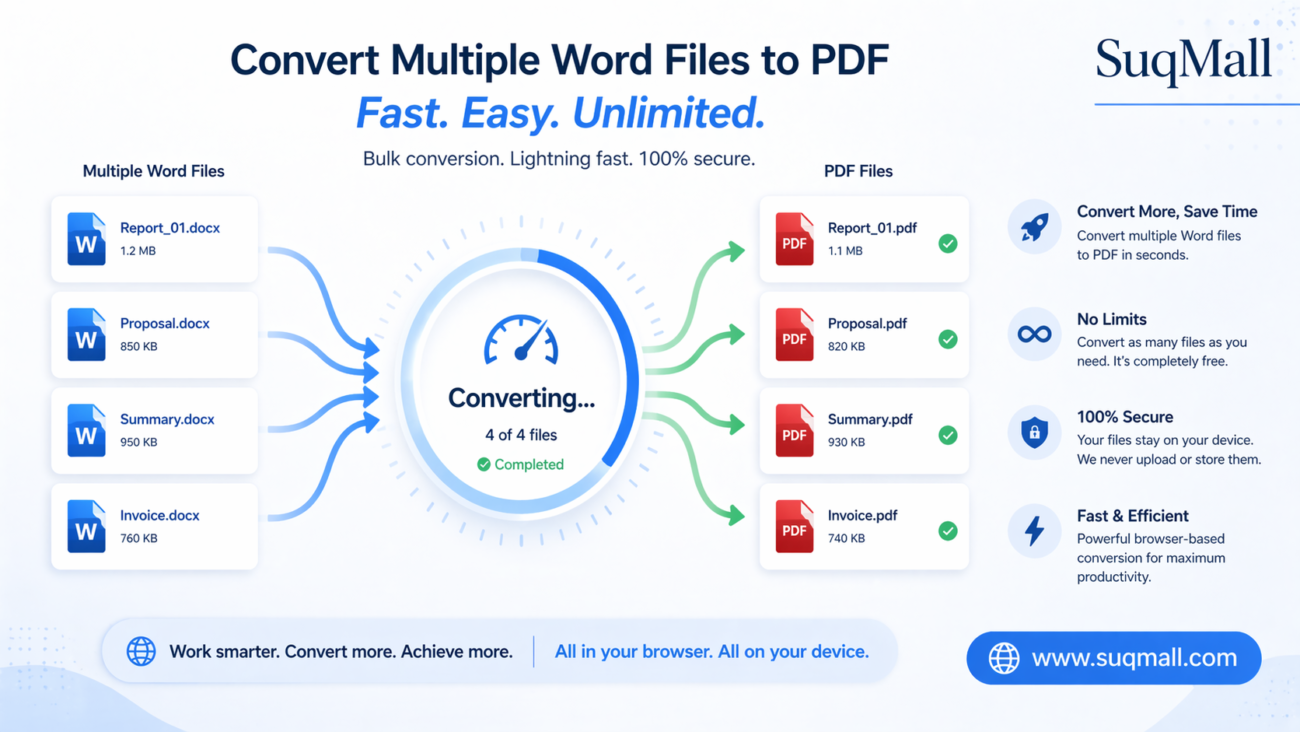
📚 Batch Processing
- What it is: Convert multiple files simultaneously
- Benefit: Increased productivity and streamlined workflow
- Example: Convert an entire folder of Word documents to PDF at once
🎨 Customization Options
- What it is: Adjust page size, orientation, and quality settings
- Benefit: Tailor PDF output to specific requirements
- Example: Create landscape PDFs for presentations or high-quality PDFs for printing
Step-by-Step Guide: How to Use the Word to PDF Converter
Step 1: Access the Tool
Navigate to the SuqMall.Net Word to PDF Converter using any modern web browser. No registration or download required.
Step 2: Upload Your Files
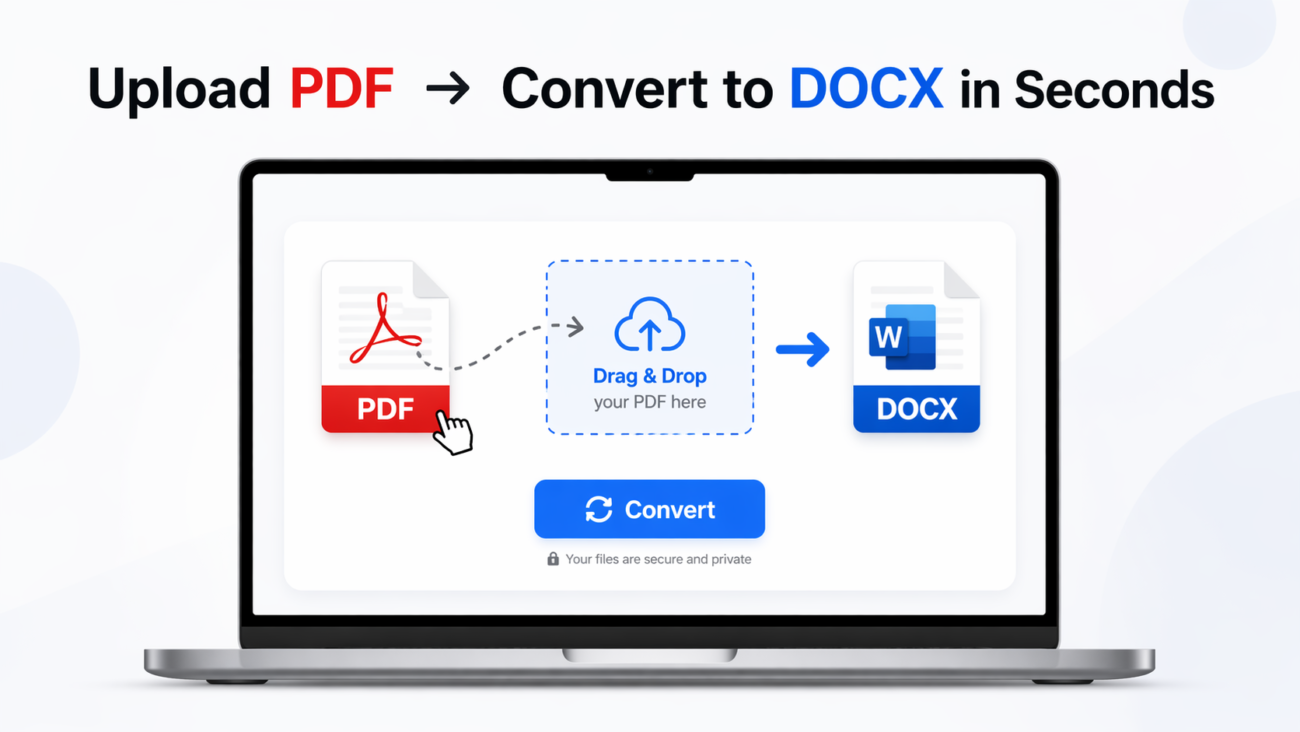
- Option A: Drag and drop your Word documents directly into the upload area
- Option B: Click “Browse Files” to select documents from your computer
- Supported formats: .doc and .docx files
Step 3: Configure Settings (Optional)
Adjust conversion settings if needed:
- Page Size: Choose from A4, Letter, Legal, or A3
- Orientation: Portrait or Landscape
- Quality: High, Medium, or Low compression
Step 4: Convert Documents
Click the “Convert to PDF” button and watch the progress bar in real-time. The tool processes each file securely in your browser.
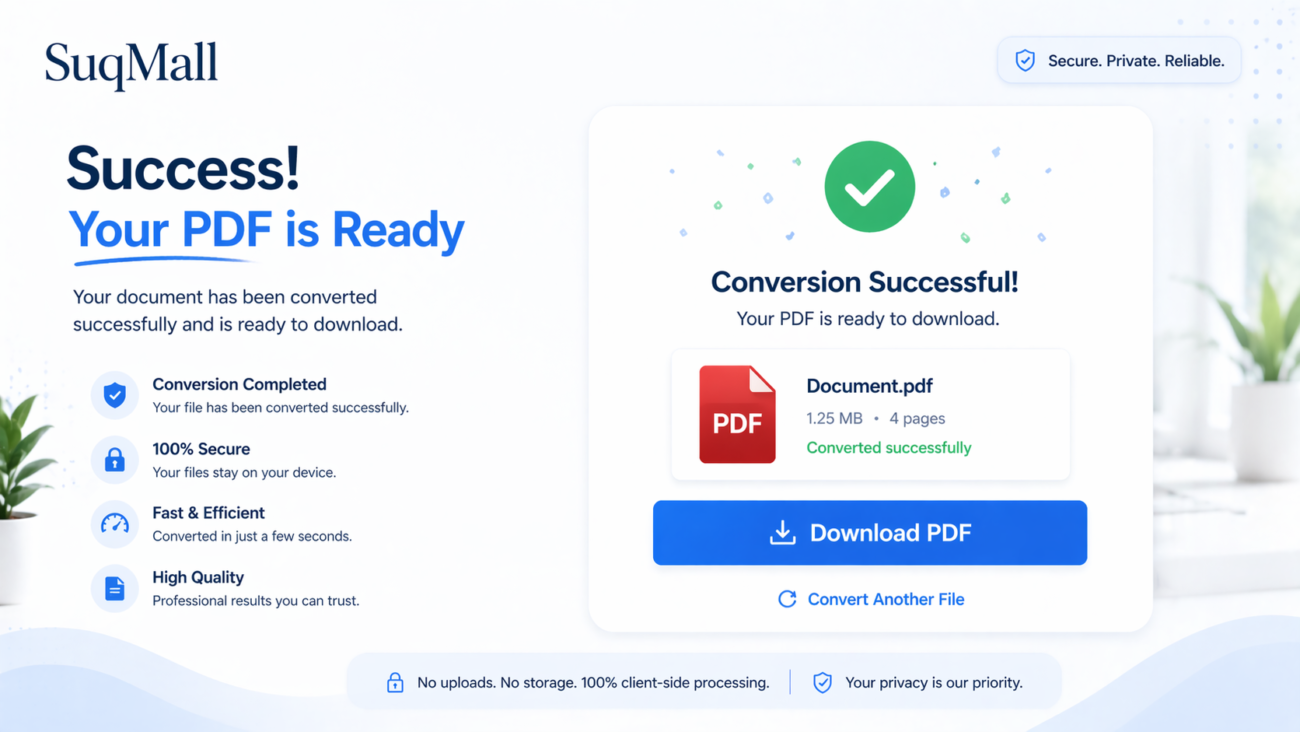
Step 5: Download Your PDFs
Once conversion is complete, click “Download All PDFs” to save your professional-quality PDF documents.
Practical Tips and Best Practices
✅ Do’s:
- Convert in batches to save time with multiple documents
- Use high-quality setting for important professional documents
- Preview documents before conversion to ensure formatting is correct
- Keep original Word files as backups for future edits
❌ Don’ts:
- Don’t close the browser during conversion process
- Don’t convert password-protected files (the tool can’t process them)
- Don’t worry about file size – there are no limits
- Don’t use for illegal purposes – respect copyright laws
Common Mistakes to Avoid
- Rushing the process: Allow the conversion to complete fully before downloading
- Ignoring preview: Always check the preview to catch formatting issues early
- Using wrong page size: Match the PDF page size to your intended use case
Real-World Examples and Use Cases
📝 Academic Applications
Sarah, a university student, uses the converter to submit her research papers. She can convert multiple assignments simultaneously, ensuring they maintain proper formatting when professors open them.
💼 Business Scenarios
Marketing team at TechCorp converts their weekly reports to PDF for client distribution. The batch processing feature saves hours each week, and the professional results impress their clients.
🏠 Personal Use
The Johnson family converts their scanned documents to PDF for digital archiving. The client-side processing gives them peace of mind that their personal information remains secure.
⚖️ Legal Documentation
Law firm partners use the converter for legal briefs and contracts. The high-quality output ensures documents look professional in court proceedings.
🌐 International Collaboration
Remote team members across different countries convert shared documents to PDF to ensure consistent viewing regardless of software differences.
Frequently Asked Questions (FAQ)
❓ Is this tool really completely free?
✅ Yes! Every feature is 100% free with no hidden charges, watermarks, or limitations. You can convert unlimited files without ever paying.
❓ Do I need to create an account?
✅ No registration required! Use the tool immediately without providing any personal information or creating an account.
❓ Are my files safe and private?
✅ Absolutely secure! All processing happens in your browser – your files never leave your computer or get uploaded to any server.
❓ What Word formats are supported?
✅ Full compatibility with both .doc (older Word format) and .docx (modern Word format) files.
❓ Can I convert multiple files at once?
✅ Yes! Batch processing allows you to convert as many files as needed simultaneously.
❓ Is there a file size limit?
✅ No limits! Convert documents of any size, from single-page letters to thousand-page manuscripts.
❓ What if I close the browser during conversion?
Since processing happens in your browser, closing the window will interrupt conversion. Simply restart the process when you return.
❓ Can I use this on mobile devices?
✅ Yes! The tool is fully responsive and works perfectly on smartphones and tablets.
❓ Do the converted PDFs maintain formatting?
✅ High accuracy! The tool preserves text formatting, paragraphs, and basic document structure.
❓ What if I encounter an error?
Check that you’re using supported Word formats and try again. The tool includes comprehensive error messages to help troubleshoot issues.
Conclusion: Transform Your Document Workflow Today
The SuqMall.Net Word to PDF Converter represents everything modern document tools should be: powerful, secure, completely free, and incredibly user-friendly. By eliminating the traditional limitations of online converters, this tool empowers students, professionals, and everyday users to convert documents with confidence.
Key Takeaways:
- 100% free with no hidden costs or limitations
- Complete privacy through client-side processing
- Unlimited conversions for documents of any size
- Professional results without watermarks or restrictions
- Easy to use with no technical knowledge required
Ready to Experience the Difference?
Try the SuqMall.Net Word to PDF Converter today and join thousands of satisfied users who have discovered the ultimate solution for document conversion. Share your experience in the comments below and let us know how this tool has simplified your workflow!