Blog
Free Online PDF OCR Converter Web Tool Guide: Extract Text from Any PDF with Our Free OCR Tool

Introduction
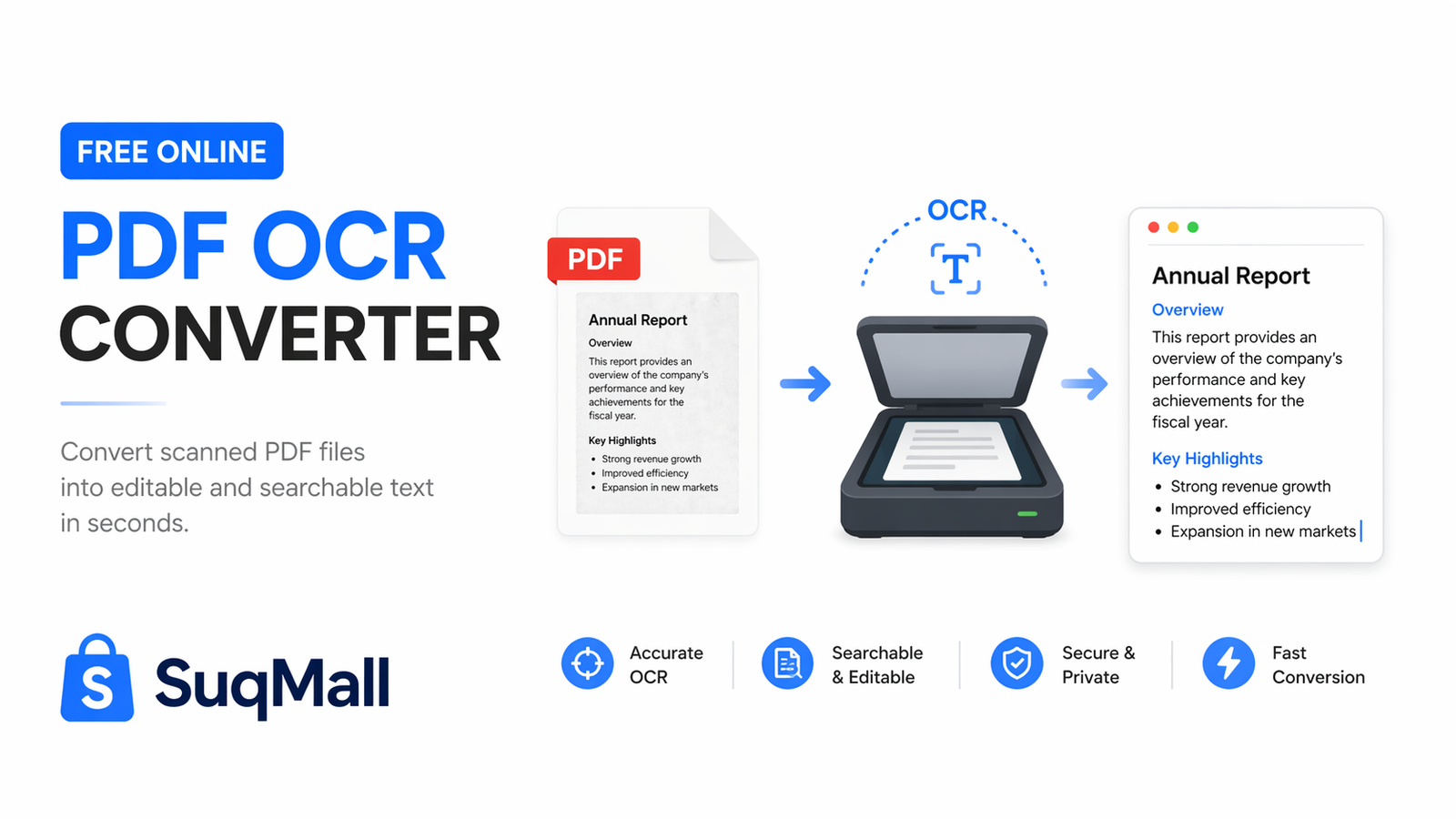
In today’s digital world, PDF documents are everywhere – from scanned contracts and research papers to digital reports and e-books. But what happens when you need to edit, search, or repurpose content from these PDFs? This is where our free PDF OCR Converter comes to the rescue!
Optical Character Recognition (OCR) technology has revolutionized how we interact with digital documents. Our web-based tool takes this powerful technology and makes it accessible to everyone, completely free of charge. Whether you’re a student, professional, or casual user, this tool will transform how you work with PDF documents.
What is PDF OCR and Why Do You Need It?
PDF OCR (Optical Character Recognition) is the process of converting scanned PDF documents or image-based PDFs into editable, searchable text. Traditional PDFs often act like pictures of text – you can see the words but cannot select, edit, or search through them.
Key Benefits of Using Our PDF OCR Converter:
- Edit previously uneditable documents
- Search through large PDF files instantly
- Copy text for quotes and references
- Improve accessibility for screen readers
- Save time on manual transcription
Features and Benefits: Why Our Tool Stands Out
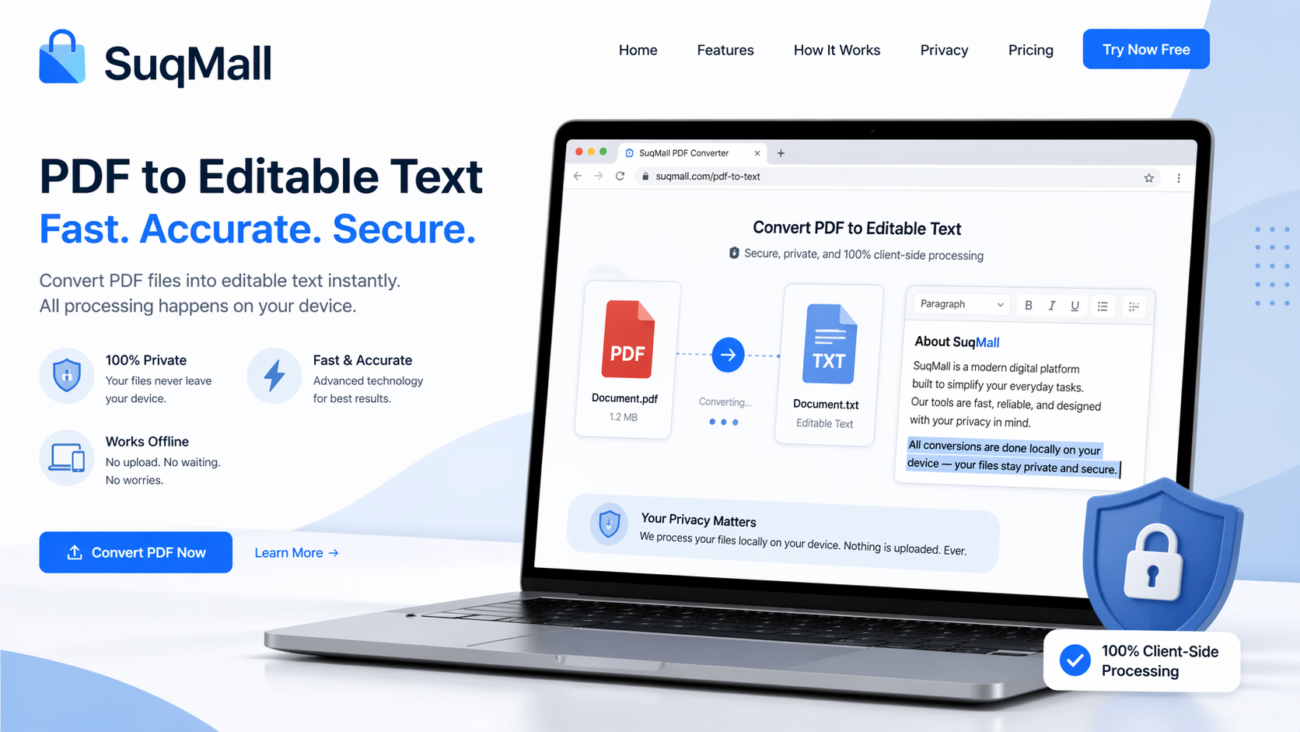
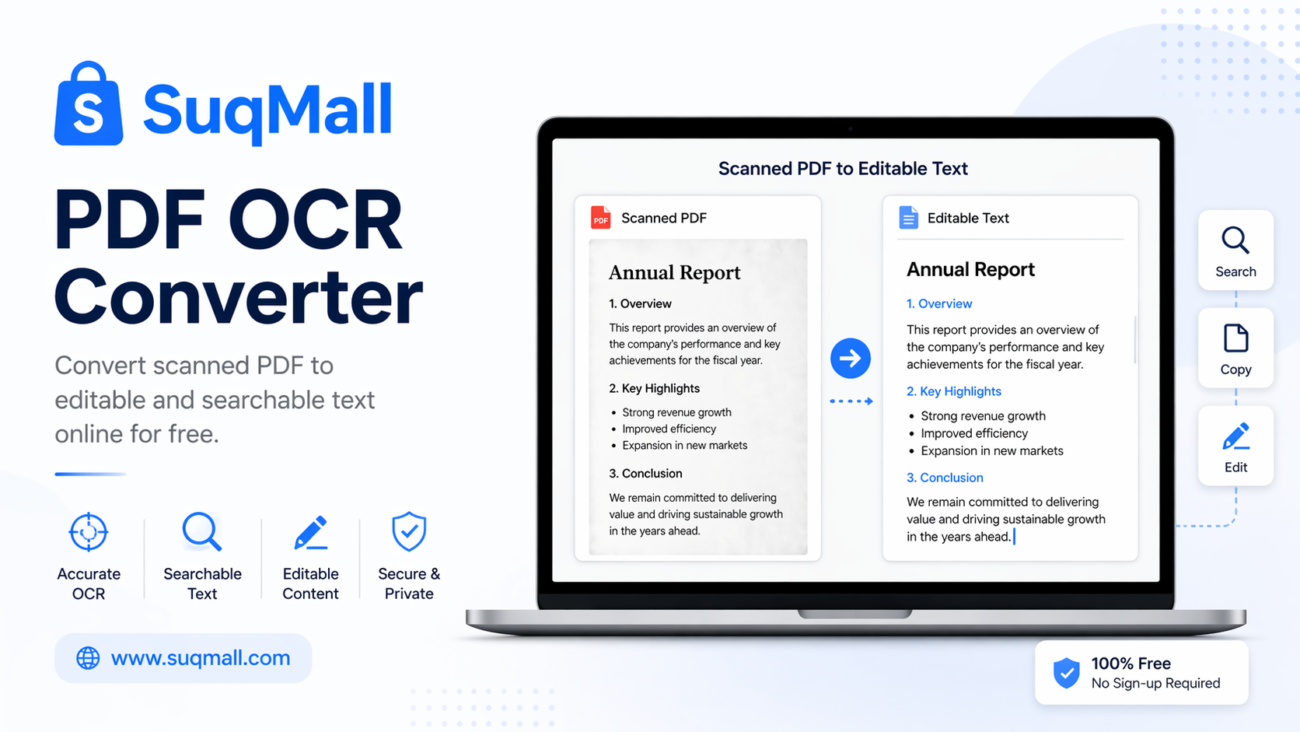
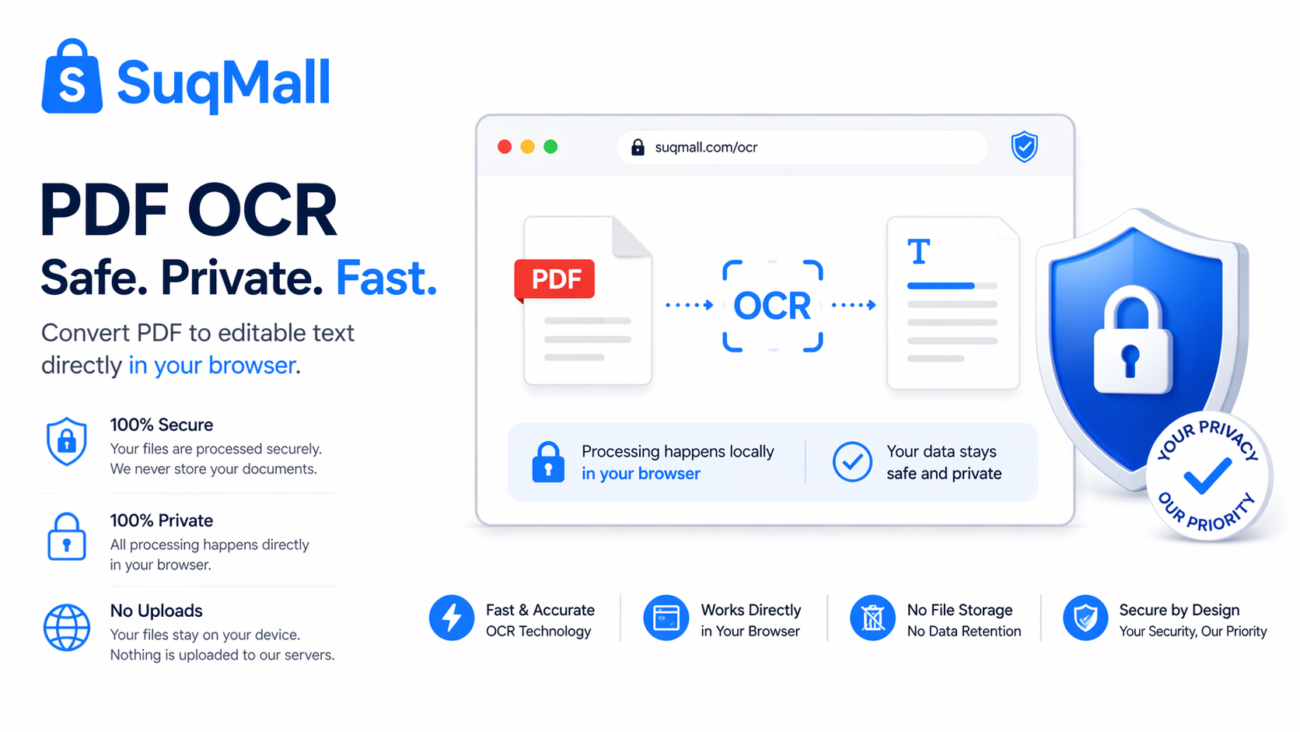
🔒 100% Client-Side Processing
Benefit: Your files never leave your computer. Unlike other online tools that upload your documents to their servers, our OCR converter processes everything directly in your browser. This means:
- Complete privacy for sensitive documents
- No risk of data breaches
- Faster processing for large files
- No internet required after loading the page
⚡ Lightning-Fast Conversion
Benefit: Convert multiple PDFs in seconds with our optimized processing engine. Perfect for:
- Batch processing research papers
- Converting multiple chapters of an e-book
- Processing weekly reports efficiently
📚 Batch Processing Power
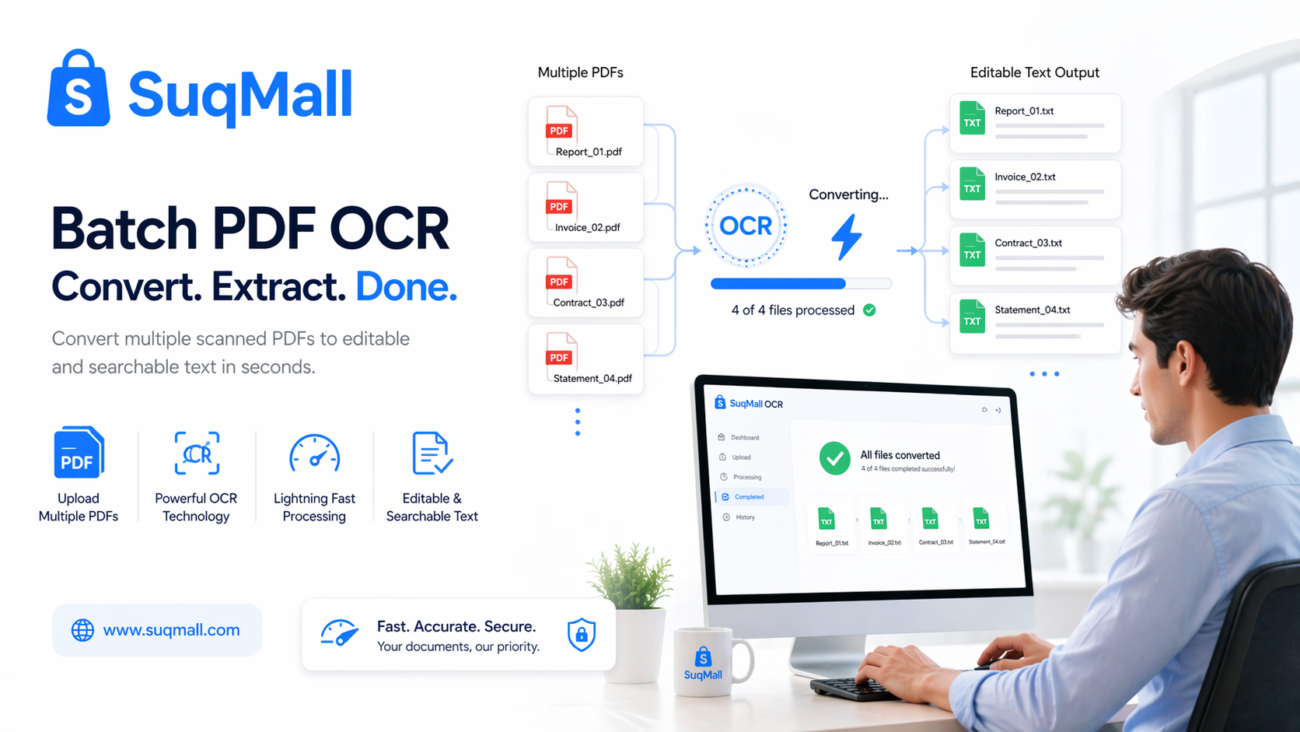
Benefit: Upload and convert multiple PDFs simultaneously, then download everything as a single ZIP file. Ideal for:
- Students processing multiple research papers
- Businesses converting weekly reports
- Archivists digitizing document collections
💯 Completely Free Forever
Benefit: No hidden costs, watermarks, or usage limits. You get:
- Unlimited conversions
- No registration required
- No premium features locked behind paywalls
🎯 High Accuracy Conversion
Benefit: Our advanced text extraction delivers remarkably accurate results for:
- Scanned documents
- Image-heavy PDFs
- Multi-language content
- Complex layouts
Step-by-Step Guide: How to Use the PDF OCR Converter
Step 1: Access the Tool
Navigate to our PDF OCR Converter tool on SuqMall.Net. The interface loads instantly – no downloads or installations required.
Step 2: Upload Your PDF Files
You have three easy options:
- Drag and drop PDF files directly onto the upload area
- Click the upload area to browse your files
- Use the “Select PDF Files” button for traditional file selection
Pro Tip: You can select multiple PDFs at once using Ctrl+Click (or Cmd+Click on Mac) to process entire folders of documents.
Step 3: Convert to Text
For individual files: Click the “Convert” button next to each file
For batch processing: Use the “Convert All Files” button to process everything simultaneously
During conversion: Watch the real-time progress bar and status indicators. Most files convert in under 30 seconds.
Step 4: Review and Download
- Preview extracted text directly in the browser
- Download individual files as text documents
- Use “Download All as ZIP” for batch downloads
Best Practices for Optimal Results
✅ Do:
- Use high-quality scanned PDFs (300 DPI or higher)
- Ensure good contrast between text and background
- Convert one chapter at a time for large documents
- Check the text preview before downloading
❌ Don’t:
- Don’t use blurry or low-resolution scans
- Avoid handwritten documents (best for printed text)
- Don’t close the browser tab during conversion
- Avoid extremely large files (break them into smaller parts)
Real-World Examples and Use Cases
Academic Research
Scenario: Sarah is writing her thesis and needs to quote from 20 different research papers, all in PDF format.
Solution: She uses our PDF OCR Converter to extract text from all papers simultaneously, then uses Ctrl+F to quickly find relevant quotes and statistics.
Legal Document Processing
Scenario: A law firm receives scanned copies of contracts and needs to create editable versions for redlining.
Solution: The paralegal uses our tool to convert scanned contracts into editable text, saving hours of manual typing.
Business Documentation
Scenario: A company needs to digitize their archive of printed reports from the past decade.
Solution: They scan the documents to PDF, then use batch processing to convert hundreds of files in one session.
Personal Use
Scenario: John wants to create an editable version of his favorite e-book recipe collection.
Solution: He converts the PDF to text, then copies his favorite recipes into a organized digital cookbook.
Frequently Asked Questions
❓ Is this tool really free to use?
✅ Yes! Every tool on SuqMall.Net is 100% free with no hidden charges. We believe in providing valuable tools without barriers.
❓ Do I need to install software or create an account?
✅ No installation or registration required! Our tool runs directly in your web browser. Just visit the page and start converting.
❓ Are my files safe and private?
✅ Absolutely secure! All processing happens locally on your device. Your files never leave your computer or get uploaded to any server.
❓ What types of PDFs work best with this converter?
✅ The tool works excellently with:
- Scanned document PDFs
- Image-based PDF files
- Multi-page documents
- PDFs with embedded text
- Most standard PDF formats
❓ Can I convert multiple files at once?
✅ Yes! Our batch processing feature lets you convert multiple PDFs simultaneously and download them as a single ZIP file.
❓ What if my PDF has poor quality scans?
🔄 For best results, ensure your scanned PDFs have clear, high-contrast text. The tool works best with 300 DPI or higher resolution scans.
❓ Does this work with handwritten text?
⚠️ Limited effectiveness – Our tool is optimized for printed text. Handwritten documents may not convert accurately.
❓ Is there a file size limit?
✅ No artificial limits! Since processing happens on your device, the only limitation is your computer’s capabilities. For very large files, we recommend breaking them into smaller sections.
Conclusion: Transform Your PDF Workflow Today
Our free PDF OCR Converter represents the perfect combination of power, privacy, and accessibility. By processing everything directly in your browser, we’ve eliminated the privacy concerns that plague other online conversion tools while maintaining exceptional accuracy and speed.
Ready to Experience the Difference?
Try our PDF OCR Converter now and discover how effortless PDF text extraction can be. Whether you’re processing a single document or converting an entire archive, our tool provides the professional-grade solution you need – completely free.
Share your experience in the comments below and let us know how the tool has improved your workflow. Have a unique use case we haven’t covered? We’d love to hear about it!