
Blog
Free Online PDF To WEBP Converter Web Tool Guide: A Free Online Tool

Introduction
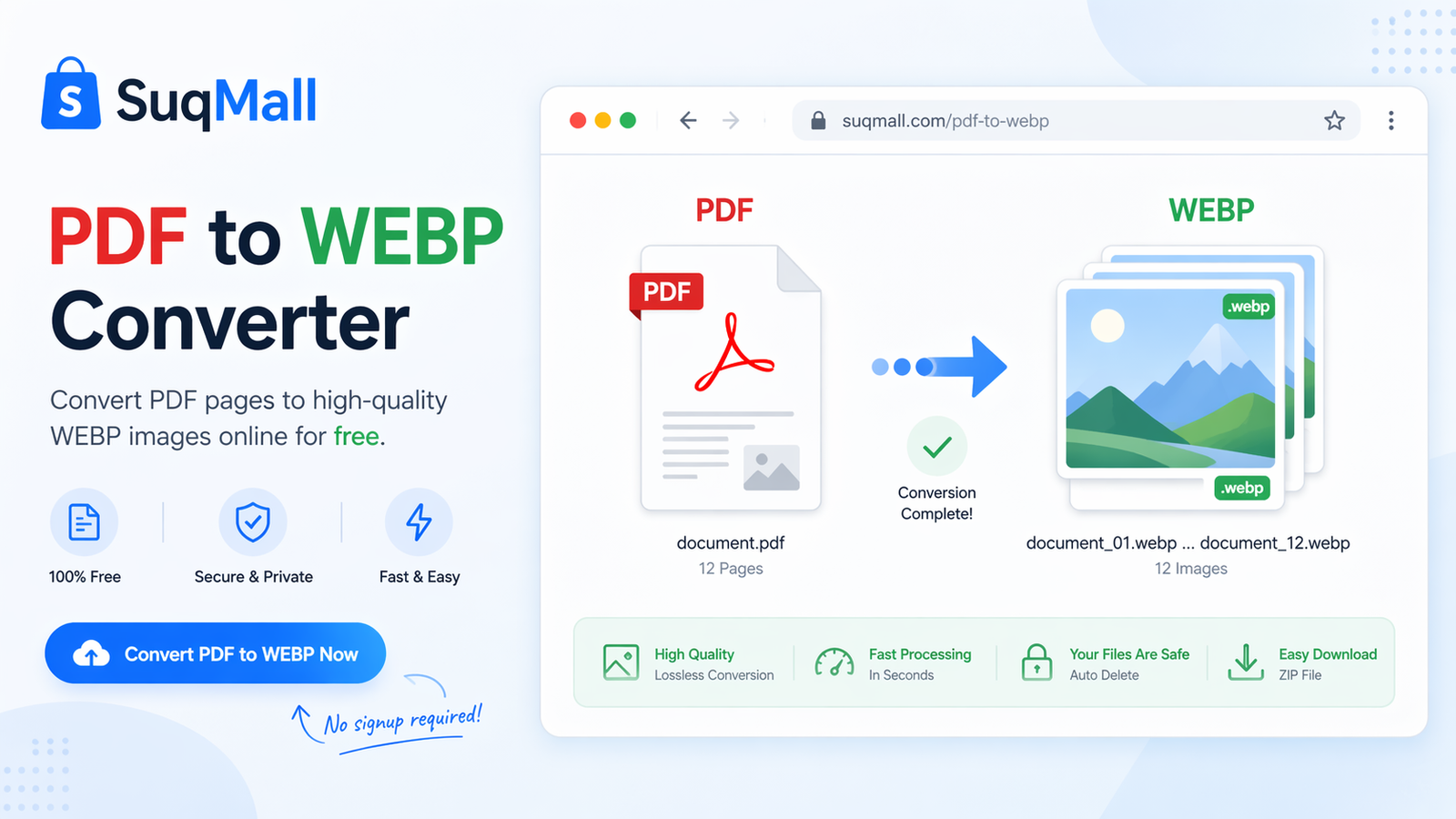
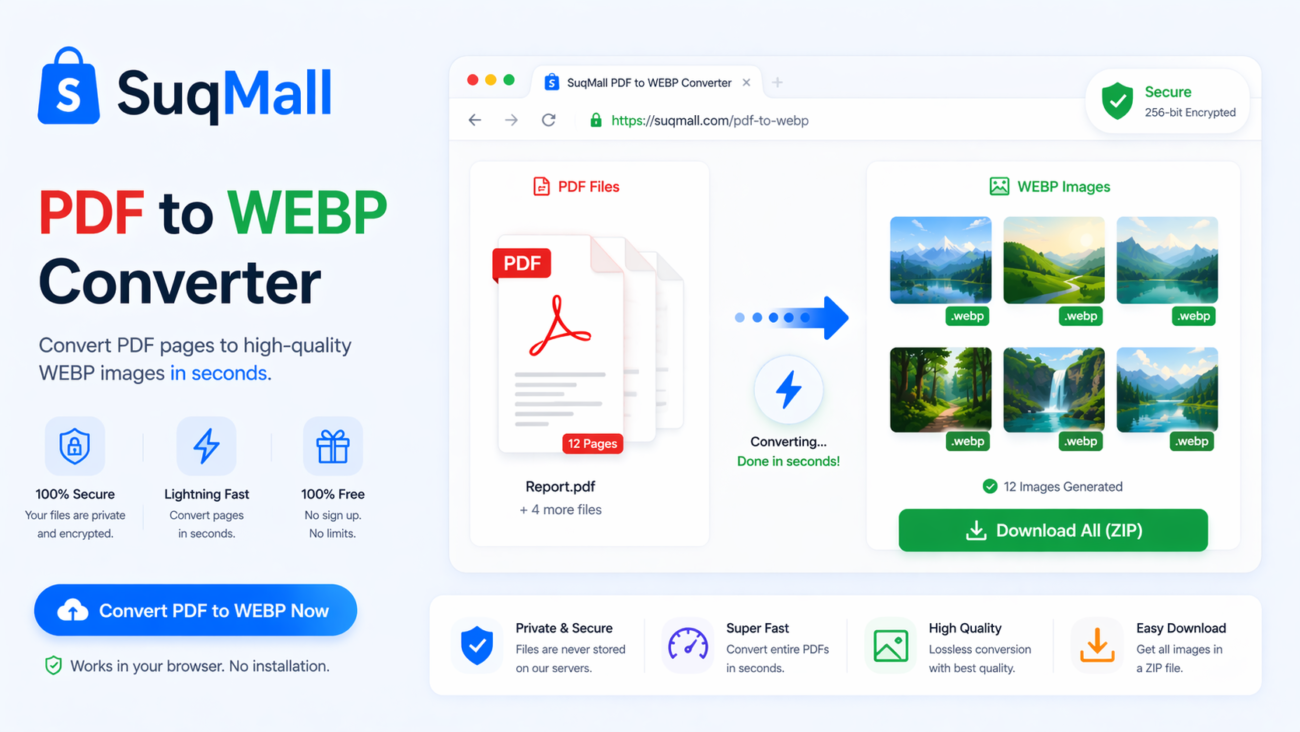
In today’s digital landscape, where website performance and user experience are paramount, having the right tools at your disposal can make all the difference. Enter the PDF to WEBP Converter – a revolutionary browser-based tool that transforms your PDF documents into high-quality WEBP images instantly, completely free of charge.
Why is this such a game-changer? WEBP is Google’s modern image format that offers superior compression without sacrificing quality. Compared to traditional formats like JPEG and PNG, WEBP images are typically 25-35% smaller, leading to faster loading times and better SEO performance. What sets our converter apart is its commitment to privacy – your files never leave your computer, ensuring complete data security throughout the conversion process.
Whether you’re a web developer optimizing site assets, a content creator preparing images for social media, or a business professional converting documents for presentations, this tool provides a seamless, secure, and efficient solution for all your PDF to image conversion needs.
Features and Benefits
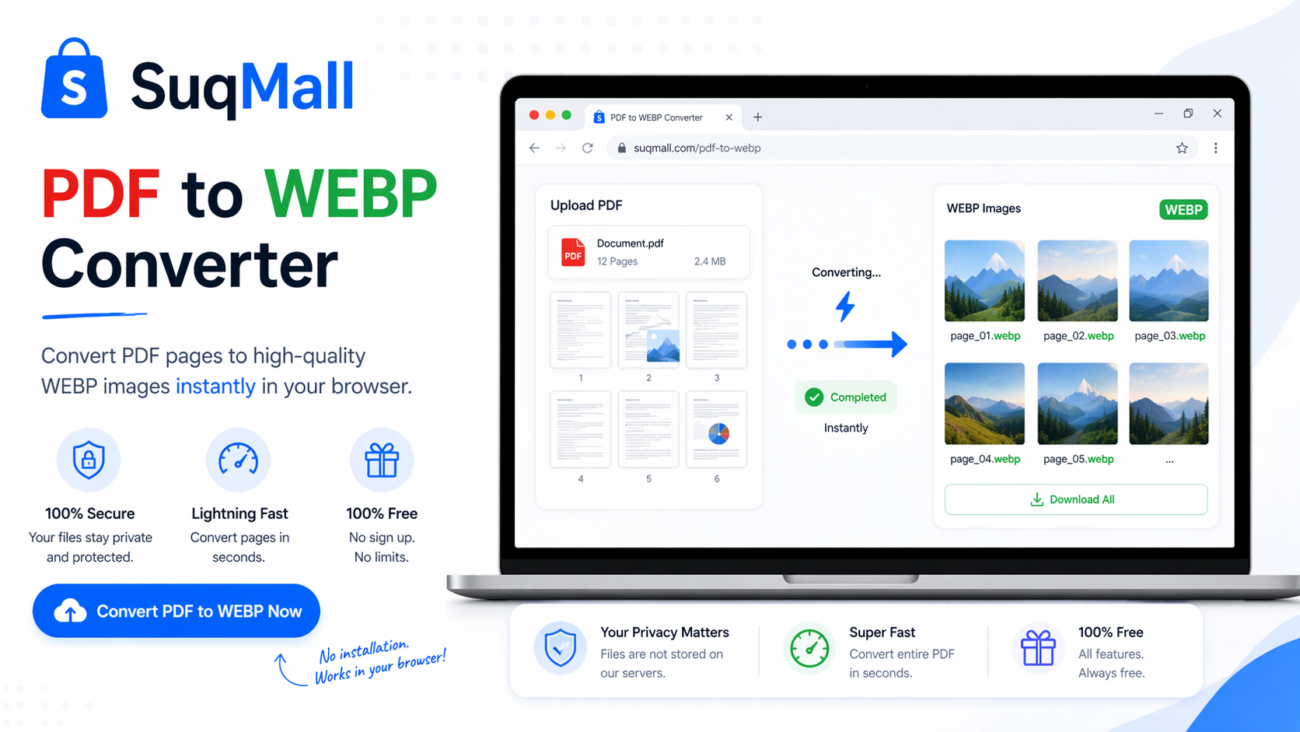
🔒 100% Browser-Based Processing
What it is: Complete conversion happens in your web browser without server uploads
Benefits:
- Maximum privacy and security – your sensitive documents never leave your computer
- No file size limitations imposed by server storage
- Instant processing without waiting for uploads and downloads
- Works even with poor internet connection after initial page load
🖼️ Superior WEBP Output Quality
What it is: Advanced conversion algorithm maintaining optimal image quality
Benefits:
- Adjustable quality settings from 1% to 100%
- Superior compression compared to JPEG and PNG
- Maintains sharp text and clear images
- Perfect for web use with transparent background support
⚡ Batch Processing Capability
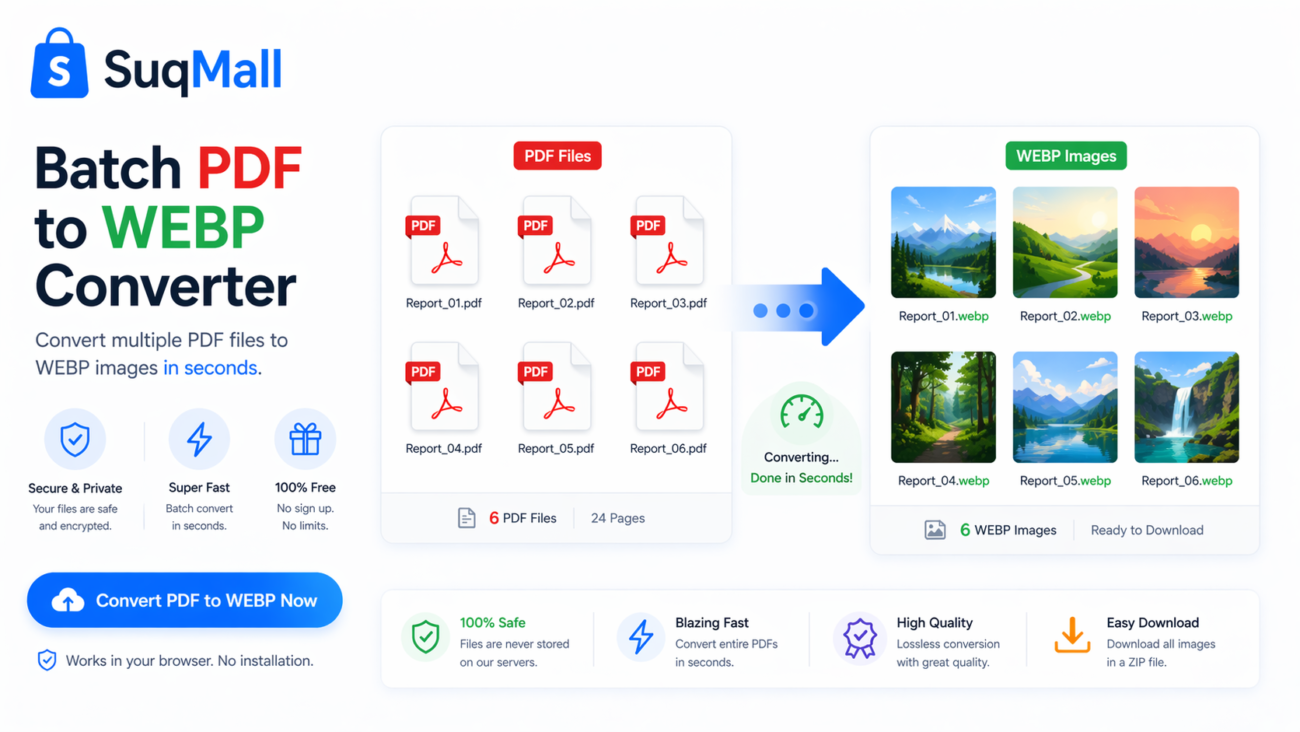
What it is: Convert multiple PDF files and pages simultaneously
Benefits:
- Save hours of manual conversion time
- Process entire document collections in one go
- Consistent quality across all conversions
- ZIP download for organized file management
🎛️ Advanced Conversion Controls
What it is: Comprehensive settings for precise output customization
Benefits:
- Resolution Control: Choose from 72 DPI (screen) to 300 DPI (print quality)
- Page Selection: Convert specific pages or ranges (e.g., 1,3,5-8)
- Quality Adjustment: Balance file size and image quality precisely
- Flexible Output: Meet specific platform requirements effortlessly
💾 Multiple Download Options
What it is: Flexible output methods for different use cases
Benefits:
- Individual image downloads for selective use
- ZIP archive creation for batch downloads
- Organized file naming with page numbers
- Immediate access without registration
Step-by-Step Guide: How to Use the PDF to WEBP Converter
Step 1: Access the Tool
Navigate to the PDF to WEBP Converter on SuqMall.Net. The tool loads instantly in your browser with no installation required.
Step 2: Upload Your PDF Files
You have three options for uploading:
- Drag and drop PDF files directly onto the upload area
- Click the upload area to browse your files
- Use the “Select PDF Files” button for traditional file selection
Pro Tip: You can select multiple PDF files simultaneously using Ctrl+Click (or Cmd+Click on Mac) to process them in one batch.
Step 3: Configure Conversion Settings
Adjust the settings based on your needs:
Quality Setting:
- 80-90%: Ideal for web use (excellent quality with good compression)
- 70-80%: Good balance for general purposes
- Below 70%: Use for thumbnails or where file size is critical
Resolution Selection:
- 72 DPI: Perfect for screen display and web use
- 150 DPI: Good for documents that might be printed occasionally
- 300 DPI: High quality for professional printing
Page Selection:
- Leave empty to convert all pages
- Use “1,3,5” to convert specific pages
- Use “1-5” to convert a page range
- Combine: “1,3,5-8” for complex selections
Step 4: Initiate Conversion
Click the “Convert to WEBP” button and watch the real-time progress bar. The tool processes each page sequentially, showing you exactly which page is being converted.
Step 5: Download Your Results
Once conversion completes:
- Preview individual images by clicking the preview button
- Download single images using the download button on each result card
- Download all images as a ZIP file using the “Download All as ZIP” button
Best Practices and Common Mistakes to Avoid
✅ Do:
- Test different quality settings to find the perfect balance for your use case
- Use page selection to avoid converting unnecessary pages
- Choose appropriate resolution – 72 DPI is usually sufficient for web use
- Keep original PDFs backed up since conversion is one-way
- Use descriptive file names before conversion for better organization
❌ Don’t:
- Convert password-protected PDFs – the tool can’t process encrypted files
- Use maximum quality unnecessarily – it creates larger files without visible improvement
- Forget to check page ranges – converting entire 100-page documents when you only need 2-3 pages wastes time
- Close the browser tab during conversion – progress will be lost
Real-World Examples and Use Cases
Web Development Agency
Scenario: A web development agency needs to convert client PDF portfolios into web-ready images for a new website.
Solution: They use the batch processing feature to convert 15 PDF portfolios simultaneously, setting quality to 85% and resolution to 72 DPI. The resulting WEBP images load 30% faster than the original PNG equivalents they were using, improving the site’s Google PageSpeed score significantly.
University Research Team
Scenario: A research team needs to share manuscript figures with collaborators who don’t have PDF readers installed.
Solution: They convert specific pages containing figures and charts using page selection (e.g., “5-8,12,15”), maintaining 300 DPI resolution for publication-quality images. The WEBP files are easily viewable in any web browser and email-friendly due to their small size.
E-commerce Business
Scenario: An online store needs to convert product specification PDFs into images for product pages.
Solution: They convert each PDF page individually, creating a visual specification sheet that customers can view without downloading files. The fast-loading WEBP images reduce bounce rates and improve conversion rates.
Social Media Manager
Scenario: A social media manager needs to create engaging posts from PDF reports and whitepapers.
Solution: They convert key pages from PDF reports into WEBP images, which are then optimized for different social media platforms. The smaller file sizes allow faster loading in social media feeds, increasing engagement rates.
Frequently Asked Questions
❓ Is this tool really free to use?
Yes! Our PDF to WEBP Converter is completely free with no hidden costs, watermarks, or usage limitations. We believe in providing valuable tools without charging our users.
❓ How does the privacy protection work?
Your files are processed entirely in your browser using JavaScript. The conversion happens locally on your computer – no files are uploaded to any server. This means your sensitive documents never leave your device.
❓ What PDF formats are supported?
The tool supports most standard PDF formats, including PDF 1.4 through 2.0. However, password-protected or encrypted PDFs cannot be processed since the conversion happens locally in your browser.
❓ Can I convert multiple files at once?
Absolutely! You can upload and convert multiple PDF files simultaneously. After conversion, you can download all WEBP images as a single ZIP file for convenience.
❓ What’s the maximum file size I can convert?
There’s no hard limit since processing happens in your browser. However, very large files (100+ pages) may take longer to process depending on your device’s capabilities.
❓ Do I need to install any software?
No installation required! The tool works entirely in your web browser. It’s compatible with Chrome, Firefox, Safari, Edge, and other modern browsers.
❓ Why choose WEBP over other formats?
WEBP provides superior compression compared to JPEG and PNG, resulting in smaller file sizes without quality loss. This means faster loading times for websites and reduced storage requirements.
❓ Can I select specific pages to convert?
Yes! Use the page selection feature to convert only the pages you need. You can specify individual pages (1,3,5) or ranges (1-5), or combinations (1,3,5-8).
Conclusion and Call to Action
The PDF to WEBP Converter represents a significant leap forward in document conversion technology. By combining browser-based processing with the modern WEBP format, it offers an unbeatable combination of speed, quality, and security that traditional conversion tools can’t match.
Whether you’re looking to optimize your website’s performance, securely convert sensitive documents, or simply save time on routine file conversions, this tool provides a comprehensive solution that meets all your needs. The ability to process files locally ensures your data remains private, while the advanced features give you complete control over the output quality and format.
Ready to experience the future of PDF conversion?
[Try our PDF to WEBP Converter now] and see the difference for yourself. Convert your first PDF in seconds without any registration or installation. We’re confident you’ll find it as revolutionary as our thousands of satisfied users already have.
Have questions or success stories to share? We’d love to hear about your experience with the tool! Join the conversation and help us continue to improve and develop more useful tools for the community.
Related Posts
SuqMall Text Converter Tool Guide — Free Online Tool by SuqMall

SuqMall Image Format Converter Tool Guide: Fast, Private, and Unlimited
Free Online DOCX to PDF Converter Web Tool Guide: Free, Unlimited & Secure
Free Online PDF To DOCX Converter Web Tool Guide: 100% Free & Unlimited Tool
Free Online HEIC To PDF Converter Web Tool Guide: The Ultimate Free Solution for iPhone Users
Free Online PDF To HEIC Converter Web Tool Guide: Free, Unlimited & 100% Secure
Free Online JPG To WEBP Converter Web Tool Guide: Boost Your Website Performance
Free Online PNG To JFIF Converter Web Tool Guide: The Ultimate Free Online Tool for Seamless Image Conversion
Free Online Word To PDF Converter Web Tool Guide: Free, Unlimited & 100% Secure
Free Online Password Generator Web Tool Guide: Create Strong, Secure Passwords Instantly
Free Online Image Compressor Web Tool Guide: Reduce File Size Without Losing Quality
Free Online PDF OCR Converter Web Tool Guide: Extract Text from Any PDF with Our Free OCR Tool
2 thoughts on “Free Online PDF To WEBP Converter Web Tool Guide: A Free Online Tool”
Comments are closed.
Just wanted to share that I had a look at 7gggbet. It has some interesting features that caught my eye. Explore more at 7gggbet.
The Nesine iddaa programı is super helpful for planning my bets. Everything is laid out clearly. Makes things much simpler. nesine iddaa programı