Blog
Free Online PDF To PNG Converter Web Tool Guide: Free Online Tool by SuqMall

Introduction
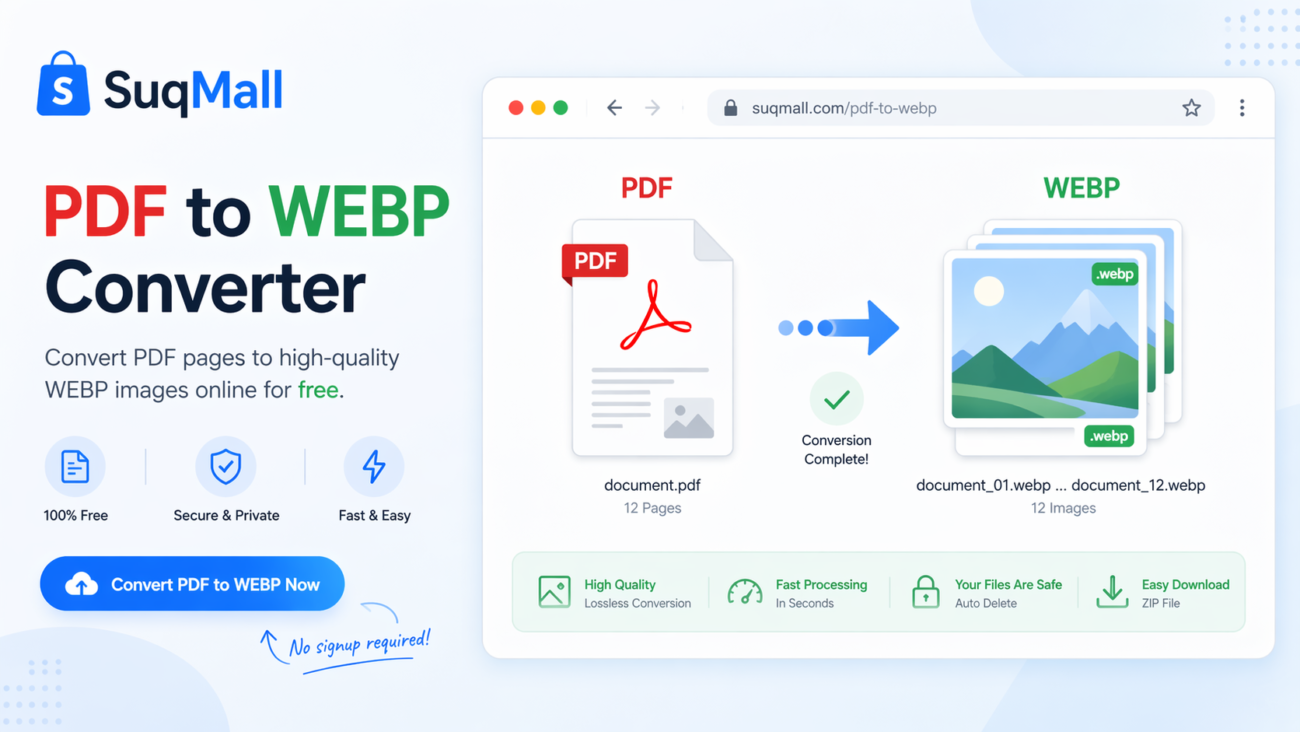
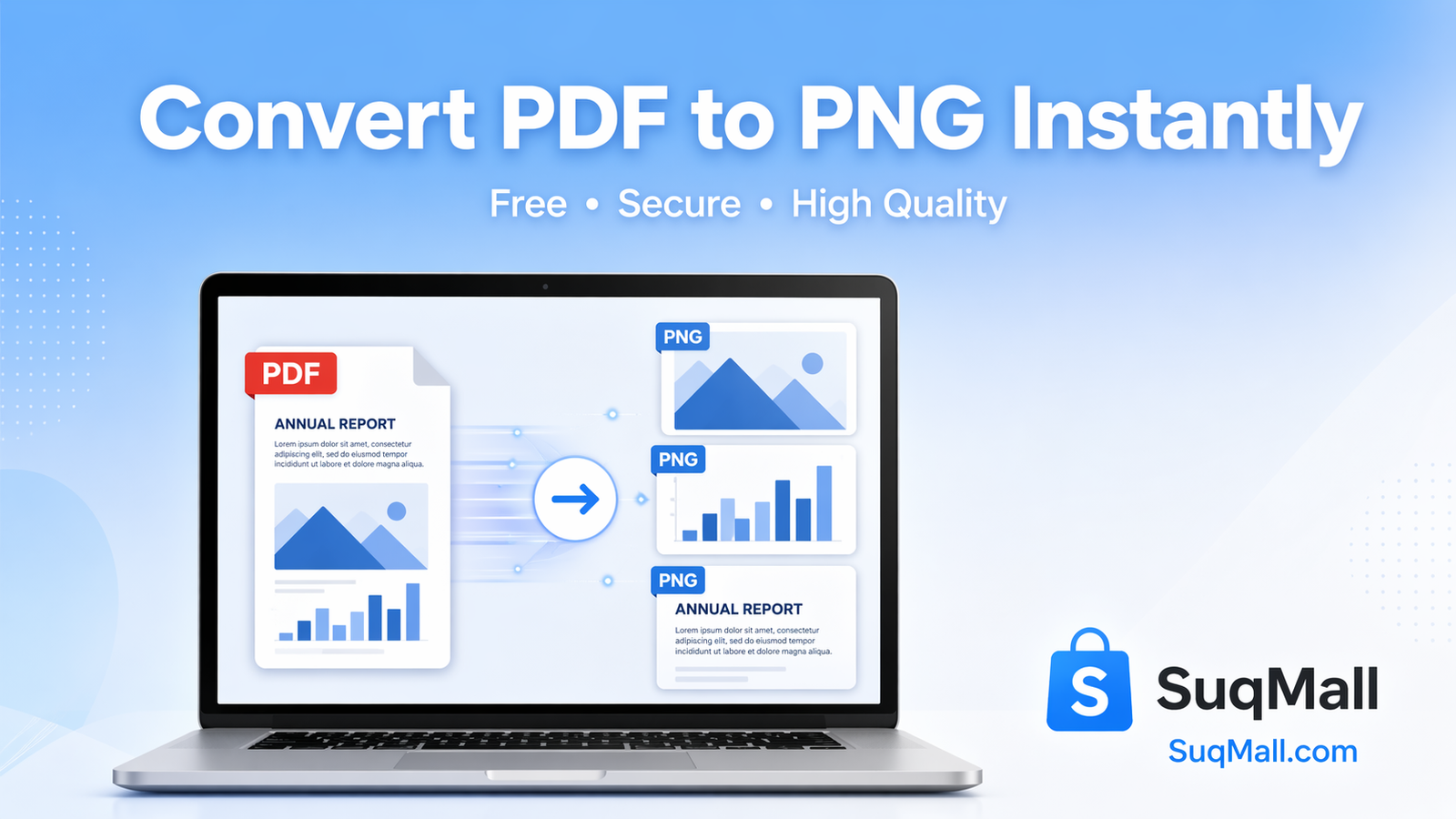
In today’s digital world, the need to convert PDF files to PNG images is more common than ever. Whether you’re extracting charts for a presentation, saving document pages as images, or preparing content for web use, having a reliable conversion tool is essential. That’s where SuqMall’s PDF to PNG Converter comes in – a completely free, secure, and powerful online tool that transforms your PDF documents into high-quality PNG images instantly.
This comprehensive guide will show you how to leverage this powerful tool to streamline your workflow, enhance your productivity, and handle all your PDF conversion needs without ever leaving your browser.
Key Features and Benefits
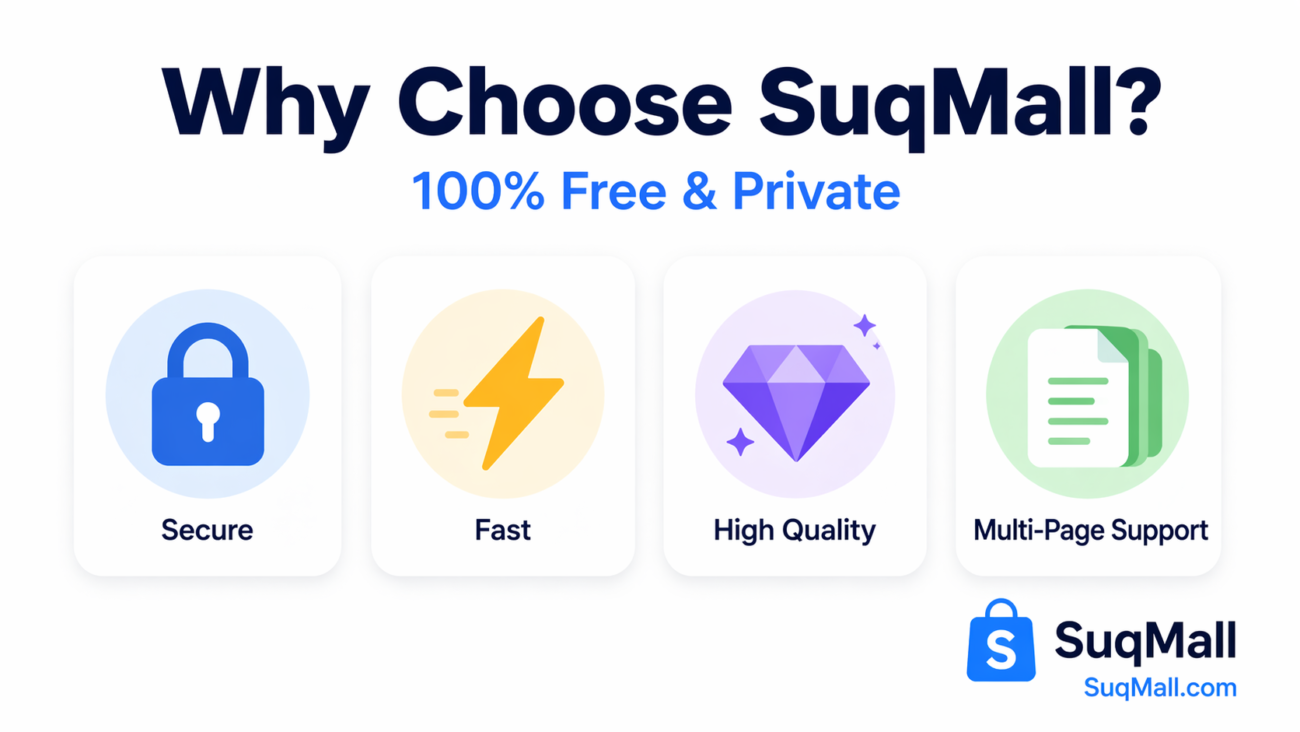
🔒 100% Secure & Private
- Feature: Local browser processing
- Benefit: Your files never leave your computer, ensuring complete privacy and security
- Example: Perfect for confidential business documents or personal files
⚡ Instant Conversion
- Feature: Real-time processing
- Benefit: Convert multi-page PDFs in seconds without waiting
- Example: Process a 50-page report in under a minute
🎯 High-Quality Output
- Feature: 2x scale rendering
- Benefit: Crystal-clear PNG images that maintain original quality
- Example: Perfect for printing or professional presentations
📚 Multi-Page Support
- Feature: Automatic page handling
- Benefit: Convert entire documents or select specific pages
- Example: Extract only the charts from a financial report
🔄 Batch Processing
- Feature: Multiple file conversion
- Benefit: Convert several PDFs simultaneously
- Example: Process all your monthly reports at once
💾 Flexible Download Options
- Feature: Individual or ZIP downloads
- Benefit: Choose how you want to save your converted files
- Example: Download all images as a single ZIP for easy sharing
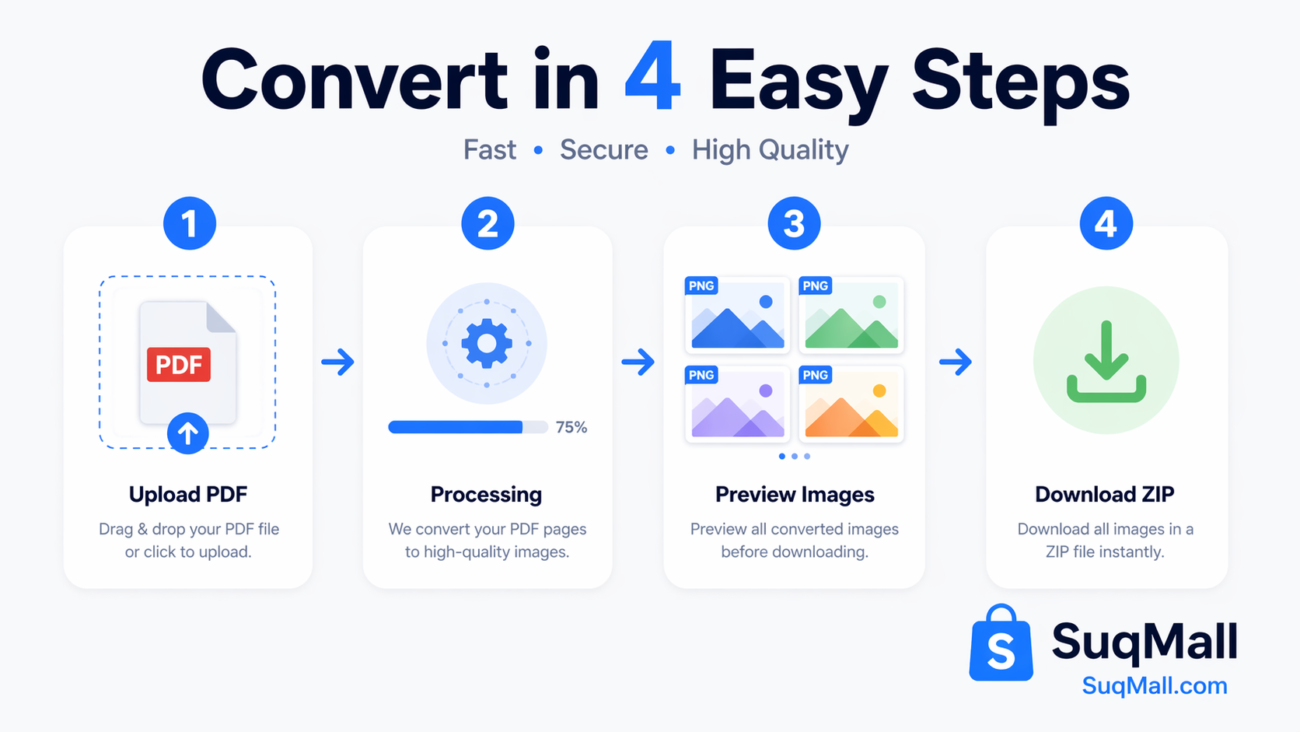
Step-by-Step Guide: How to Use the PDF to PNG Converter
Step 1: Access the Tool
Visit SuqMall’s PDF to PNG Converter through any web browser – no installation required.
Step 2: Upload Your PDF
- Drag and drop your PDF file into the upload area, or
- Click “Browse Files” to select from your computer
- Supported: All standard PDF formats, multi-page documents
Step 3: Automatic Conversion
Wait a few seconds while the tool processes each page. You’ll see real-time progress updates.
Step 4: Preview and Download
- Review the converted PNG images
- Download individual pages or all images as a ZIP file
- Use the preview to ensure quality meets your needs
Pro Tips for Best Results:
- For web use: The default 2x scale provides optimal quality
- For printing: Consider larger PDFs for higher resolution output
- Batch processing: Convert multiple files at once to save time
Common Mistakes to Avoid:
- ❌ Uploading password-protected PDFs (tool cannot process encrypted files)
- ❌ Trying to convert extremely large files (break them into smaller batches)
- ❌ Closing the browser during conversion (process will be interrupted)
Real-World Examples and Use Cases
Case Study 1: Marketing Professional
Situation: Sarah needed to extract infographics from a client’s PDF report for social media posts.
Solution: Used the PDF to PNG converter to extract high-quality images, maintaining brand colors and sharp text.
Result: Created engaging social media content in minutes instead of hours.
Case Study 2: Academic Researcher
Situation: Dr. Chen needed to include specific chart images from research papers in his presentation.
Solution: Converted only the relevant pages to PNG, preserving data accuracy and visual quality.
Result: Professional-looking presentation with perfectly integrated research visuals.
Case Study 3: Small Business Owner
Situation: Mike wanted to create product image galleries from PDF catalogs.
Solution: Batch-converted entire product catalogs to PNG format for his website.
Result: Updated website with professional product images without graphic design costs.
Frequently Asked Questions
❓ Is this tool really free?
A: Yes! Our PDF to PNG converter is 100% free with no hidden costs, watermarks, or limitations.
❓ Do I need to create an account?
A: No account or registration required. Start converting immediately.
❓ What about file privacy?
A: Your files never leave your computer. All processing happens locally in your browser.
❓ Does it work on mobile devices?
A: Yes! The tool is fully responsive and works on smartphones, tablets, and desktops.
❓ What’s the maximum file size?
A: While there’s no strict limit, we recommend files under 100MB for optimal performance.
❓ Can I convert password-protected PDFs?
A: Currently, the tool cannot process encrypted or password-protected PDF files.
❓ How long does conversion take?
A: Most files convert in seconds. Larger documents may take a minute or two.
❓ What PNG quality can I expect?
A: High-quality output with 2x scale rendering for sharp, clear images.
Conclusion: Transform Your PDF Workflow Today
Converting PDF to PNG shouldn’t be complicated or expensive. With SuqMall’s free online tool, you have everything you need to transform your documents into high-quality images quickly and securely.
Key Takeaways:
- ✅ Completely free with no hidden costs
- ✅ 100% secure – files never leave your computer
- ✅ High-quality PNG output with multi-page support
- ✅ Batch processing for multiple files
- ✅ No installation or registration required
Ready to Get Started?
Try our PDF to PNG Converter now and experience the difference for yourself! Whether you’re a student, professional, or business owner, this tool will save you time and simplify your document workflow.
👉 [Convert Your First PDF Now] – It’s free, fast, and secure!
Have questions or success stories? We’d love to hear about your experience! Share your results or get support through our contact channels.
This comprehensive guide is part of SuqMall’s commitment to providing free, valuable tools and resources for the digital community. Explore our other free utilities for all your conversion and productivity needs.