Blog
Free Online PDF To JSON Converter Web Tool Guide: Convert PDF to JSON with Our Free Online Tool

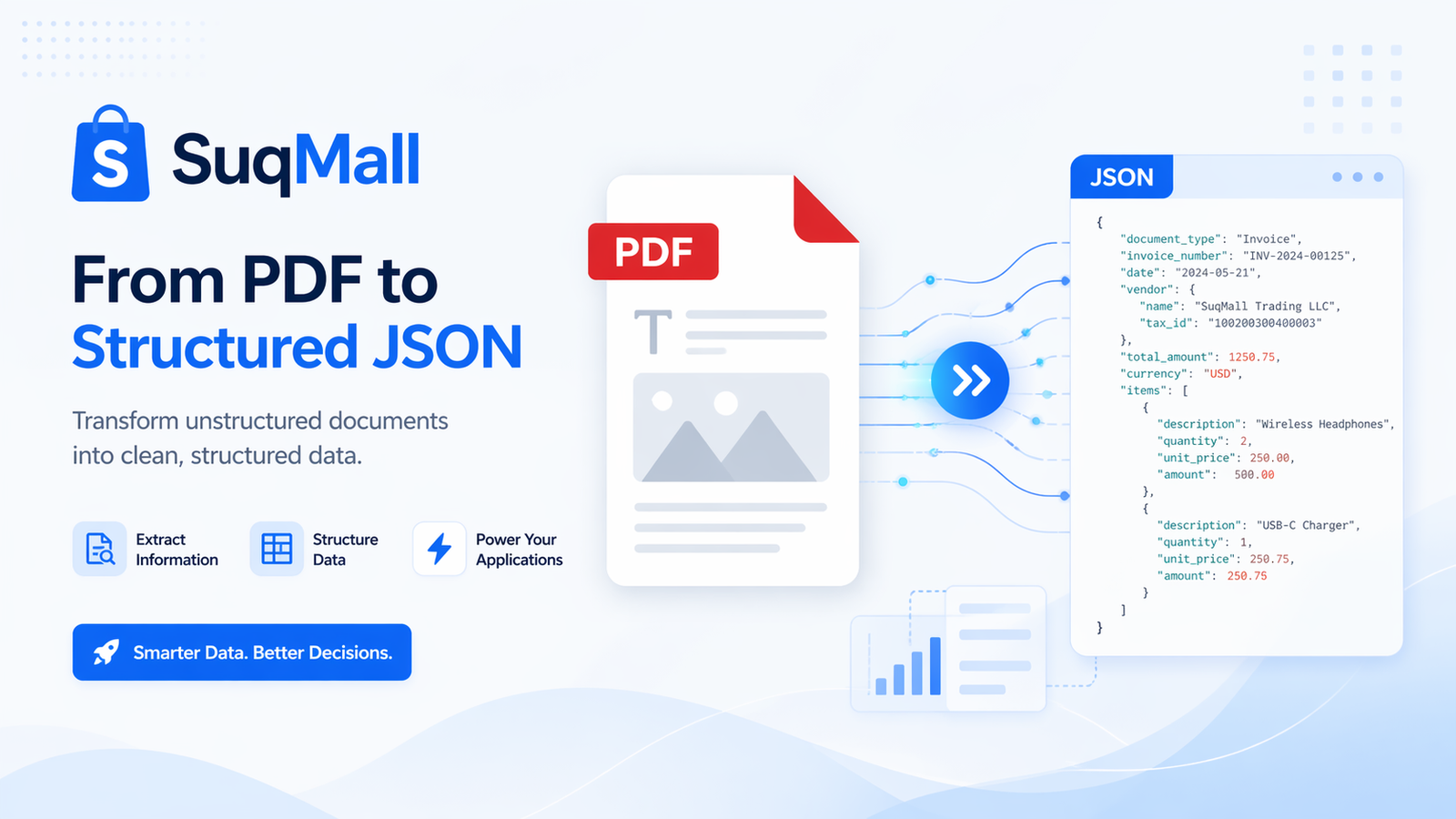
In today’s data-driven world, the ability to extract and structure information from PDF documents is more valuable than ever. Whether you’re a developer, data analyst, researcher, or business professional, our PDF to JSON converter provides a seamless solution to transform static PDF content into dynamic, usable data. This comprehensive guide will show you how to leverage this powerful tool to streamline your workflows and unlock new possibilities for data manipulation and analysis.
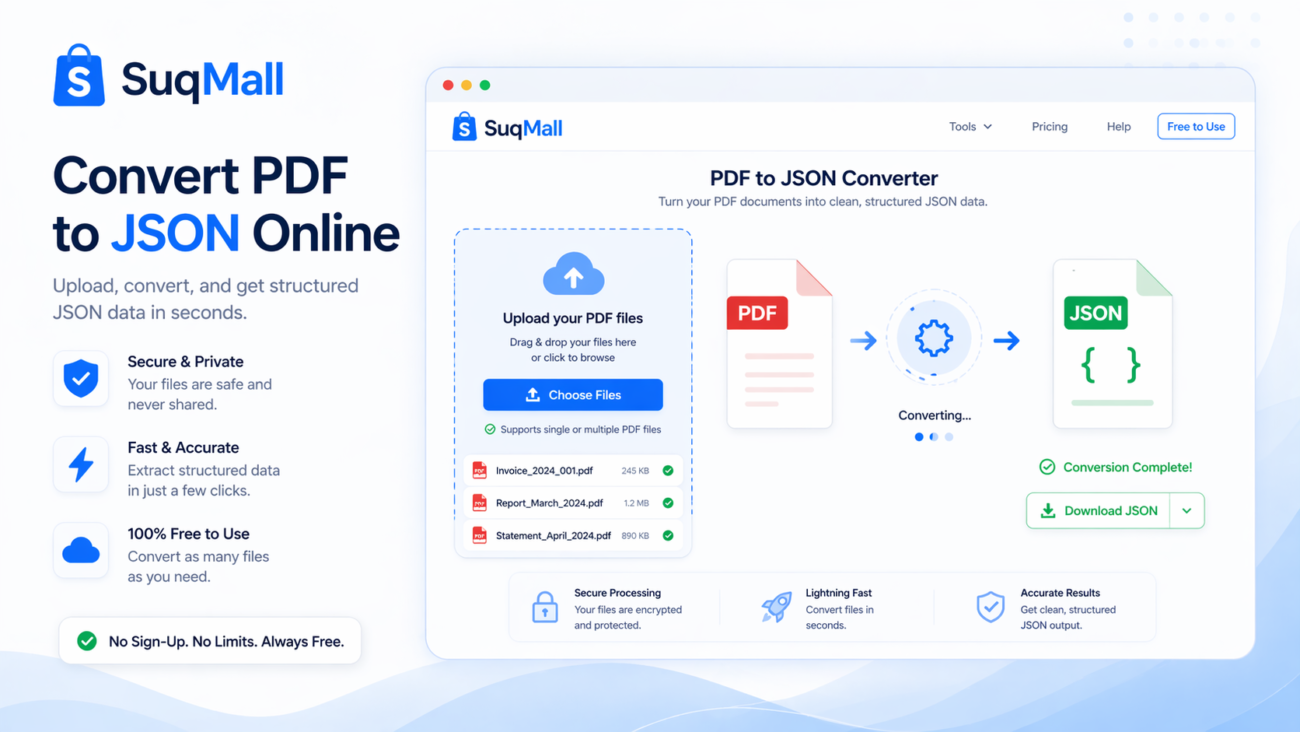
What is a PDF to JSON Converter?
A PDF to JSON converter is a specialized tool that extracts text and structural information from PDF files and converts it into JSON (JavaScript Object Notation) format. JSON has become the universal standard for data interchange due to its lightweight nature and easy readability by both humans and machines. By converting PDF content to JSON, you’re essentially transforming static documents into structured data that can be easily processed, analyzed, and integrated with other applications.
Why Convert PDF to JSON?
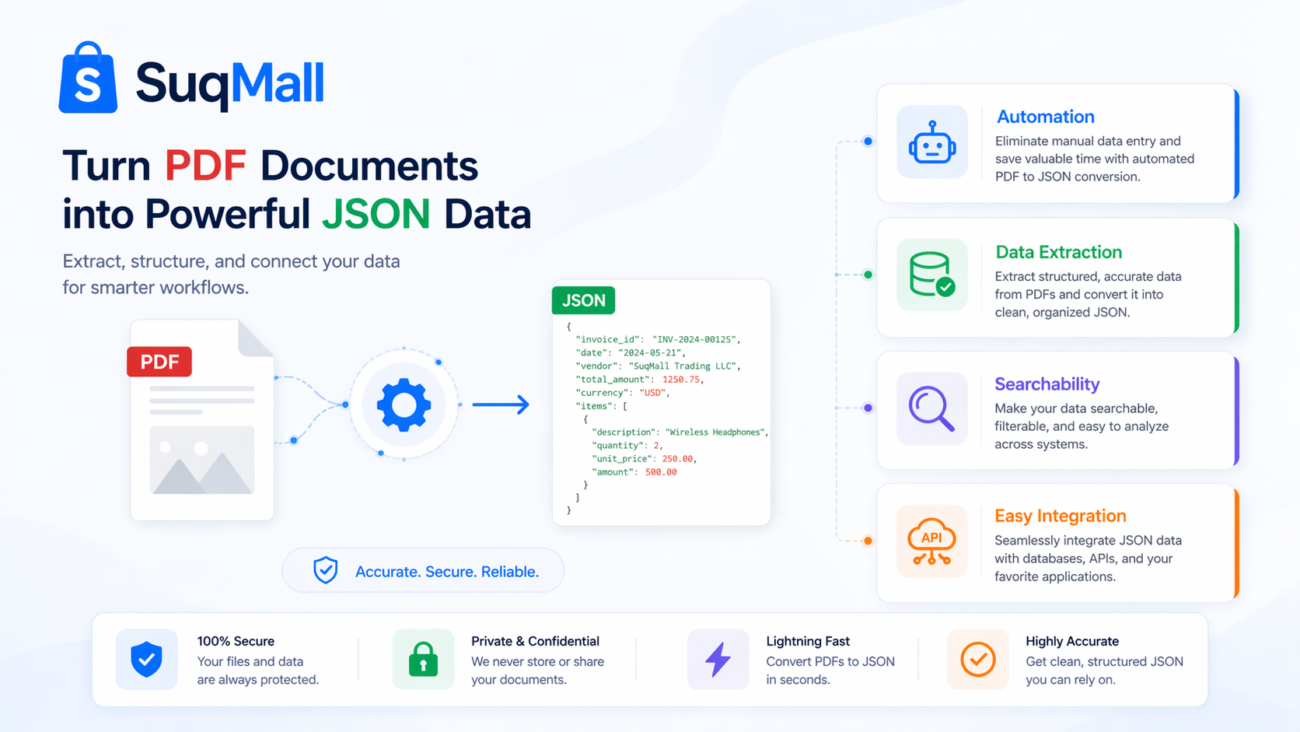
- Data Integration: JSON format is compatible with virtually all modern programming languages and databases
- Automation Ready: Structured JSON data can be processed automatically without manual intervention
- Improved Accessibility: JSON files are easier to search, filter, and manipulate than PDF content
- Cross-Platform Compatibility: JSON works seamlessly across different operating systems and devices
Key Features and Benefits of Our PDF to JSON Converter
Our tool stands out from the competition with these powerful features:
100% Client-Side Processing
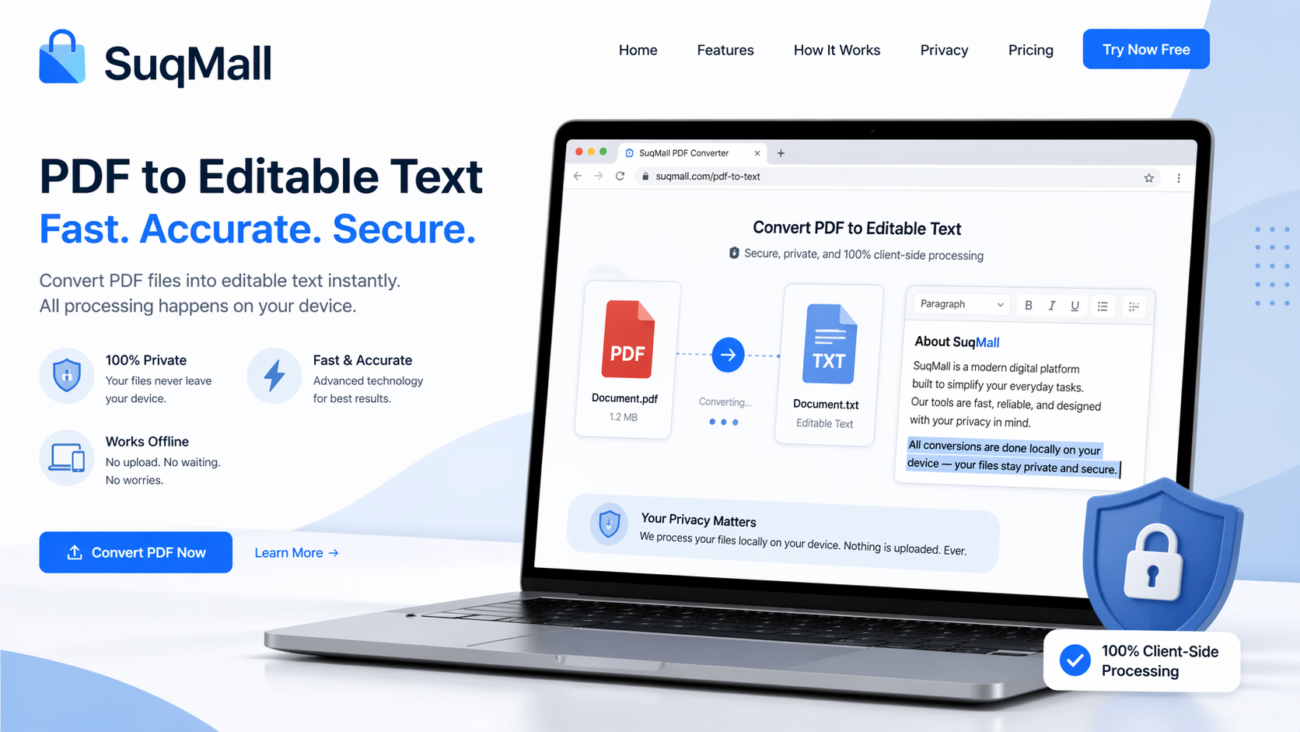
Benefit: Your files never leave your computer, ensuring complete privacy and security for sensitive documents. Unlike cloud-based converters that upload your files to remote servers, our tool processes everything locally in your browser.
Example: Legal professionals can convert confidential client documents without worrying about data breaches.
Batch Processing Capability
Benefit: Convert multiple PDF files simultaneously, saving valuable time when working with large document collections.
Example: Researchers can process hundreds of academic papers at once for literature review analysis.
No File Size Limits
Benefit: Work with PDFs of any size without worrying about arbitrary restrictions that interrupt your workflow.
Example: Archivists can convert large historical document collections without splitting files.
Zero Installation Required
Benefit: Access the tool instantly from any device with a web browser—no software downloads or updates necessary.
Example: Students can use the tool on library computers without admin privileges.
Dark Mode Support
Benefit: Reduce eye strain during extended working sessions with our comfortable dark interface.
Example: Developers working late hours can convert documents without harsh screen glare.
Multiple Download Options
Benefit: Download individual JSON files or all converted files as a convenient ZIP archive.
Example: Project managers can distribute structured data to team members in their preferred format.
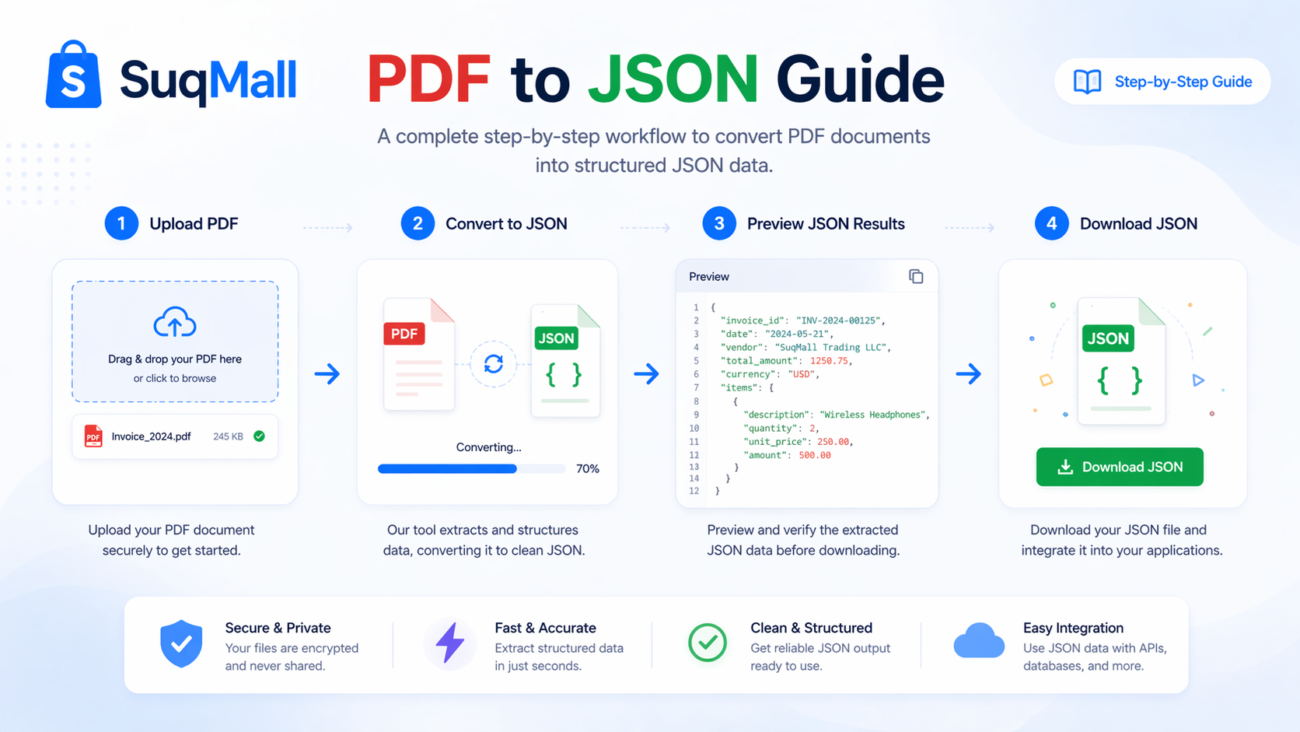
How to Use Our PDF to JSON Converter: Step-by-Step Guide
Follow these simple steps to convert your PDF files to JSON format efficiently:
Step 1: Access the Tool
Navigate to our PDF to JSON converter page. The interface is designed for intuitive use, with clear instructions and visual cues.
Pro Tip: Bookmark the page for quick access during frequent use.
Step 2: Upload Your PDF Files
You have three options for uploading files:
- Click the upload area to browse your files
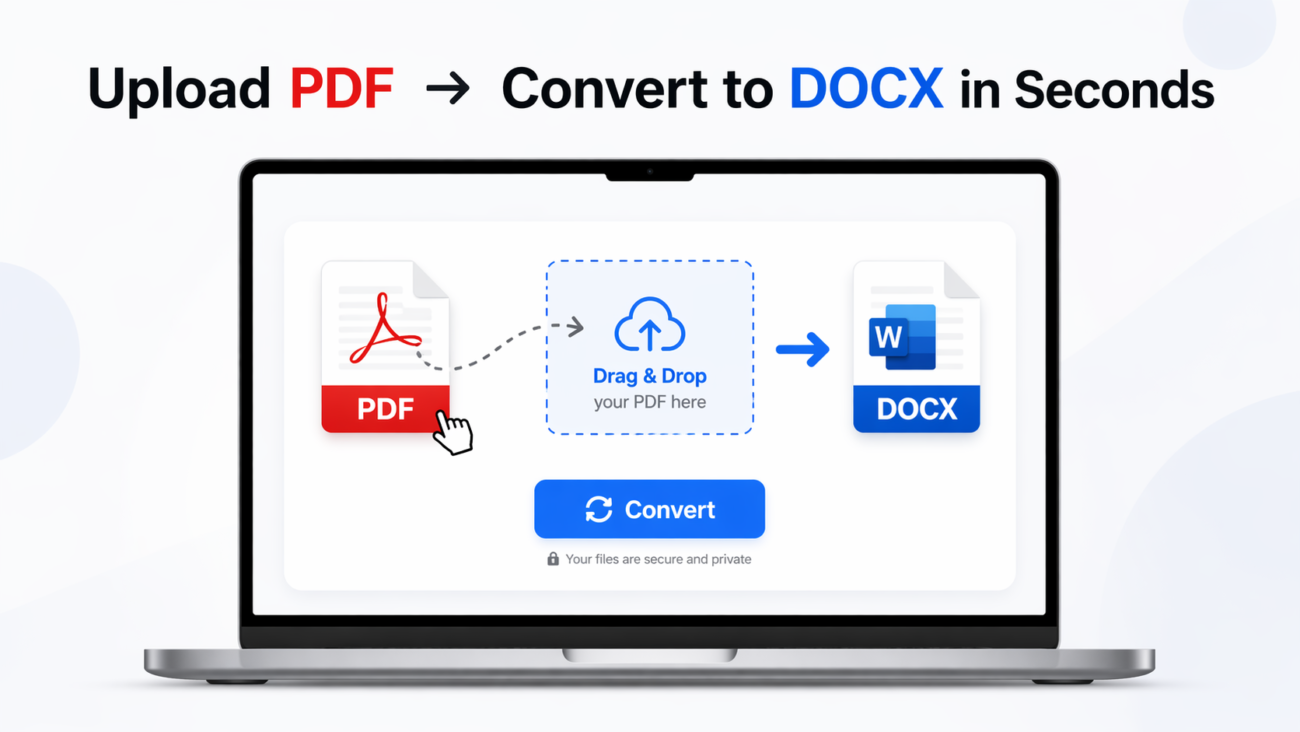
- Drag and drop PDF files directly onto the upload zone
- Select multiple files using Ctrl+Click (or Cmd+Click on Mac)
Best Practice: Organize your PDFs in a dedicated folder before starting for smoother batch processing.
Step 3: Review Selected Files
The tool displays all uploaded files with their names and sizes. At this stage, you can:
- Remove individual files if needed
- Verify that all required documents are selected
- Ensure files are in the correct order if sequence matters
Common Mistake to Avoid: Forgetting to check that all pages of multi-page documents are properly included.
Step 4: Initiate Conversion
Click the “Convert to JSON” button to begin processing. The tool provides real-time progress updates, so you can monitor the conversion status.
Pro Tip: For large files, consider taking a short break while processing completes rather than interrupting the conversion.
Step 5: Access and Download Results
Once conversion is complete:
- Preview the JSON output directly in the browser
- Download individual JSON files as needed
- Use the “Download All as ZIP” option for batch downloads
- Copy JSON content directly for immediate use
Best Practice: Always preview the JSON structure before downloading to ensure it meets your requirements.
Practical Examples and Use Cases
Example 1: Academic Research
Situation: A graduate student needs to analyze 50 research papers for their literature review.
Solution: They convert all PDFs to JSON, then use Python scripts to extract keywords, citations, and methodology sections automatically.
Result: The student saves dozens of hours of manual reading and note-taking.
Example 2: Business Process Automation
Situation: An accounting firm receives monthly financial reports in PDF format from multiple clients.
Solution: They convert these reports to JSON and integrate the data directly into their accounting software.
Result: Reduced manual data entry errors and improved processing efficiency by 70%.
Example 3: Legal Document Analysis
Situation: A law firm needs to compare clauses across hundreds of contracts.
Solution: They convert contract PDFs to JSON, then use specialized software to identify patterns and inconsistencies.
Result: Faster due diligence and improved compliance checking.
Example 4: Content Migration
Situation: A company migrating their documentation from PDF to a content management system.
Solution: Convert all documentation to JSON format for seamless integration into the new system.
Result: Smooth transition with preserved formatting and structure.

Frequently Asked Questions
Is this tool completely free to use?
Yes, our PDF to JSON converter is 100% free with no hidden costs, usage limits, or subscription requirements. You can convert as many files as you need without any charges.
What types of PDF files work best with the converter?
The tool works optimally with text-based PDFs (created from Word processors, HTML, etc.). For scanned PDFs, the accuracy depends on the quality of OCR (Optical Character Recognition) text layer. Image-only PDFs without text layers will not convert successfully.
How long does the conversion process take?
Conversion speed depends on file size and complexity. Most standard documents (5-20 pages) convert in under 30 seconds. Larger documents (100+ pages) may take several minutes. The tool provides progress indicators so you can monitor the status.
Can I convert password-protected PDFs?
No, the tool cannot process password-protected or encrypted PDF files. You’ll need to remove the password protection before conversion.
What happens if the conversion fails?
The tool includes comprehensive error handling. If a conversion fails, you’ll receive a specific error message explaining the issue (e.g., corrupt file, unsupported format). Most common issues can be resolved by ensuring you’re using a valid, accessible PDF file.
Is there a limit to the number of files I can convert at once?
While there’s no hard limit, performance is optimal with batches of 10-20 files depending on their sizes. For very large collections, we recommend processing in smaller batches for better reliability.
How accurate is the text extraction?
Text extraction accuracy typically exceeds 95% for properly formatted text-based PDFs. Layout complexity, unusual fonts, and poor scanning quality can affect accuracy. The tool preserves paragraph structure and basic formatting.
Can I customize the JSON output structure?
The current version provides a standardized JSON structure optimized for most use cases. While you cannot customize the output format directly in the tool, the consistent structure makes it easy to post-process the JSON using scripting languages.
Advanced Tips and Best Practices
Pre-Conversion Preparation
- Optimize PDF Quality: Ensure your PDFs have clear text and proper formatting
- Combine Related Documents: Use PDF merging tools before conversion for cohesive data sets
- Check File Integrity: Verify that PDFs aren’t corrupted before conversion attempts
Post-Conversion Strategies
- Data Validation: Always spot-check converted JSON against original PDF content
- Backup Originals: Keep your source PDFs until you’ve verified the JSON output
- Version Control: Use descriptive naming conventions for different conversion batches
Integration Ideas
- Database Import: Structure JSON for direct database ingestion
- API Development: Use converted JSON as mock data for API testing
- Visualization: Feed JSON data into charting libraries for instant visualizations
Conclusion: Transform Your PDF Workflow Today
Our PDF to JSON converter represents more than just a file format transformation tool—it’s a gateway to efficient data management and automation. By bridging the gap between static documents and dynamic data structures, this tool empowers professionals across industries to work smarter, not harder.
The combination of client-side processing, batch capabilities, and zero cost makes this an indispensable addition to your digital toolkit. Whether you’re dealing with occasional conversions or regular document processing workflows, our converter delivers reliability, security, and performance.
Ready to experience the power of structured data?
[Try our PDF to JSON converter now] and join thousands of users who have revolutionized their document processing workflows. Share your success stories and innovative use cases with our community—we’d love to hear how this tool transforms your projects!
Have questions or need assistance? Our support resources and user community are available to help you maximize the tool’s potential for your specific needs.