Blog
Free Online JPG Converter Web Tool Guide: Why SuqMall.Net’s Tool is Revolutionizing Image Conversion

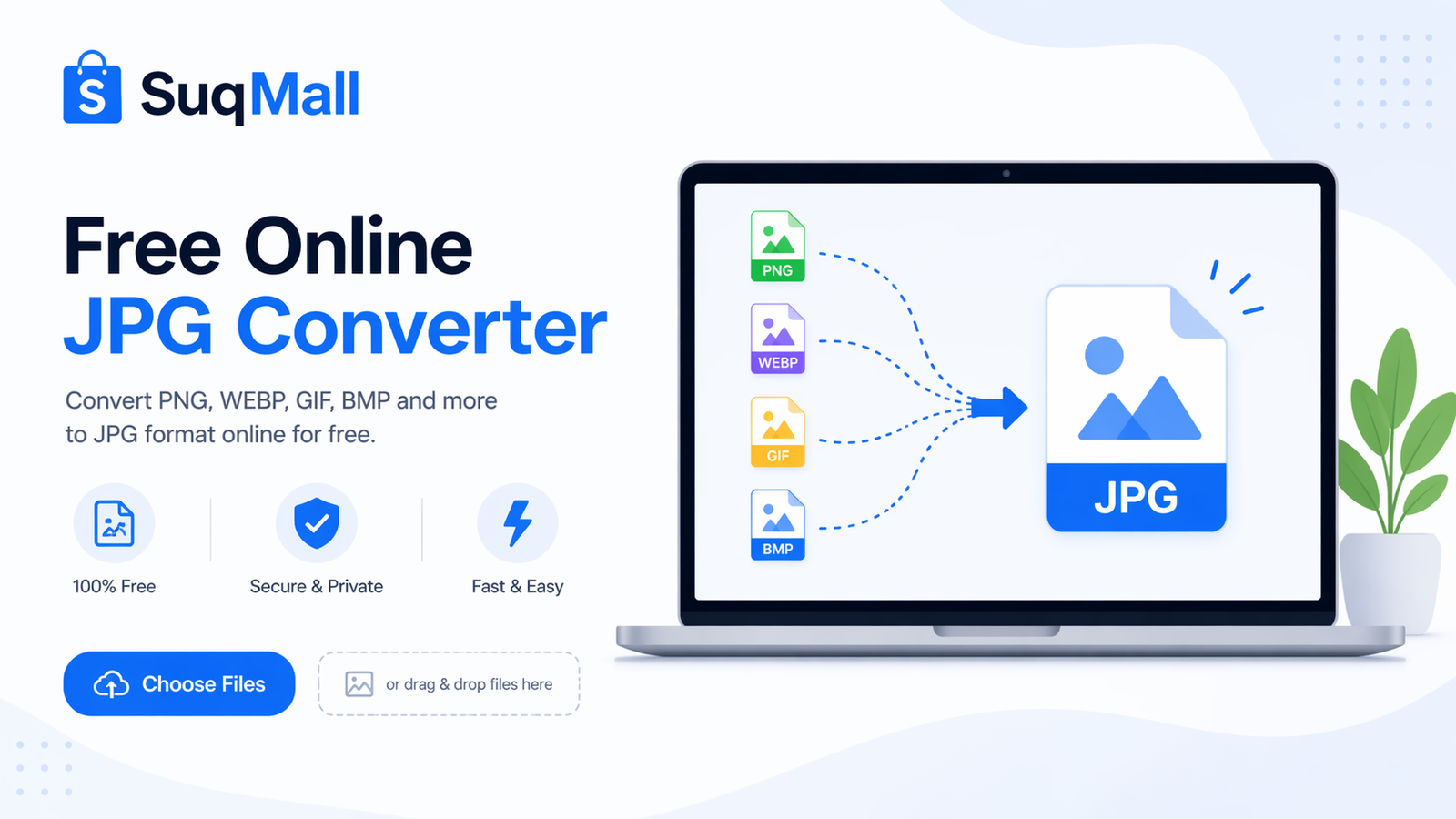
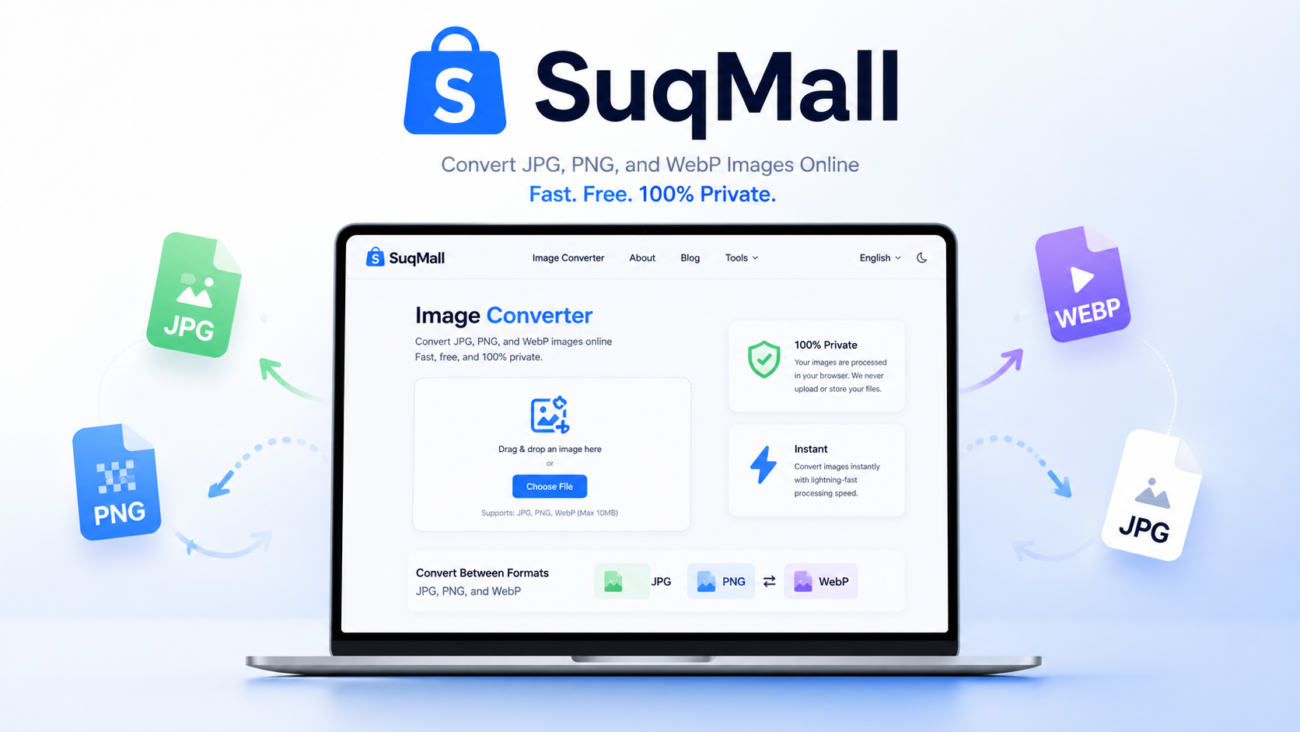
In today’s digital world, images are the universal language of communication. Whether you’re a professional photographer, a social media enthusiast, or simply someone who needs to convert images for work or personal use, having access to a reliable, free JPG converter is essential. Enter SuqMall.Net’s Free JPG Converter – a tool that’s changing the game with its unlimited capabilities, privacy-focused approach, and completely free service.
What is a JPG Converter and Why Do You Need One?
JPG (or JPEG) is the most widely used image format worldwide, and for good reason. It offers an excellent balance between quality and file size, making it ideal for everything from website images to personal photography. However, with the proliferation of different image formats like PNG, WEBP, GIF, and more, the need to convert between these formats has become increasingly important.
A JPG converter allows you to transform images from various formats into JPG or vice versa. This is particularly useful when:
- You need to reduce file sizes for faster website loading
- You want to ensure compatibility across different devices and platforms
- You need to edit images in software that only supports specific formats
- You want to preserve image quality while optimizing storage space
Introducing SuqMall.Net’s Free JPG Converter
At SuqMall.Net, we’ve developed a JPG conversion tool that stands head and shoulders above the competition. Our converter isn’t just another basic tool – it’s a comprehensive solution designed with users’ needs in mind.
Key Features That Set Our Tool Apart
- 100% Free with No Hidden Costs
Unlike many so-called “free” tools that limit functionality or watermark your images, our converter is completely free. No trial periods, no premium upgrades, no sneaky paywalls. Just unlimited conversion at zero cost. - No File Size Restrictions
While other converters impose strict limits on file sizes (often as low as 5MB), our tool handles files of any size. Convert high-resolution professional photographs without worrying about compression or quality loss. - Complete Privacy and Security
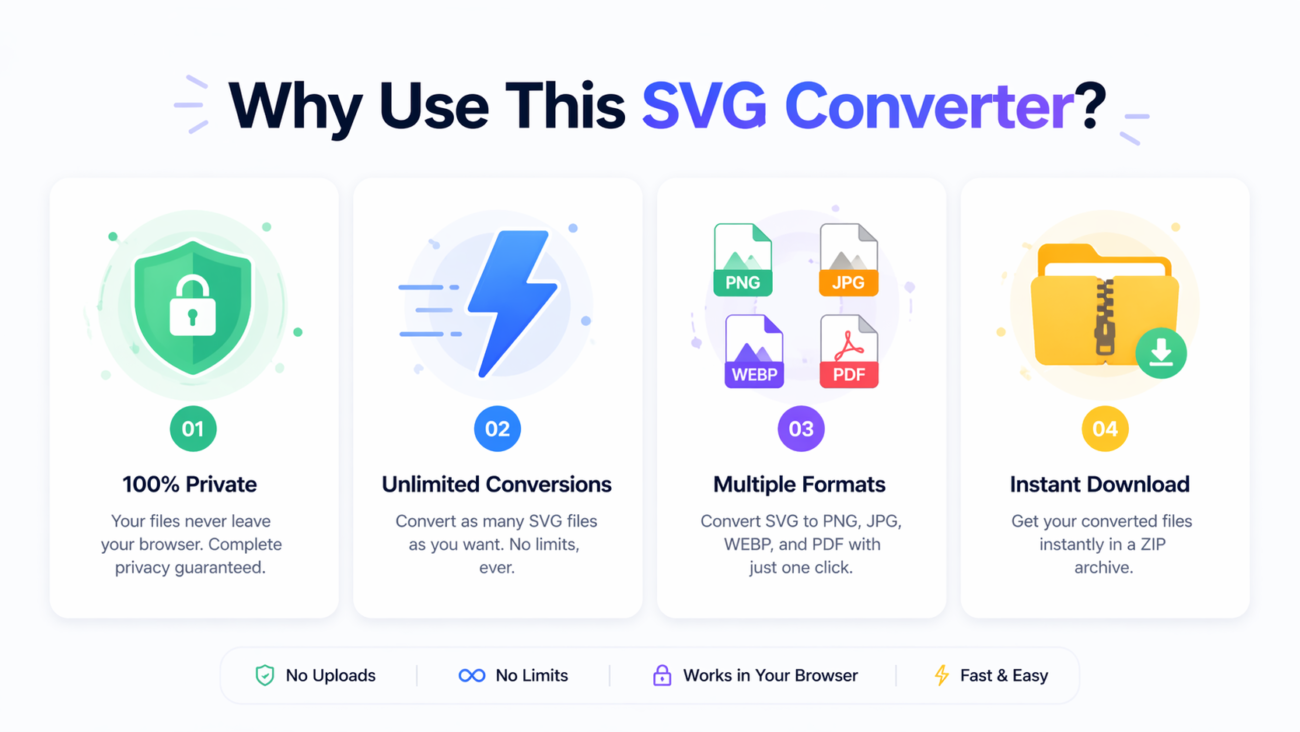
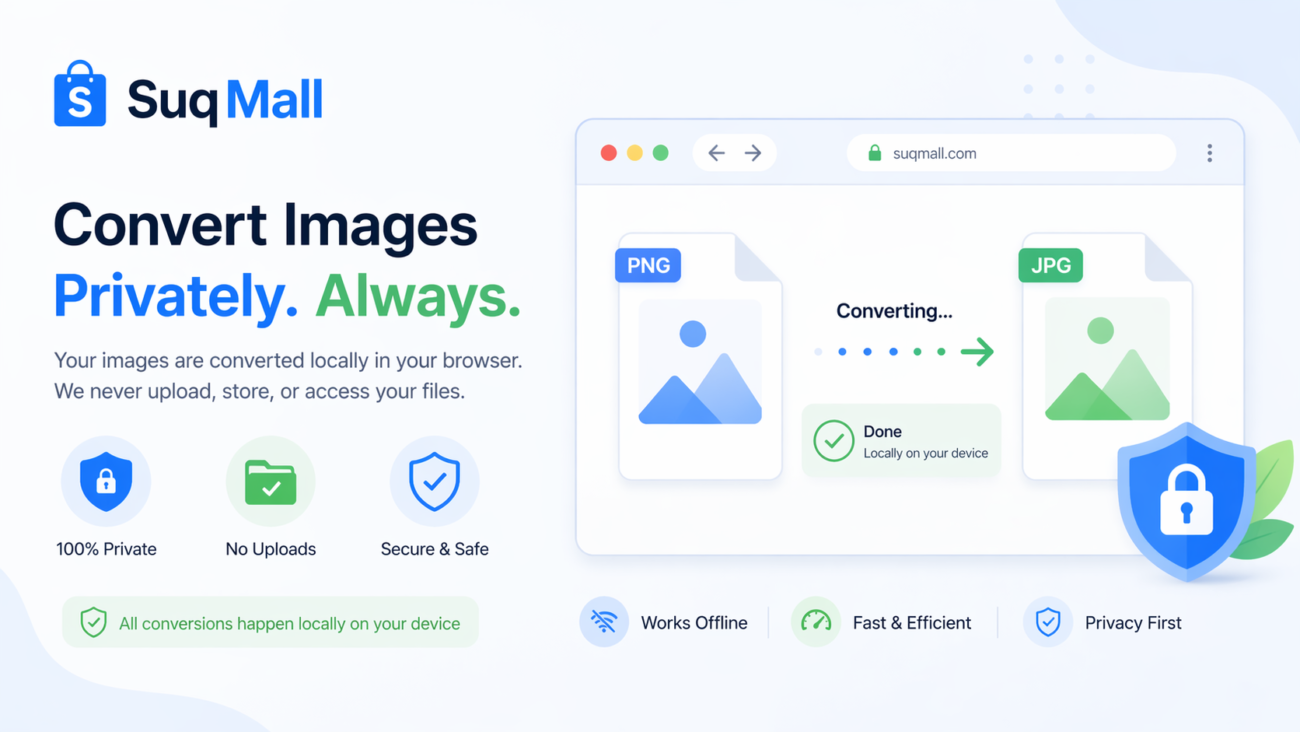
Your images never leave your computer. All processing happens directly in your browser using advanced JavaScript, ensuring that your sensitive or personal images remain completely private. - Batch Processing Capabilities
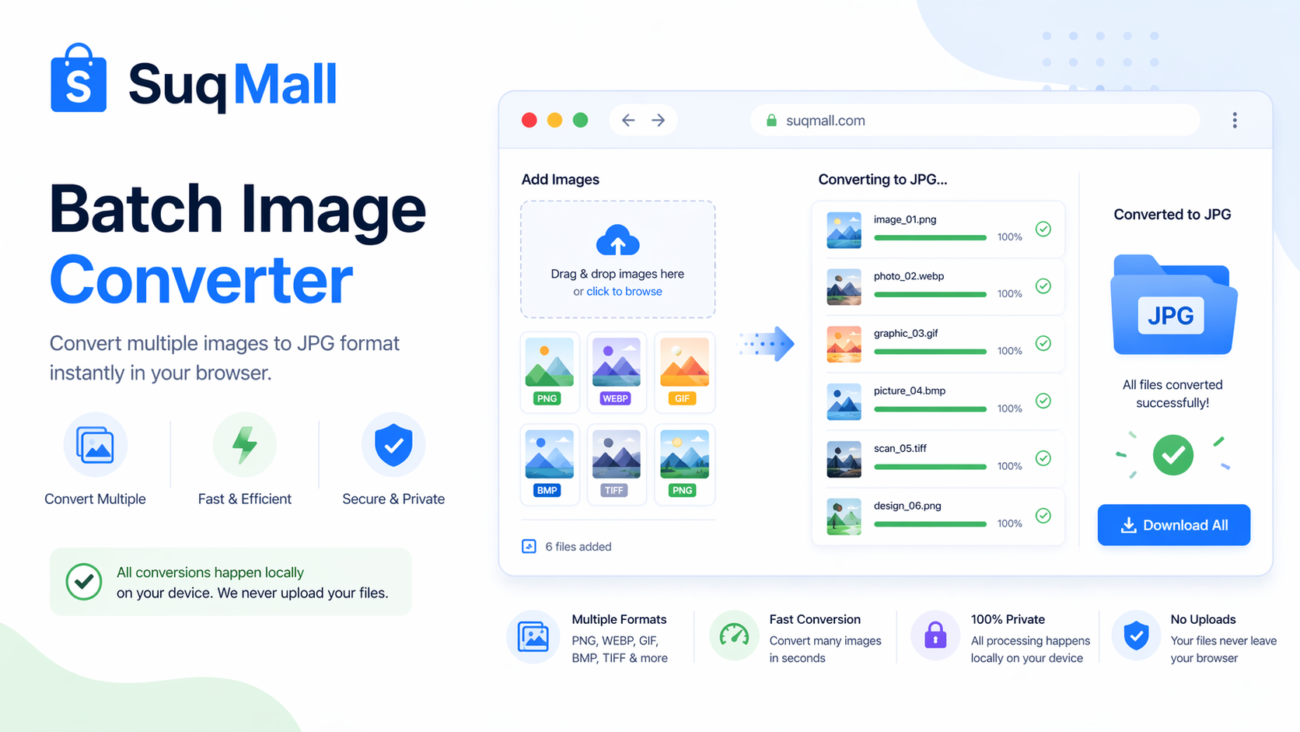
Convert multiple images simultaneously with our batch processing feature. This is a huge time-saver for photographers, designers, or anyone working with large collections of images. - Multiple Format Support
While focused on JPG conversion, our tool supports all major image formats including PNG, WEBP, GIF, BMP, and more. Convert between any supported formats with ease. - Advanced Customization Options
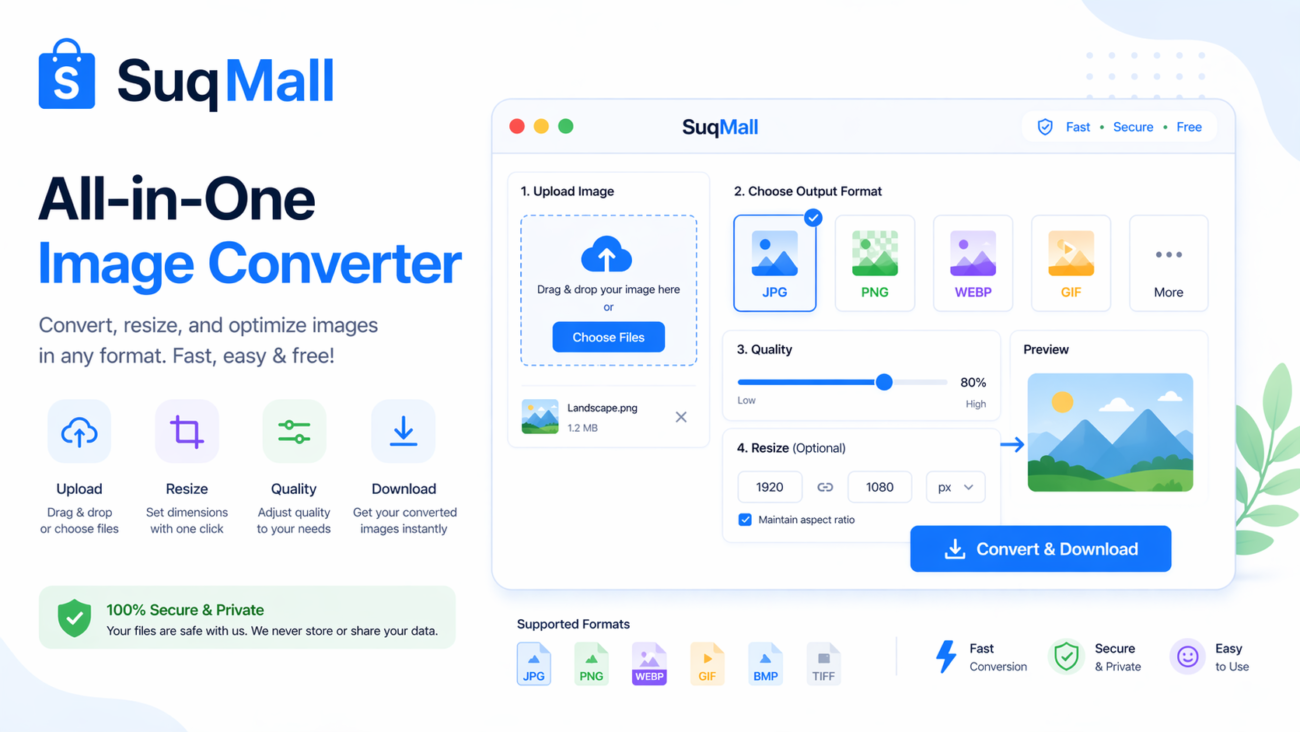
Adjust quality settings, resize images, maintain aspect ratios, remove metadata, and add custom filename suffixes – all within an intuitive interface. - Universal Compatibility
Our tool works seamlessly across all devices and browsers. Whether you’re on a Windows PC, Mac, iPhone, Android tablet, or anything in between, you’ll get the same excellent experience.
How to Use SuqMall.Net’s JPG Converter: A Step-by-Step Guide
Using our converter is straightforward, even for complete beginners. Here’s how to get the most out of it:
Step 1: Accessing the Tool
Navigate to SuqMall.Net’s JPG Converter page. No registration or download required – it’s immediately ready to use.
Step 2: Uploading Your Images
You have three options for adding images:
- Drag and Drop: Simply drag files from your computer directly onto the upload zone
- File Browser: Click the “Browse Files” button to select images through your system’s file dialog
- URL Import: Paste a direct image URL to convert online images without downloading them first
Step 3: Adjusting Settings (Optional)
For advanced users, we offer several customization options:
- Quality Slider: Adjust JPG compression from 1-100% based on your quality needs
- Resize Options: Change image dimensions while optionally maintaining aspect ratio
- Output Format: Select from JPG, PNG, or WEBP output formats
- Metadata Control: Choose to preserve or remove EXIF data for privacy
- Filename Suffix: Add custom text to converted filenames to avoid overwriting originals
Step 4: Converting Your Images
Click the “Convert All” button to begin processing. You’ll see real-time progress bars for each image, and the tool will automatically handle multiple files simultaneously.
Step 5: Downloading Your Converted Images
Once conversion is complete, you can:
- Download individual images by clicking on them
- Download all images as a single ZIP archive for convenience
- Start a new conversion session without refreshing the page
Why Privacy Matters in Image Conversion
In an era of increasing digital surveillance and data breaches, privacy has become a paramount concern for internet users. Many online converters upload your images to their servers for processing, creating potential security vulnerabilities and privacy risks.
SuqMall.Net’s converter eliminates these concerns entirely by processing everything locally in your browser. Your images never touch our servers – in fact, they never leave your device at all. This approach offers several significant advantages:
- Complete Confidentiality: Personal, professional, or sensitive images remain entirely private
- Faster Processing: No waiting for uploads/downloads – conversion happens instantly
- No Data Storage Concerns: We have no access to your images, so they can’t be stored, analyzed, or misused
- Works Offline: Once the page is loaded, you can convert images without an internet connection
Advanced Techniques for Optimal Image Conversion
To help you get the best results from our tool, here are some professional tips for image conversion:
Understanding Quality Settings
The quality slider controls the level of compression applied to JPG images. Higher values preserve more detail but create larger files, while lower values reduce file size at the cost of some quality. For most purposes, we recommend:
- 90-100%: Professional photography, print materials, archival purposes
- 80-90%: Website images, social media sharing, general use
- 60-80%: Email attachments, quick previews, thumbnails
- Below 60%: Only for situations where file size is the absolute priority
When to Use Different Formats
While JPG is excellent for most photographic images, other formats have specific advantages:
- PNG: Use for images with transparency or text graphics; lossless compression
- WEBP: Modern format offering superior compression; ideal for web use
- GIF: Best for simple animations; limited to 256 colors
Maintaining Aspect Ratio
When resizing images, keeping the “Maintain Aspect Ratio” option checked prevents distortion. This ensures that width and height proportions remain consistent with the original image.
Metadata Considerations
EXIF data contains valuable information about how an image was captured (camera settings, location, etc.). However, it can also pose privacy concerns. Remove metadata when:
- Sharing images online where privacy is important
- Optimizing files for web use (reduces file size slightly)
- Protecting professional work from being copied or analyzed
Comparing SuqMall.Net to Other Conversion Tools
Many image converters claim to be free but impose significant limitations. Here’s how we stack up against the competition:
| Feature | SuqMall.Net | Typical Free Converters | Premium Tools |
|---|---|---|---|
| Cost | completely Free | Limited free version | Subscription required |
| File Size Limit | None | Usually 5-50MB | Varies |
| Watermarks | Never | Often on free version | Never |
| Privacy | Full (local processing) | Server upload required | Varies |
| Batch Processing | Unlimited | Limited | Usually included |
| Format Support | Comprehensive | Limited | Comprehensive |
| Device Compatibility | All devices | Often desktop-only | Varies |

Frequently Asked Questions
Q: Is there really no limit on file sizes?
A: Yes! Unlike most converters that restrict files to 5-50MB, our tool can handle images of any size, from small thumbnails to multi-gigabyte professional photographs.
Q: How many images can I convert at once?
A: There’s no fixed limit. Our batch processing capability is limited only by your device’s memory, which means you can typically convert dozens of images simultaneously.
Q: Will my converted images be watermarked?
A: Never. We don’t add any watermarks, logos, or branding to your images. What you convert is exactly what you get.
Q: Do I need to create an account?
A: No registration is required. Our tool is immediately accessible without any sign-up process.
Q: What browsers are supported?
A: Our converter works on all modern browsers including Chrome, Firefox, Safari, Edge, and Opera across desktop and mobile devices.
Q: How do you offer this for free?
A: We believe in providing valuable tools to the internet community. While we may display non-intrusive advertisements, these never interfere with the conversion process or compromise your privacy.
The Technology Behind Our Converter
Our JPG converter utilizes cutting-edge web technologies to deliver a seamless experience:
- HTML5 Canvas: For high-quality image processing and manipulation
- JavaScript Web Workers: To maintain browser responsiveness during large conversions
- Client-Side Processing: Ensuring your data never leaves your device
- Responsive Design: Adapting perfectly to any screen size or device
- Modern CSS: For a beautiful, intuitive interface that enhances usability
Real-World Applications
Our converter serves diverse needs across various sectors:
For Photographers
Professionals can convert raw camera images to JPG for client previews, online portfolios, or social sharing without investing in expensive software.
For Web Developers
Convert and optimize images for websites to improve loading times and user experience while maintaining visual quality.
For Social Media Users
Prepare images for different platforms with specific format requirements, all while reducing file sizes for faster uploads.
For Businesses
Convert product images, marketing materials, and documentation to appropriate formats for various applications and storage solutions.
For Students and Educators
Easily prepare images for presentations, papers, and educational materials without technical expertise.
Conclusion
In a digital landscape filled with limited trials, hidden costs, and privacy concerns, SuqMall.Net’s Free JPG Converter stands as a refreshing exception. We’ve eliminated every barrier to quality image conversion: cost, file size limits, privacy concerns, and technical complexity.
Whether you’re converting a single image or processing hundreds of files, our tool provides a seamless, secure, and completely free solution. The next time you need to convert images, experience the difference of a tool designed with users’ needs as the top priority.
Visit SuqMall.Net today and discover why thousands of users worldwide have made our JPG converter their go-to solution for all image conversion needs.
Ready to experience unlimited free image conversion? Visit SuqMall.Net’s JPG Converter today and transform how you work with images!