Blog
SuqMall CSV to PDF Tool Guide: (No Upload, No Signup) | Complete Guide

Introduction
In today’s data-driven world, CSV (Comma-Separated Values) files are widely used for storing and sharing structured data. However, CSV files are not always easy to read, present, or print professionally.
That’s where a CSV to PDF converter becomes essential.
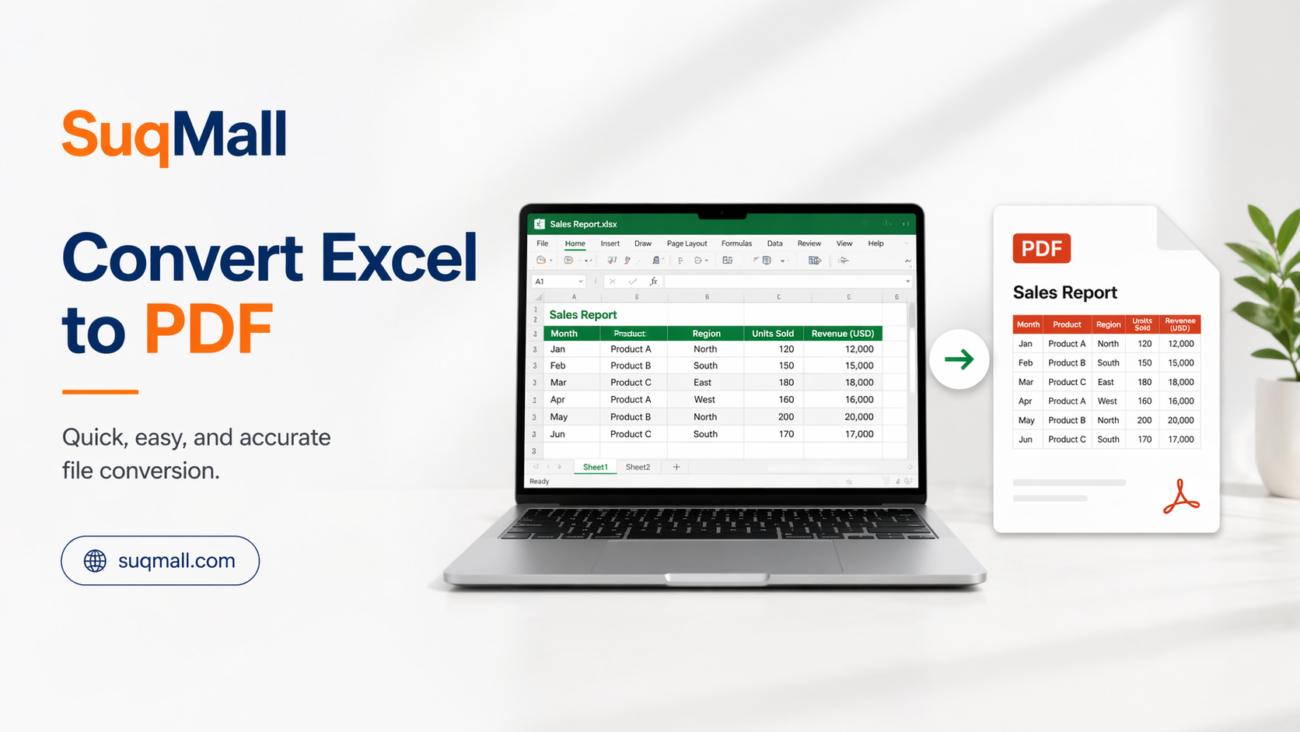
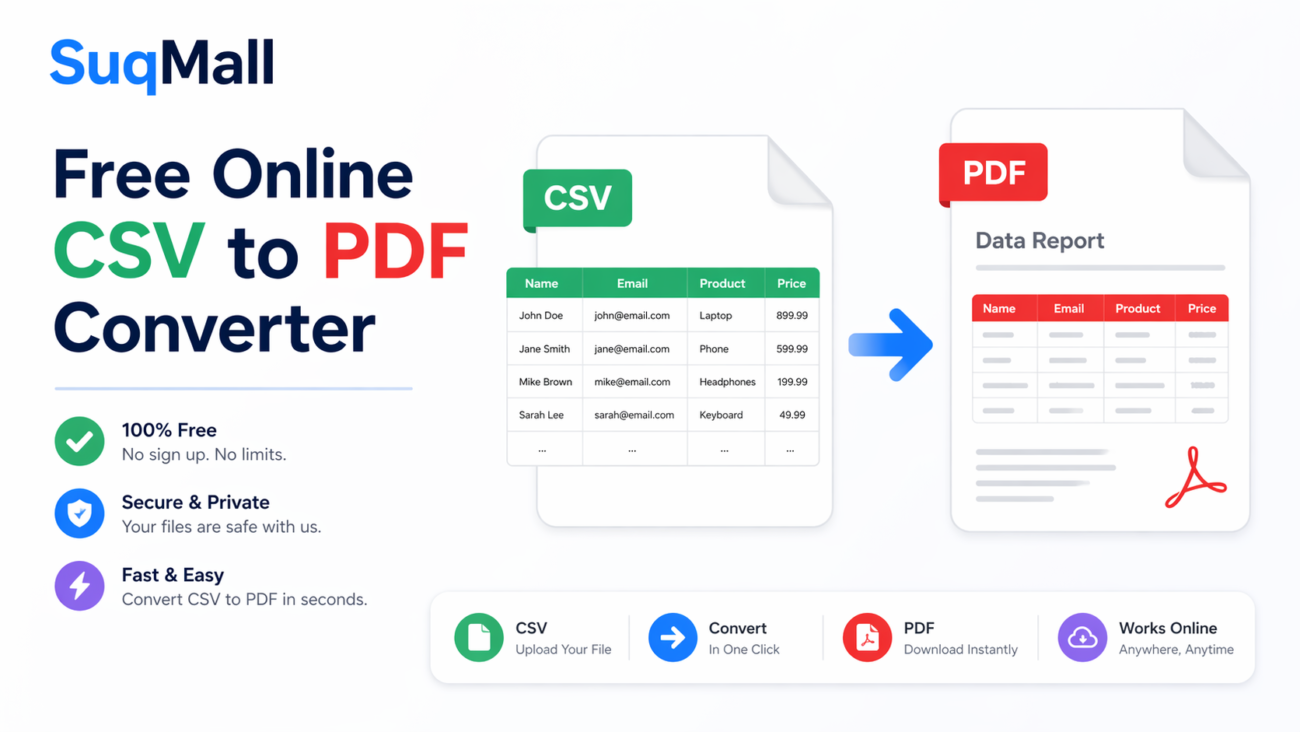
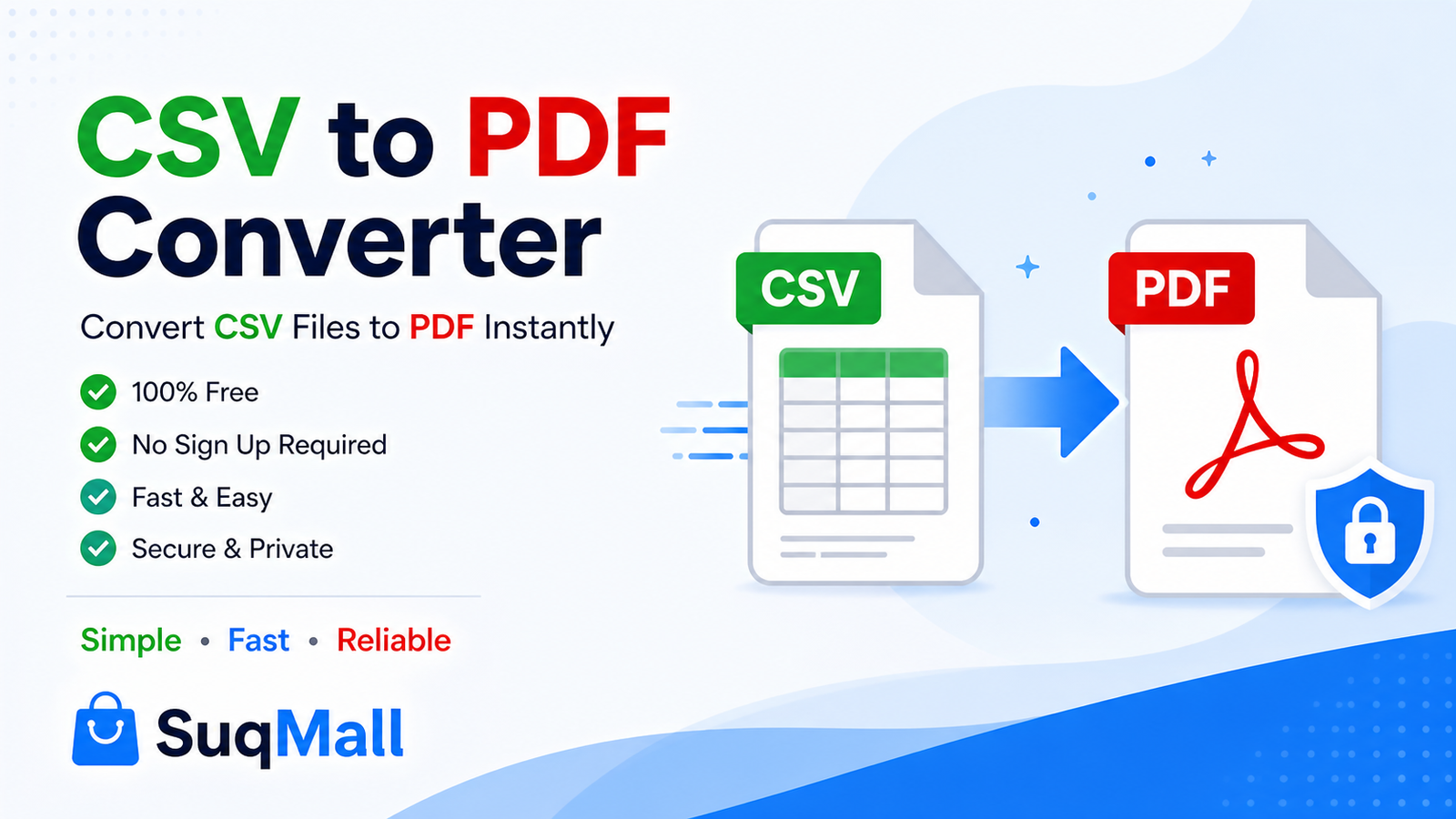
This free online tool allows you to convert CSV files into clean, well-formatted PDF documents instantly—without uploading your data, creating an account, or installing any software.
Whether you’re working with reports, contact lists, or business data, this tool helps you transform raw data into a polished, shareable format.
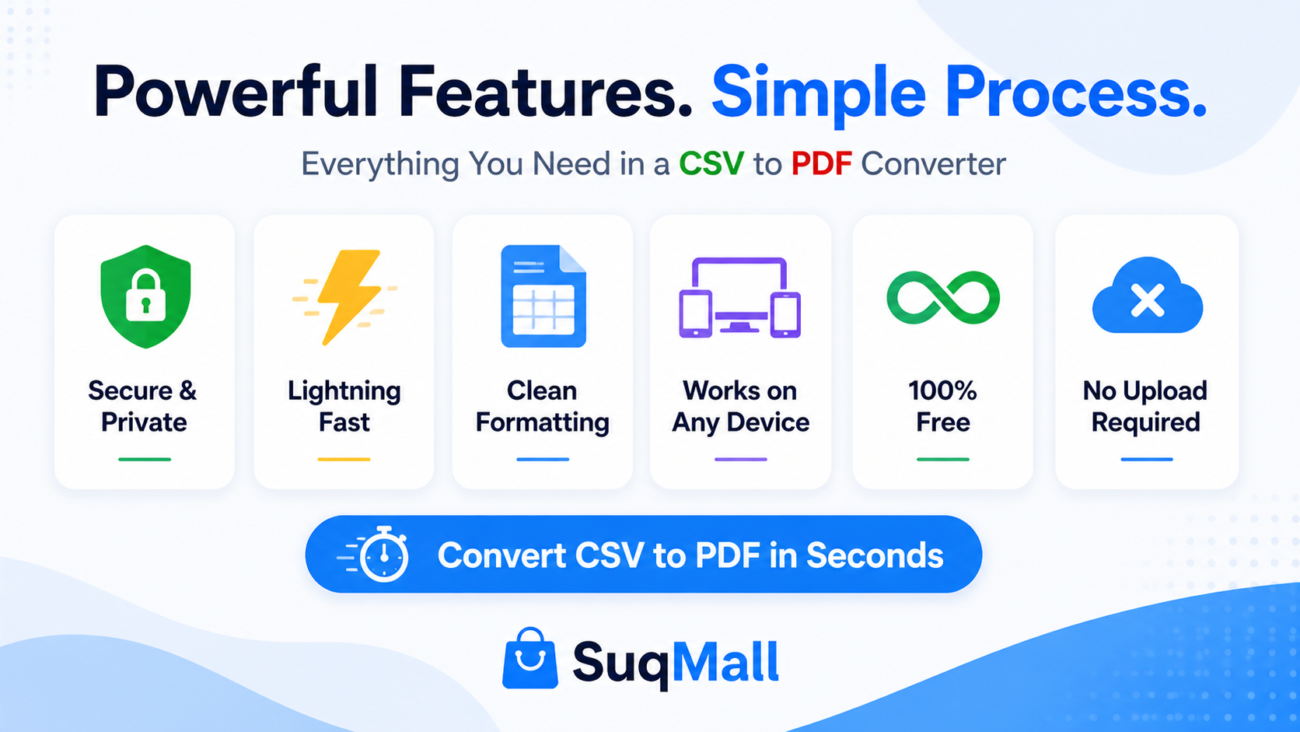
⚡ Features and Benefits
🚀 1. Instant CSV to PDF Conversion
Convert your CSV files into PDF within seconds.
Benefit:
No waiting time or server delays. Perfect for quick tasks like generating reports on the go.
🔒 2. 100% Privacy (No Upload Required)
All processing happens directly in your browser.
Benefit:
Your data stays completely secure. Ideal for sensitive files like:
- Financial reports
- Customer databases
- Internal company data
🎨 3. Professional PDF Formatting
Automatically creates structured tables with:
- Headers
- Row alignment
- Clean spacing
Benefit:
You get presentation-ready PDFs without manual formatting.
⚙️ 4. Custom PDF Settings
Customize your output with:
- Page size (A4, Letter, etc.)
- Orientation (Portrait / Landscape)
- Font size
- Margins
- Header & footer text
Benefit:
Create documents tailored for printing, sharing, or archiving.
📋 5. Flexible Input Options
You can:
- Upload CSV files
- Drag & drop
- Paste CSV text directly
Benefit:
Works in any workflow—whether you’re exporting from Excel or copying raw data.
📱 6. Works on All Devices
Compatible with:
- Desktop
- Mobile
- Tablets
Benefit:
Convert CSV to PDF anytime, anywhere.
♾️ 7. Unlimited & Free
No restrictions, no subscriptions.
Benefit:
Use it as much as you want without hidden costs.
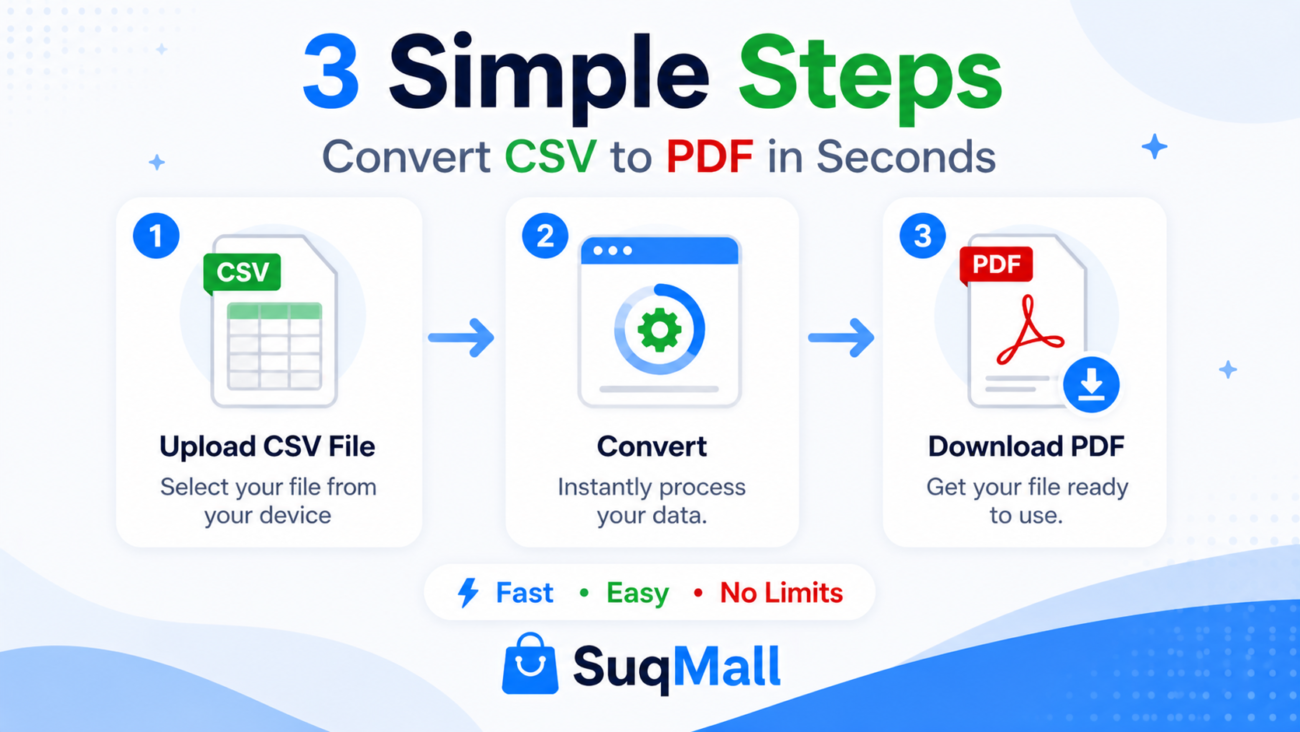
🛠️ Step-by-Step Guide: How to Convert CSV to PDF
Step 1: Add Your CSV Data
- Upload your file
OR - Paste CSV content into the text area
👉 Tip: Make sure your CSV has proper headers for better formatting.
Step 2: Click “Parse CSV”
- The tool will automatically detect structure
- Preview your data in a table
👉 Tip: Check for:
- Missing columns
- Formatting errors
Step 3: Customize PDF Settings
Adjust:
- Page size (A4 recommended)
- Orientation (Landscape for wide tables)
- Font size (10pt–12pt for readability)
👉 Tip: Use landscape mode for large datasets.
Step 4: Generate PDF
- Click Generate PDF
- Select “Save as PDF” in the print dialog
⚠️ Common Mistakes to Avoid
- Uploading incorrectly formatted CSV
- Missing headers
- Using too large font for big tables
- Not previewing before export
📊 Examples and Use Cases
📈 Example 1: Business Report
A company exports sales data in CSV format.
👉 Using this tool:
- Convert it into a professional PDF
- Share it with clients or management
👥 Example 2: Contact List
You have a CSV file with:
- Names
- Emails
- Phone numbers
👉 Convert it into a printable PDF directory.
🧾 Example 3: Financial Data
Accountants export transaction records in CSV.
👉 Convert to PDF for:
- Documentation
- Compliance
- Record keeping
🎓 Example 4: Student Data
Teachers manage student lists in CSV.
👉 Convert into printable sheets for classroom use.

❓ Frequently Asked Questions (FAQ)
What is a CSV to PDF converter?
It is a tool that transforms CSV data into a formatted PDF document for easy reading and printing.
Is this tool really free?
Yes. It is completely free with no limits, no signup, and no hidden charges.
Is my data safe?
Absolutely. Your data is processed locally in your browser and never uploaded to any server.
Can I use it offline?
Yes. Once the page loads, the tool works without an internet connection.
What CSV formats are supported?
Supports:
- Comma-separated
- Tab-separated
- Semicolon
- Pipe-delimited
Is there a file size limit?
No fixed limit. It depends on your device’s performance.
Can I convert CSV to PDF on mobile?
Yes. The tool is fully responsive and works on all devices.
🌍 SEO, AEO & GEO Optimization Benefits
This tool is optimized for:
🔎 Search Intent Keywords:
- convert csv to pdf online
- free csv to pdf converter
- csv file to pdf free
- export csv as pdf
- csv report generator
🌍 GEO Relevance:
Perfect for users worldwide, including:
- Saudi Arabia
- UAE
- India
- USA
🤖 AEO (Answer Engine Optimization):
- Direct answers to common questions
- Structured content
- Clear step-by-step guidance
🏁 Conclusion
The CSV to PDF Converter is a powerful yet simple tool that helps you transform raw data into professional documents instantly.
With features like:
- Fast conversion
- Full privacy
- Custom formatting
- Unlimited usage
…it’s an ideal solution for students, professionals, and businesses alike.
🚀 Try It Now
Start converting your CSV files into clean, professional PDFs today.
No signup. No limits. No hassle.
👉 Use the tool and see the difference yourself.
👉 Share it with others who work with data.