
Blog
SuqMall TikTok Video Downloader: Save Videos Without Watermark for Free (MP3 & HD)

In the age of short‑form video, TikTok has become a global stage for creativity, trends, and information. But what if you want to keep a video offline – to use as a reference, share with friends, or extract its sound? TikTok’s native saving feature often leaves a watermark, and downloading audio separately is not straightforward.
Enter SuqMall TikTok Video Downloader – a professional, 100% free online tool that lets you download any public TikTok video with or without watermark, and even extract the audio as a high‑quality MP3 file. No login, no signup, no hidden fees. Just paste the link and download.
In this comprehensive guide, we’ll explore every feature, show you exactly how to use the tool, share real‑life use cases, and answer the most common questions. By the end, you’ll be a power user of this free service.
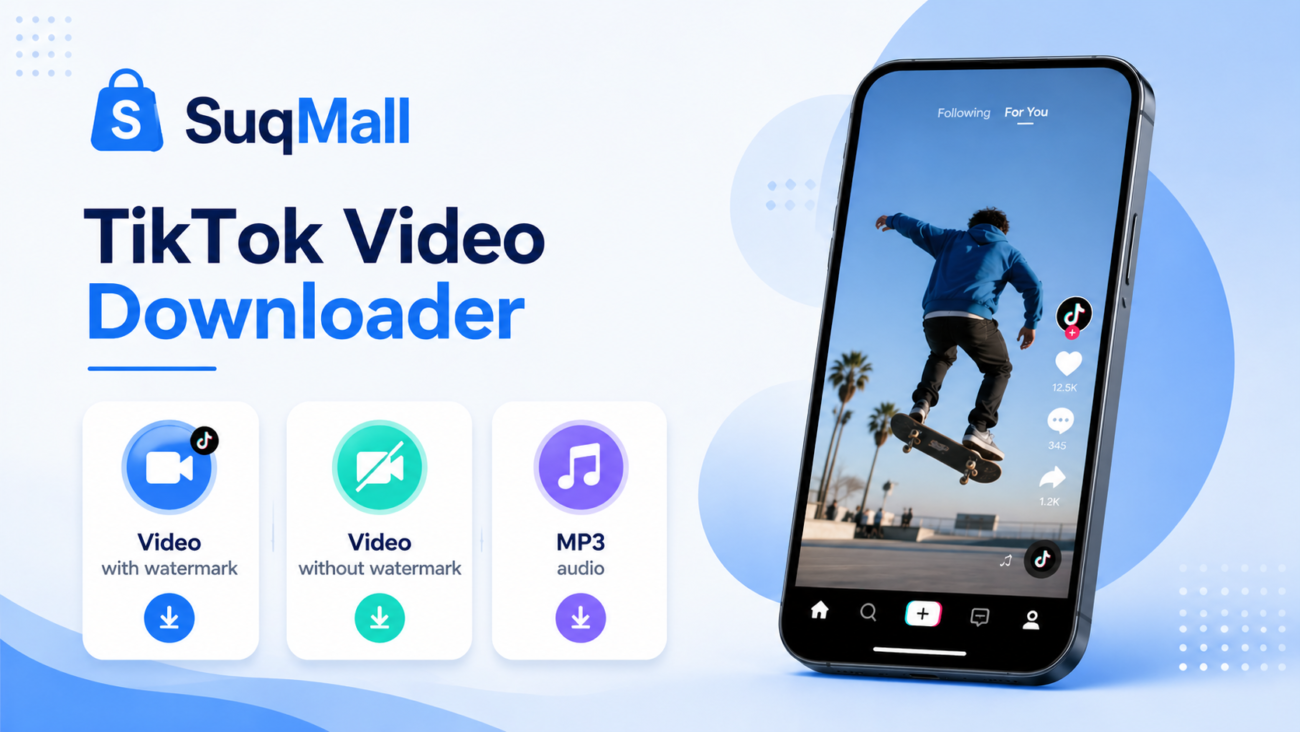
Key Features & Benefits (Why SuqMall Stands Out)
Our tool is designed for speed, simplicity, and versatility. Below are the core features – each paired with a practical benefit.
1. Download Video with Watermark
Benefit: Perfect for keeping the original TikTok branding, useful when you want to credit the creator or preserve the original look.
Example: A teacher saves a trending dance video with the username visible to later cite the source in a classroom presentation.
2. Download Video Without Watermark (HD)
Benefit: Get a clean, studio‑quality version of the video – ideal for repurposing in your own projects, montages, or presentations without distracting logos.
Example: A social media manager collects product demo clips from TikTok and combines them into an ad without any overlays.
3. Extract MP3 Audio
Benefit: Convert any TikTok video into a downloadable MP3 file. Great for saving voiceovers, background music, or podcast snippets.
Example: A language learner finds a pronunciation tutorial on TikTok and saves only the audio to practice offline during a commute.
4. Instant Video Preview
Benefit: Before downloading, you can preview the video and see its title and thumbnail. This ensures you’re getting exactly the right content.
Example: A user pastes a long link from a TikTok livestream highlight – the preview confirms it’s the correct clip before they hit download.
5. Lightning Fast Processing
Benefit: The tool fetches video data in seconds using a robust API. No queuing, no waiting.
Example: A journalist needs to archive a breaking news video from TikTok – they get the download link almost instantly.
6. 100% Free – No Registration
Benefit: Zero barriers. No email, no credit card, no “premium” upsells. Unlimited use.
Example: A student on a tight budget can download dozens of study‑related TikToks without worrying about costs or subscriptions.
7. Works on Any Device (Mobile, Tablet, Desktop)
Benefit: Fully responsive design. Use it on your phone, iPad, or laptop – the interface adapts perfectly.
Example: A traveler using a smartphone in a café can download a local travel tip video directly to their device gallery.
8. Privacy First
Benefit: No data is stored on our servers. Your URL is processed and forgotten. Your downloads remain yours.
Example: A privacy‑conscious user feels safe because the tool never asks for permissions or retains any personal information.
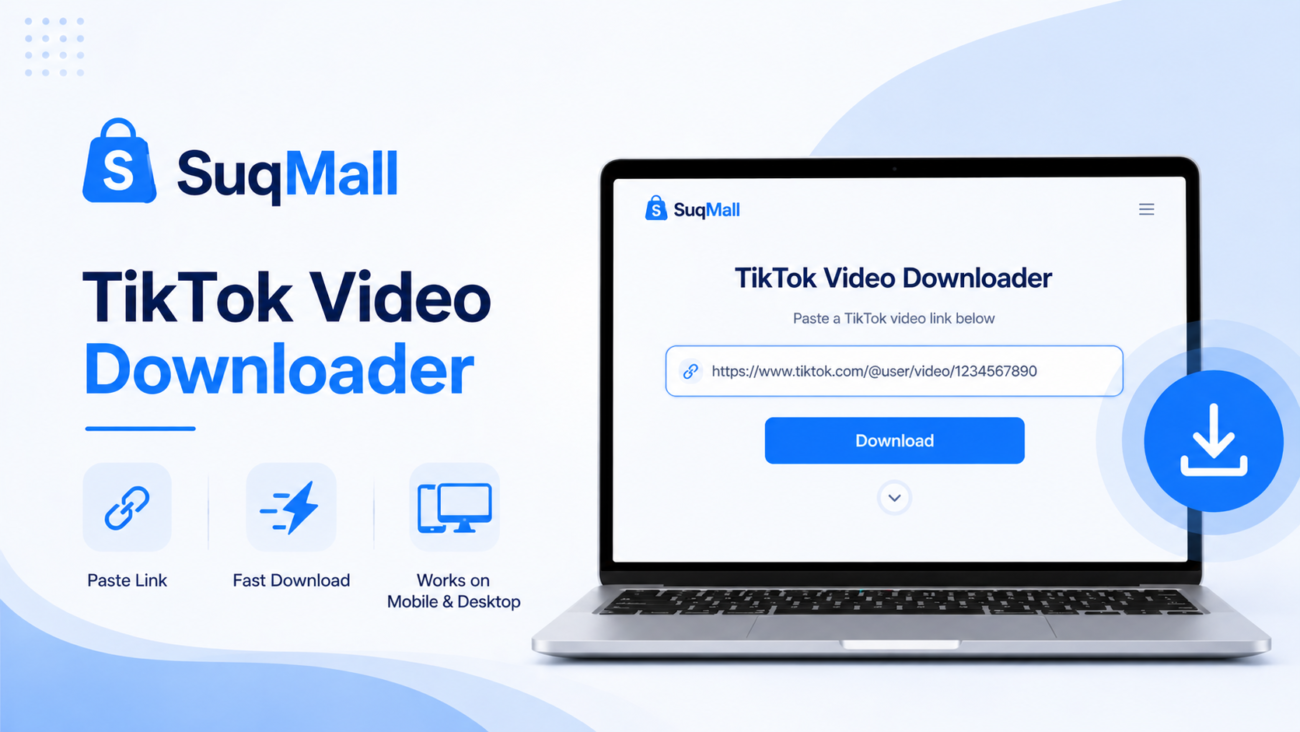
How to Use SuqMall TikTok Downloader – Step‑by‑Step Guide
Using the tool is straightforward, but following these best practices will ensure the smoothest experience.
Step 1: Copy the TikTok Video Link
- Open the TikTok app or website and find the public video you want to download.
- Tap the “Share” button (arrow icon) and select “Copy link”.
- Pro tip: Avoid videos that are “Private” or “Friends only” – the tool will show an error. Also, slideshow/image posts are not supported (only single‑video posts).
Step 2: Paste the Link into SuqMall
- Go to the SuqMall TikTok Downloader page.
- Click on the large input field and paste the link (right‑click or long‑press).
- Best practice: Make sure there are no extra spaces before or after the URL.
Step 3: Click “Download Now”
- Press the main “Download Now” button.
- A loading spinner will appear – this usually takes 2‑5 seconds.
- Common mistake: Don’t click repeatedly. Wait for the result.
Step 4: Preview and Choose Your Download Format
- After processing, the tool displays the video thumbnail, title, and a preview player.
- You will see three download buttons:
- 💧 With watermark – keeps the TikTok user ID overlay.
- ✨ No watermark (HD) – clean version (when available).
- 🎵 MP3 Audio – extract only the sound.
Step 5: Save the File
- Click the desired button. The file will start downloading immediately to your device’s default “Downloads” folder (or your browser’s chosen location).
- Tip: On mobile, you may be asked to confirm the download – tap “Save” or “Allow”.
What to Do If You Get an Error
- “Invalid URL” → Check that the link starts with
https://www.tiktok.com/orvm.tiktok.com. - “Private video” → The video is not public. You cannot download it.
- “Video not found” → It may have been deleted or removed. Try another video.
- “Slideshow not supported” → This tool only works with video posts, not image galleries.
Real‑Life Examples & Use Cases
To help you imagine the possibilities, here are four scenarios where SuqMall TikTok Downloader proves invaluable.
Example 1: Content Curator for Social Media
Situation: Maria runs a motivational quotes page on Instagram. She finds a powerful 30‑second speech on TikTok.
Action: She pastes the link into SuqMall, downloads the No Watermark version, and then re‑uploads it to Instagram Reels with proper credit in the caption.
Result: Clean, professional content without distracting logos.
Example 2: Language Learner Extracting Audio
Situation: Ahmed is learning English. He discovers a TikTok series that explains phrasal verbs with short dialogues.
Action: He copies each video link, uses the MP3 Audio button, and saves the audio files to his phone.
Result: He now has a personalized listening library to practice during his daily commute – no video needed.
Example 3: Journalist Archiving Evidence
Situation: A reporter witnesses a newsworthy event being documented on TikTok. The video might be deleted later.
Action: The reporter immediately uses SuqMall to download both the watermarked (for verification) and no watermark (for clean editing) copies.
Result: The content is safely stored offline, ensuring the story can be verified and used later.
Example 4: Teacher Creating Educational Compilations
Situation: A science teacher finds several TikTok experiments that explain chemical reactions.
Action: She downloads the videos without watermark and compiles them into a single classroom presentation (without ads or suggested videos).
Result: An uninterrupted, tailored learning resource for her students.

Frequently Asked Questions (FAQ)
We’ve gathered the most common questions about the SuqMall TikTok Downloader. Each answer is designed to be clear, helpful, and optimized for voice search and featured snippets.
1. Is this TikTok downloader completely free?
Yes, 100% free. No paywall, no subscription, no credit card required. You can download unlimited videos every day.
2. Can I download TikTok videos without the TikTok watermark?
Yes. The tool provides a “No watermark (HD)” button whenever a clean version is available. Most popular videos offer this option.
3. How do I extract MP3 from a TikTok video?
After pasting the link and clicking “Download Now”, simply press the “MP3 Audio” button. The audio will be saved as an .mp3 file.
4. Why do I get an error for some videos?
The most common reasons are:
- The video is private or set to “friends only”.
- The video has been deleted by the user or TikTok.
- The post is a photo slideshow (multiple images) – our tool only works with single‑video posts.
- The link is incorrect or contains typos.
5. Do I need to install any software or app?
No. SuqMall works entirely in your web browser – on desktop, tablet, or mobile. No downloads, no extensions, no plugins.
6. Is it legal to download TikTok videos?
Downloading for personal use (offline viewing, private archiving, educational purposes) is generally accepted. However, redistributing content without permission may violate TikTok’s terms or copyright laws. Always respect creators’ rights.
7. Does this tool store my data or the videos I download?
No. We do not log your IP, store the video files, or retain any personal information. The processing happens in real time, and nothing is saved on our servers.
8. Can I download TikTok videos on my iPhone or Android?
Absolutely. The website is fully responsive – just open it in Safari, Chrome, or any browser. After downloading, the video will appear in your “Photos” or “Downloads” folder depending on your device settings.
Conclusion & Call to Action
The SuqMall TikTok Video Downloader is the fastest, most transparent way to save TikTok content for offline use. Whether you need a watermark‑free clip for a project, an MP3 for language learning, or a simple archive of your favorite videos – this tool does it all, for free, without any registration.
Key takeaways:
- Three download options: with watermark, without watermark (HD), and MP3 audio.
- Instant preview ensures you get the right video.
- Works on every device – phone, tablet, laptop.
- No hidden costs, no data collection.
Now it’s your turn. Try the tool yourself:
👉 Paste any public TikTok link into SuqMall and experience the speed.
If you found this guide helpful, share it with a friend who often saves TikToks. Got a question we didn’t answer? Reach out via our contact page – we’re happy to help.
Happy downloading – and always respect creators!