
Blog
SuqMall Age Calculator Tool Guide | Free Calculate Your Exact Age Instantly

1. Introduction
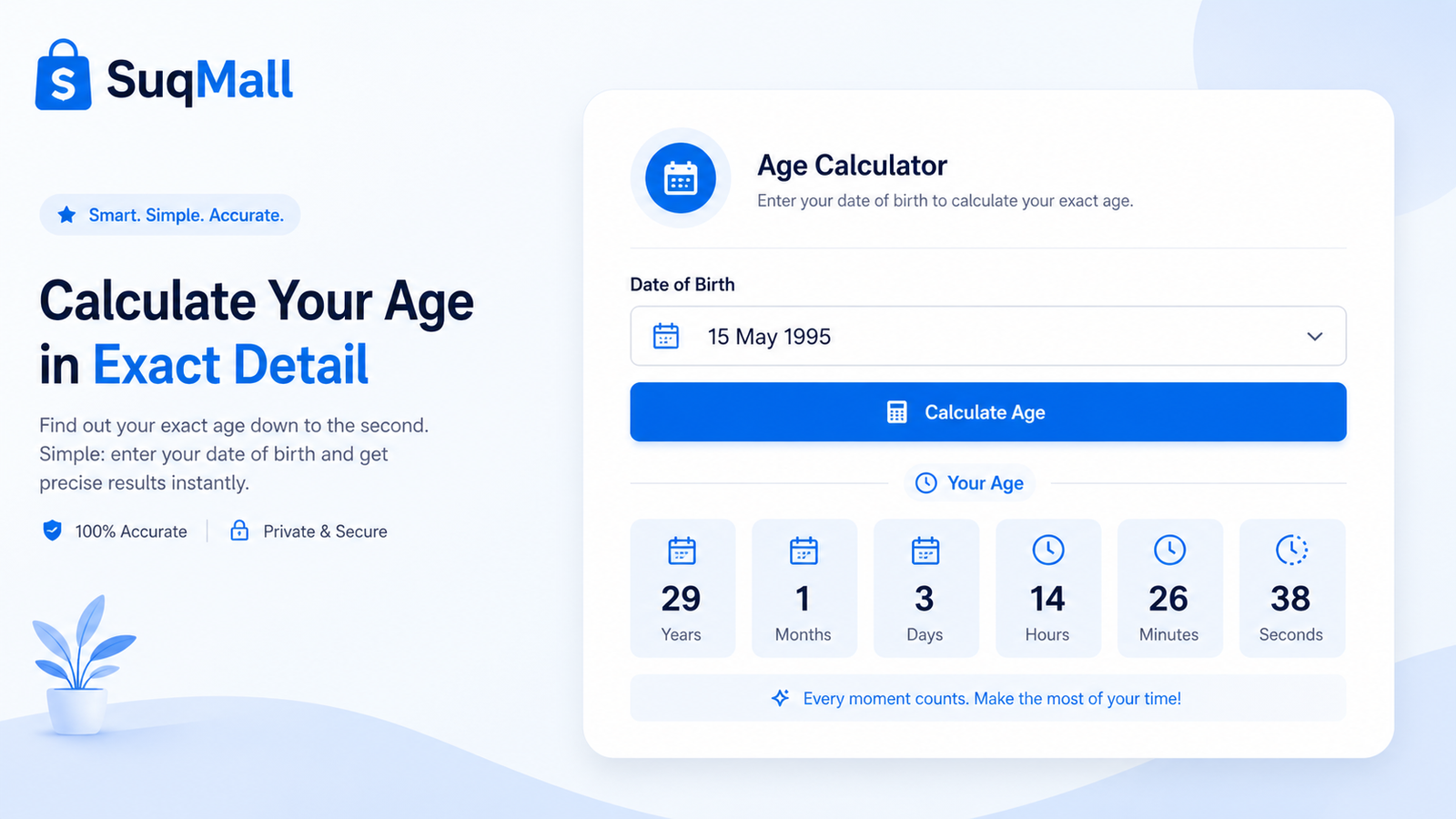
Have you ever wondered exactly how old you are – not just in years, but down to the very last second? Whether you are filling out official forms, planning a birthday surprise, tracking a child’s development, or simply satisfying your curiosity, knowing your precise age can be surprisingly useful.
SuqMall’s Free Age Calculator gives you that answer in milliseconds. This smart, browser‑based tool takes your date of birth (and optionally your birth time) and instantly calculates your age in multiple units: years, months, days, total hours, minutes, and even seconds. It also reveals extra information such as your next birthday, your zodiac sign, the weekday you were born, and whether you’re a leap‑year baby.
Best of all? The calculator is completely free, requires no registration, and never stores or shares your personal data. It runs entirely inside your own browser, so your privacy is always protected. In this blog post, you will discover everything this tool can do, how to use it to get the most out of it, and why thousands of people trust SuqMall for fast, reliable online utilities.
2. Features and Benefits
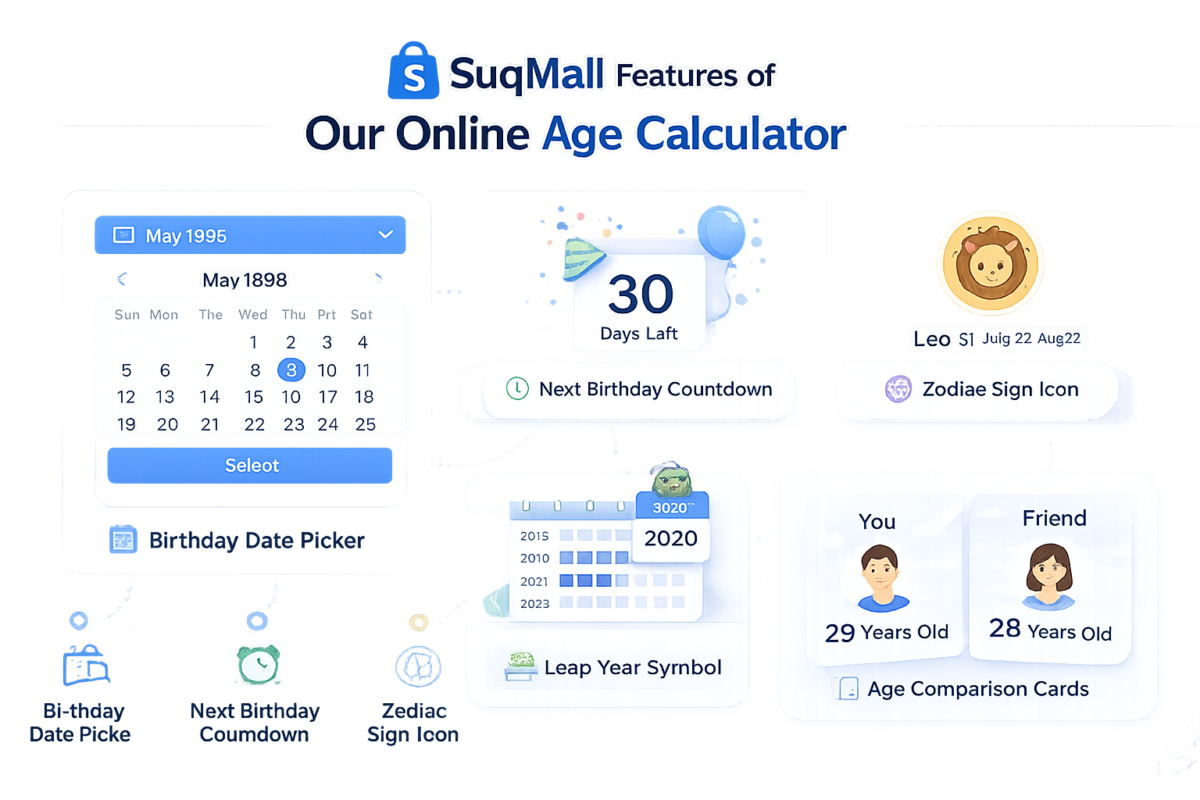
The SuqMall age calculator is packed with features that make it stand out from basic date‑difference calculators. Here is what you get:
📅 Multiple Output Formats
- Years, months, and days (e.g., 29 years, 4 months, 17 days)
- Total months, weeks, days, hours, minutes, and seconds
Benefit: Whether you need a legal age verification or a fun fact for social media, you always have the right number ready.
🕐 Optional Time of Birth
- Add your birth hour and minute for ultra‑precise results.
Benefit: Useful for astrology, birth charts, or when you need to know if you’re already the next age “by the hour.”
📆 Custom “Calculate Age On” Date
- By default, the tool uses today’s date, but you can pick any past or future date.
Benefit: Find out how old you will be on your next birthday, on a future event date, or how old you were on a particular anniversary.
🎂 Next Birthday & Days Remaining
- Automatically shows the date of your next birthday and exactly how many days are left.
- Also tells you what age you will turn on that day.
Benefit: Perfect for countdowns, planning travel or gift‑buying, and checking if your birthday falls on a weekend.
♈ Zodiac Sign & Day of the Week Born
- Instantly discover your zodiac sign and element.
- See which day of the week you were born on.
Benefit: Fun for personal insight, horoscope apps, or just settling a friendly argument.
🐸 Leap Year Handling (Including February 29)
- The calculator correctly handles leap years, so if you were born on 29 February it treats your birthday as 28 February in non‑leap years (or 1 March, depending on common convention, but 28 Feb is used here for clarity).
Benefit: Avoids confusion for leap‑day babies and always shows accurate age counts.
👥 Age Comparison Mode
- Enter a second date of birth and instantly compare two people’s ages.
- The tool displays the exact difference in years, months, and days.
Benefit: Great for siblings, twins, couples, or HR professionals checking age gaps.
🔒 100% Private & Offline‑Ready
- All calculations happen in your web browser. No data is ever sent to a server.
Benefit: You can use the tool with total confidence – even on public computers or slow networks.
🌍 Worldwide Accessibility
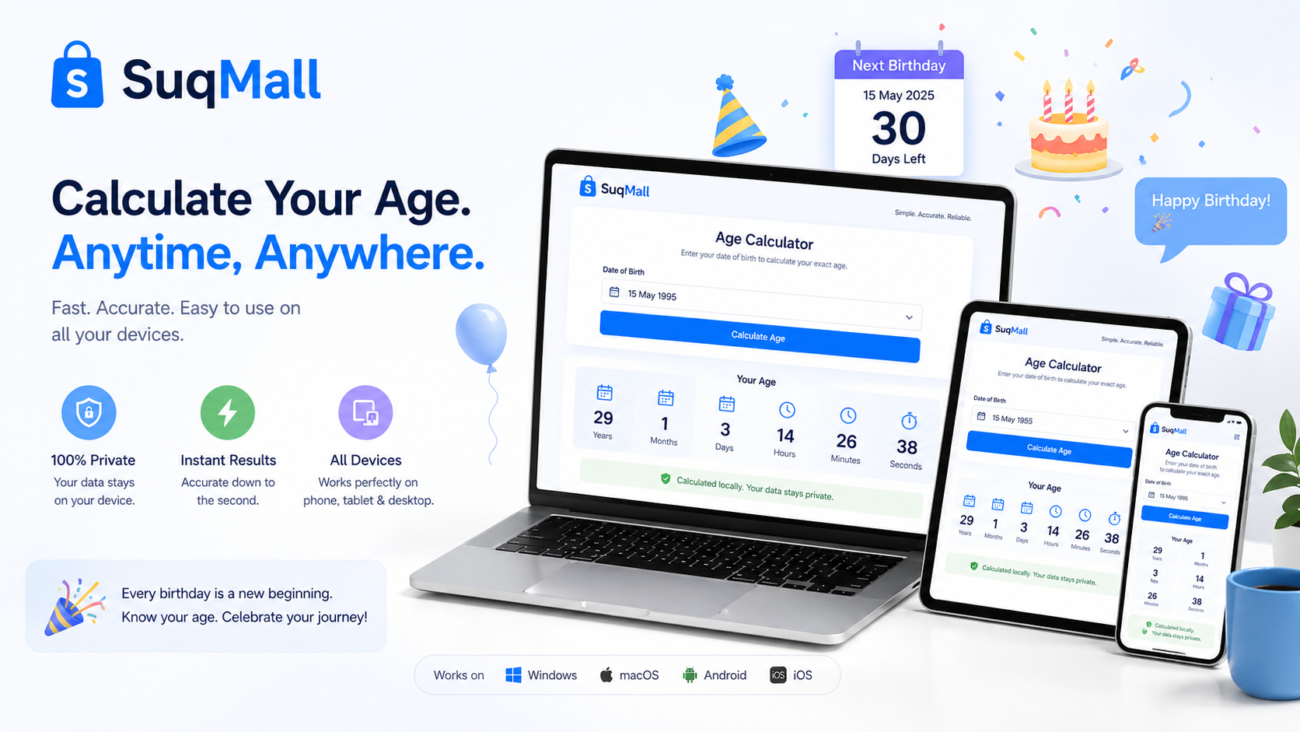
- The interface is in clear English, uses a standard date picker, and works on any modern device (mobile, tablet, desktop).
Benefit: No matter where you are in the world, you can use this tool easily.
3. Step‑by‑Step Guide: How to Use the Age Calculator
Getting your exact age takes only a few seconds. Follow these simple steps:
- Open the tool on the SuqMall website (it loads instantly – no downloads).
- Enter your date of birth using the date picker. Click the calendar icon or type YYYY‑MM‑DD if you prefer.
- (Optional) Add your time of birth. If you know the hour and minute, enter them for extra precision.
- Choose a target date (default = today). If you want to know your age on a different date, change the “Calculate Age On” field.
- Click the “Calculate Age” button. The results appear immediately.
- Read your age in the clean card layout – years, months, days at the top, followed by total counts for months, weeks, days, hours, minutes, and seconds.
- Scroll down to see your next birthday details, zodiac sign, born weekday, and leap‑year status.
- (Optional) Use the comparison section to check the age difference between two people.
Pro tips:
- If you make a mistake, simply edit the date and click “Calculate Age” again. No need to refresh the page.
- The “Use Today” button quickly resets the target date to the current date, which is handy if you had previously picked a custom date.
- For leap‑day birthdays, the calculator automatically adjusts and still shows the correct age.
Common mistakes to avoid:
- Entering a birth date that is in the future – the tool will show an error.
- Forgetting to set the target date when you actually want a future age (e.g., “How old will I be on 1 January 2030?”). Always set the “Calculate Age On” field accordingly.
- Typing the date manually in the wrong format – use the date picker to avoid regional confusion.
4. Examples and Use Cases
Example 1: Planning a Surprise Party
Sarah wants to throw a surprise 30th birthday party for her husband, Mike. She uses the SuqMall age calculator to see exactly how many days remain until his birthday. She enters Mike’s birth date (14 March 1994) and sets the target date to “14 March 2024”. The tool shows:
- Age on next birthday: 30 years
- Days remaining: 47 (if today is 26 January 2024)
Now Sarah knows exactly how much time she has left to prepare.
Example 2: HR Age Verification for Retirement
A human resources officer needs to verify if an employee will reach retirement age (65 years) by a certain date. She enters the employee’s date of birth and sets the “Calculate Age On” date to the proposed retirement date. The tool immediately shows the exact age in years, months, and days, confirming eligibility or the remaining gap.
Example 3: Fun Fact for a Baby Announcement
New parents can use the tool to find out the exact age of their newborn in total hours or seconds. It makes for a delightful social media post: “Our little one is already 500,000 seconds old!”
Example 4: Comparing Siblings
An older brother and younger sister compare their ages. By entering both birth dates in the comparison section, they discover the brother is exactly 2 years, 7 months, and 12 days older – a great conversation starter at family gatherings.

5. Frequently Asked Questions (FAQ)
Is the SuqMall age calculator really free?
Yes, it’s 100% free. There is no premium version, no paywall, and no hidden cost. You can use it as many times as you want without creating an account.
Do I need to download or install anything?
No. The tool works entirely in your web browser. No apps, no plugins, no downloads. Just visit the page and start calculating.
How accurate are the results?
Very accurate. The calculator uses JavaScript’s Date object and precise calendar math. It accounts for leap years and variable month lengths. The total seconds, minutes, and hours come from the exact millisecond difference between the two dates.
Will my personal data be stored?
Absolutely not. All calculations happen on your device. The SuqMall age calculator does not store, share, or transmit any of your information. It’s completely private.
Can I use this tool on my phone?
Yes. The age calculator is fully responsive and easy to use on smartphones, tablets, and desktops.
What if I was born on February 29?
The tool intelligently handles leap‑day birthdays. In non‑leap years, your birthday is treated as February 28 for age calculation, and it still shows whether the next actual birthday falls on a leap day.
Can I compare more than two ages at once?
The built‑in comparison section supports two dates of birth at a time. For multiple comparisons, you can repeat the process. The results are instant.
Why should I use this instead of manually calculating?
Manual calculations are time‑consuming and error‑prone, especially when you need total hours or seconds. This tool gives you all breakdowns in one click, plus bonus info like zodiac sign and next birthday.
6. Conclusion and Call to Action
Knowing your exact age has never been easier – or more fun. With SuqMall’s free age calculator, you can instantly find your precise age in every possible unit, discover fascinating personal details, and even compare ages with friends or family. The tool is fast, private, and requires zero commitment.
Whether you’re planning a birthday, checking official documents, exploring astrology, or just satisfying a moment of curiosity, this calculator is ready for you. It’s designed to work on any device, anywhere in the world, with no signup and no data collection.
Give it a try right now on the SuqMall website. Bookmark the page so you can quickly revisit it whenever you need an accurate age calculation. And if you find the tool helpful, share it with a friend who’s always wondering exactly how old they are in seconds!
SuqMall – Free Online Tools. No Signup. No Tracking. Just Useful Utilities.
One thought on “SuqMall Age Calculator Tool Guide | Free Calculate Your Exact Age Instantly”
Comments are closed.
PR777Login is fast to get you in the game! The site is laid out well and easy to use. Lots of games available and customer service is very helpful. Worth checking out pr777login!