
Blog
The Ultimate WebToolKit: Your All-in-One Solution for Web Development Tasks


Introduction: Revolutionize Your Workflow with Free Web Tools
In today’s fast-paced digital world, developers, designers, and content creators need quick access to reliable tools that simplify their daily tasks. WebToolKit is a comprehensive collection of essential web utilities that work entirely in your browser—no installations, no registrations, and absolutely no cost. Whether you’re encoding URLs, formatting JSON, converting colors, or working with base64, this powerful toolkit has you covered.
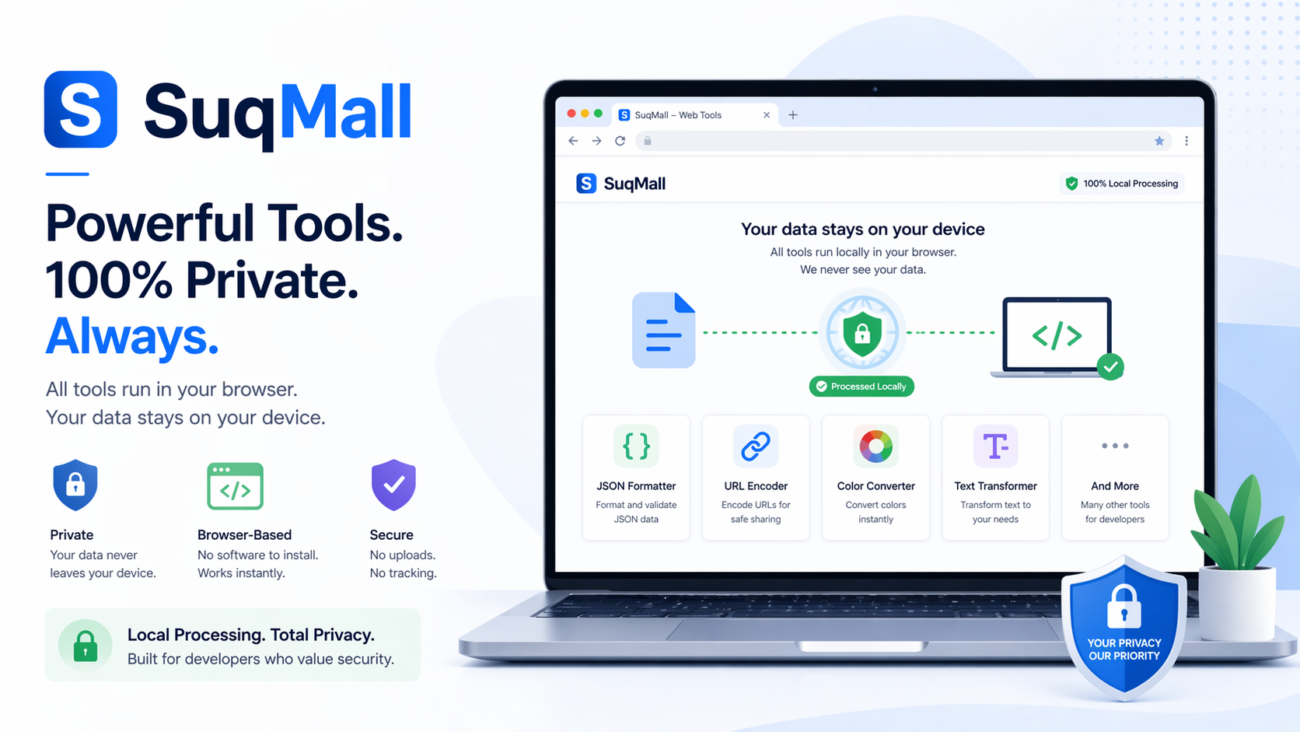
What sets WebToolKit apart is its complete privacy focus. Unlike many online tools that send your data to servers for processing, everything happens locally on your device. This means your sensitive data never leaves your computer, ensuring maximum security while providing instant results.
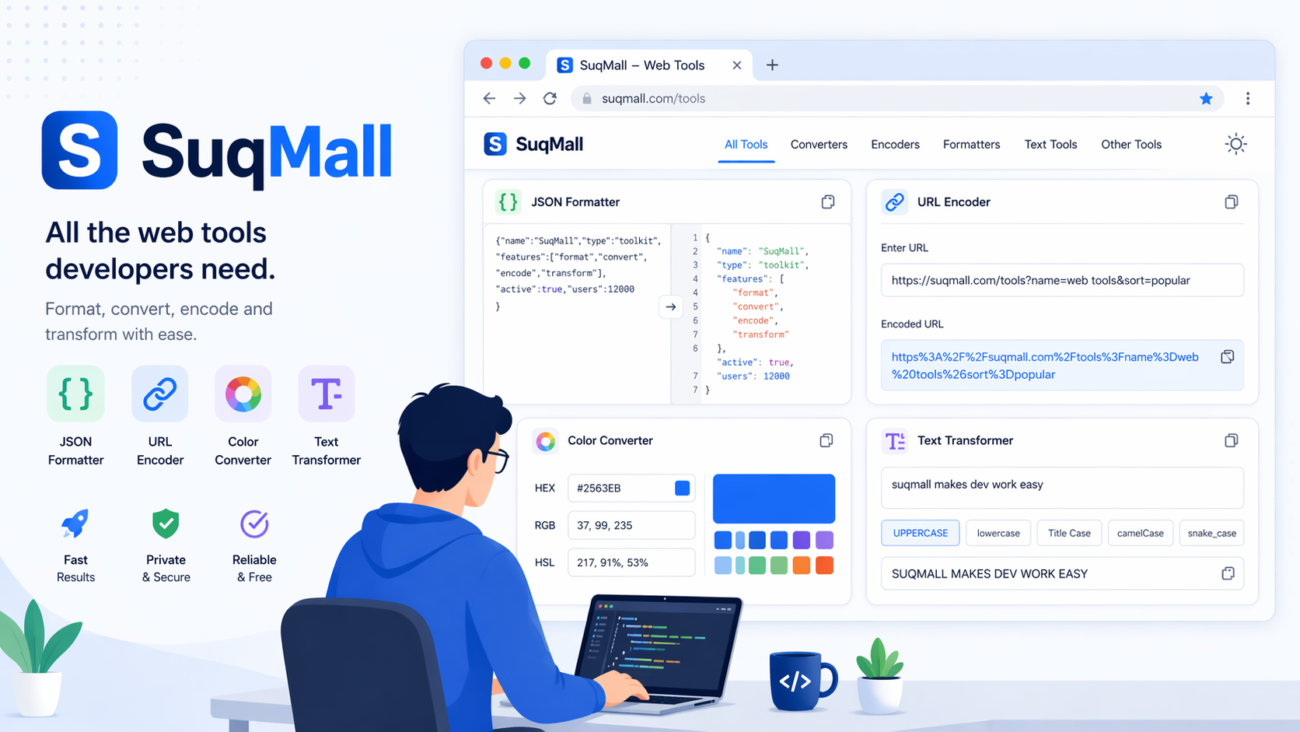
Features and Benefits: Everything You Need in One Place
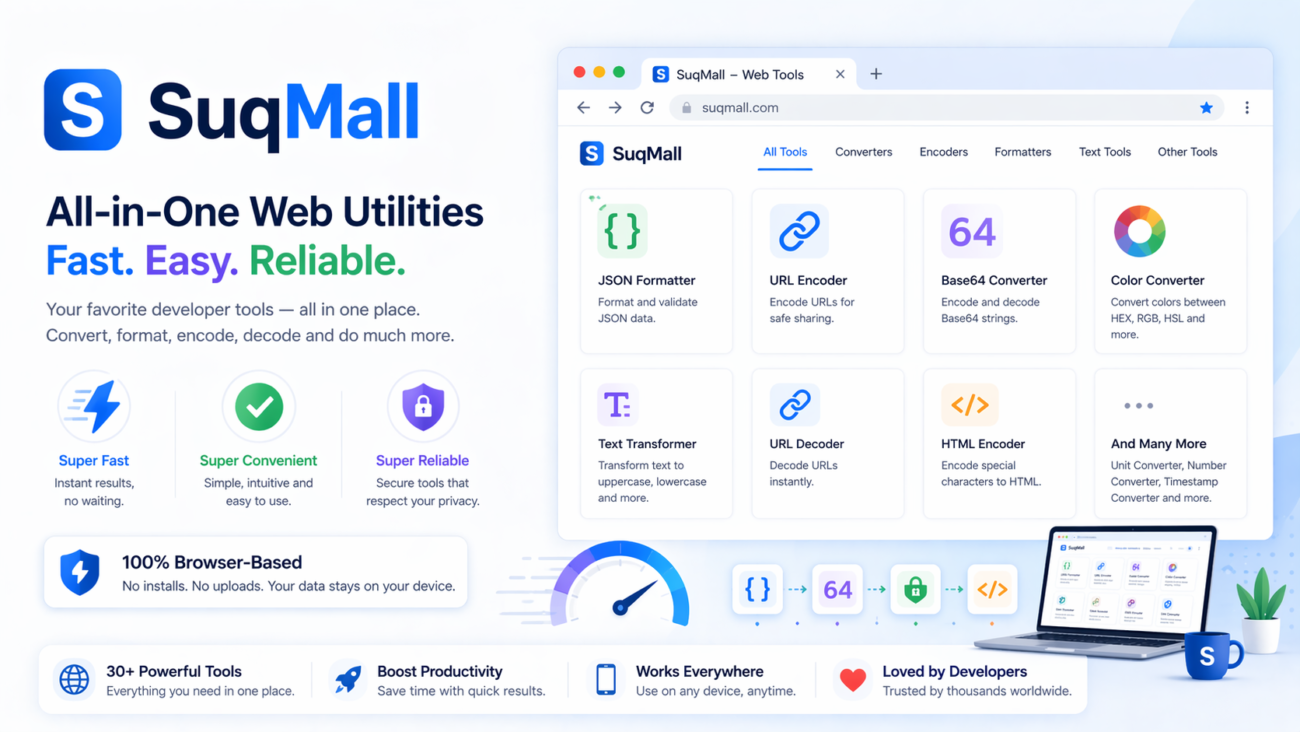
WebToolKit brings together seven essential utilities that web professionals use daily:
1. Text Tools
- Transform text between uppercase, lowercase, title case, and more
- Remove unnecessary spaces with the trim function
- Reverse text for special applications
- Benefit: Quickly format content for consistency across your projects without tedious manual editing
2. Base64 Converter
- Encode and decode Base64 strings effortlessly
- Benefit: Handle file encoding for data URIs or API communications without external dependencies
3. JSON Formatter
- Validate, beautify, and minify JSON data
- Benefit: Debug and work with JSON more efficiently with proper formatting and validation
4. Number Converter
- Convert between decimal, binary, octal, and hexadecimal number systems
- Benefit: Simplify programming and debugging tasks that require number system conversions
5. Color Converter
- Translate between HEX, RGB, and HSL color formats
- Visual preview of colors with click-to-copy functionality
- Benefit: Maintain design consistency across different platforms with accurate color conversions
6. Unit Converter
- Convert between centimeters, meters, kilometers, inches, feet, yards, and miles
- Benefit: Quickly switch between measurement systems for international projects
7. URL Encoder/Decoder
- Properly encode and decode URLs for web applications
- Benefit: Ensure your URLs are properly formatted and functional across all browsers
How to Use WebToolKit: A Step-by-Step Guide
Using WebToolKit is incredibly straightforward. Here’s how to get the most out of this powerful toolkit:
- Select Your Tool: Choose from the seven available tools by clicking on the corresponding card
- Input Your Data: Enter or paste your content into the input field
- Execute the Operation: Click the appropriate action button for your desired transformation
- Review Results: View your converted content in the results area
- Copy and Use: Click the copy button to transfer results to your clipboard
Pro Tips:
- Use the dark/light mode toggle in the bottom-right for comfortable viewing in any lighting condition
- Click on color values in the color converter to instantly copy them to your clipboard
- All tools remember your last input, making it easy to make additional conversions
Common Mistakes to Avoid:
- Forgetting to select the correct input format before conversion
- Not checking that JSON is valid before attempting to minify it
- Attempting to decode text that wasn’t originally Base64 encoded
Real-World Applications: Where WebToolKit Shines
Example 1: API Development Workflow
Sarah, a backend developer, uses WebToolKit daily to format and validate JSON responses from her APIs. The JSON formatter helps her quickly identify syntax errors, while the URL encoder ensures her query parameters are properly formatted.
Example 2: Web Design Projects
Mike, a UI designer, relies on the color converter to maintain consistency between his design software and CSS implementation. He can quickly convert HEX values to RGBa with transparency for overlays.
Example 3: Content Management
Lisa, a content creator, uses the text tools to ensure consistency across her blog posts. The title case converter helps her maintain proper heading formatting throughout her articles.
When WebToolKit Is Particularly Helpful:
- When working in environments with restricted software installations
- When handling sensitive data that shouldn’t be transmitted to external servers
- When you need quick results without creating accounts or facing usage limits

Frequently Asked Questions
Is WebToolKit really free?
Yes! WebToolKit is 100% free with no hidden costs, usage limits, or premium features. We believe in providing valuable tools to the developer community without barriers.
Does my data remain private?
Absolutely. All processing happens locally in your browser. Your data never leaves your device, ensuring complete privacy and security.
Do I need to create an account?
No account is required. Simply visit the website and start using the tools immediately.
Can I use WebToolKit on mobile devices?
Yes! The responsive design works flawlessly on smartphones, tablets, and desktops.
How often are new tools added?
We regularly update WebToolKit with new utilities based on user feedback and emerging web development needs.
Who created WebToolKit?
WebToolKit was created by SuqMall.Net as a free resource for the developer community.
Conclusion: Try WebToolKit Today
WebToolKit brings together the essential web utilities you need in one convenient, privacy-focused package. With its intuitive interface, instant results, and zero cost, it’s the perfect companion for developers, designers, and content creators alike.
Ready to streamline your workflow? Visit WebToolKit now and experience the convenience of having all your essential web tools in one place. We’d love to hear about your experience—share your feedback and suggest new tools to make WebToolKit even more valuable for your projects!
Remember to bookmark WebToolKit for quick access during your development process. This free resource will save you time and effort on daily tasks, letting you focus on what really matters—creating amazing digital experiences.
Related Posts
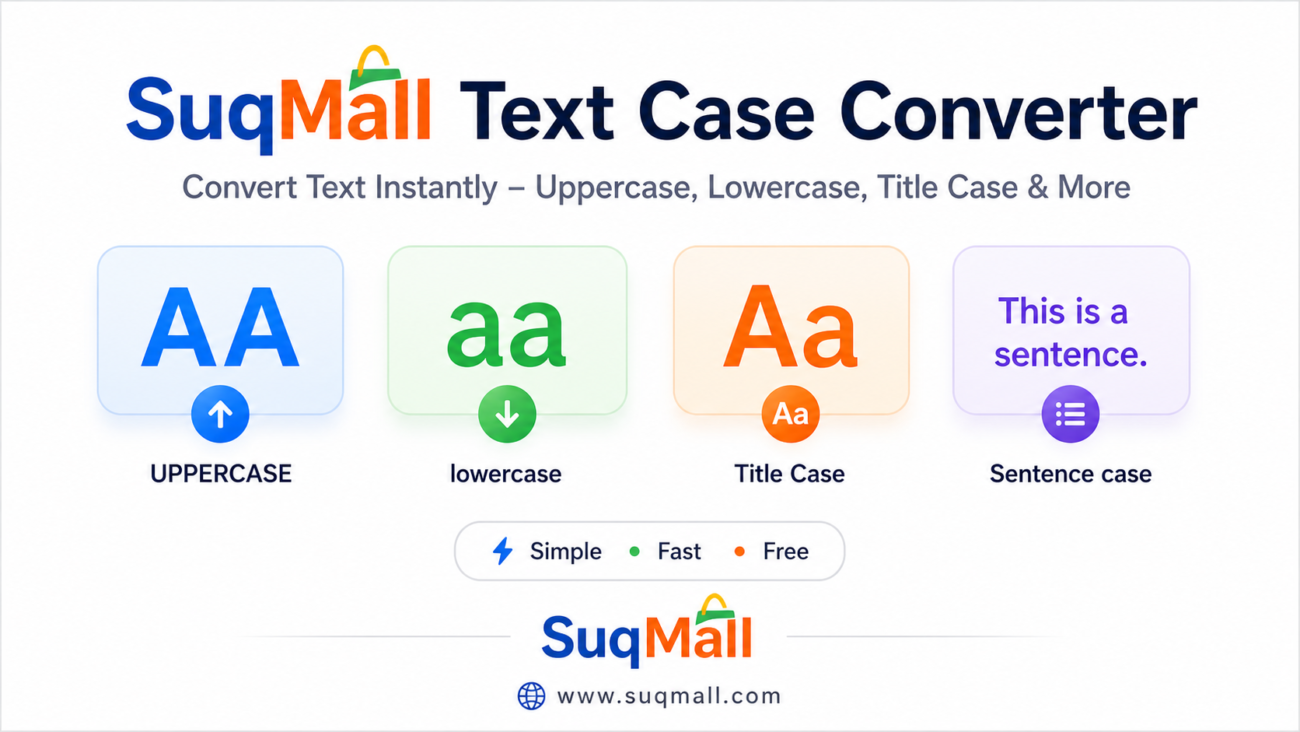
SuqMall Text Converter Tool Guide — Free Online Tool by SuqMall

Free Online PDF To HEIC Converter Web Tool Guide: Free, Unlimited & 100% Secure
Free Online PNG To JFIF Converter Web Tool Guide: The Ultimate Free Online Tool for Seamless Image Conversion
Free Online Password Generator Web Tool Guide: Create Strong, Secure Passwords Instantly
Free Online Image Compressor Web Tool Guide: Reduce File Size Without Losing Quality
Free Online PDF OCR Converter Web Tool Guide: Extract Text from Any PDF with Our Free OCR Tool
Free Online HTML to PDF Converter Web Tool Guide: The Ultimate Free Tool
Free Online Excel to PDF Converter Web Tool Guide: Your Ultimate Free & Private Solution
Free Online PNG to PDF Converter Web Tool Guide: The Ultimate Free Online Tool
Free Online PDF To WEBP Converter Web Tool Guide: A Free Online Tool
Free Online PDF To JSON Converter Web Tool Guide: Convert PDF to JSON with Our Free Online Tool
Free Unlimited Complete HTML Tool Hub Guide: Your All-in-One Solution for Web Development
One thought on “The Ultimate WebToolKit: Your All-in-One Solution for Web Development Tasks”
Comments are closed.
Feeling like a VIP? 777kingvip might be your spot. Tried it out and it’s alright. Become VIP at 777kingvip.