Blog
The Ultimate Free Excel Converter Tool by SuqMall: Convert PDF, CSV, JSON to Excel with 100% Security

Introduction to Excel Conversion
In today’s data-driven world, the ability to convert various file formats to Excel is essential for professionals, students, and businesses alike. Whether you’re working with PDF reports, CSV exports, JSON data, or even images containing tabular information, having a reliable conversion tool can save hours of manual data entry.
That’s where SuqMall.Net’s Excel Converter comes in – a completely free, unlimited-use tool that processes your files directly in your browser with no server uploads required. This means your sensitive data never leaves your computer, ensuring maximum security and privacy.

Why Choose SuqMall.Net’s Excel Converter?
100% Free & Unlimited
Unlike many online converters that limit your usage or require payment for premium features, our tool is completely free with no hidden costs. Convert as many files as you need, as often as you need.
Complete Data Privacy
Your files are processed entirely within your browser using JavaScript. They are never uploaded to any server, ensuring your sensitive information remains confidential and secure.
Multiple Format Support
Convert from PDF, CSV, JSON, XML, TXT, JPG, PNG, and more. Our tool handles a wide variety of file types with consistent accuracy.
No Registration Required
Start converting immediately without creating an account or providing any personal information. We value your privacy and time.
Batch Processing
Enable batch upload to convert multiple files simultaneously, saving you time when working with large datasets or multiple documents.
Multiple Output Formats
Choose from XLSX, CSV, or JSON output formats depending on your needs and the applications you’re working with.
How to Use the Excel Converter Tool
Step 1: Access the Tool
Visit SuqMall.Net’s Excel Converter page from any modern web browser on your computer, tablet, or smartphone.
Step 2: Upload Your Files
Drag and drop your files into the upload zone or click “Browse Files” to select them manually. Enable “Batch Upload” if you need to convert multiple files at once.
Step 3: Select Output Format
Choose your desired output format (XLSX, CSV, or JSON) for each file using the dropdown menu next to the filename.
Step 4: Convert Files
Click the “Convert All Files” button to begin the conversion process. The tool will process each file directly in your browser.
Step 5: Download Results
Once conversion is complete, click the download button next to each file to save it to your device. Converted files will include “SuqMall.Net” in the filename to indicate they were created with our tool.

Supported File Formats
Input Formats
| Format | Description | Best For |
|---|---|---|
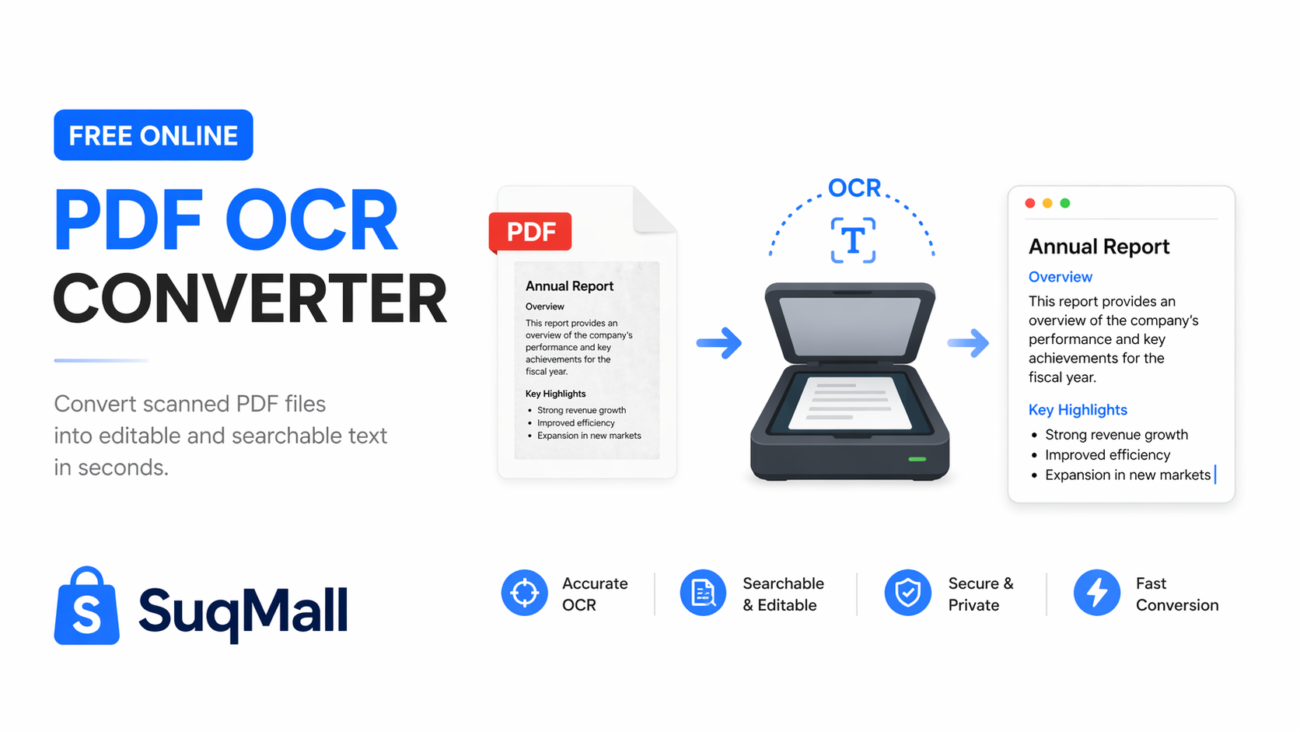
| Portable Document Format | Converting reports, statements, and documents containing tables | |
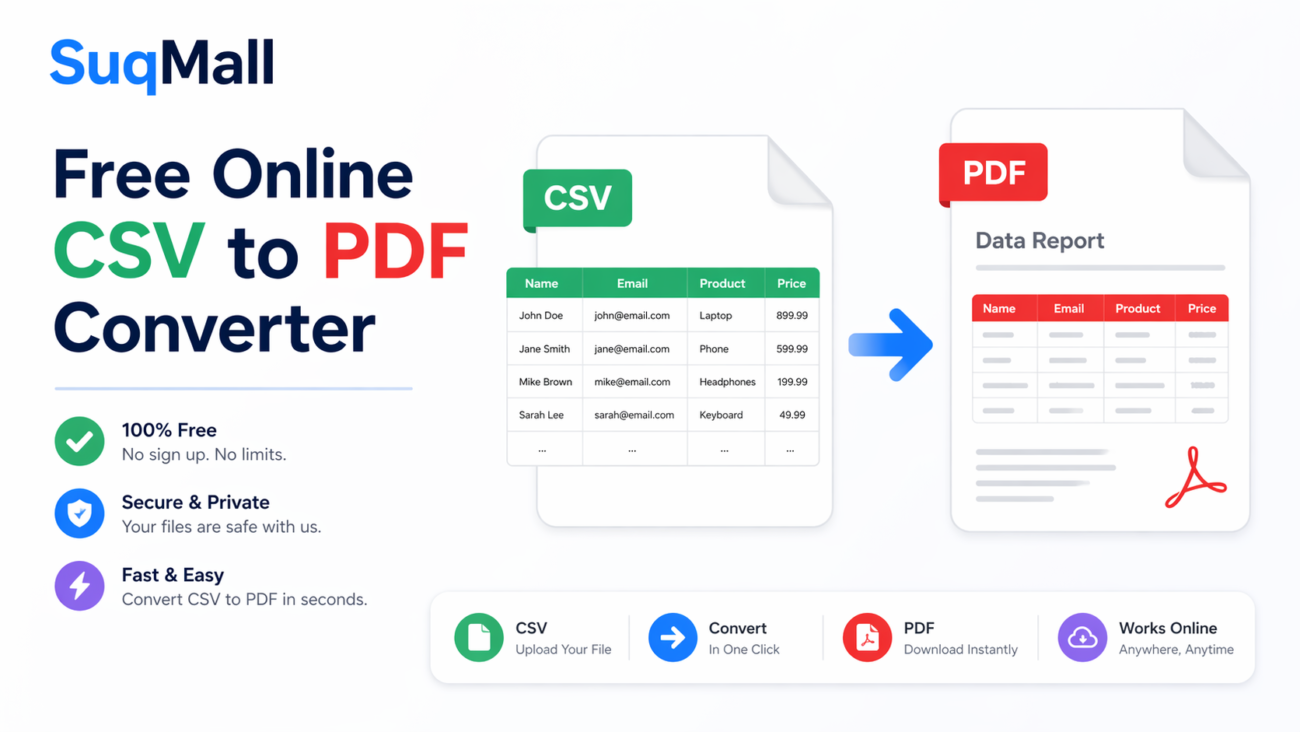
| CSV | Comma-Separated Values | Data exports from databases, spreadsheets, and applications |
| JSON | JavaScript Object Notation | Web API responses, configuration files, and structured data |
| XML | eXtensible Markup Language | Structured documents, data interchange between systems |
| TXT | Plain Text | Log files, notes, and simple tabular data |
| JPG/PNG | Image Formats | Converting screenshots or photos of tables using OCR technology |
Output Formats
| Format | Description | Best For |
|---|---|---|
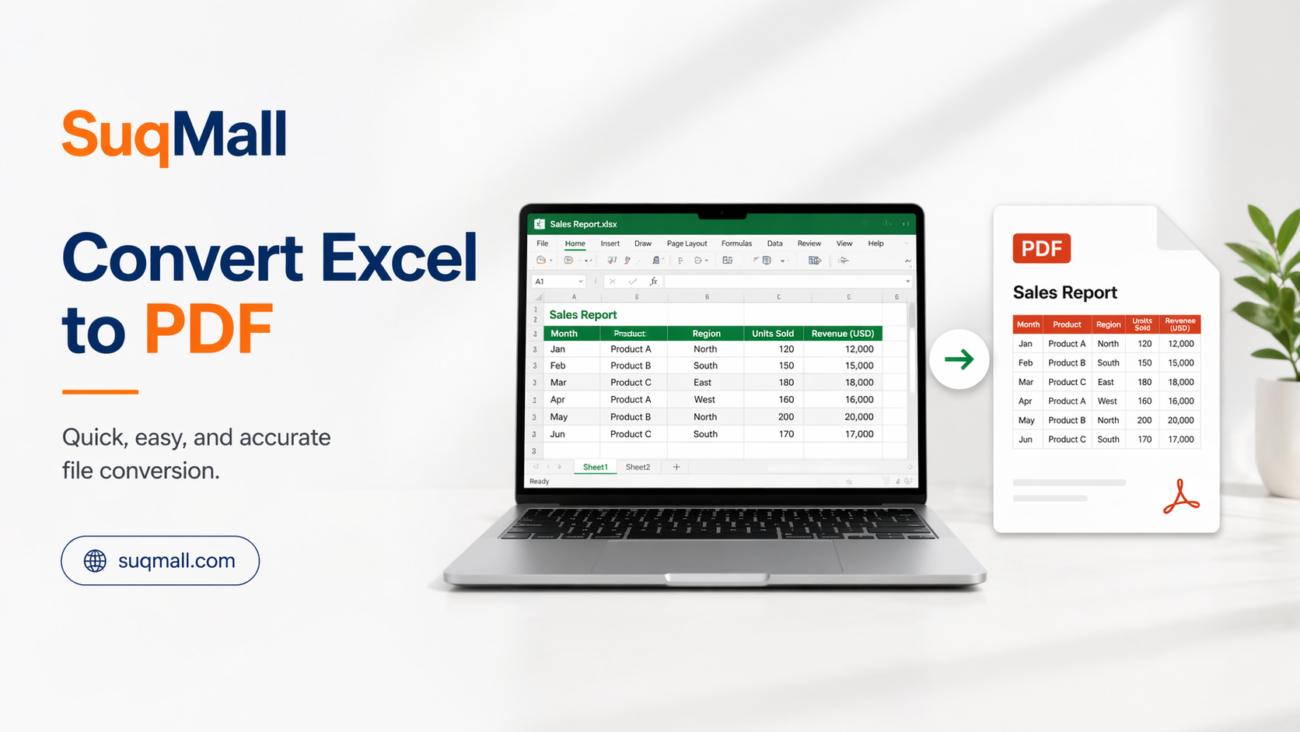
| XLSX | Microsoft Excel Open XML Format | Most uses, maintains formatting, formulas, and multiple sheets |
| CSV | Comma-Separated Values | Data import/export, simple data storage, compatibility |
| JSON | JavaScript Object Notation | Web applications, configuration files, structured data storage |

Use Cases and Applications
Business and Finance
Financial professionals can convert PDF bank statements, CSV exports from accounting software, and financial reports to Excel for analysis, forecasting, and reporting. The tool’s client-side processing ensures sensitive financial data remains secure.
Academic Research
Researchers and students can convert data from various sources into Excel for statistical analysis, charting, and visualization. JSON data from APIs, CSV datasets, and even scanned tables from research papers can be converted for academic use.
Web Development
Developers can convert JSON configuration files, XML data, and CSV exports to Excel for easier visualization and manipulation. The tool is particularly useful for working with large datasets that need to be examined in a spreadsheet format.
Data Migration
When migrating between systems, our converter can help transform data from various formats into Excel as an intermediate step, making it easier to clean, organize, and prepare data for import into new systems.

Frequently Asked Questions
Is the Excel Converter tool really free?
Yes, our Excel Converter is 100% free with no hidden costs, registration requirements, or usage limits. You can convert as many files as you need without any restrictions.
Are my files secure when using this converter?
Absolutely. Your files are processed entirely within your browser and are never uploaded to any server. This means your data never leaves your computer, ensuring maximum security and privacy.
What is the maximum file size I can convert?
Since files are processed in your browser, practical limits depend on your device’s capabilities. Generally, files up to 100MB work well on most modern computers and tablets. Very large files may take longer to process or require more memory.
Can I convert multiple files at once?
Yes, you can use the batch upload feature to convert multiple files simultaneously. Simply enable the “Batch Upload” option when selecting your files.

Why does my converted Excel file have the SuqMall.Net name?
Converted files include “SuqMall.Net” in the filename to indicate they were created using our free tool. This helps spread awareness about our service while maintaining the quality and integrity of your data. The actual content of your file remains unchanged.
What browsers are supported?
Our Excel Converter works on all modern browsers, including Google Chrome (recommended), Mozilla Firefox, Safari, Microsoft Edge, and Opera. For the best experience, we recommend using the latest version of your browser.
Ready to Convert Your Files?
Experience the power and convenience of SuqMall.Net’s Excel Converter tool today. No registration required, no hidden fees, and complete data privacy guaranteed.

Conclusion
SuqMall.Net’s Excel Converter tool offers a unique combination of power, convenience, and security that sets it apart from other conversion tools. By processing files entirely within your browser, we ensure that your sensitive data never leaves your computer, addressing the privacy concerns that many users have with online conversion tools.
Whether you’re a business professional working with financial reports, a researcher analyzing data, or a student organizing information for a project, our tool provides a reliable, free solution for converting various file formats to Excel. With support for multiple input and output formats, batch processing capabilities, and no usage limits, it’s the ideal solution for all your data conversion needs.
Try SuqMall.Net’s Excel Converter today and experience the difference that a truly secure, unlimited, and free conversion tool can make in your workflow.